This topic describes how to view the pods of an ACK Serverless cluster on the Pods page in the Container Service for Kubernetes (ACK) console.
Procedure
Log on to the ACK console. In the left-side navigation pane, click Clusters.
On the Clusters page, find the cluster that you want to manage and click its name. In the left-side pane, choose .
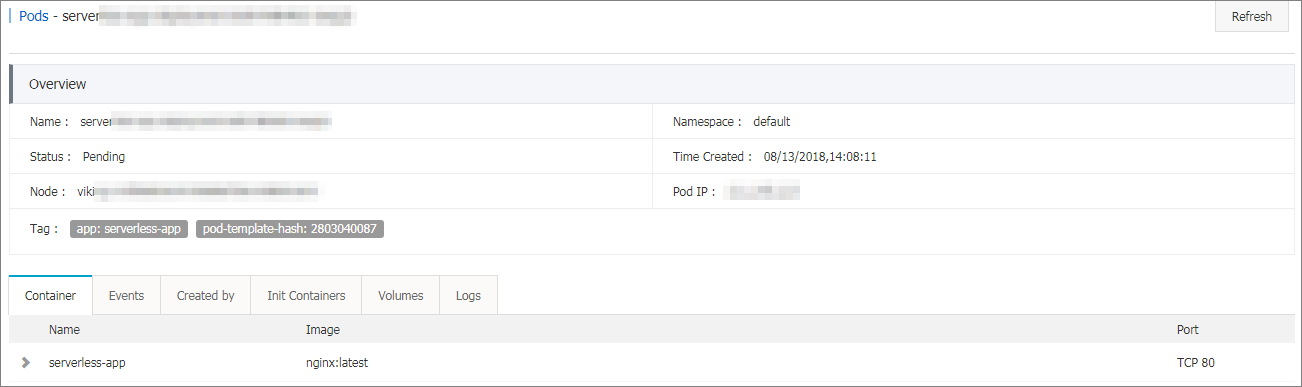
On the Pods tab, find the pod that you want to view and click View Details on the right side of the page.
NoteYou can update or delete pods on the Pods page. To manage pods created by Deployments, we recommend that you use Deployments.
On the details page of the pod, you can view detailed information about the pod.