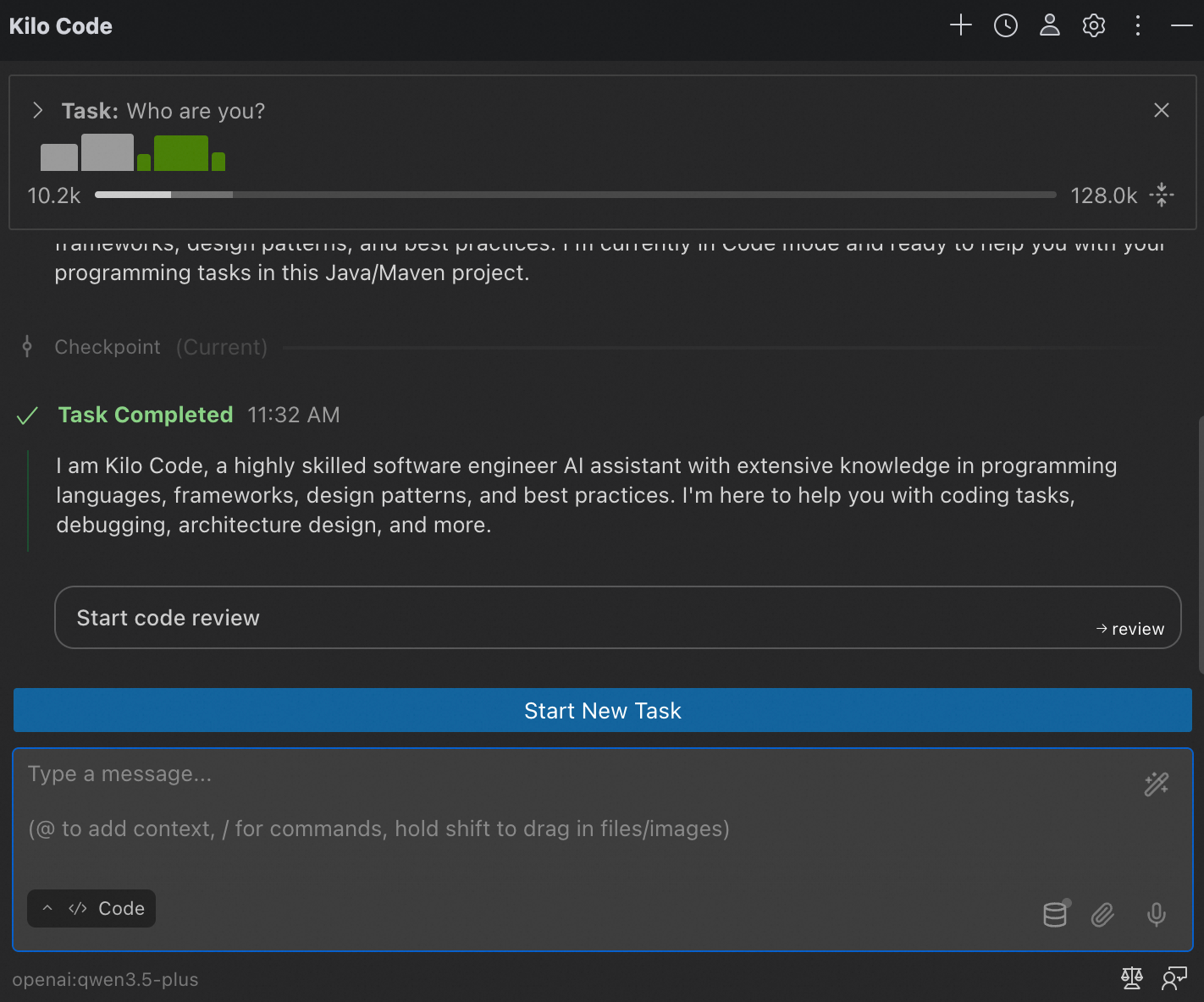
Connect Kilo Code to Model Studio's Coding Plan API.
Kilo Code works with VS Code (including Cursor and Trae) and JetBrains IDEs (IntelliJ IDEA, PyCharm). See the official docs for more details.
VS Code
-
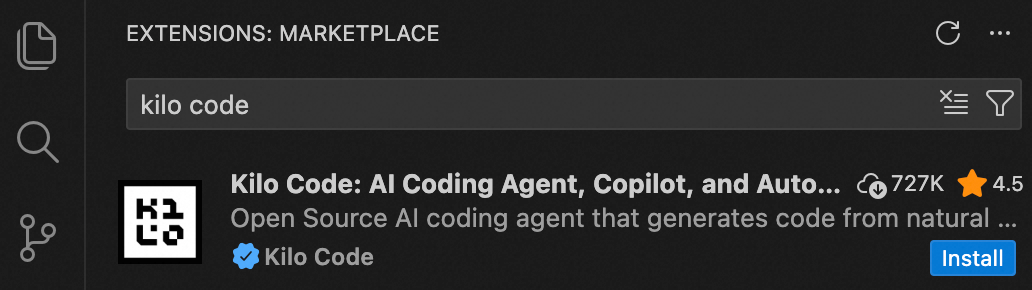
In VS Code, open Extensions, search for Kilo Code, and install it (trust the publisher when prompted). After installation, open Kilo Code from the sidebar.
-
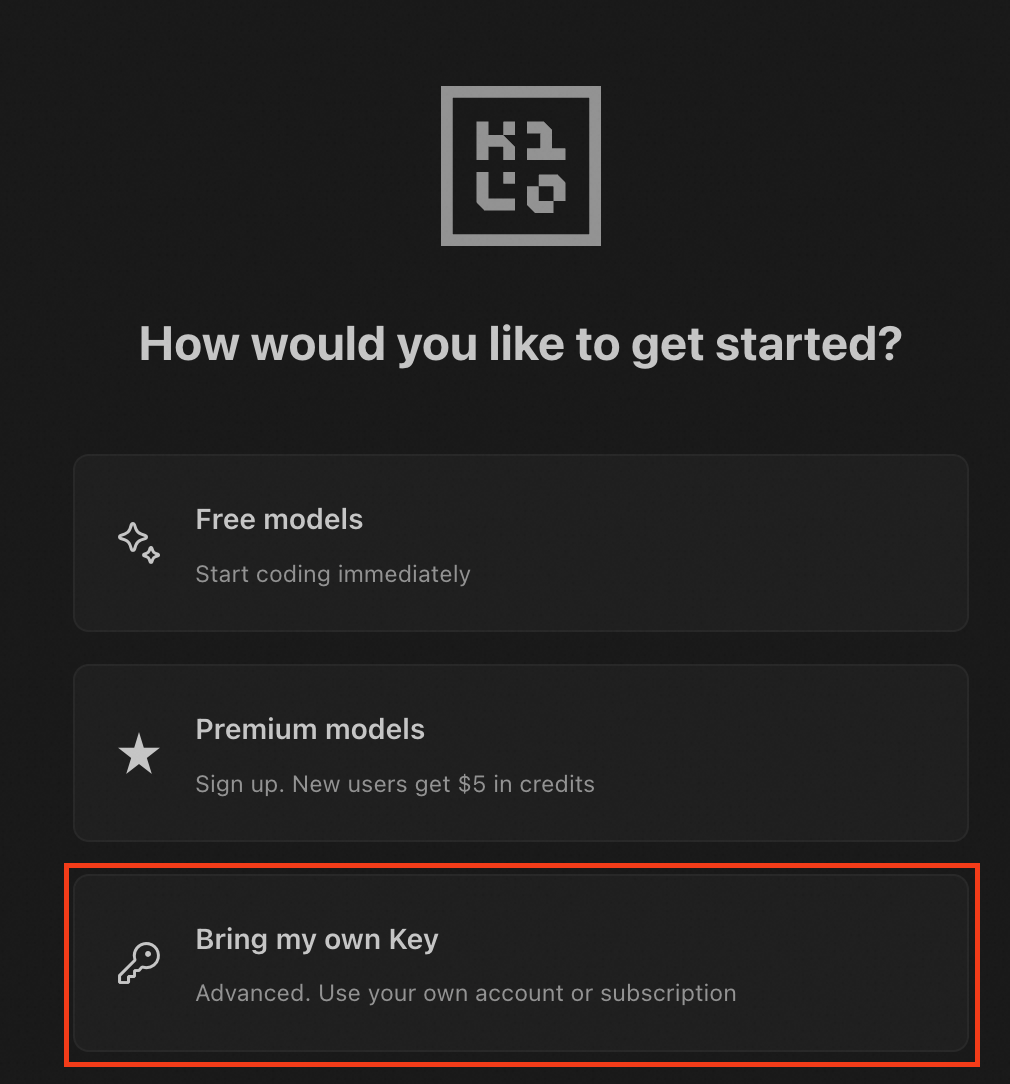
Select Bring my own Key.
-
Enter the following settings:
-
API Provider: OpenAI Compatible
-
Base URL:
https://coding-intl.dashscope.aliyuncs.com/v1 -
API Key: Your Coding Plan API key (format:
sk-sp-xxxxx). -
Model: Enter a supported model and click Use custom.
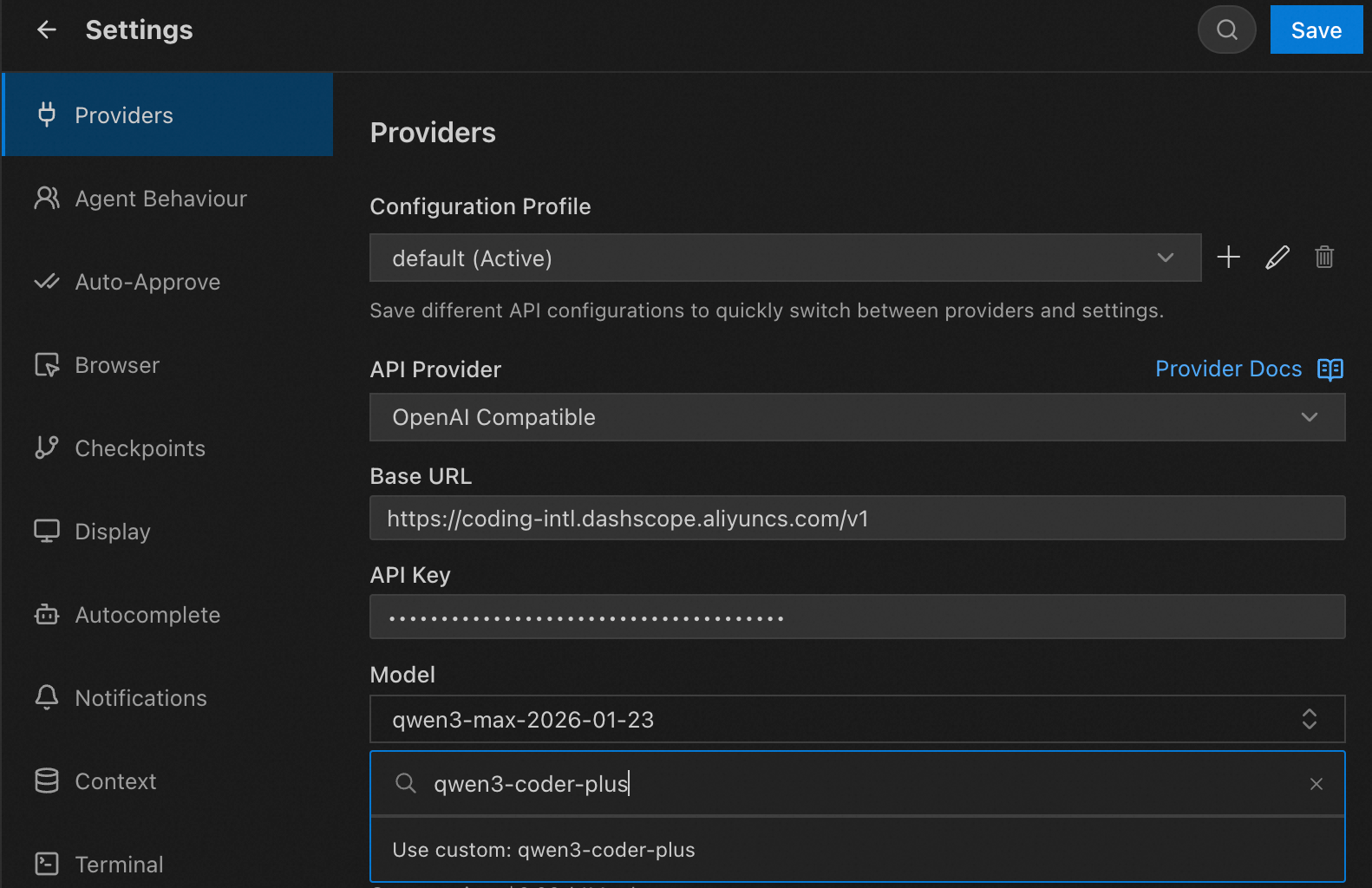
Click Save.
-
-
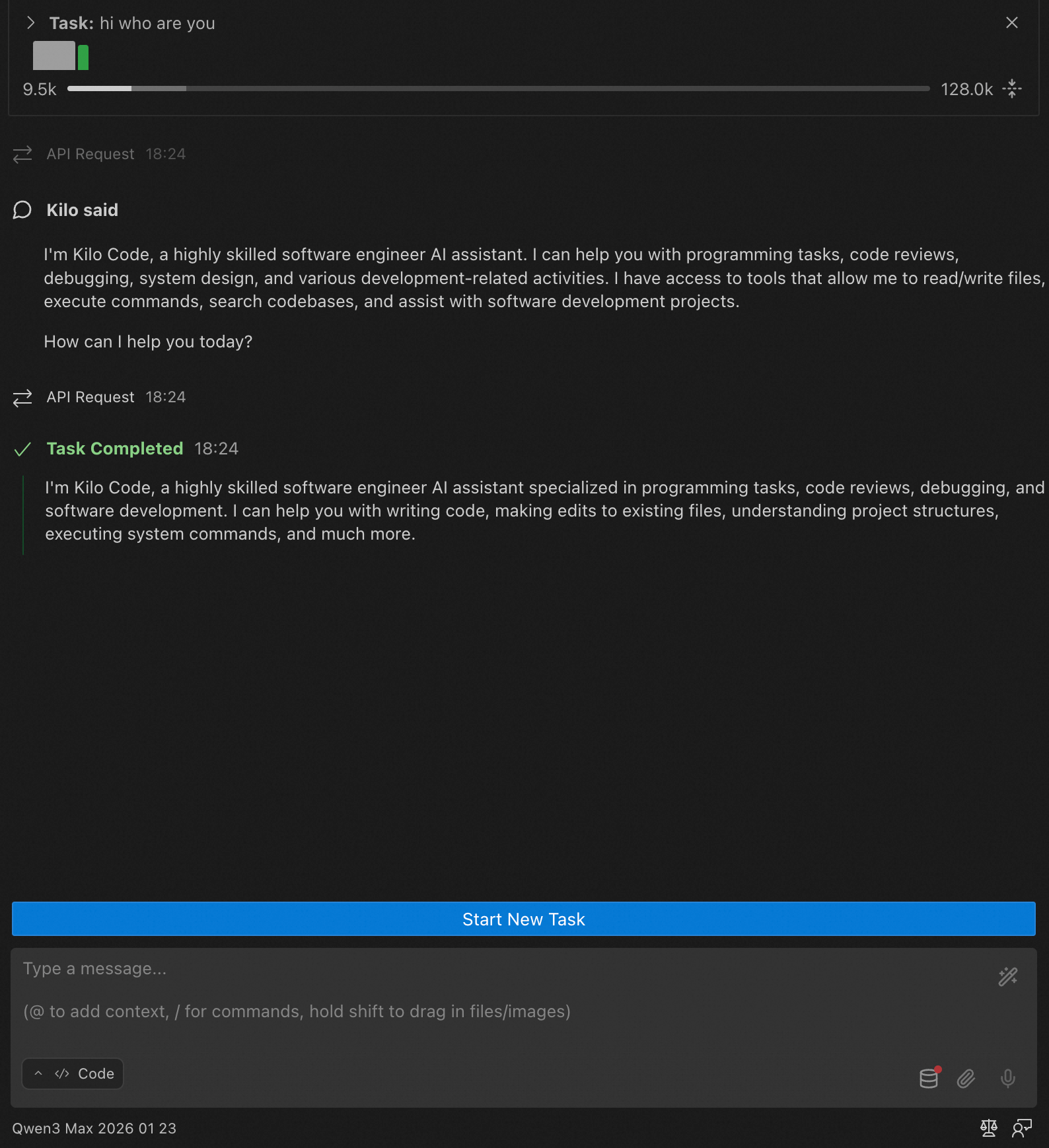
Start using Kilo Code.
JetBrains
-
In a JetBrains IDE, open Plugins, search for
Kilo Code, and install it.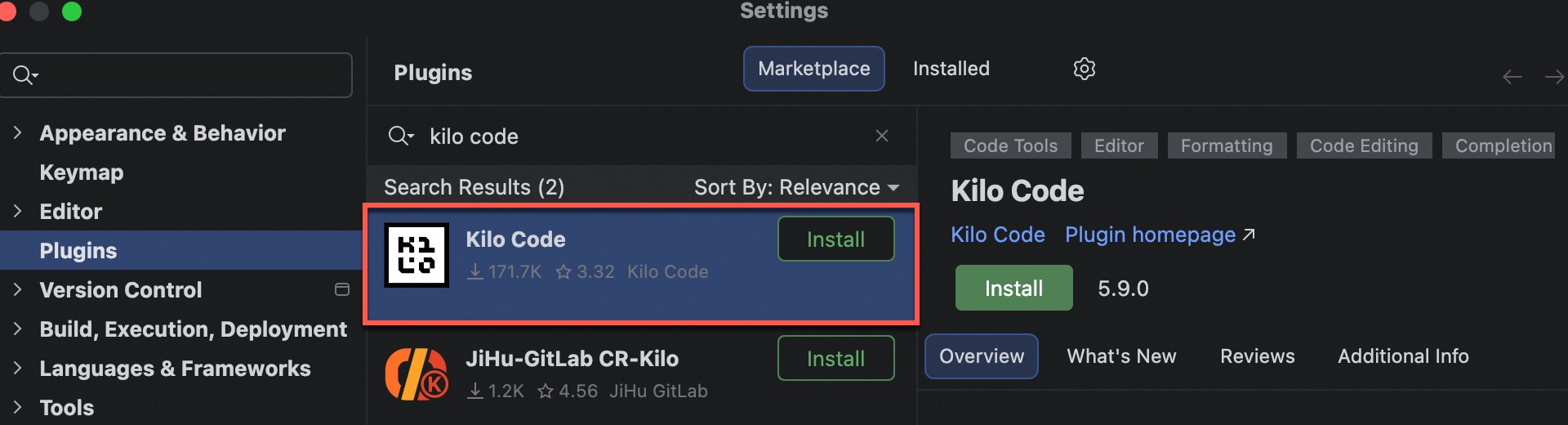
-
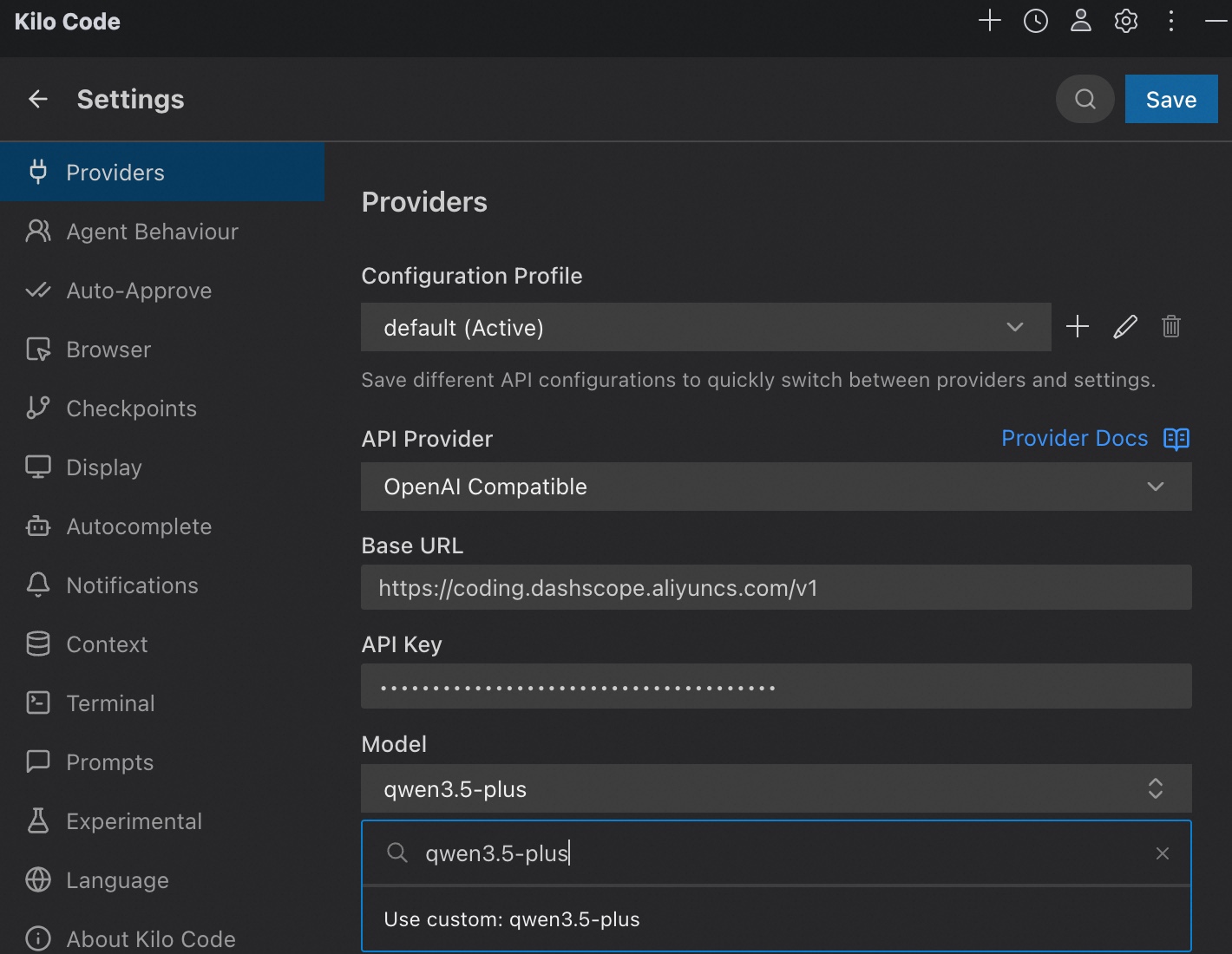
After installation, restart the IDE. Click the icon on the right, then click Bring my own Key and enter the following settings.
If you previously used Kilo Code, click the settings icon in the upper-right corner.
-
API Provider: OpenAI Compatible
-
Base URL:
https://coding-intl.dashscope.aliyuncs.com/v1 -
API Key: Your Coding Plan API key (format:
sk-sp-xxxxx). -
Model: Enter a supported model and click Use custom.
Click Save in the upper-right corner.
-
-
Start using Kilo Code. To switch models, click the gear icon in the upper-right corner.