If prompt optimization and official video effects do not meet your needs, fine-tune a Wan image-to-video model to learn specific actions, effects, or styles from your training data.
Fine-tuning uses SFT-LoRA (Supervised Fine-Tuning with Low-Rank Adaptation) to train a lightweight adapter on the base model, producing a custom LoRA model that consistently reproduces your target visual effect without detailed prompts.
How it works
The end-to-end workflow has five stages:
Upload dataset --> Create training job --> Deploy model --> Generate videos --> (Optional) Evaluate checkpoints
                         |                                                              |
Poll until SUCCEEDED Select best and redeploy-
Upload a ZIP dataset containing training images, videos, and annotations.
-
Train by creating a fine-tuning job. Training takes several hours depending on the model and dataset size.
-
Deploy the fine-tuned model as an online service. This step takes 5--10 minutes.
-
Generate videos by calling the deployed model with an input image.
-
(Optional) Evaluate intermediate checkpoints to find the best-performing model snapshot.
Before you begin
-
Region: This feature is available only in the Singapore region under the international deployment mode.
-
API key: Get an API key for the Singapore region, then set it as an environment variable:
export DASHSCOPE_API_KEY="sk-xxxxxxxxxxxxxxxxxxxxxxxx"
Supported base models
|
Mode |
Base models |
|
Image-to-video (first frame) |
wan2.6-i2v, wan2.5-i2v-preview, wan2.2-i2v-flash |
|
Image-to-video (first and last frames) |
wan2.2-kf2v-flash |
What fine-tuning can and cannot do
Fine-tuning teaches the model new visual content and dynamics but does not change video specifications (resolution, frame rate, duration) -- these are determined by the base model.
Good use cases for fine-tuning:
-
Fixed visual effects -- carousels, magic costume changes, money rain
-
Fixed character actions -- specific dance moves, martial arts stances
-
Fixed camera movements -- push-pull, pan-tilt, orbiting shots
Example: before and after fine-tuning
Image-to-video (first frame): "money rain" effect
Goal: Train a LoRA model that generates a "money rain" video from any input image -- no prompt needed.
|
Input first frame |
Before fine-tuning |
After fine-tuning |
|
|
Video -- Motion is uncontrollable; the effect varies each time. |
Video -- The fine-tuned model consistently reproduces the "money rain" effect from the training set. |
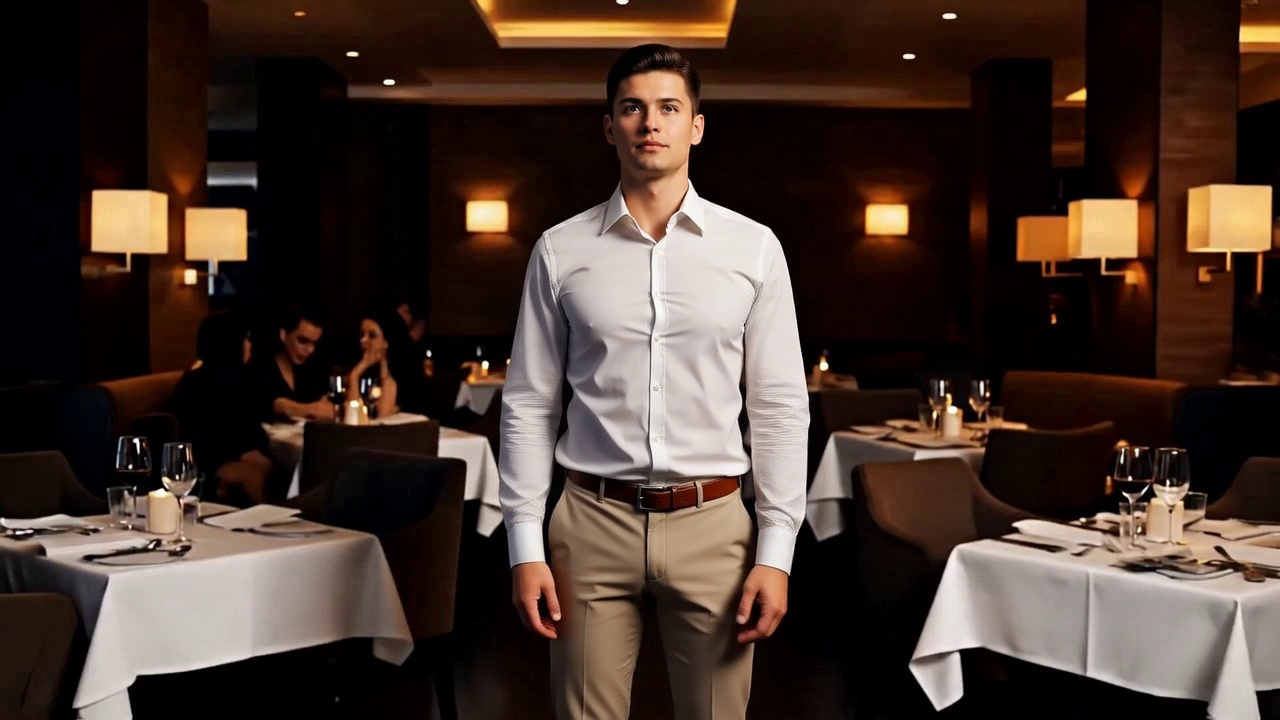
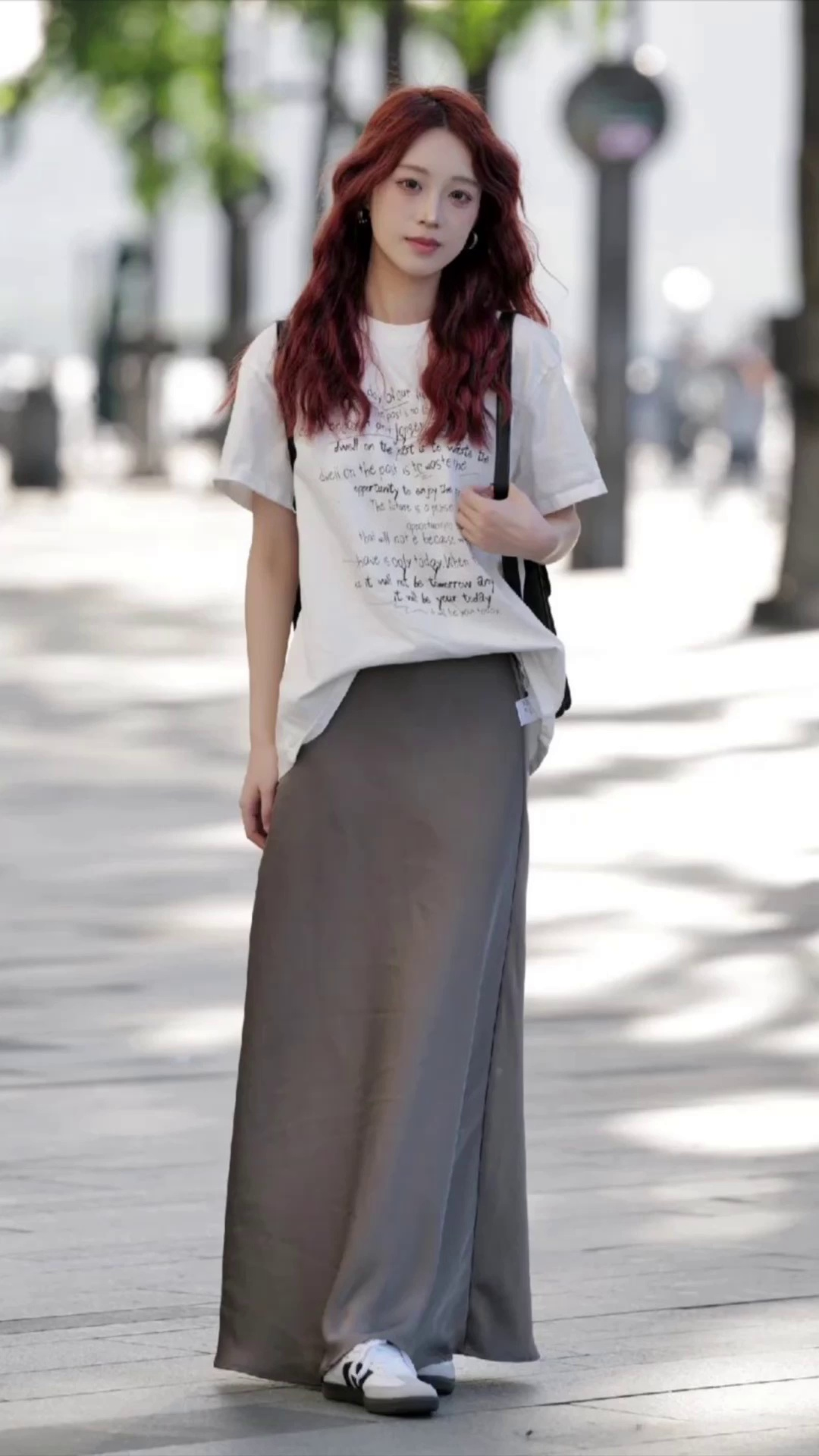
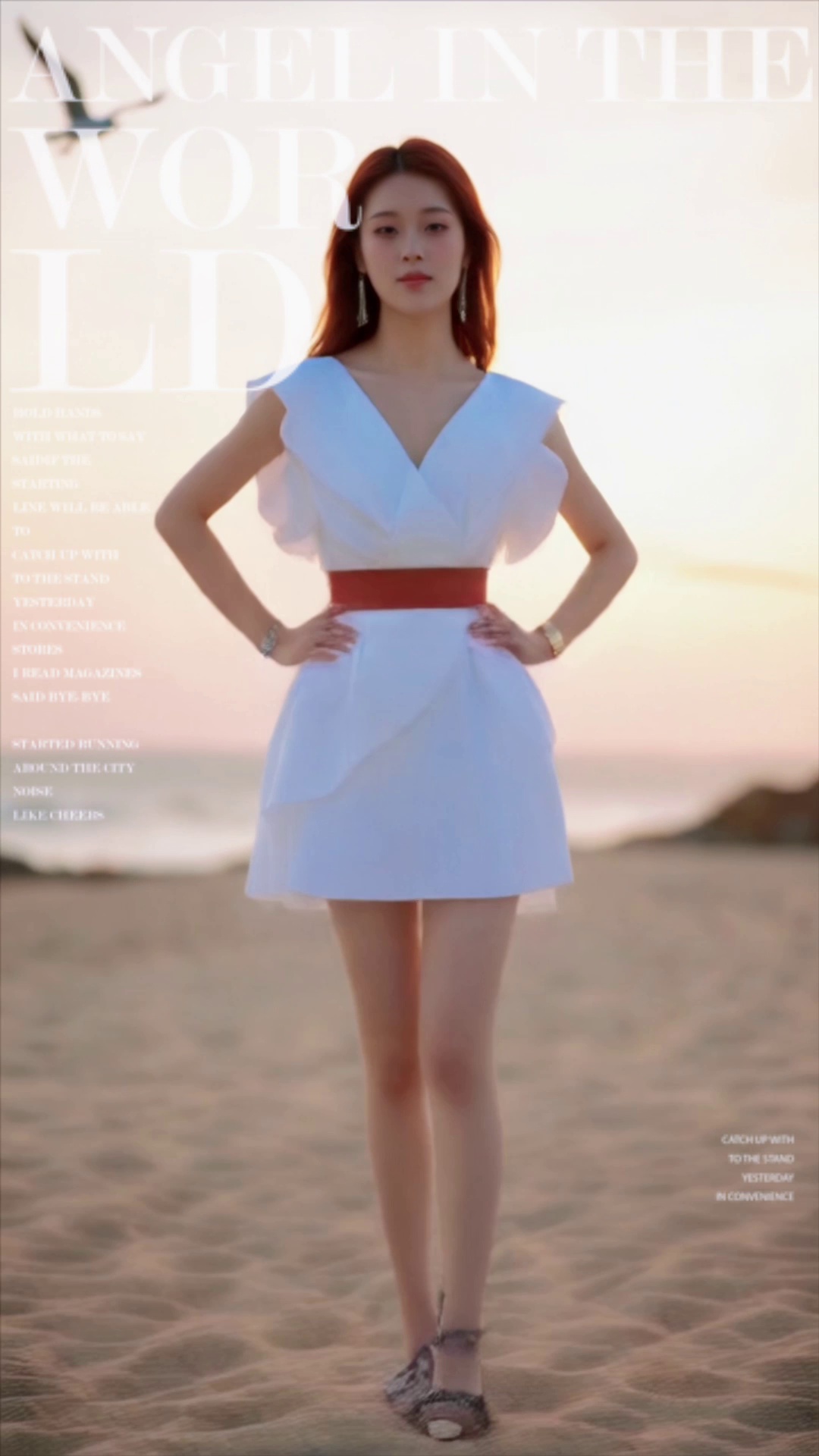
Image-to-video (first and last frames): "fashion magazine" effect
Goal: Train a LoRA model that generates a "fashion magazine" transition between a first frame and last frame.
|
Input first frame |
Input last frame |
Before fine-tuning |
After fine-tuning |
|
|
|
Video -- Motion is uncontrollable. |
Video -- Consistently reproduces the "fashion magazine" effect. |
Step 1: Upload a dataset
Upload a local .zip dataset to Model Studio to get a file ID.
Sample datasets for the examples above:
-
First frame mode: wan-i2v-training-dataset.zip
-
First and last frames mode: wan-kf2v-training-dataset.zip
To build your own dataset, see Build a custom dataset.
Request
This example uploads the first-frame training dataset. Only the training set is uploaded -- the system auto-splits a validation set. Upload time varies by file size.
curl --location --request POST 'https://dashscope-intl.aliyuncs.com/compatible-mode/v1/files' \
--header "Authorization: Bearer $DASHSCOPE_API_KEY" \
--form 'file=@"./wan-i2v-training-dataset.zip"' \
--form 'purpose="fine-tune"'
Response
Save the id value -- the unique identifier for the uploaded dataset.
{
    "id": "file-ft-b2416bacc4d742xxxx",
    "object": "file",
    "bytes": 73310369,
    "filename": "wan-i2v-training-dataset.zip",
    "purpose": "fine-tune",
    "status": "processed",
    "created_at": 1766127125
}
Step 2: Create a fine-tuning job
2.1 Start the job
Use the file ID from Step 1 to start training.
Hyperparameter values vary by model. See Hyperparameters and Request examples for details.
Request
Replace <training_dataset_file_id> with the id from Step 1.
First frame mode
curl --location 'https://dashscope-intl.aliyuncs.com/api/v1/fine-tunes' \
--header "Authorization: Bearer $DASHSCOPE_API_KEY" \
--header 'Content-Type: application/json' \
--data '{
    "model":"wan2.6-i2v",
    "training_file_ids":[
        "<training_dataset_file_id>"
    ],
    "training_type":"efficient_sft",
    "hyper_parameters":{
        "n_epochs":400,
        "batch_size":2,
        "learning_rate":2e-5,
        "split":0.9,
        "eval_epochs": 50,
        "max_pixels": 36864
    }
}'
First and last frames mode
curl --location 'https://dashscope-intl.aliyuncs.com/api/v1/fine-tunes' \
--header "Authorization: Bearer $DASHSCOPE_API_KEY" \
--header 'Content-Type: application/json' \
--data '{
    "model":"wan2.2-kf2v-flash",
    "training_file_ids":[
        "<training_dataset_file_id>"
    ],
    "training_type":"efficient_sft",
    "hyper_parameters":{
        "n_epochs":400,
        "batch_size":4,
        "learning_rate":2e-5,
        "split":0.9,
        "eval_epochs": 50,
        "max_pixels": 262144
    }
}'
Response
Key fields in output:
-
job_id-- Use this to query training progress -
finetuned_output-- Fine-tuned model name for deployment and invocation -
status-- Initial:PENDING
{
    ...
    "output": {
        "job_id": "ft-202511111122-xxxx",
        "status": "PENDING",
        "finetuned_output": "xxxx-ft-202511111122-xxxx",
        ...
    }
}
2.2 Poll the job status
Poll this endpoint with job_id from Step 2.1 until status is SUCCEEDED.
Training takes several hours, varying by model and dataset size.
Request
Replace <job_id> with the value from Step 2.1.
curl --location 'https://dashscope-intl.aliyuncs.com/api/v1/fine-tunes/<job_id>' \
--header "Authorization: Bearer $DASHSCOPE_API_KEY" \
--header 'Content-Type: application/json'
Response
Key fields in output:
-
status-- SUCCEEDED means ready for deployment -
usage-- Total tokens consumed (for billing)
{
    ...
    "output": {
        "job_id": "ft-202511111122-xxxx",
        "status": "SUCCEEDED",
        "usage": 432000,
        ...
    }
}
Step 3: Deploy the fine-tuned model
3.1 Create a deployment
Deploy the model as an online service once status is SUCCEEDED.
Request
Replace <model_name> with the finetuned_output value from Step 2.1.
First frame mode
curl --location 'https://dashscope-intl.aliyuncs.com/api/v1/deployments' \
--header "Authorization: Bearer $DASHSCOPE_API_KEY" \
--header 'Content-Type: application/json' \
--data '{
    "model_name": "<model_name>",
    "aigc_config": {
        "use_input_prompt": false,
        "prompt": "Provide a video description based on the image content. The description must include the phrase \"Then the s86b5p money rain effect begins, countless huge-sized US dollar bills (beige background/dark green patterns) pour down like a torrential rain, densely hitting and surrounding her. The bills continue to fall, she/he stretches her/his arms upward, neck slightly tilted back, expression surprised, completely immersed in this wild money rain.\"\nOutput Template:\nThe video begins with a shot of [subject description]. [Environment description]. Then the s86b5p money rain effect begins, countless huge-sized US dollar bills (beige background/dark green patterns) pour down like a torrential rain, densely hitting and surrounding her. The bills continue to fall, she/he stretches her/his arms upward, neck slightly tilted back, expression surprised, completely immersed in this wild money rain.\nExample:\nThe video begins showing a young woman standing in front of a brick wall covered with ivy. She has long, smooth reddish-brown hair, wearing a white sleeveless dress, a shiny silver necklace, and a smile on her face. The brick wall in the background is covered with green vines, appearing rustic and natural. Then the s86b5p money rain effect begins, countless huge-sized US dollar bills (beige background/dark green patterns) pour down like a torrential rain, densely hitting and surrounding her. The bills continue to fall, she stretches her arms upward, neck slightly tilted back, expression surprised, completely immersed in this wild money rain.",
        "lora_prompt_default": "Then the s86b5p money rain effect begins, countless huge-sized US dollar bills (beige background/dark green patterns) pour down like a torrential rain, densely hitting and surrounding her. The bills continue to fall, she/he stretches her/his arms upward, neck slightly tilted back, expression surprised, completely immersed in this wild money rain."
    },
    "capacity": 1,
    "plan": "lora"
}'
First and last frames mode
curl --location 'https://dashscope-intl.aliyuncs.com/api/v1/deployments' \
--header "Authorization: Bearer $DASHSCOPE_API_KEY" \
--header 'Content-Type: application/json' \
--data '{
    "model_name": "<model_name>",
    "aigc_config": {
        "use_input_prompt": false,
        "prompt": "Provide a video description based on the image content. The description must include the phrase \"Then she/he begins the s86b5p transformation.\"\nOutput Template:\nThe video begins with a shot of [subject description]. [Environment description]. Then she/he begins the s86b5p transformation.\nExample:\nThe video begins with a young woman in an outdoor setting. She has short, curly dark brown hair and a friendly smile. She is wearing a black Polo shirt with colorful floral embroidery. The background features green vegetation and distant mountains. Then she begins the s86b5p transformation.",
        "lora_prompt_default": "Then she/he begins the s86b5p transformation."
    },
    "capacity": 1,
    "plan": "lora"
}'
Response
Key fields in output:
-
deployed_model-- Model name for checking status and invocation -
status-- Initial:PENDING
{
    ...
    "output": {
        "deployed_model": "xxxx-ft-202511111122-xxxx",
        "status": "PENDING",
        ...
    }
}
3.2 Poll the deployment status
Poll until status is RUNNING.
Deployment takes 5 to 10 minutes.
Request
Replace <deployed_model> with the value from Step 3.1.
curl --location 'https://dashscope-intl.aliyuncs.com/api/v1/deployments/<deployed_model>' \
--header "Authorization: Bearer $DASHSCOPE_API_KEY" \
--header 'Content-Type: application/json'
Response
RUNNING status means ready for invocation.
{
    ...
    "output": {
        "status": "RUNNING",
        "deployed_model": "xxxx-ft-202511111122-xxxx",
        ...
    }
}
Step 4: Generate videos
Call the model to generate videos once status is RUNNING.
LoRA model parameters
Examples use X-DashScope-Async for async tasks. Fine-tuned LoRA models use mostly the same parameters as the standard API. Tables below show LoRA-specific behavior and limitations.
For unlisted parameters (e.g., duration), see the standard API:
-
First frame mode: Image-to-video API
-
First and last frames mode: Image-to-video (first and last frames) API
First frame mode parameters
|
Field |
Type |
Required |
Description |
Example |
|
model |
string |
Yes |
Name of a fine-tuned model with |
xxxx-ft-202511111122-xxxx |
|
input.prompt |
string |
No |
Text prompt. If aigc_config.use_input_prompt is |
- |
|
input.img_url |
string |
Yes |
First frame image URL. For supported input methods, see img_url. |
https://example.com/image.jpg |
|
parameters.resolution |
string |
No |
Output resolution. wan2.2/2.5: 480P or 720P. wan2.6: 720P or 1080P. Default: 720P. |
720P |
|
parameters.prompt_extend |
boolean |
No |
Enable prompt rewriting. Set to |
false |
First and last frames mode parameters
|
Field |
Type |
Required |
Description |
Example |
|
model |
string |
Yes |
Name of a fine-tuned model with |
xxxx-ft-202511111122-xxxx |
|
input.prompt |
string |
No |
Text prompt. Behavior depends on aigc_config.use_input_prompt: if |
- |
|
input.first_frame_url |
string |
Yes |
First frame image URL. For supported input methods, see first_frame_url. |
https://example.com/first.jpg |
|
input.last_frame_url |
string |
No |
Last frame image URL. For supported input methods, see last_frame_url. |
https://example.com/last.jpg |
|
parameters.resolution |
string |
No |
Output resolution. Fine-tuned models support 480P or 720P. Default: 720P. |
720P |
|
parameters.prompt_extend |
boolean |
No |
Enable prompt rewriting. Set to |
false |
Build a custom dataset
Build custom datasets for fine-tuning unique effects.
A dataset has a training set (required) and optional validation set. Package as .zip using only English letters, numbers, underscores, or hyphens in filenames.
Training set format
First frame mode
The training set contains a first frame image, training video, and annotation file (data.jsonl).
-
Sample: wan-i2v-training-dataset.zip
-
Folder structure:
wan-i2v-training-dataset.zip ├── data.jsonl # Required. Max size: 20 MB. ├── image_1.jpeg # Max resolution: 4096 x 4096. Formats: BMP, JPEG, PNG, WEBP. ├── video_1.mp4 # Max resolution: 4096 x 4096. Formats: MP4, MOV. ├── image_2.jpeg └── video_2.mp4 -
Annotation file (
data.jsonl): Each line is a JSON object representing one training sample.{ "prompt": "The video begins showing a young woman standing in front of a brick wall covered with ivy. She has long, smooth reddish-brown hair, wearing a white sleeveless dress, a shiny silver necklace, and a smile on her face. The brick wall in the background is covered with green vines, appearing rustic and natural. Then the s86b5p money rain effect begins, countless huge-sized US dollar bills (beige background/dark green patterns) pour down like a torrential rain, densely hitting and surrounding her. The bills continue to fall, she stretches her arms upward, neck slightly tilted back, expression surprised, completely immersed in this wild money rain.", "first_frame_path": "image_1.jpg", "video_path": "video_1.mp4" }
First and last frames mode
The training set contains a first frame image, a last frame image, a training video, and an annotation file (data.jsonl).
-
Sample: wan-kf2v-training-dataset.zip
-
Folder structure:
wan-kf2v-training-dataset.zip ├── data.jsonl # Required. Max size: 20 MB. ├── image/ # First and last frame images. │ ├── image_1_first.jpg # Max resolution: 4096 x 4096. Formats: BMP, JPEG, PNG, WEBP. │ └── image_1_last.png └── video/ # Training videos. ├── video_1.mp4 # Max resolution: 4096 x 4096. Formats: MP4, MOV. └── video_2.mov -
Annotation file (
data.jsonl):{ "prompt": "The video begins by showing a young woman in an outdoor setting. She has short, curly dark brown hair, a smile on her face, and looks very friendly. She is wearing a black polo shirt with colorful floral embroidery, with a background of green vegetation and distant mountains. Then she begins the s86b5p transformation.", "first_frame_path": "image/image_1_first.jpg", "last_frame_path": "image/image_1_last.jpg", "video_path": "video/video_1.mp4" }
Validation set format
Validation set (optional) contains images and data.jsonl -- no videos. The training job generates preview videos from these at each eval step.
First frame mode
-
Sample: wan-i2v-valid-dataset.zip
-
Folder structure:
wan-i2v-valid-dataset.zip ├── data.jsonl # Required. Max size: 20 MB. ├── image_1.jpeg # Max resolution: 4096 x 4096. Formats: BMP, JPEG, PNG, WEBP. └── image_2.jpeg -
Annotation file (
data.jsonl):{ "prompt": "The video begins showing a scene of a young man standing in front of a cityscape. He is wearing a black and white checkered jacket over a black hoodie, with a smile on his face and a confident expression. The background is a city skyline at sunset, with a famous domed building and layered roofs visible in the distance, the sky filled with clouds showing warm orange-yellow hues. Then the s86b5p money rain effect begins, countless huge-sized US dollar bills (beige background/dark green patterns) pour down like a torrential rain, densely hitting and surrounding him. The bills continue to fall while the camera slowly zooms in, he stretches his arms upward, neck slightly tilted back, expression surprised, completely immersed in this wild money rain.", "first_frame_path": "image_1.jpg" }
First and last frames mode
-
Sample: wan-kf2v-valid-dataset.zip
-
Folder structure:
wan-kf2v-valid-dataset.zip ├── data.jsonl # Required. Max size: 20 MB. └── image/ # First and last frame images. ├── image_1_first.jpg # Max resolution: 4096 x 4096. Formats: BMP, JPEG, PNG, WEBP. └── image_1_last.jpg -
Annotation file (
data.jsonl):{ "prompt": "The video begins showing a scene of a young man standing in front of a cityscape. He is wearing a black and white checkered jacket over a black hoodie, with a smile on his face and a confident expression. The background is a city skyline at sunset, with a famous domed building and layered roofs visible in the distance, the sky filled with clouds showing warm orange-yellow hues. Then the s86b5p money rain effect begins, countless huge-sized US dollar bills (beige background/dark green patterns) pour down like a torrential rain, densely hitting and surrounding him. The bills continue to fall while the camera slowly zooms in, he stretches his arms upward, neck slightly tilted back, expression surprised, completely immersed in this wild money rain.", "first_frame_path": "image/image_1_first.jpg", "last_frame_path": "image/image_1_last.jpg" }
Data requirements
|
Requirement |
Details |
|
Minimum samples |
Minimum: 10. Recommended: 20--100 for stable results. |
|
ZIP package size |
≤1 GB (API upload). |
|
Image formats |
BMP, JPEG, PNG, WEBP. Max resolution: 4096 x 4096. |
|
Video formats |
MP4, MOV. Max resolution: 4096 x 4096. |
|
Video duration |
wan2.2: 5 s or less. wan2.5: 10 s or less. wan2.6: 10 s or less. |
|
Individual file size |
No limit. System auto-processes files. |
|
Filenames |
English letters, numbers, underscores, or hyphens only. |
Collect and clean data
1. Acquire raw assets
Choose your method:
|
Method |
Best for |
Details |
|
AI generation + curation |
Most use cases |
Batch-generate videos with Wan base model, then select high-quality samples matching your target. |
|
Real-world footage |
Realistic interactions (hugs, handshakes) |
Shoot and edit real video clips. |
|
3D rendering |
Abstract effects requiring precise control |
Use 3D software (Blender, C4D) to create assets. |
2. Clean the data
|
Dimension |
Good practice |
Common mistake |
|
Consistency |
Core features must be consistent. For "360-degree rotation": same direction, same speed across all videos. |
Mixed directions -- the model cannot learn which direction is correct. |
|
Diversity |
Vary subjects (people, objects), compositions (close-up, long shot, angles), resolution, and aspect ratio. |
Single subject/scene -- model may learn irrelevant details (e.g., "red clothes", "white wall") as part of effect. |
|
Balance |
If training multiple styles, keep sample counts roughly equal. |
90% portrait, 10% landscape -- landscape generation quality suffers. |
|
Purity |
Clean visuals without interference. |
Watermarks, captions, black bars, or noise -- the model may learn these artifacts as part of the effect. |
|
Duration |
Clip assets to ≤ target duration. For 5s videos, use 4--5s clips. |
Assets longer than the target duration cause incomplete action learning and truncated results. |
Write video annotations (prompts)
Each data.jsonl entry has a prompt describing video content. Prompt quality determines what the model learns.
Prompt formula
Prompt = [Subject description] + [Background description] + [Trigger word] + [Motion description]
|
Component |
Purpose |
Required? |
Example |
|
Subject description |
Describe people or objects in the frame. |
Yes |
"The video opens with a young woman..." |
|
Background description |
Describe the environment. |
Yes |
"The background is a brick wall covered in green vines..." |
|
Trigger word |
A rare, meaningless word that anchors the visual effect. |
Recommended |
|
|
Motion description |
Describe motion changes in detail. |
Recommended |
"Enormous US dollar bills pour down like a torrential rain..." |
Keep effect descriptions consistent
Keep motion descriptions identical across all samples with the same effect (training + validation). Only vary subject and background descriptions.
|
Sample |
Prompt |
|
Training sample 1 |
The video opens with a young woman standing in front of a brick wall... *Then the s86b5p money-rain effect begins: enormous US dollar bills (beige background with dark green patterns) pour down like a torrential rain, densely striking and circling her...* |
|
Training sample 2 |
The video opens with a man in a suit inside a high-end restaurant... *Then the s86b5p money-rain effect begins: enormous US dollar bills (beige background with dark green patterns) pour down like a torrential rain, densely striking and circling him...* |
|
Validation sample 1 |
The video opens with a young child standing in front of a cityscape... *Then the s86b5p money-rain effect begins: enormous US dollar bills (beige background with dark green patterns) pour down like a torrential rain, densely striking and circling him...* |
Use AI to generate prompts
Use multimodal models like Qwen-VL to draft prompts, then refine manually.
Step 1: Draft descriptions with AI
Send video with a free-form ("Describe the video in detail") or structured template prompt:
import os
from openai import OpenAI

client = OpenAI(
    # Get your API key: https://www.alibabacloud.com/help/en/model-studio/get-api-key
    api_key=os.getenv("DASHSCOPE_API_KEY"),
    base_url="https://dashscope-intl.aliyuncs.com/compatible-mode/v1",
)
completion = client.chat.completions.create(
    model="qwen3-vl-plus",
    messages=[
        {"role": "user", "content": [{
            # When passing a video file directly, set type to video_url
            # OpenAI SDK samples at 1 frame/0.5s (fixed). For custom sampling, use DashScope SDK.
            "type": "video_url",
            "video_url": {"url": "https://cloud.video.taobao.com/vod/Tm1s_RpnvdXfarR12RekQtR66lbYXj1uziPzMmJoPmI.mp4"}},
            {"type": "text", "text": (
                "Analyze the video carefully and generate a detailed description "
                "using this format:\n"
                "The video opens with [subject description]. "
                "The background is [background description]. "
                "Then the s86b5p melting effect begins: [detailed motion description].\n"
                "Requirements:\n"
                "1. [Subject description]: Describe people or objects in detail -- "
                "appearance, clothing, expressions.\n"
                "2. [Background description]: Describe the environment -- "
                "surroundings, lighting, weather.\n"
                "3. [Motion description]: Describe dynamic changes during the effect -- "
                "object movement, lighting shifts, camera motion.\n"
                "4. Integrate all content naturally. Do not include square brackets."
            )}]
        }]
)
print(completion.choices[0].message.content)
Step 2: Extract and standardize effect templates
Run AI on multiple samples with the same effect. Identify accurate high-frequency phrases, build a template, and apply to all entries.
Keep subject and background unique per sample. Replace only effect descriptions with the template.
Step 3: Review manually
AI may hallucinate. Verify each prompt matches the video (subject, background, motion).
Evaluate models with validation sets
Choose a validation strategy
Training requires a training set. Validation is optional. Two strategies:
Strategy 1: Automatic split (default)
Without validation_file_ids, the system auto-splits training data based on two hyperparameters:
-
split-- Training/validation ratio (e.g.,0.9= 90% training, 10% validation) -
max_split_val_dataset_sample-- Maximum number of samples in the auto-split validation set.
Rule: min(total_samples × (1 - split), max_split_val_dataset_sample)
Example: 100 training samples, split=0.9, max_split_val_dataset_sample=5:
-
Theoretical split: 100 x 10% = 10 samples
-
Actual validation set: min(10, 5) = 5 samples
Select the best checkpoint
System saves checkpoints at regular intervals. The last checkpoint becomes the final model by default, but intermediate ones may perform better. Compare to find the best.
Preview videos generate at eval_epochs intervals.
Step 1: View checkpoint preview videos
Step 2: Export the best checkpoint
Step 3: Deploy and call the exported model
Optimize for production
For distorted output, weak effects, or inaccurate motion, try these optimizations.
Common mistakes to avoid
|
Mistake |
Impact |
Fix |
|
Inconsistent training data |
Model cannot learn the target effect |
Make sure all samples show the same effect direction, speed, and style |
|
Too few samples |
Weak or unstable effect reproduction |
Add at least 20 high-quality samples |
|
Common words as trigger words |
Pollutes the model's existing vocabulary |
Use meaningless combinations like |
|
Assets longer than target duration |
Incomplete action learning, truncated output |
Clip assets to match the target output duration |
|
Ignoring validation output |
Missing the best checkpoint |
Monitor preview videos at each checkpoint |
Tune hyperparameters
For full parameter descriptions, see Hyperparameters.
-
n_epochs: Default 400. Only change if needed. If adjusted, ensure ≥800 total training steps. Total steps:n_epochs × ceil(training_size / batch_size). Minimum:n_epochs = 800 / ceil(dataset_size / batch_size). Example: 5 training samples, wan2.5 model (batch_size=2):-
Steps per epoch: ceil(5 / 2) = 3
-
Minimum
n_epochs: 800 / 3 = 267 (round up to 300 as a practical minimum)
-
-
learning_rateandbatch_size: Use defaults (rarely need changes).
Billing
|
Item |
Billed? |
Details |
|
Model training |
Yes |
Cost = tokens × unit price. See model training billing. Check |
|
Model deployment |
No |
Free. |
|
Model invocation |
Yes |
Billed at base model's standard invocation price. See model pricing. |
API reference
FAQ
How do I calculate the training and validation set sizes?
Training: required. Validation: optional.
-
No validation uploaded: System auto-splits training data.
-
Validation set size =
min(total_samples x (1 - split), max_split_val_dataset_sample). See Choose a validation strategy for an example. -
Training set size =
total_samples - validation_set_size.
-
-
Validation uploaded: The system does not split. Training and validation sizes equal the uploaded counts.
How do I design a good trigger word?
-
Use meaningless combinations (e.g.,
s86b5p). -
Avoid common words (e.g.,
fire).
Can fine-tuning change video resolution or duration?
No. Fine-tuning teaches content and dynamics only. Output specs (resolution, frame rate, duration) are base-model-determined.