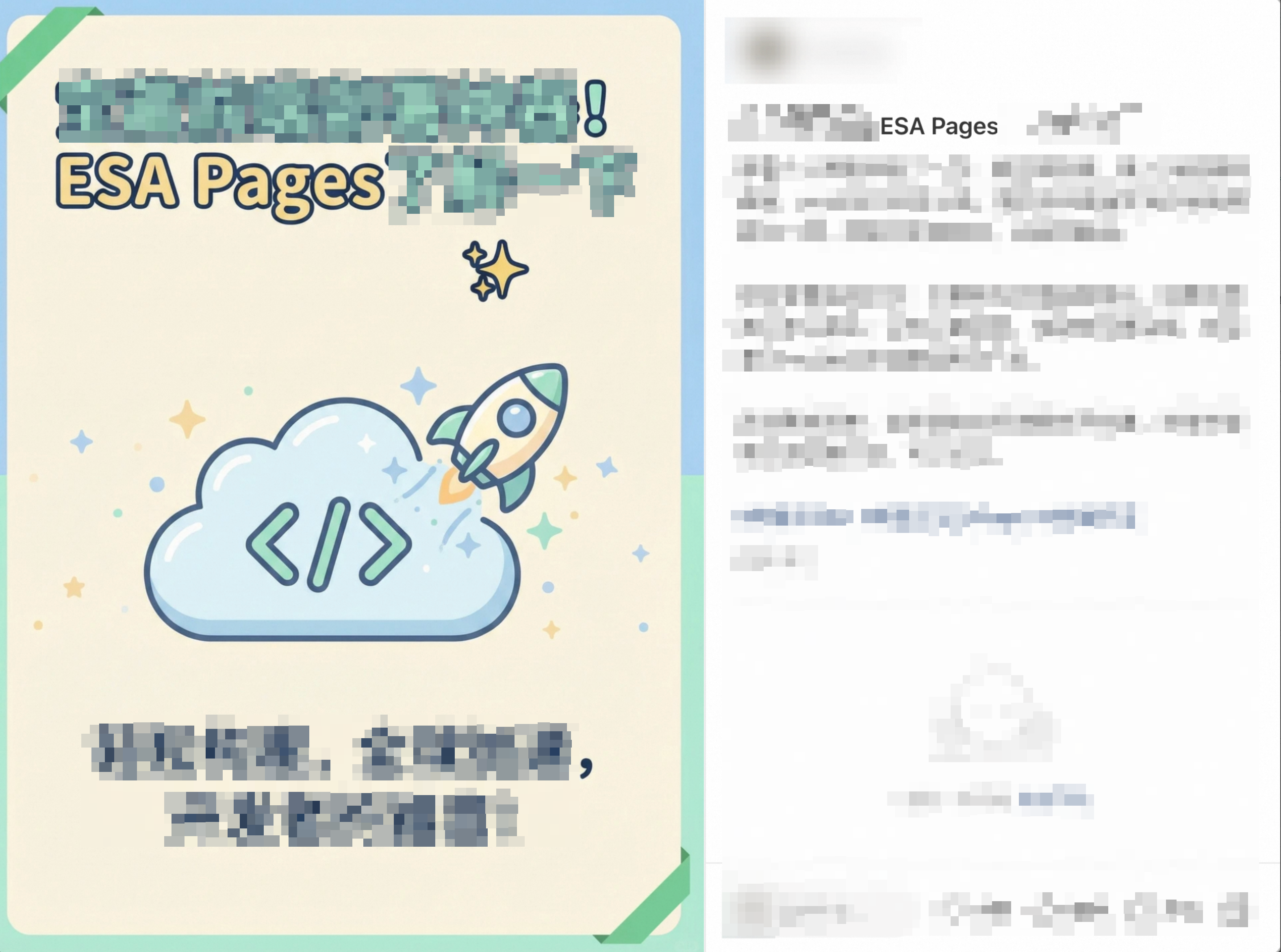
Use the free Entrance plan and unlock mainland acceleration
Free access: The
Entrance planis always free. It includes unlimited traffic, requires noredemption code, and has no task requirements. Go to the ESA console at any time to add yoursiteand select the freeEntrance plan. By default, thisplandoes not includeChinese mainland acceleration.Post to unlock Chinese mainland acceleration: Publish a post with text and images recommending Alibaba Cloud ESA on any social media platform or blog, such as Linux.do, V2EX.com, X.com, Juejin, Zhihu, Xiaohongshu (post example), Bilibili, your personal blog, facebook.com, or youtube.com. Your post must meet the following requirements:
Share your genuine experience using ESA (such as project showcases, product comparisons, deployment steps, or creative demonstrations). The post must be at least 30 words long.
Add the following tags at the end of your post:
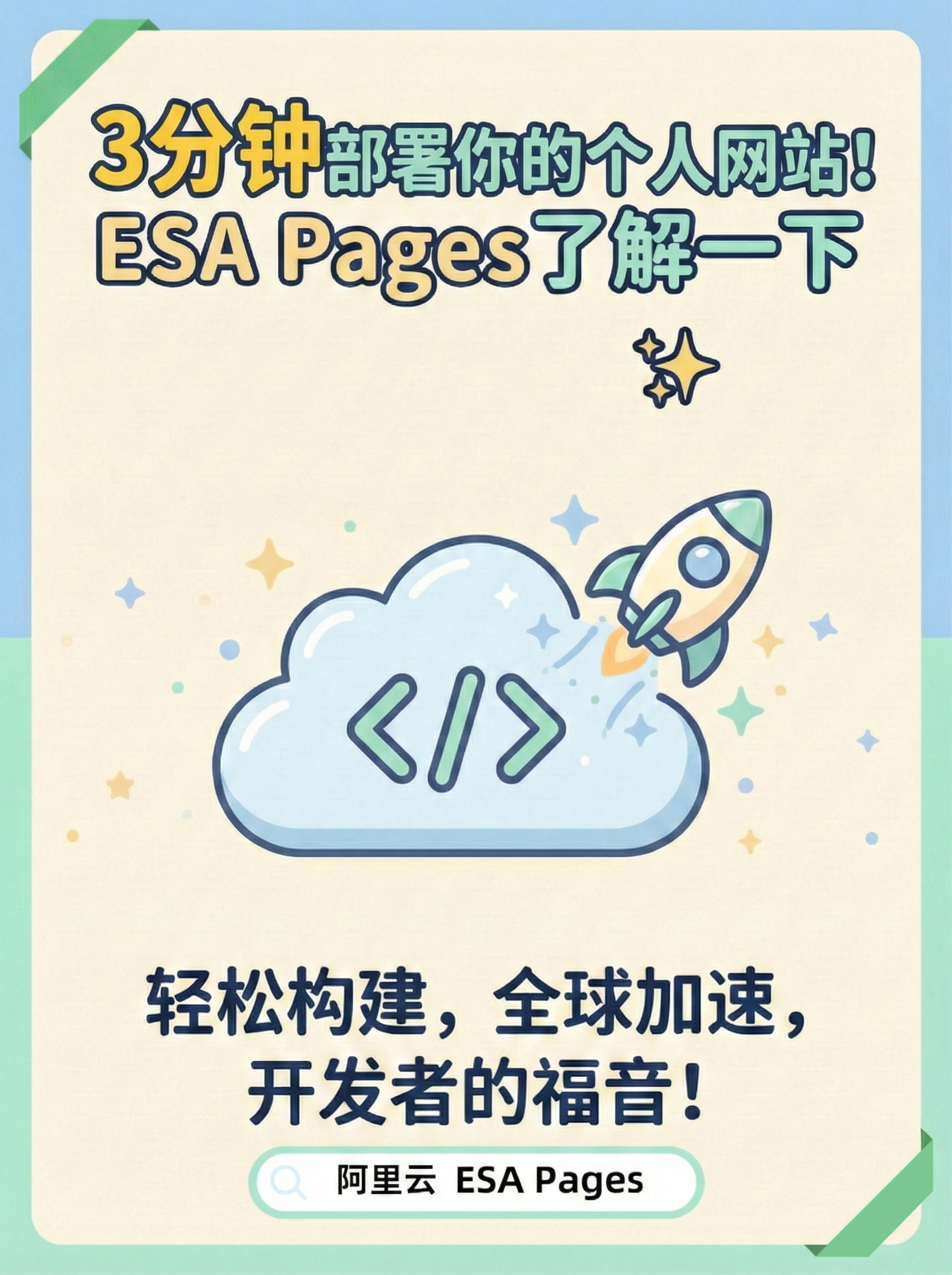
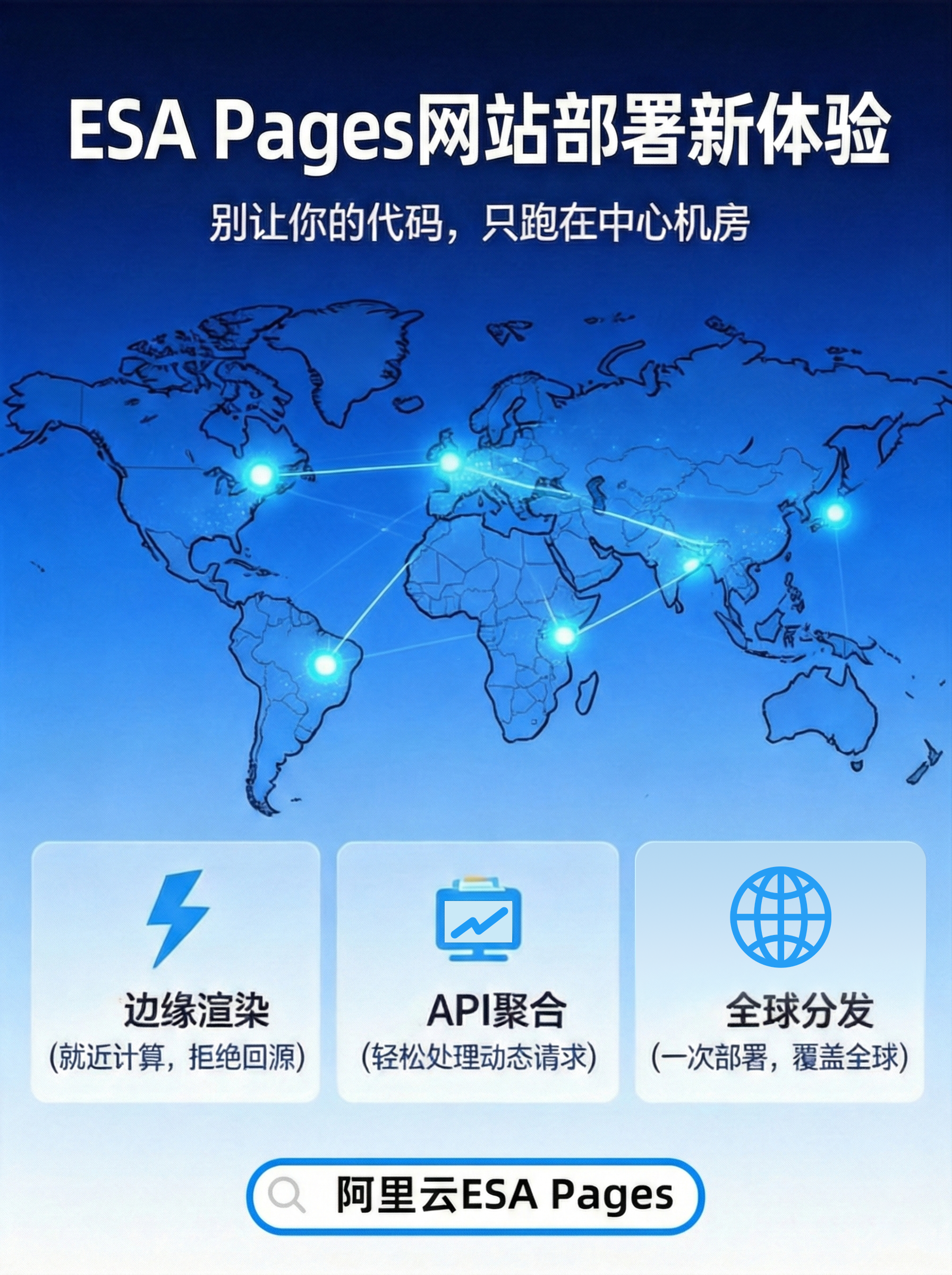
#AlibabaCloudESA#ESAPages#frontenddevelopmentInclude at least one official image. We also recommend adding your own screenshot to help your post gain more exposure.
Post example
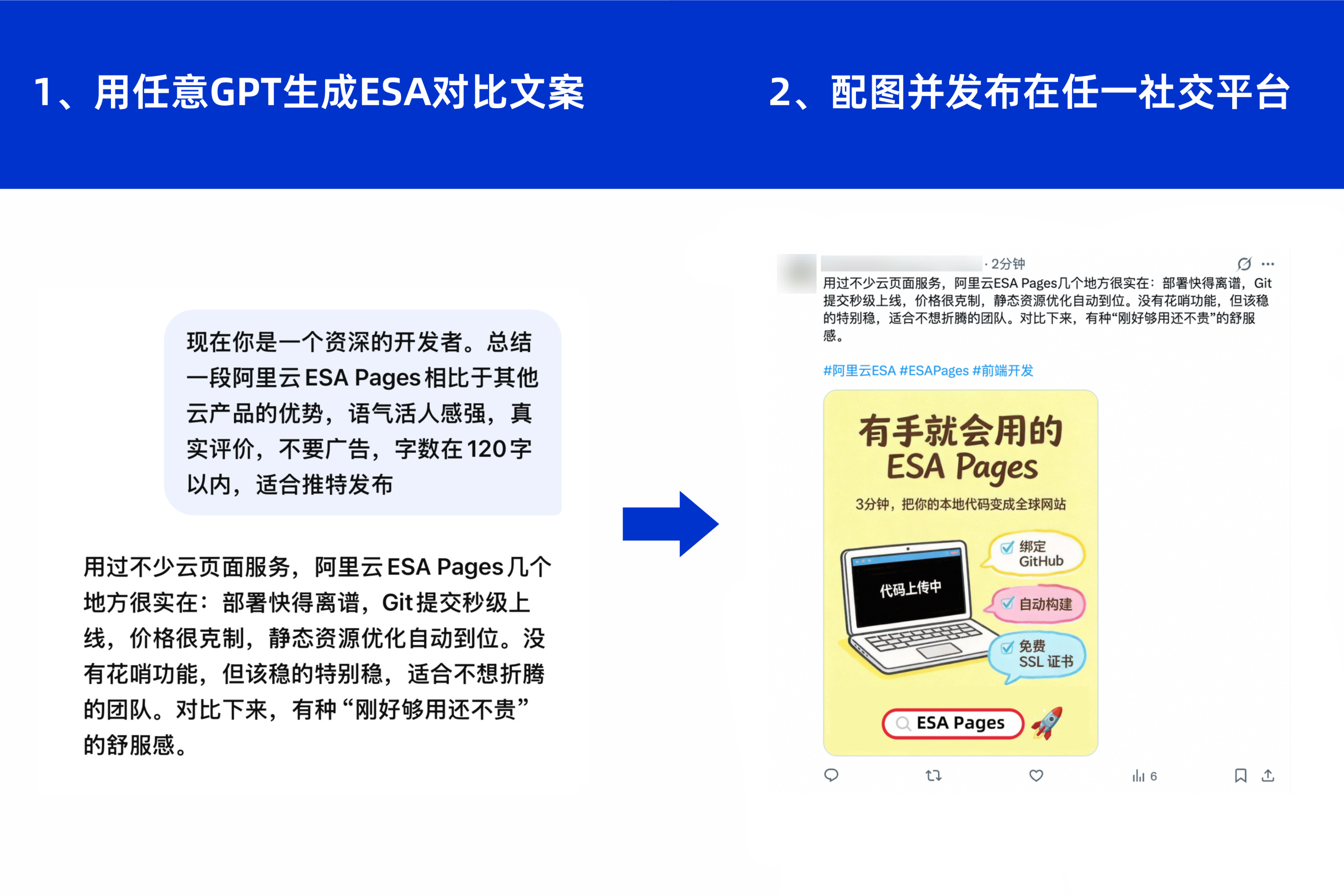
Post images
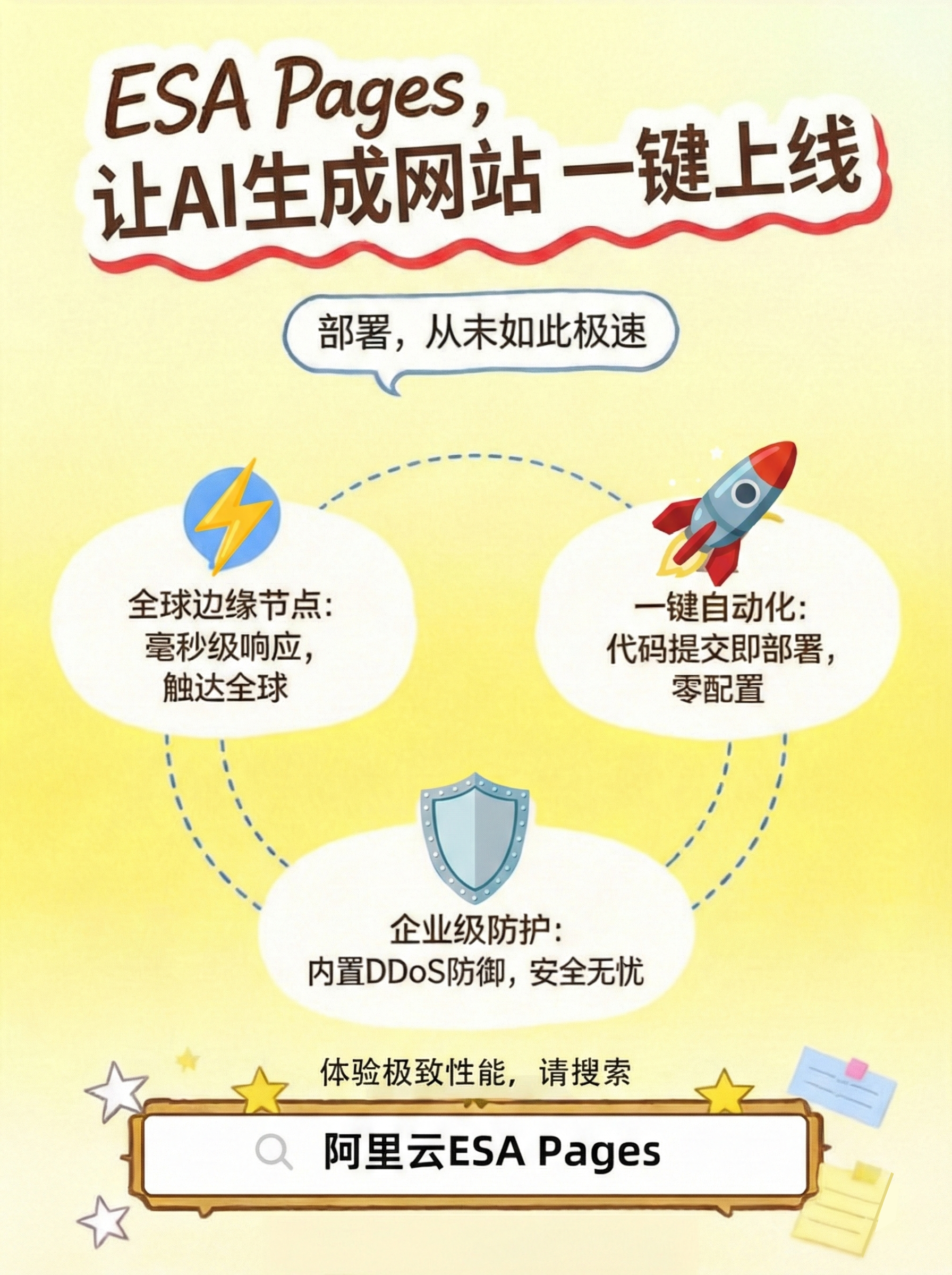
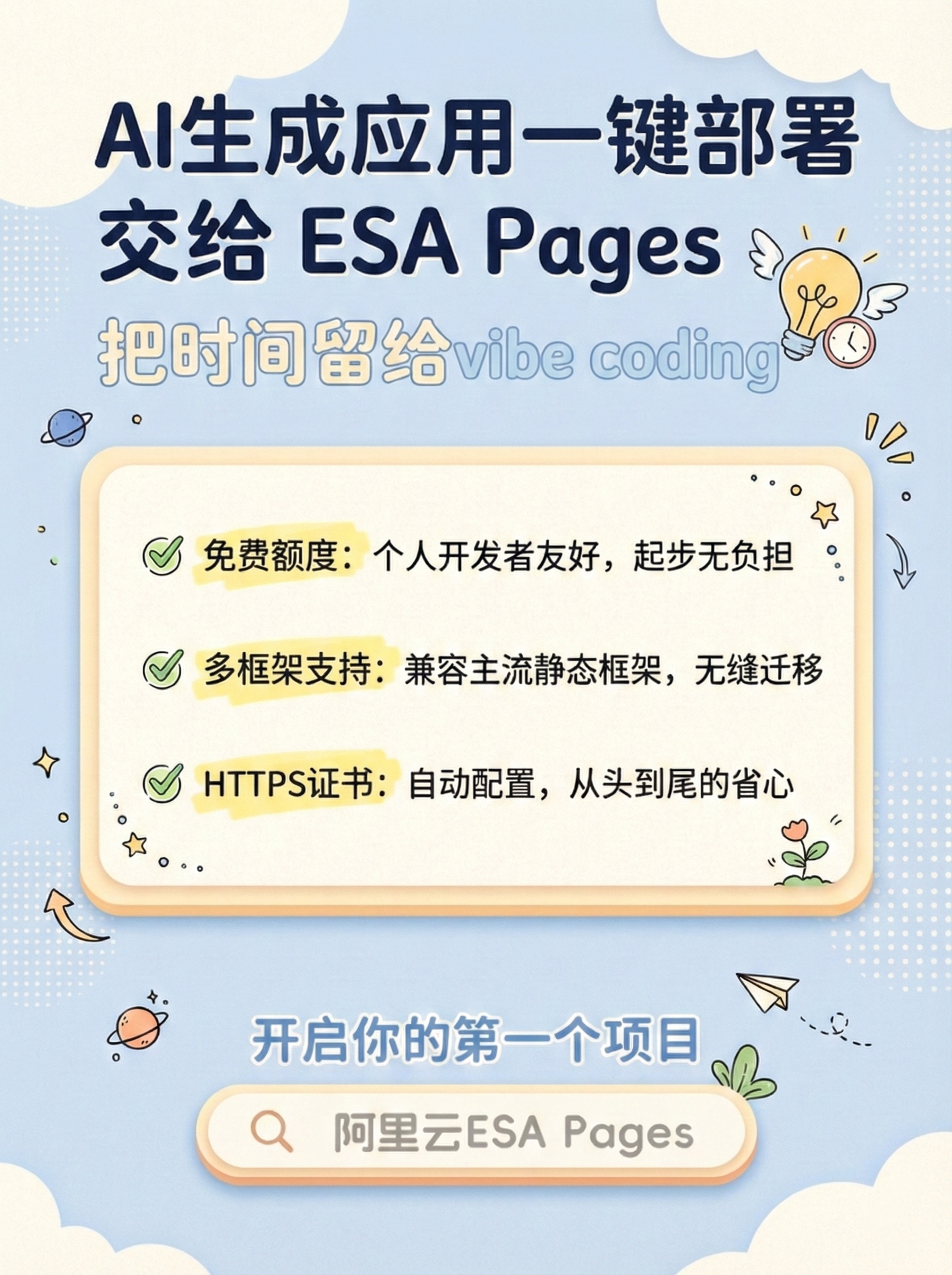
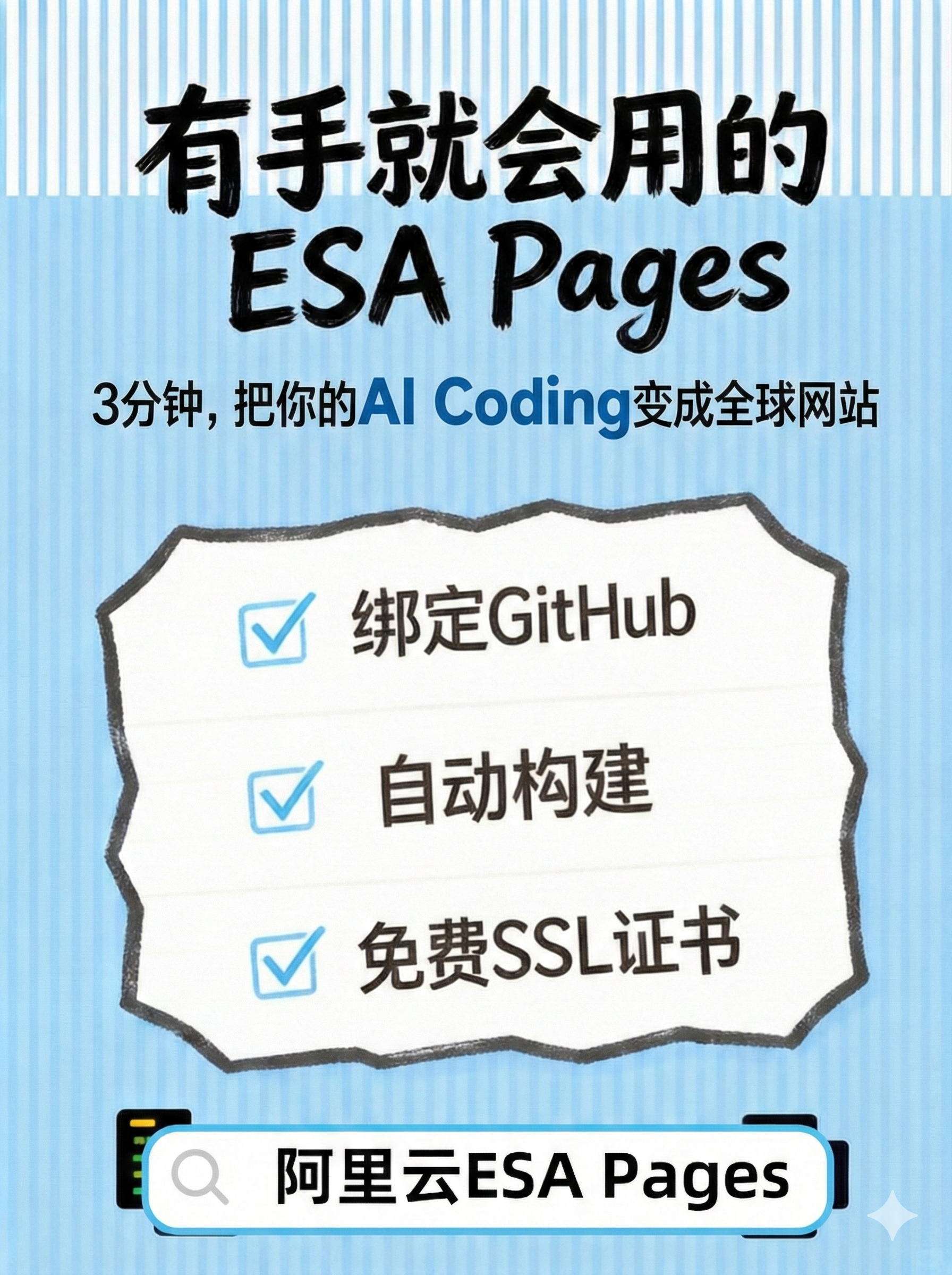
After posting, join one of our community groups and share your post link and Alibaba Cloud account ID to claim the reward for unlocking Chinese mainland acceleration. Rewards are distributed within two business days.
Join our WeChat group
Join the group and send a private message to the
Reward Assistantto claim your reward.
Join our Discord server
Join the ESA Discord community, go to the
esa-cdn-chatchannel, and send a private message to theESA Specialistto claim your reward.

FAQ
Identifying channel partner accounts
Xiaohongshu post example
When you publish a post recommending Alibaba Cloud ESA on Xiaohongshu, include the following content:
Share your genuine experience using ESA (such as project showcases, product comparisons, deployment steps, or creative demonstrations). The post must be at least 30 words long.
Add the following tags at the end of your post:
#AlibabaCloudESA#ESAPages#frontenddevelopmentInclude at least one official event image.
NoteTo ensure your post is approved by Xiaohongshu, avoid using superlative or promotional terms that may violate platform policies, such as
free membership,claim voucher,best,number one,top-tier, orabsolute. You can use a compliance checking tool like Lingke Word Checker to scan your text.