This topic describes considerations before migrating from a former O365 mailb
Procedure
Note: This feature is currently in grayscale update. Only emails included in the grayscale can use it.
1. Log on to the Alibaba Mail administration console and click the Create Migration Task.

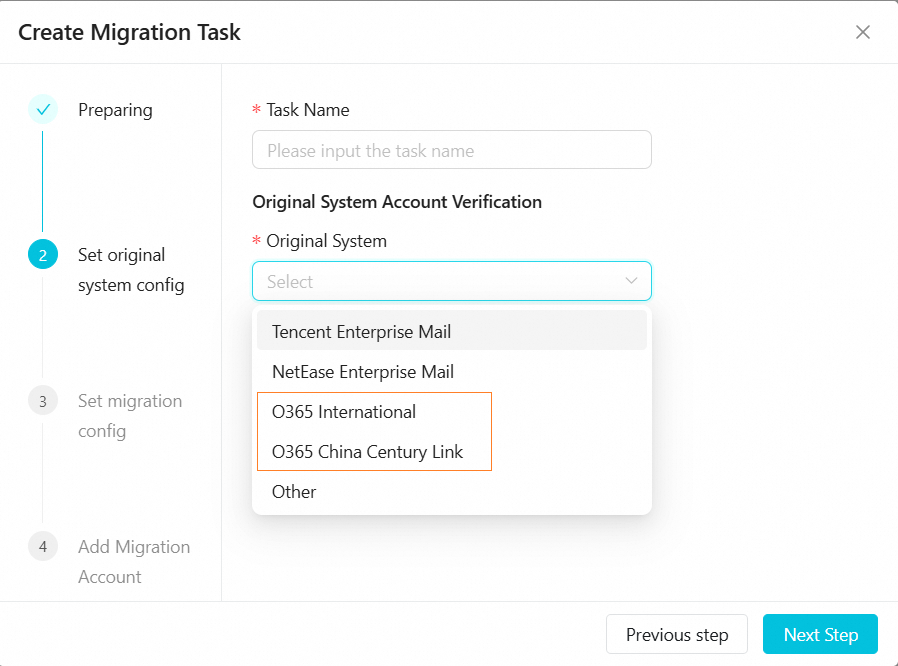
2. Select the original email service. Here we use "O365 International" as an example.
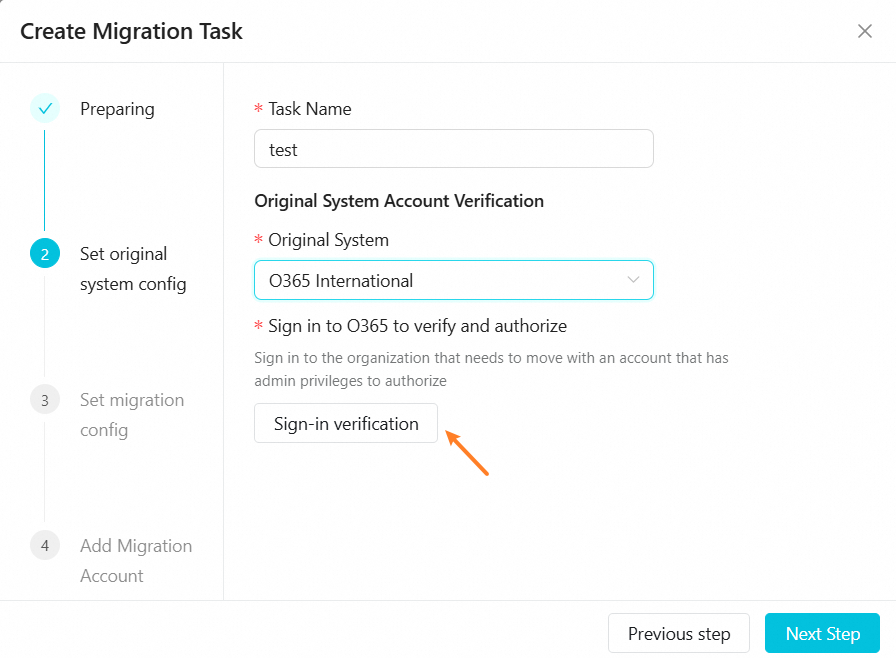
3. Click the Sign-in verification button.
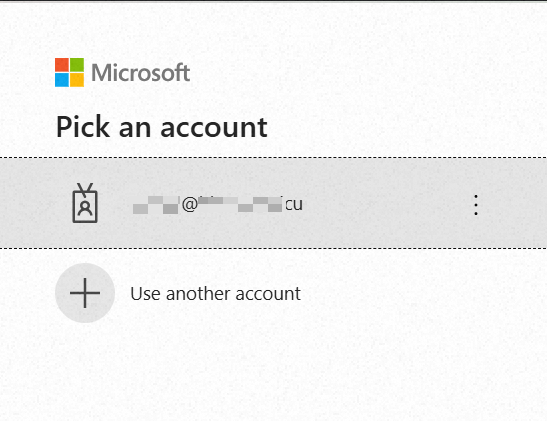
4. You will be redirected to a new page to log on to the Microsoft administrator account. Please use an account with administrative permissions to log on to the organization that needs to be migrated for authorization.
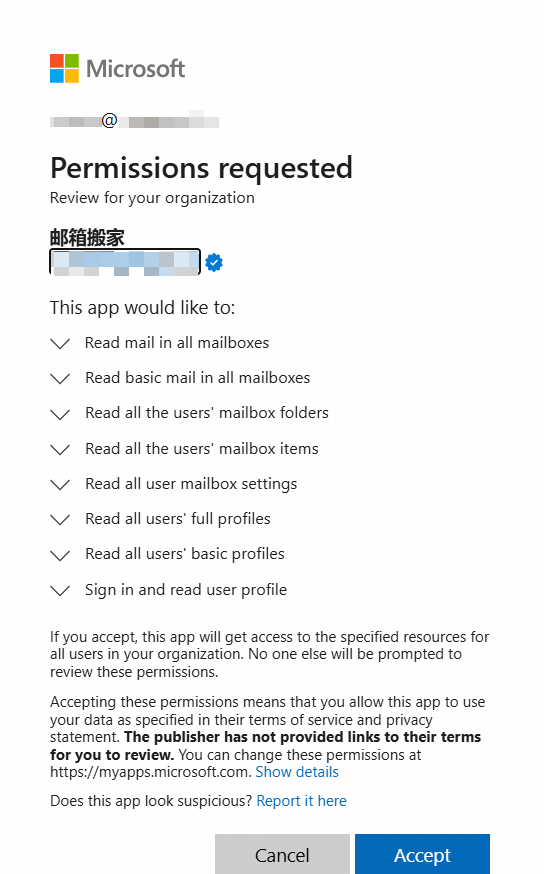
5. Accept the authorization permissions.
Authorization successful:
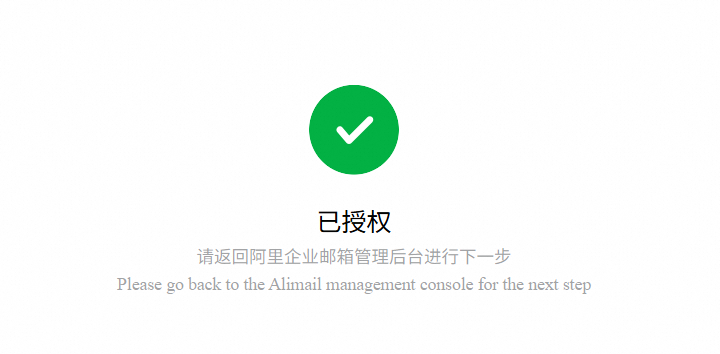
6. Return to the email management platform and it shows "Verification successful," and click "Next Step".
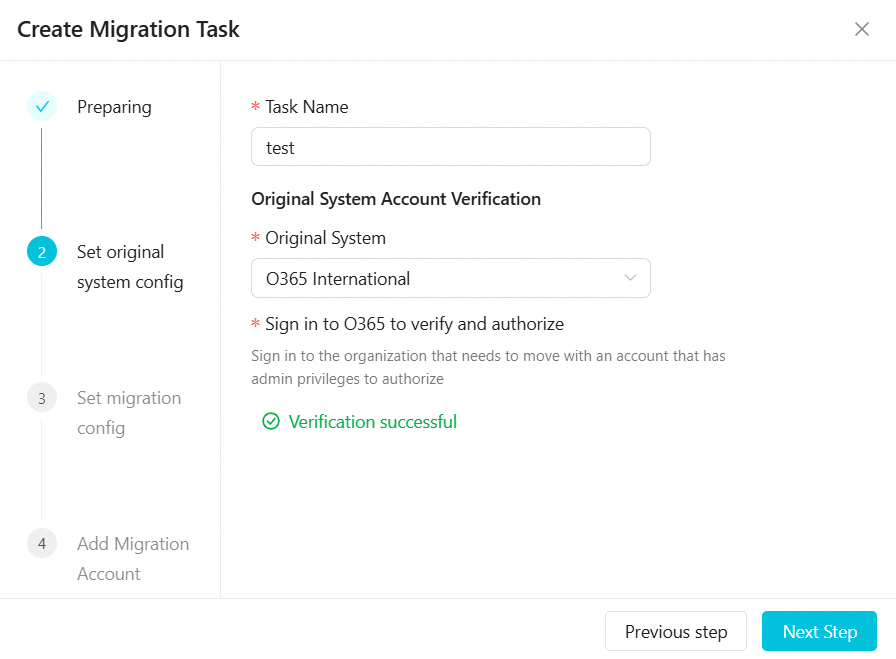
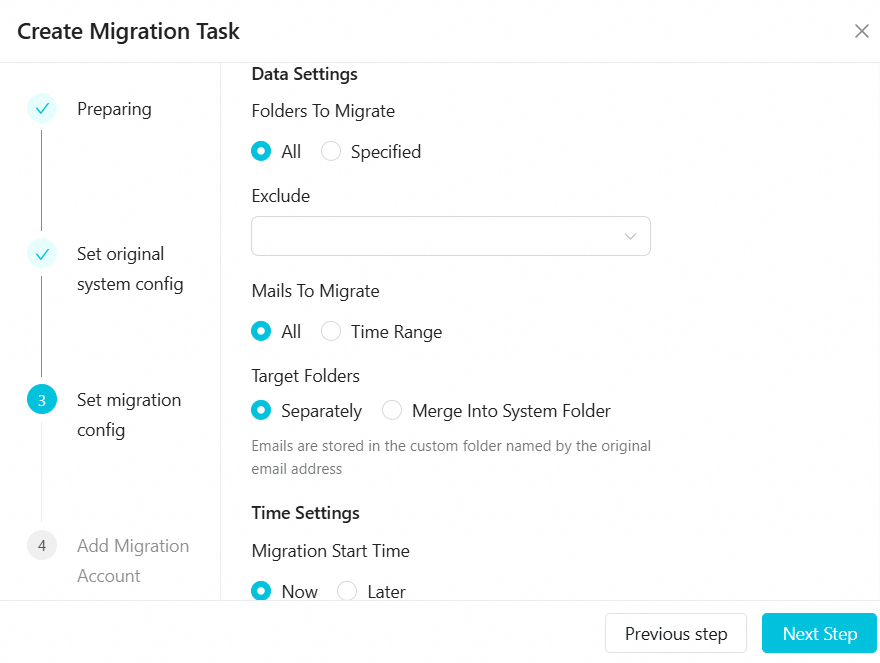
7. Fill in the migration parameters according to your actual needs.
8. When adding migration accounts, select the first default migration method and fill in the accounts according to the template. The first column is for Alibaba accounts, and the second column is for original email accounts.
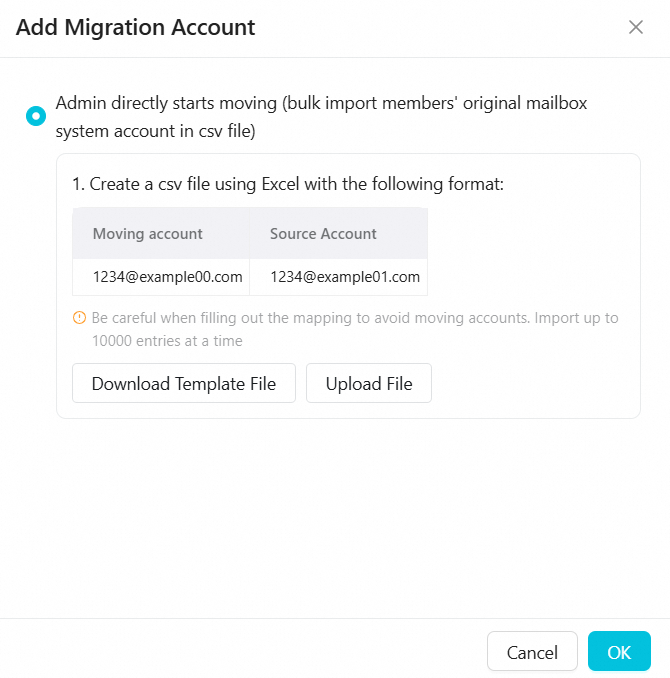
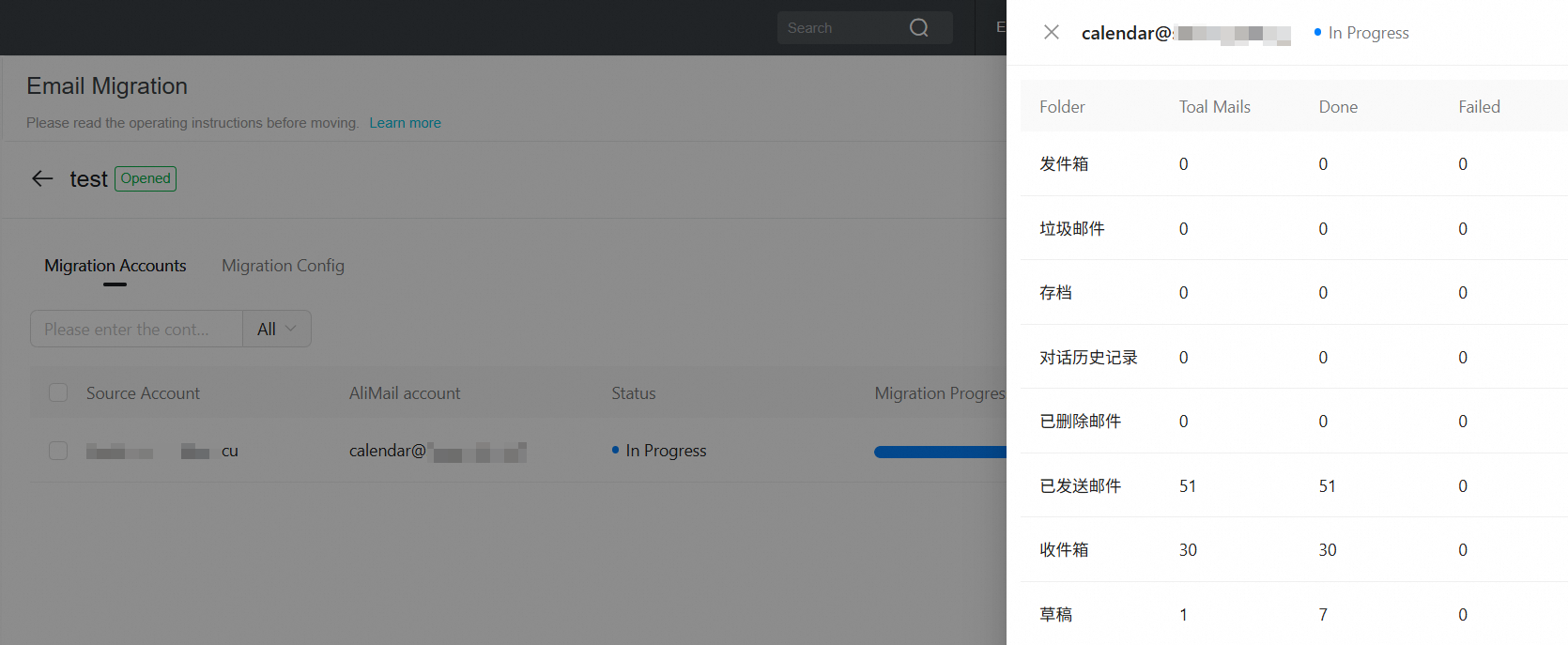
After configuration complete, waiting for migration to begin.
References
For more information, please check Email Migration.