全部產品
Search
文件中心

Alibaba Cloud Model Studio:OpenCode

更新時間:Mar 27, 2026

在 OpenCode 中配置與使用阿里雲百鍊 Coding Plan。

安裝 OpenCode

  1. 安裝或更新 Node.js(v18.0 或更高版本)。

  2. 在終端中執行以下命令安裝 OpenCode。

    npm install -g opencode-ai

    在終端中執行以下命令,若輸出版本號碼,則表示安裝成功。

    opencode -v

配置 Coding Plan

請在以下路徑建立並開啟設定檔 opencode.json :

  • macOS / Linux: ~/.config/opencode/opencode.json

  • Windows: C:\Users\您的使用者名稱\.config\opencode\opencode.json

將以下配置寫入檔案,關鍵配置項:

  • Base URLhttps://coding-intl.dashscope.aliyuncs.com/apps/anthropic/v1,請勿使用百鍊通用地址。

    說明

    在 OpenCode 中配置時,Base URL 末尾必須附帶 /v1,否則將報錯404 Not Found

  • API Key:將YOUR_API_KEY替換為 Coding Plan 專屬 API Key,格式為sk-sp-xxx

儲存設定檔後,請退出並重新啟動 OpenCode 使新配置生效。

{
    "$schema": "https://opencode.ai/config.json",
    "provider": {
        "bailian-coding-plan": {
            "npm": "@ai-sdk/anthropic",
            "name": "Model Studio Coding Plan",
            "options": {
                "baseURL": "https://coding-intl.dashscope.aliyuncs.com/apps/anthropic/v1",
                "apiKey": "YOUR_API_KEY"
            },
            "models": {
                "qwen3.5-plus": {
                    "name": "Qwen3.5 Plus",
                    "modalities": {
                        "input": ["text", "image"],
                        "output": ["text"]
                    },
                    "options": {
                        "thinking": {
                            "type": "enabled",
                            "budgetTokens": 8192
                        }
                    },
                    "limit": {
                        "context": 1000000,
                        "output": 65536
                    }
                },
                "qwen3-max-2026-01-23": {
                    "name": "Qwen3 Max 2026-01-23",
                    "modalities": {
                        "input": ["text"],
                        "output": ["text"]
                    },
                    "limit": {
                        "context": 262144,
                        "output": 32768
                    }
                },
                "qwen3-coder-next": {
                    "name": "Qwen3 Coder Next",
                    "modalities": {
                        "input": ["text"],
                        "output": ["text"]
                    },
                    "limit": {
                        "context": 262144,
                        "output": 65536
                    }
                },
                "qwen3-coder-plus": {
                    "name": "Qwen3 Coder Plus",
                    "modalities": {
                        "input": ["text"],
                        "output": ["text"]
                    },
                    "limit": {
                        "context": 1000000,
                        "output": 65536
                    }
                },
                "MiniMax-M2.5": {
                    "name": "MiniMax M2.5",
                    "modalities": {
                        "input": ["text"],
                        "output": ["text"]
                    },
                    "options": {
                        "thinking": {
                            "type": "enabled",
                            "budgetTokens": 8192
                        }
                    },
                    "limit": {
                        "context": 196608,
                        "output": 24576
                    }
                },
                "glm-5": {
                    "name": "GLM-5",
                    "modalities": {
                        "input": ["text"],
                        "output": ["text"]
                    },
                    "options": {
                        "thinking": {
                            "type": "enabled",
                            "budgetTokens": 8192
                        }
                    },
                    "limit": {
                        "context": 202752,
                        "output": 16384
                    }
                },
                "glm-4.7": {
                    "name": "GLM-4.7",
                    "modalities": {
                        "input": ["text"],
                        "output": ["text"]
                    },
                    "options": {
                        "thinking": {
                            "type": "enabled",
                            "budgetTokens": 8192
                        }
                    },
                    "limit": {
                        "context": 202752,
                        "output": 16384
                    }
                },
                "kimi-k2.5": {
                    "name": "Kimi K2.5",
                    "modalities": {
                        "input": ["text", "image"],
                        "output": ["text"]
                    },
                    "options": {
                        "thinking": {
                            "type": "enabled",
                            "budgetTokens": 8192
                        }
                    },
                    "limit": {
                        "context": 262144,
                        "output": 32768
                    }
                }
            }
        }
    }
}
說明

budgetTokens用於控制模型思考過程的最大Token預算,若設定過低可能導致模型思考過程中斷。

MiniMax-M2.5的budgetTokensoutput之和需要小於等於32768。

使用

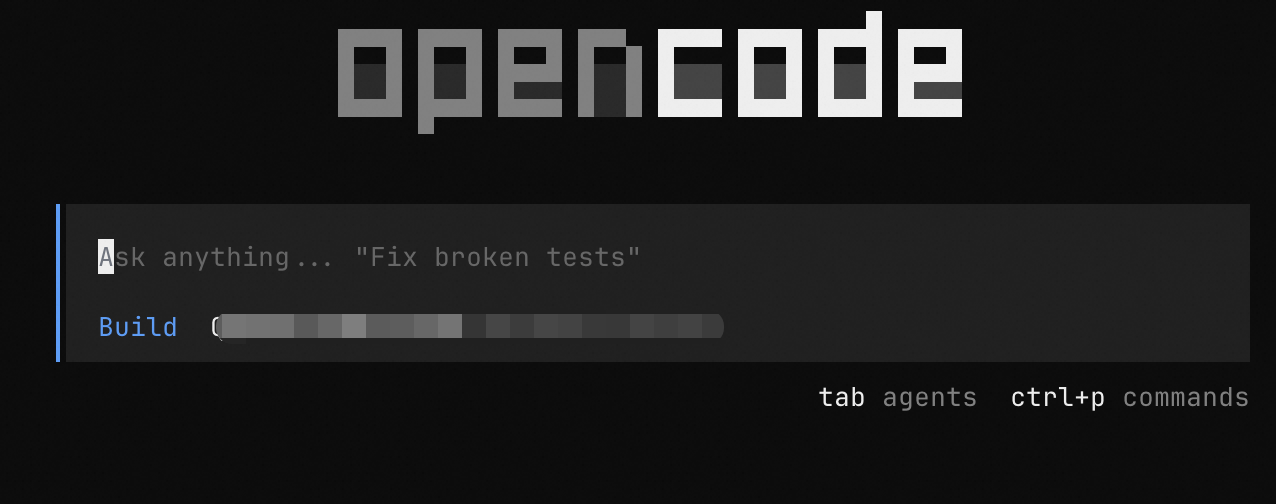
在終端中執行以下命令進入 OpenCode。

opencode

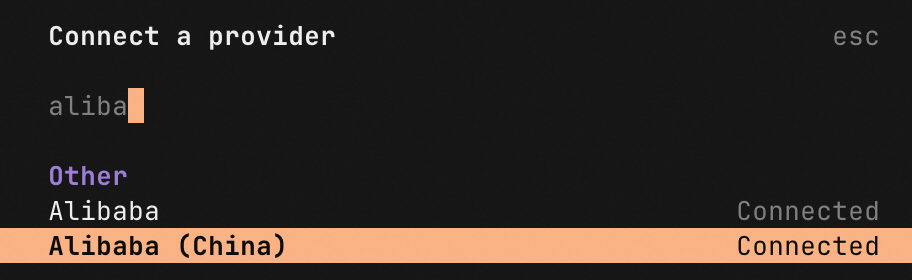
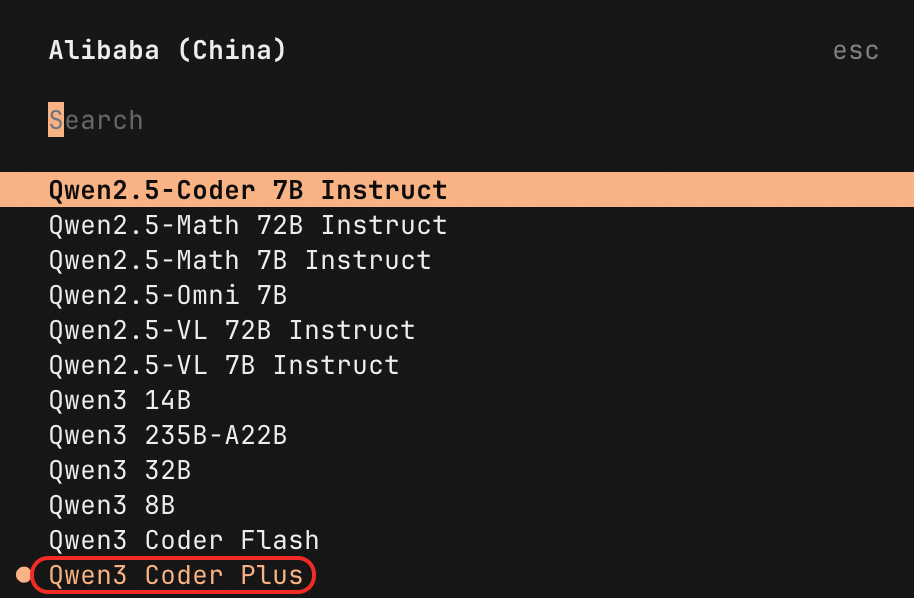
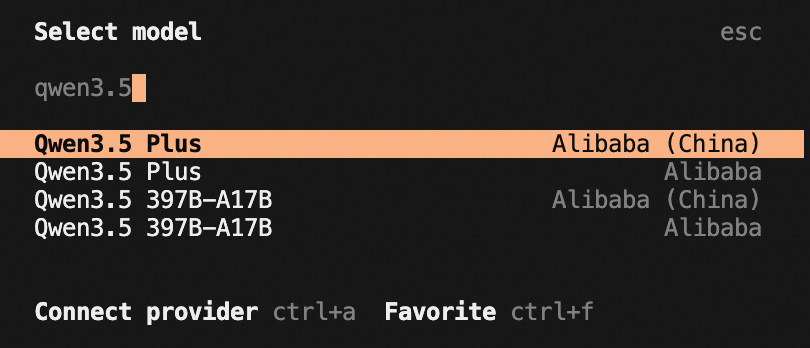
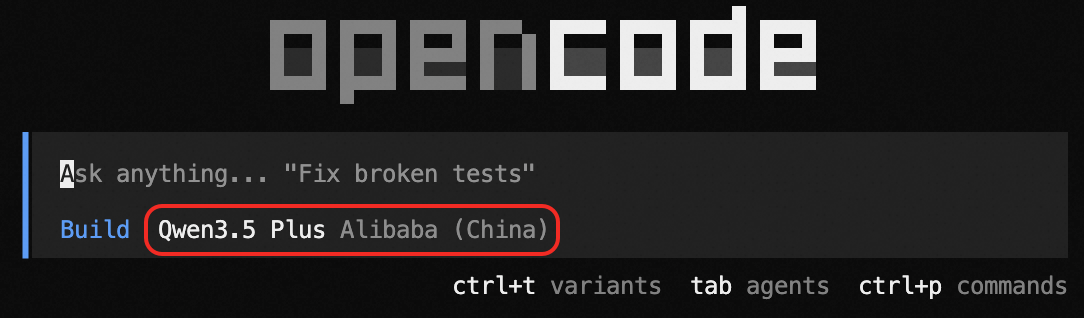
在命令列輸入/models,輸入Model Studio Coding Plan進行搜尋,選擇模型後即可使用。

image

image

常見問題

請參考常見問題