Contexto
Os órgãos reguladores exigem que o aplicativo não invoque APIs sensíveis antes do clique no botão “Agree” na janela do acordo de privacidade. Para atender a essa exigência, a baseline do mPaaS iOS 10.1.60.27 ou posterior (série 60) e 10.1.32.18 ou posterior (série 32) oferece suporte a esse recurso. Modifique seu projeto conforme necessário seguindo as orientações deste documento.
Uso
O método de uso varia conforme a permissão para o framework mPaaS iOS gerenciar o ciclo de vida do aplicativo. Verifique se DFApplication e DFClientDelegate estão habilitados para o framework no arquivo main.m do projeto para determinar se o gerenciamento está permitido. A habilitação desses componentes confirma a autorização.
return UIApplicationMain(argc, argv, @"DFApplication", @"DFClientDelegate"); // NOW USE MPAAS FRAMEWORKGerenciamento do ciclo de vida do aplicativo pelo framework
1. Permitir avisos pop-up de privacidade
Na categoria MPaaSInterface, sobrescreva o método da API enablePrivacyAuth e retorne YES.
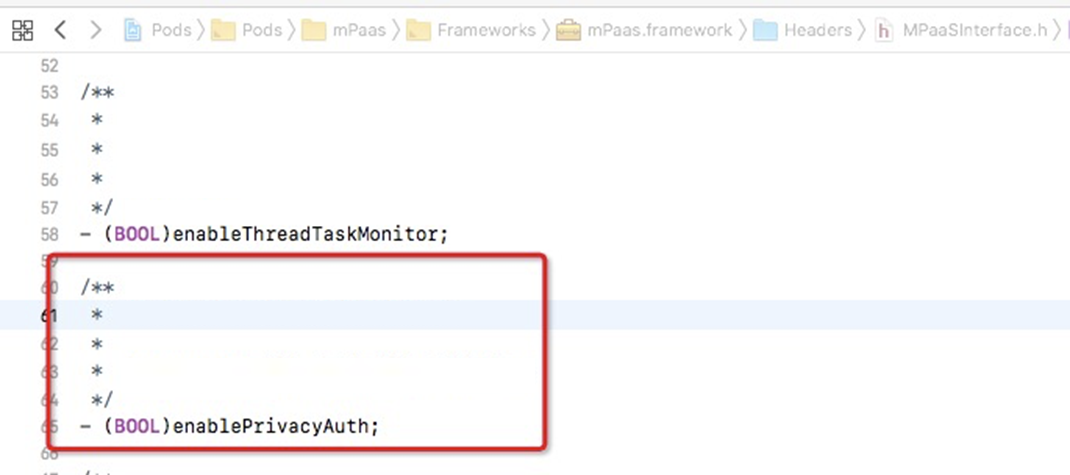
**Sample code**

@implementation MPaaSInterface (Portal)

- (BOOL)enablePrivacyAuth
{
return YES;
}

@end
2. Implementar janelas pop-up de permissão
Sobrescreva o método - (DTFrameworkCallbackResult)application:(UIApplication )application privacyAuthDidFinishLaunchingWithOptions:(NSDictionary )launchOptions completionHandler:(void (^)(void))completionHandler; fornecido pelo framework.
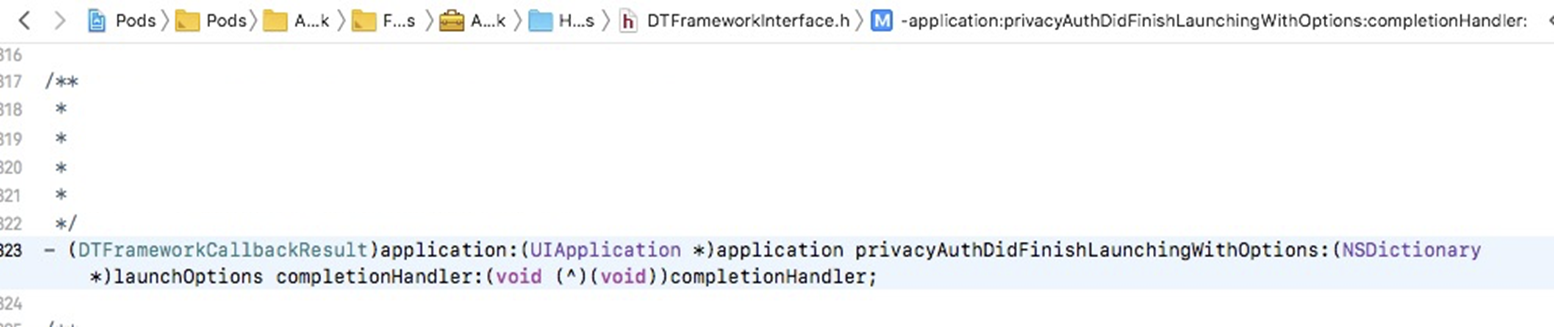
Código de exemplo
- (DTFrameworkCallbackResult)application:(UIApplication *)application privacyAuthDidFinishLaunchingWithOptions:(NSDictionary *)launchOptions completionHandler:(void (^)(void))completionHandler
{
UIWindow *authWindow = [[UIWindow alloc] initWithFrame:[[UIScreen mainScreen] bounds]];
authWindow.backgroundColor = [UIColor redColor];
authWindow.windowLevel = UIWindowLevelStatusBar+5;
AuthViewController *vc = [[AuthViewController alloc] init];
vc.completionHandler = completionHandler;
vc.window = authWindow;
authWindow.rootViewController = vc;
[authWindow makeKeyAndVisible];

return DTFrameworkCallbackResultContinue;
}
3. Iniciar o framework mPaaS
Após o usuário clicar em Agree para autorizar, invoque o callback completionHandler para continuar a inicialização do framework mPaaS. Visualize o código de exemplo:
#import <UIKit/UIKit.h>

NS_ASSUME_NONNULL_BEGIN

@interface AuthViewController : UIViewController

@property (nonatomic, copy) void (^completionHandler)(void);
@property (nonatomic, strong) UIWindow *window;

@end

NS_ASSUME_NONNULL_END
#import "AuthViewController.h"
@interface AuthViewController ()<UIAlertViewDelegate>
@end
@implementation AuthViewController
- (void)viewDidLoad {
[super viewDidLoad];
// Do any additional setup after loading the view.
[self showAlertWithTitle:@"Privacy permissions"];
}
- (void)showAlertWithTitle:(NSString *)title
{
if ([title length] > 0) {
UIAlertView *alert = [[UIAlertView alloc] initWithTitle:title
message:nil
delegate:self
cancelButtonTitle:@"Cancel"
otherButtonTitles:@"OK", nil];
[self.window makeKeyWindow];
[alert show];
}
}
- (void)alertView:(UIAlertView *)alertView clickedButtonAtIndex:(NSInteger)buttonIndex
{
if (buttonIndex == 1) {
if (self.completionHandler) {
self.completionHandler();
self.window.rootViewController = nil;
self.window = nil;
}
}else {
exit(0);
}
}
@end4. Inicializar manualmente o Context do contêiner
Ao integrar os componentes de contêiner HTML5, pacote offline e mini programa, inicialize manualmente o Context do contêiner no método - (void)application:(UIApplication )application afterDidFinishLaunchingWithOptions:(NSDictionary )launchOptions. Visualize o código de exemplo:
- (void)application:(UIApplication *)application afterDidFinishLaunchingWithOptions:(NSDictionary *)launchOptions
{
  ...
  // Initialize container Context.
  [MPNebulaAdapterInterface setNBContextWhenEnablePrivacyAuth];

  ...
}
Ciclo de vida do aplicativo não gerenciado pelo framework
1. Suportar janelas pop-up de privacidade
Na categoria MPaaSInterface, sobrescreva o método da API enableUserOverWriteAuthAlert e retorne o status correspondente da permissão de privacidade.
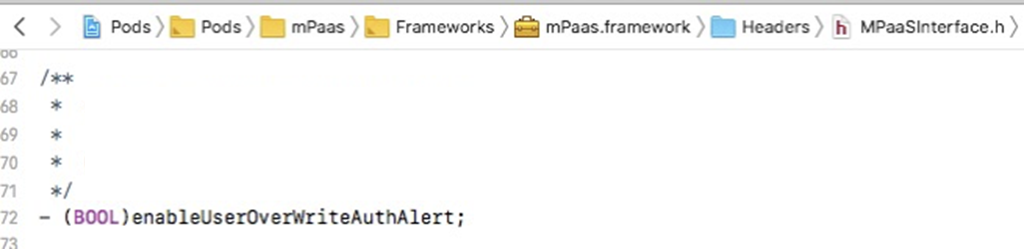
Código de exemplo
@implementation MPaaSInterface (mPaaSdemo)

    - (BOOL)enableUserOverWriteAuthAlert {
        // If the user has clicked "Agree" for privacy terms, "NO" is returned, which indicates that mPaaS components can normally call relevant APIs.
        // Otherwise, "Yes" is returned, which indicates that mPaaS components will hold the calls of relevant APIs.
        return ![[NSUserDefaults standardUserDefaults] boolForKey:@"xx_pr"];
    }

    @end
2. Evitar o envio antecipado de logs de rastreamento
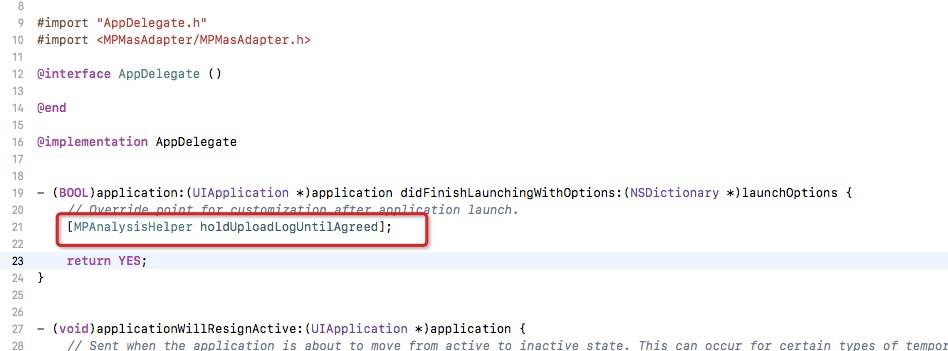
Se houver componentes de rastreamento integrados, chame o método MPAnalysisHelper holdUploadLogUntilAgreed durante a inicialização para evitar o envio antecipado de logs.
Verifique a existência do arquivo APRemoteLogging.framework para confirmar a integração dos componentes de rastreamento.
Código de exemplo (recomendamos chamar este método o mais cedo possível)
3. Inicializar manualmente o Context do contêiner
Ao integrar os componentes de contêiner HTML5, pacote offline e mini programa, inicialize manualmente o Context do contêiner no método - (void)application:(UIApplication )application afterDidFinishLaunchingWithOptions:(NSDictionary )launchOptions. Visualize o código de exemplo:
- (void)application:(UIApplication *)application afterDidFinishLaunchingWithOptions:(NSDictionary *)launchOptions
{
  ...
  // Initialize container Context.
  [MPNebulaAdapterInterface setNBContextWhenEnablePrivacyAuth];

  ...
}