OpenCode は、ターミナル上で実行されるオープンソースの AI コーディングツールです。Alibaba Cloud Model Studio と接続することで、作業ディレクトリからコード生成、プロジェクトのリファクタリング、開発タスクの自動化を実行できます。
本ガイドでは従量課金モードについて説明します。コーディングプランをご利用の場合は、サポート対象モデルについては「コーディングプランの概要」、セットアップ手順については「OpenCode のためのコーディングプラン」をご参照ください。
前提条件
開始する前に、以下の環境が整っていることを確認してください。
Node.js 18 以降がインストール済みであること(nodejs.org からダウンロード)
Node.js のバージョンを確認します。
node -vインストールと接続
ステップ 1:OpenCode のインストール
npm install -g opencode-aiインストールを確認します。
opencode -vバージョン番号が表示された場合、インストールは成功しています。表示されない場合は、node -v を使用して Node.js のバージョンが 18 以降であることを確認してください。
ステップ 2:プロジェクト内での OpenCode の起動
プロジェクトフォルダに移動し、OpenCode を起動します。
cd <your-project-folder>
opencode
<your-project-folder> は、ご利用のプロジェクトディレクトリへのパスに置き換えてください。
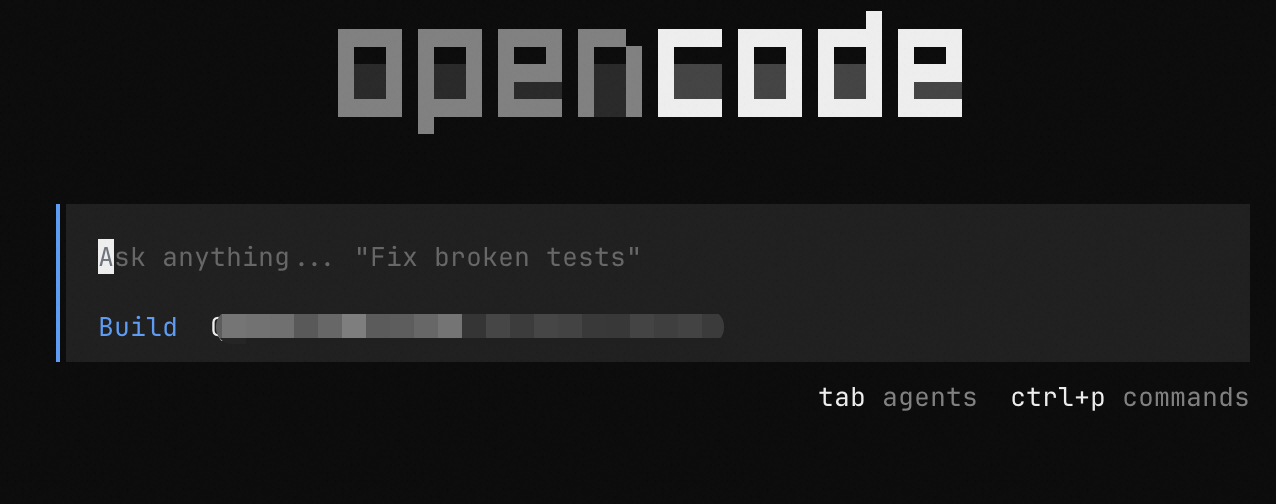
OpenCode は現在のフォルダをプロジェクトコンテキストとして使用します。プロジェクトフォルダがない場合は、以下のように新規作成してください。
mkdir my-project && cd my-project
opencode
ステップ 3:Model Studio への接続
コーディングプランをご利用の場合は、専用のベース URL および API キーを使用する必要があります。詳細については、「OpenCode のためのコーディングプラン」をご参照ください。
入力ボックスに
/connectを入力し、Enter キーを押します。プロバイダー検索ボックスに
alibabaを入力し、「Alibaba (China)」を選択して Enter キーを押します。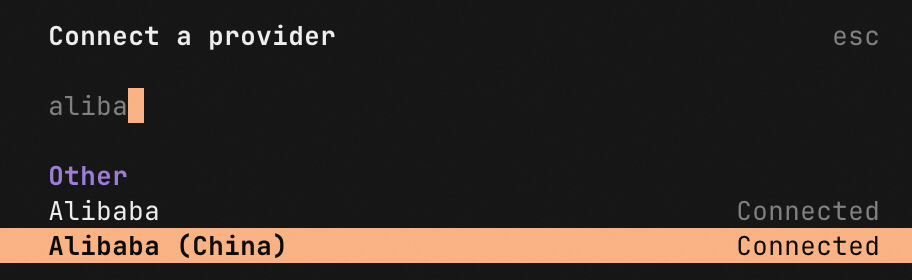
中国 (北京) リージョン用の API キー を入力し、Enter キーを押します。
モデル一覧から
Qwen3 Coder Plusを選択し、Enter キーを押します。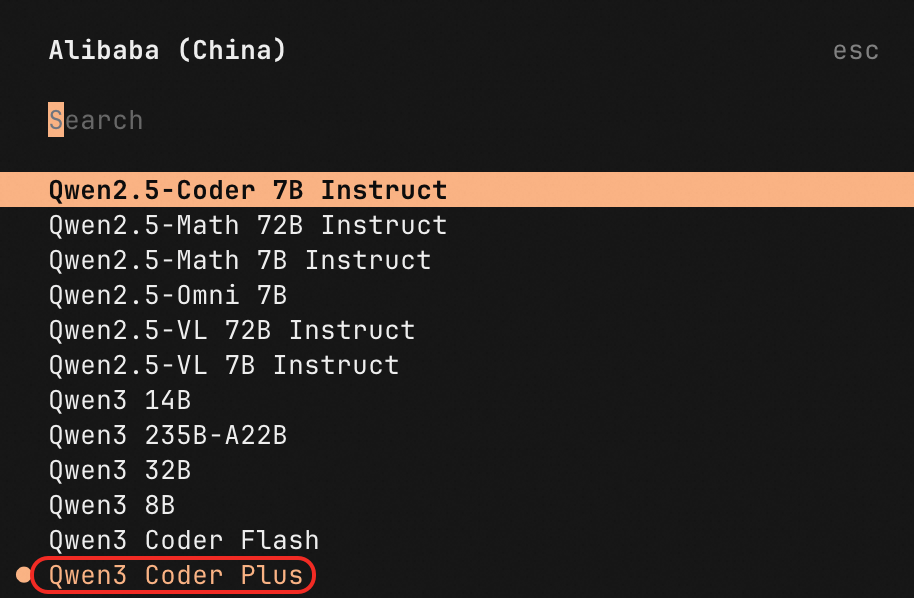
他のモデルを選択することも可能です。「サポート対象モデルと推奨事項」をご参照ください。
使用例
設定をテストするために、以下のプロンプトを試してください。
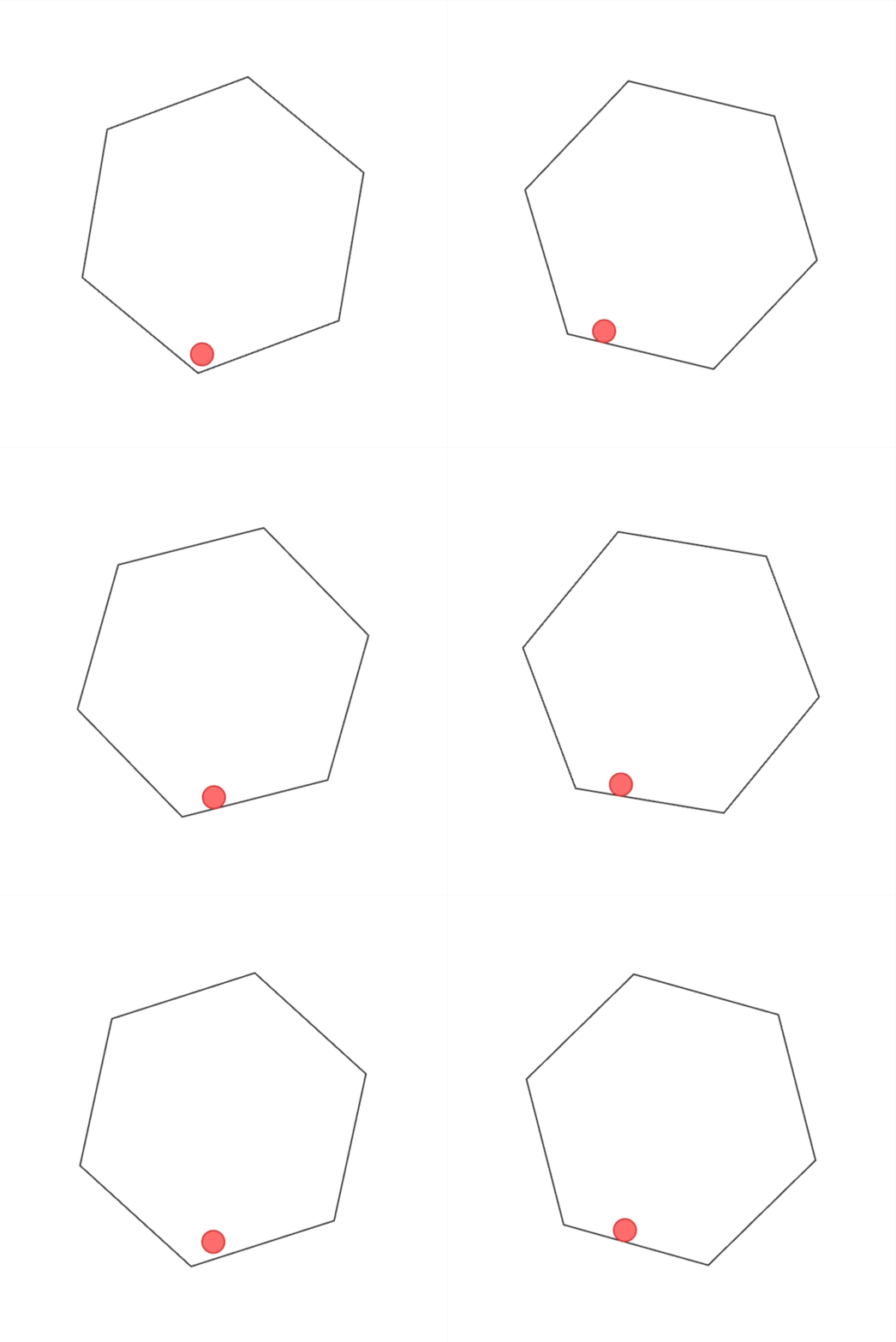
正六角形の内部で均一に回転する空間において、小さな球体が物理的に跳ね返る様子をシミュレートする HTML コードを作成します(重力、衝突反力、摩擦なども含む)。球体は重力の影響を受け、正六角形の内壁に衝突した際に跳ね返り、衝突反力および摩擦の影響も受けます。なお、球体の初期位置は正六角形の中心とします。OpenCode によって生成された HTML ファイルを開いて結果を確認します。
サポート対象モデルと推奨事項
テキスト生成 — Qwen | Qwen-Max、Qwen-Plus、Qwen-Flash、Qwen-Turbo、Qwen-Long、Qwen-Coder、QwQ、QVQ、Qwen-VL、Qwen-Omni、Qwen deep research model、Qwen data mining model |
テキスト生成 — サードパーティ製 | |
ドメイン特化型 |
タスク別モデル推奨事項
| タスク | 推奨モデル | モデル ID |
|---|---|---|
| コード生成、リファクタリング、デバッグ | Qwen-Coder | qwen3-coder-plus |
| 複雑な推論、多段階分析 | Qwen-Plus または Qwen-Max | qwen3.5-plus |
モデルの切り替え
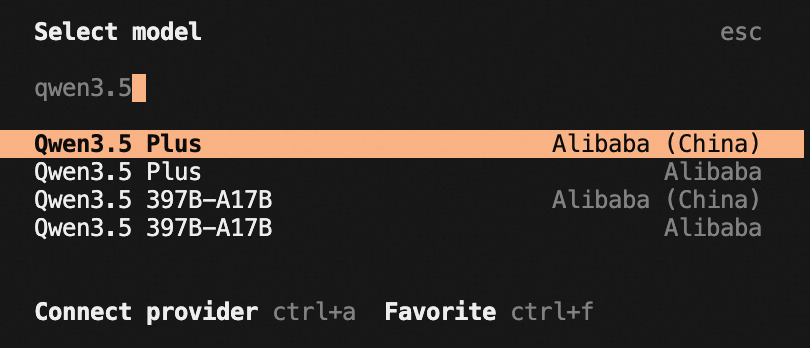
GLM-5 などの特定のモデルを利用するには、入力ボックスに /models を入力してモデル選択パネルを開きます。名前で検索(例: glm や qwen3.5)すると、あいまい一致でフィルター処理されます。
検索結果が表示されない場合は、そのモデルはサポートされていません。
ドロップダウンリストが表示された場合は、該当モデルを選択してください。Model Studio のモデルの場合は、
Alibaba (China)とタグ付けされたものを選択します。
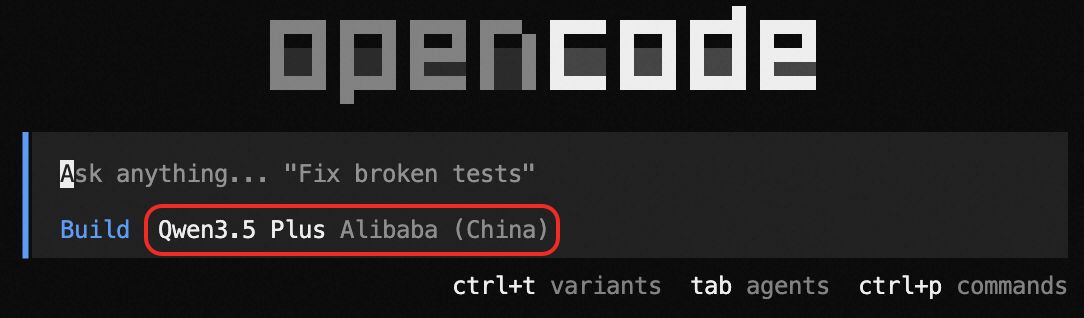
モデルを切り替えた後、ホームページに新しいモデル名が表示されます。
次のステップ
サポート対象モデル — 利用可能なすべてのモデルおよび機能を確認します。
コーディングプランの概要 — OpenCode のためのコーディングプランについて学びます。
OpenCode のためのコーディングプラン — コーディングプランのサブスクリプションで OpenCode を構成します。