すべてのプロダクト
Search
ドキュメントセンター

DataV:fill

最終更新日:Jul 15, 2024

ソリッドカラー、グラデーションカラー、画像パディングボックス、またはそれらの組み合わせを設定できます。

フィールド

項目

説明

データ型

必須

補足

名前

コントロールの名前。The name of the control.

String

継続する

なし

タイプ

コントロールのタイプ。

String

継続する

なし

default

デフォルト値。

文字列またはオブジェクト

継続しない

このフィールドが指定されていない場合は、空のままになります。 詳細については、「」をご参照ください。

コンポーネント

パディングボックスのタイプ。

array

継続しない

値は、flat、linearGradient、image、またはそれらの組み合わせです。

  • flat: 単色のパディングボックスを示します。 デフォルト値です。

  • linearGradient: グラデーションカラーのパディングボックスを示します。

  • image: 画像のパディングボックスを示します。

説明

設定は、パディングボックスのタイプによって異なります。 詳細については、「」をご参照ください。

条件

データ型

デフォルト値

補足

単色パディングボックス

String

"#333"

"#000"

なし

グラデーションカラーのパッディングボックス

object

{
 「角度」: 0、
 "stops": [
   {
     "オフセット": 0、
     "カラー": "#000"
   },
   {
     "offset": 100、
     "color": "red"
   }
 ]
}
{
 「角度」: 0、
 "stops": [
   {
     "オフセット": 0、
     "カラー": "#000"
   },
   {
     "offset": 100、
     "color": "rgba(0,0,0,0.5)"
   }
 ]
}

なし

画像パディングボックス

object

{
"fillType":"cover" 、"url":" https://img.alicdn.com/tfs/TB16ag8v4z1gK0jSZSgXXavwpXa-96-96.png " 、"tileSize": 100
} 
{
 "fillType": "stretch" 、
 "url": " https://img.alicdn.com/tfs/TB19njRJ7zoK1RjSZFlXXai4VXa-16-16.png " 、
 "tileSize": 100
} 

なし

複数のパディングボックスタイプの組み合わせ

object

{
"type":"linearGradient" 、"value":
  {
    「角度」: 90、
      "stops":[
     {
        "カラー":"#333" 、
        "offset":0
     },
     {
        "color":"red" 、
        "offset":100
     }
      ]
  }
}
{
 "type": "flat" 、
 "value": "#000"
} 
  • type: パディングボックスのタイプを示します。

  • value: パディング値を示します。

サンプル設定

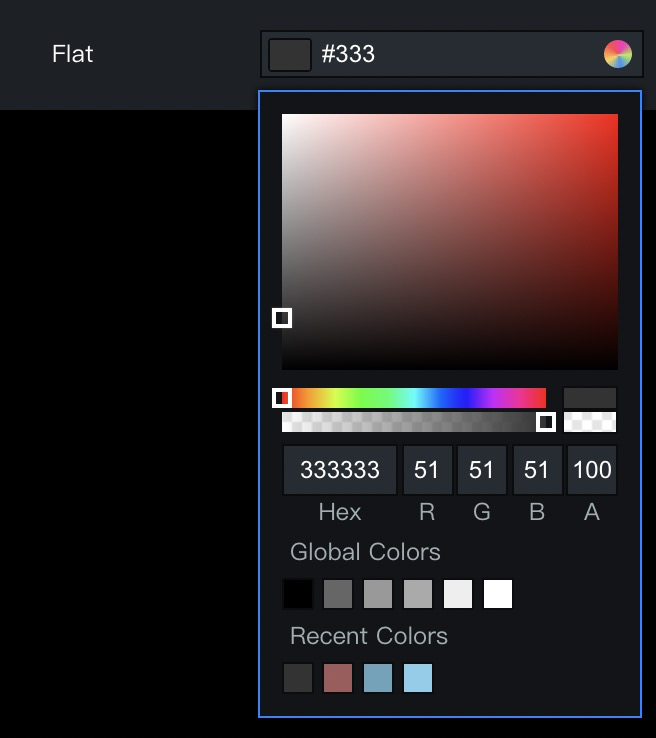
  • タイプフィールドをフラットConfiguration example of a solid color padding boxに設定する

    "flat": {
        "name": "Solid Color",
        "type": "fill",
        "default": "#333"
    }
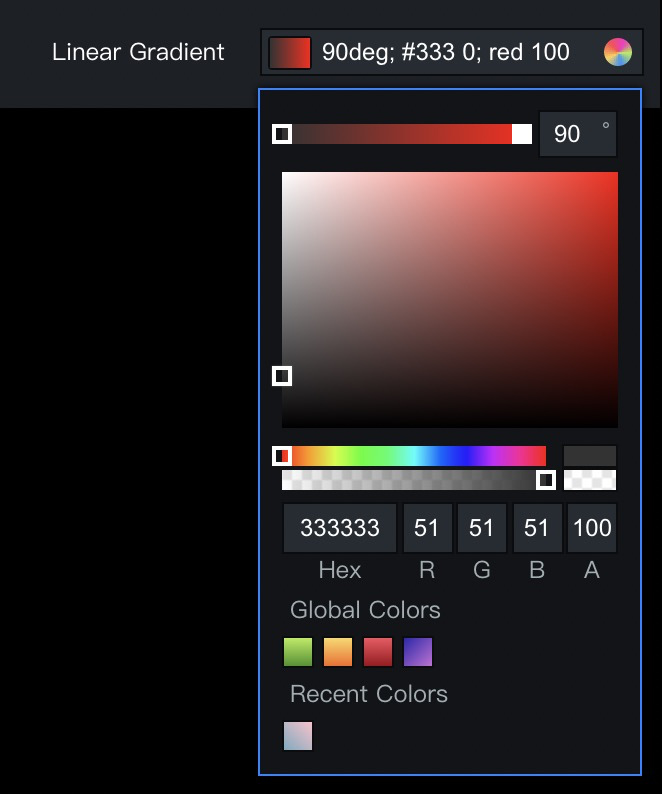
  • タイプフィールドをlinearGradientConfiguration example of a gradient color padding boxに設定します。

    "linearGradient": {
        "name": "Linear Gradient Color",
        "type": "fill",
        "components": [
          "linearGradient"
        ],
        "default": {
          "angle": 90,
          "stops": [
            {
              "color": "#333",
              "offset": 0
            },
            {
              "color": "red",
              "offset": 100
            }
          ]
        }
      }
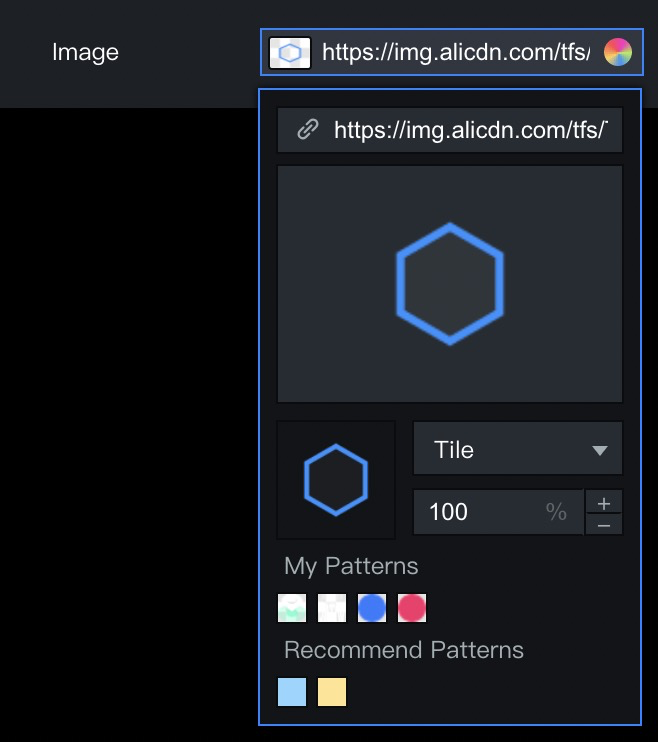
  • タイプフィールドをimageConfiguration example of an image padding boxに設定する

     "image": {
        "name": "Image Padding",
        "type": "fill",
        "components": [
          "image"
        ],
        "default": {
          "fillType": "cover",
          "url": "https://img.alicdn.com/tfs/TB16ag8v4z1gK0jSZSgXXavwpXa-96-96.png",
          "tileSize": 100
        }
    }