1. Grab every advantage
Collaborate instantly
Collaboration and Groups let you access feeds, groups, people, and files to collaborate with customers or colleagues anywhere.
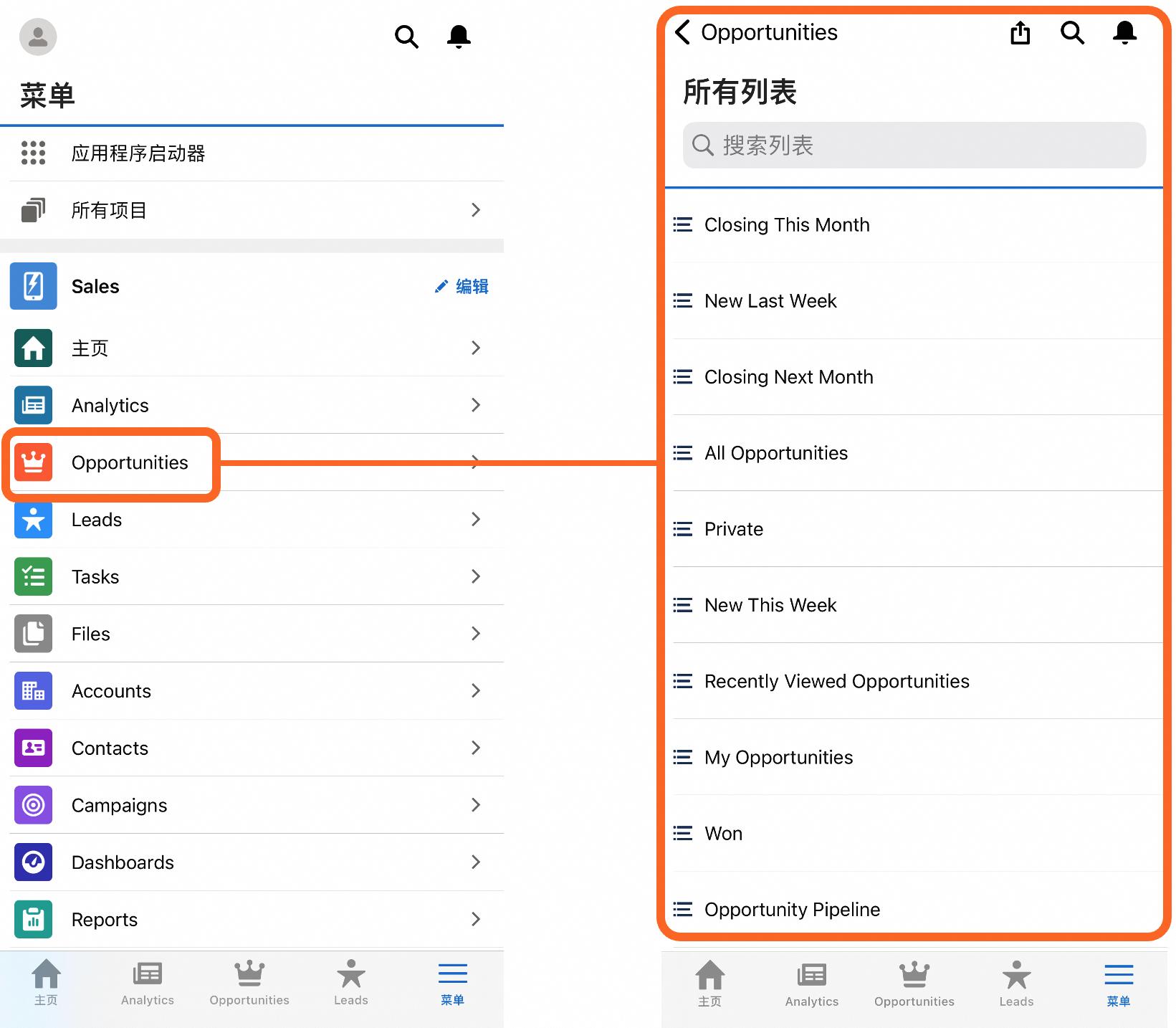
Pull up sales figures with a tap
Dashboards and Reports speed decision-making with real-time views for sales, service, marketing, and business performance.
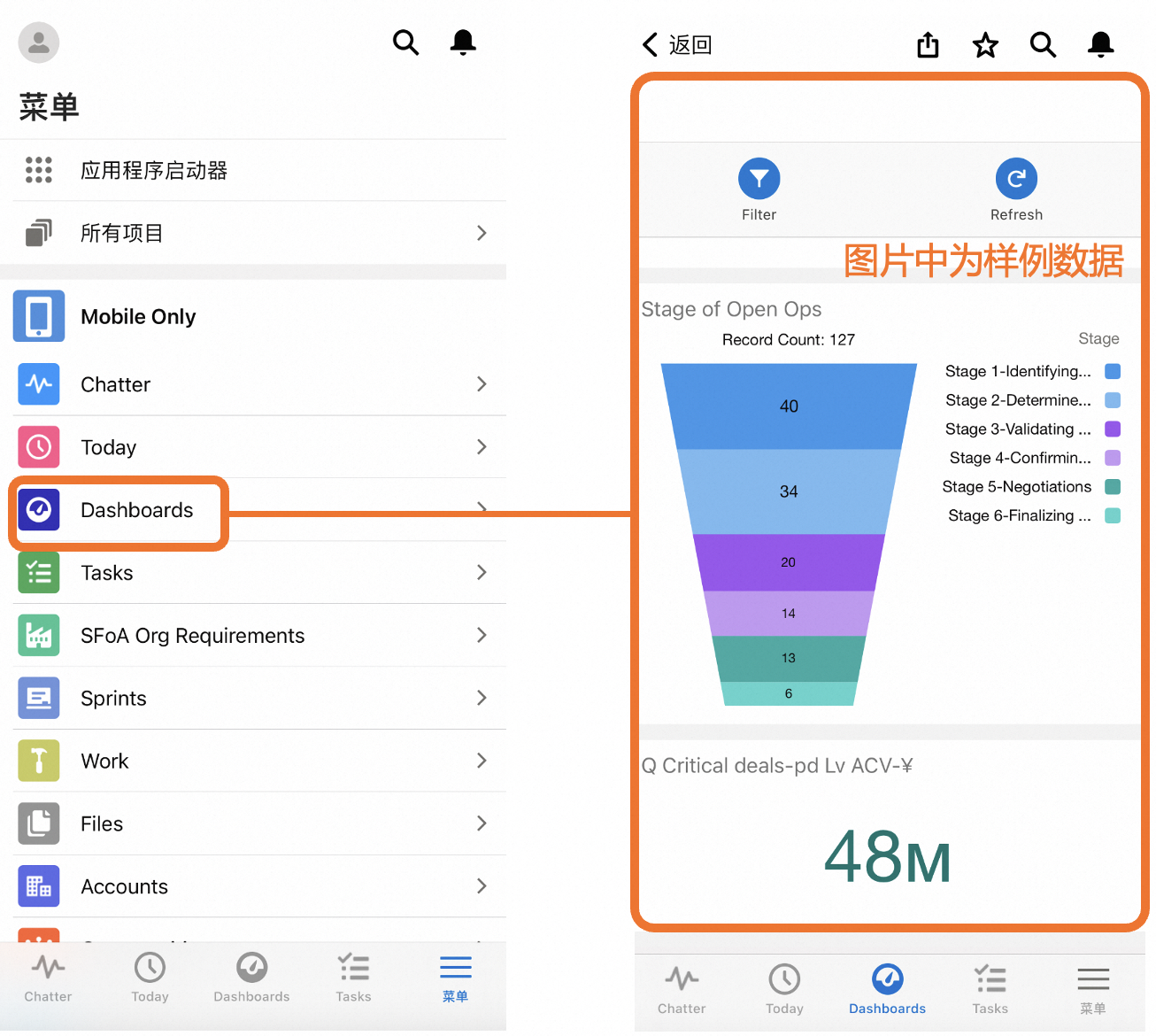
Organize your day
Smart Search finds the data you need in seconds. Search by list and recently accessed records, or perform global queries.
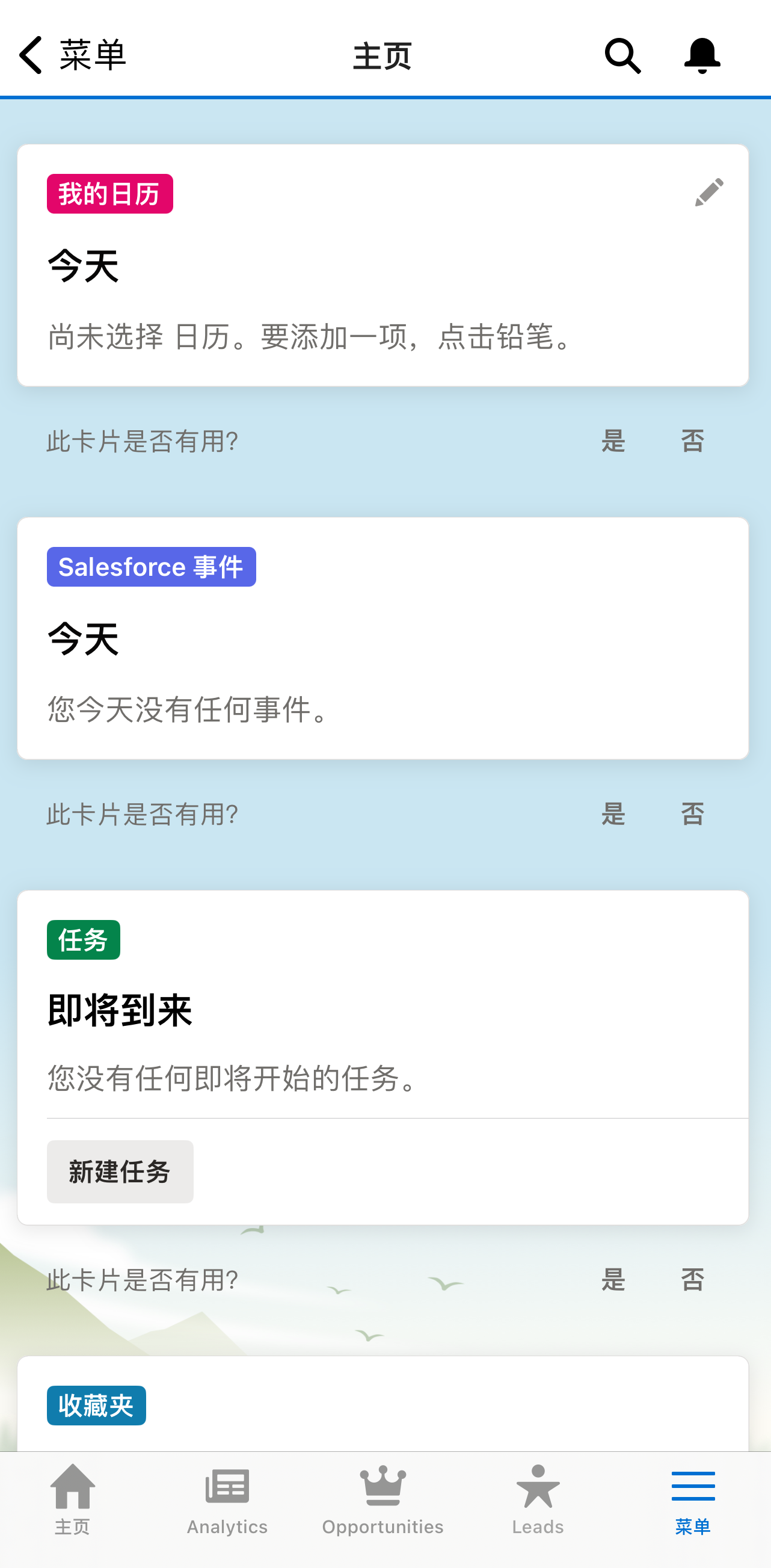
Find everything faster
Smart Search finds the data you need in seconds. Search by list and recently accessed records, or perform global queries.
Close deals faster
With Sales Productivity apps, you can quickly see where you are in the process and what’s important at each stage, with only the most urgent information at the top.
2. Take action from anywhere
Even on the go, Salesforce on Alibaba Cloud Mobile App can help you promote sales, coordinate your team, and ensure that all CRM data remains up to date.
Instantly access any record
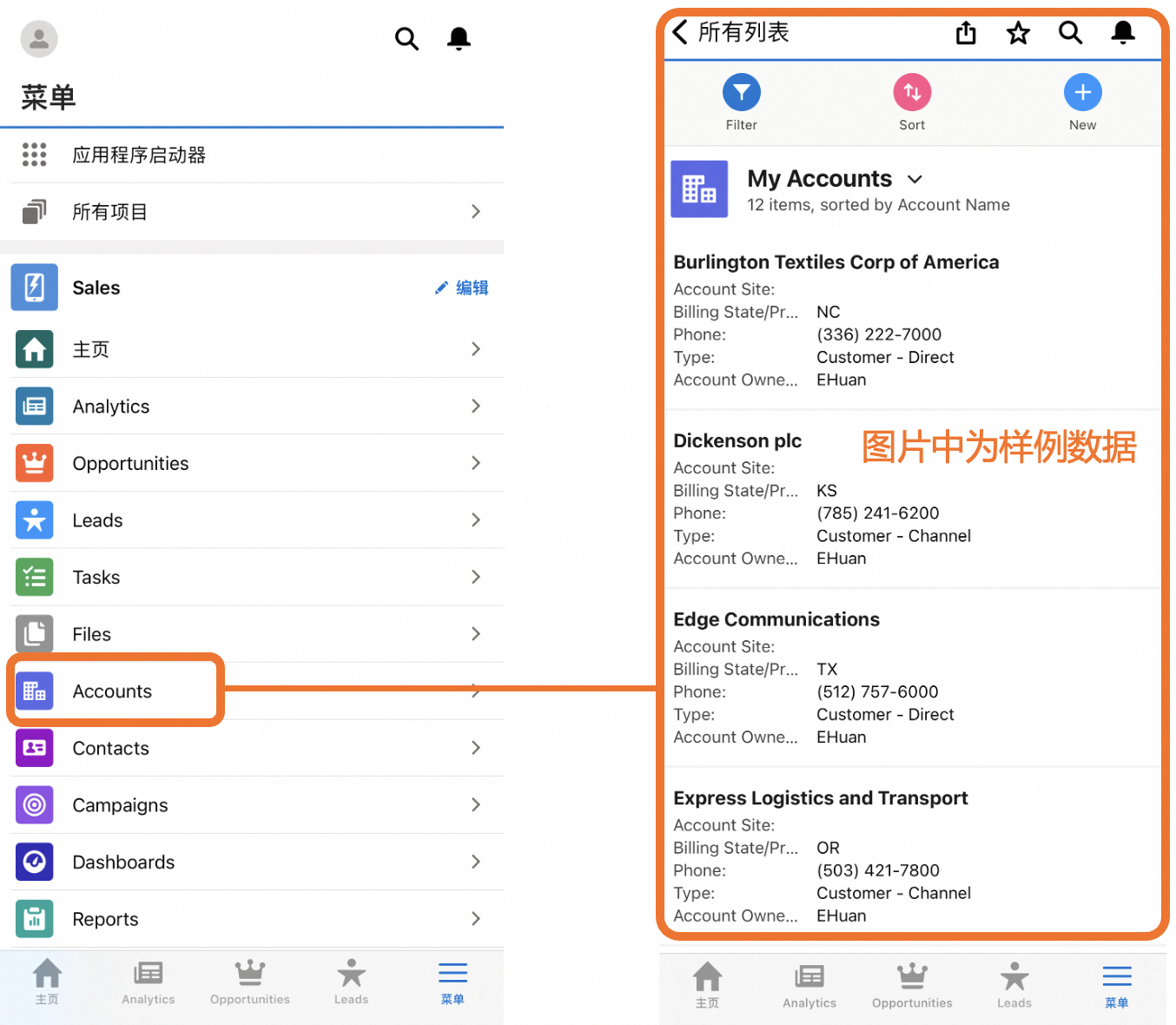
Use Contacts, Accounts, and Opportunities to stay organized and up to date.
Fly through your to-do list
Task Organization gives you a perfect view. Create, sort, review, and check off your tasks in one location.
Organize your cases
Use Case Management from anywhere. Quickly and easily escalate cases to deliver accurate answers back to the customer.
Take control of your leads
Use Lead Tracking to take new leads, see all your existing leads, and convert them on the fly.
Edit Office docs
With Office Integration, you can work on documents, spreadsheets, and presentations right from the Salesforce on Alibaba Cloud Mobile App.
3. Known differences with global version
Agentforce: Speech Recognition is not supported.
Offline and Custom branding is not supported.
Push notifications is not supported.
Mobile Publisher is not supported.
Login using native browser is not supported (normal login supported).
4. Mobile Platform Requirements
Platform | Operating System and Version |
iPhone | iOS 16.0 or later |
Android | Android 11.0 or later Android WebView 90.0 or later |