Bind a Universal 2nd Factor (U2F) security key to your Alibaba Cloud account to add two-factor authentication at logon.
What is U2F?
U2F (Universal 2nd Factor) is a two-factor authentication standard from the FIDO (Fast IDentity Online) Alliance. It uses a hardware security key to add a second layer of verification beyond your username and password.
With U2F enabled, logging on to Alibaba Cloud requires two steps:
-
First-factor authentication: Enter your username and password.
-
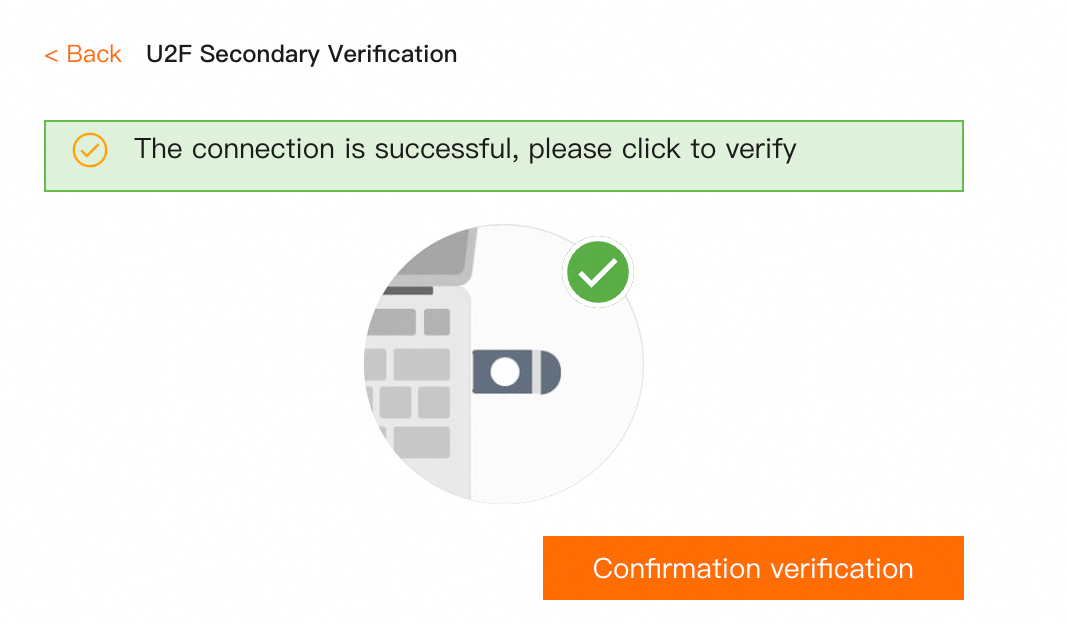
Second-factor authentication: Insert your U2F device and verify the security key.
A U2F security key prevents brute-force attacks and credential theft, significantly improving account security.
Limits
-
You can use a U2F security key for logon verification only on a PC.
-
U2F is in public preview. If you bind a key but are not prompted for U2F authentication at logon, your account is not yet included in the preview.
-
If you click Cancel during U2F authentication, refresh the page and then remove and reinsert the U2F device (hardware limitation).
-
Supported browsers: Chrome 51.0+, Firefox 60.0+. Internet Explorer is not supported.
Bind a U2F security key
Ensure you have a U2F security key device.
-
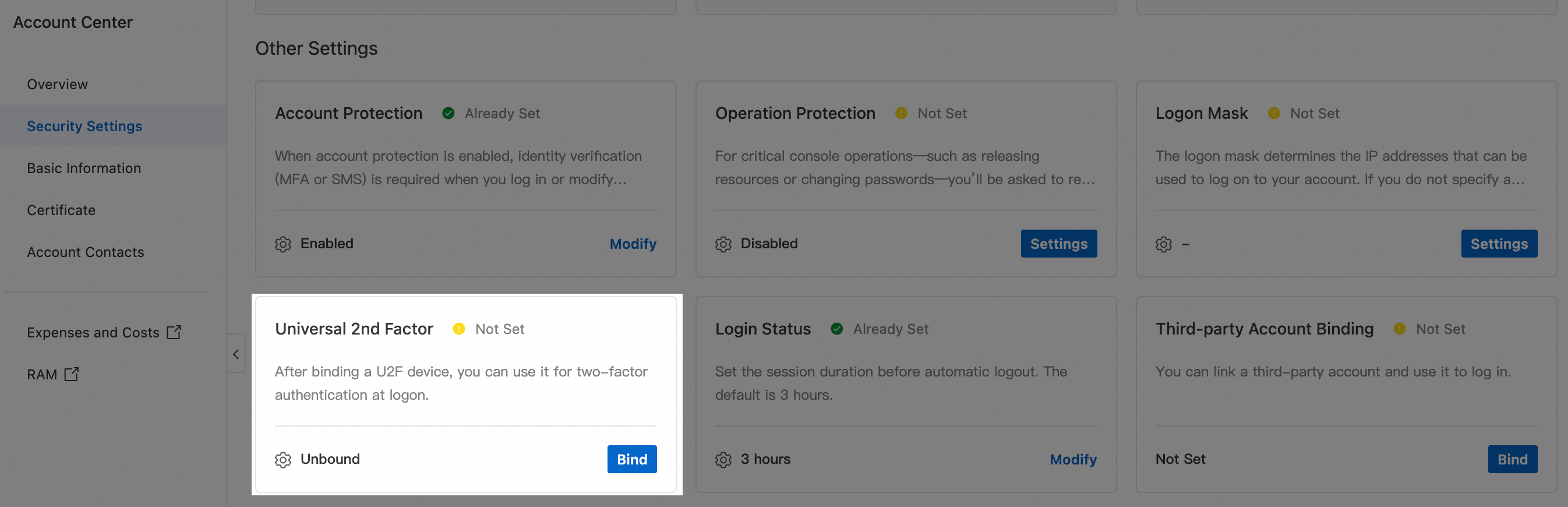
Log on to the Alibaba Cloud Account Center. Go to the Security Settings page. In the Other Settings section, find the Universal 2nd Factor row and click Bind.
-
Complete identity verification: click Send verification code to email, enter the code, and click Submit for verification.
-
After your identity is verified, follow the on-screen instructions to complete the binding.
-
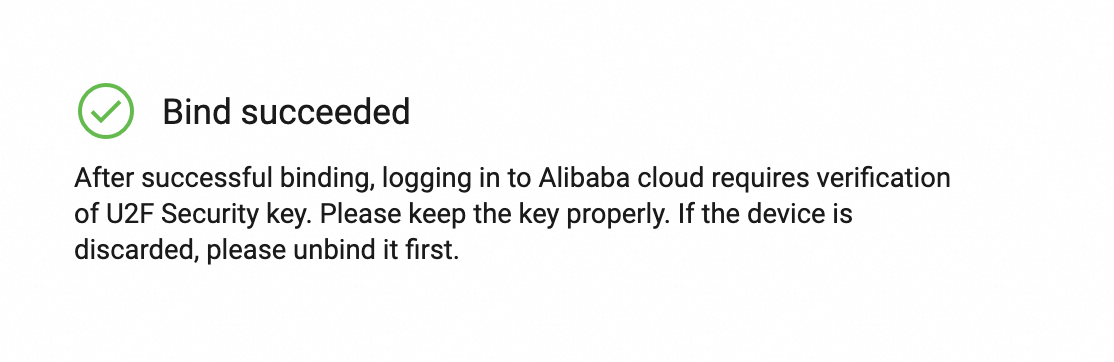
After the key is bound, close the page. Return to Account Center and select Bound successfully in the dialog box.
-
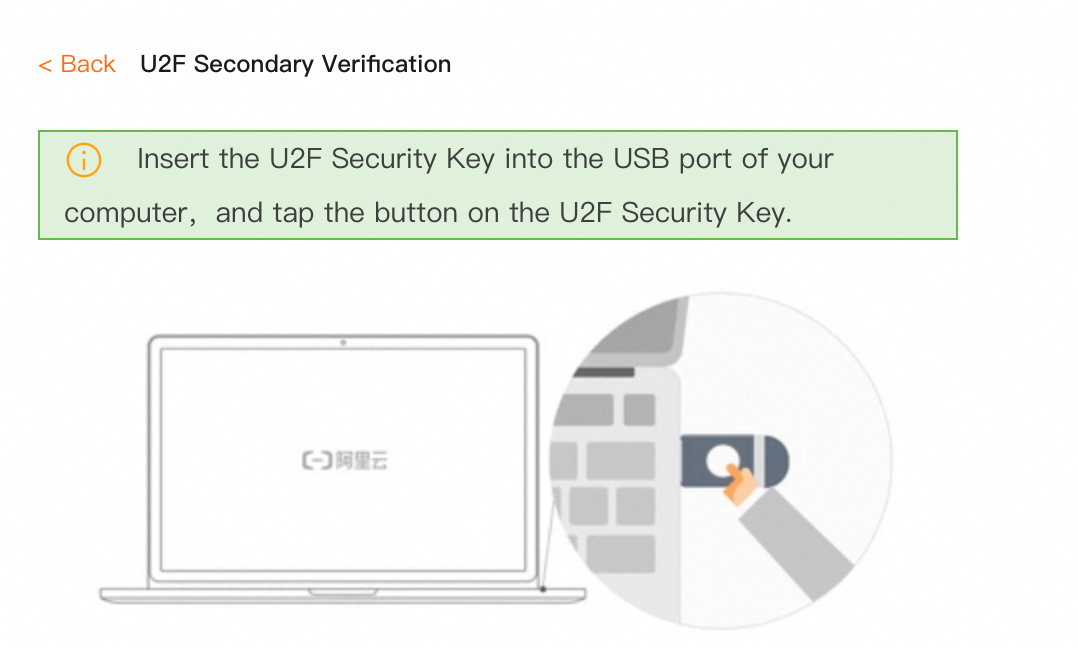
On your next logon to the Alibaba Cloud console, insert the U2F security key for second-factor authentication.
Unbind a U2F security key
-
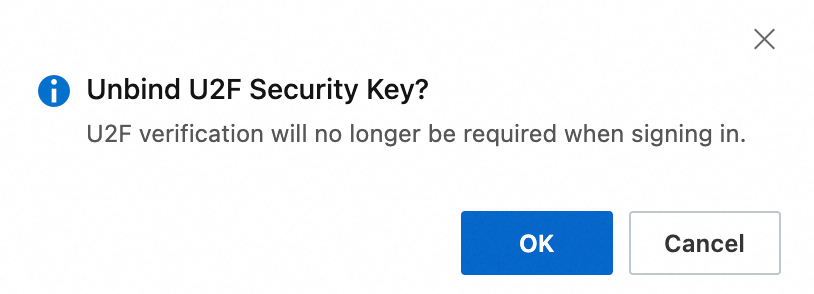
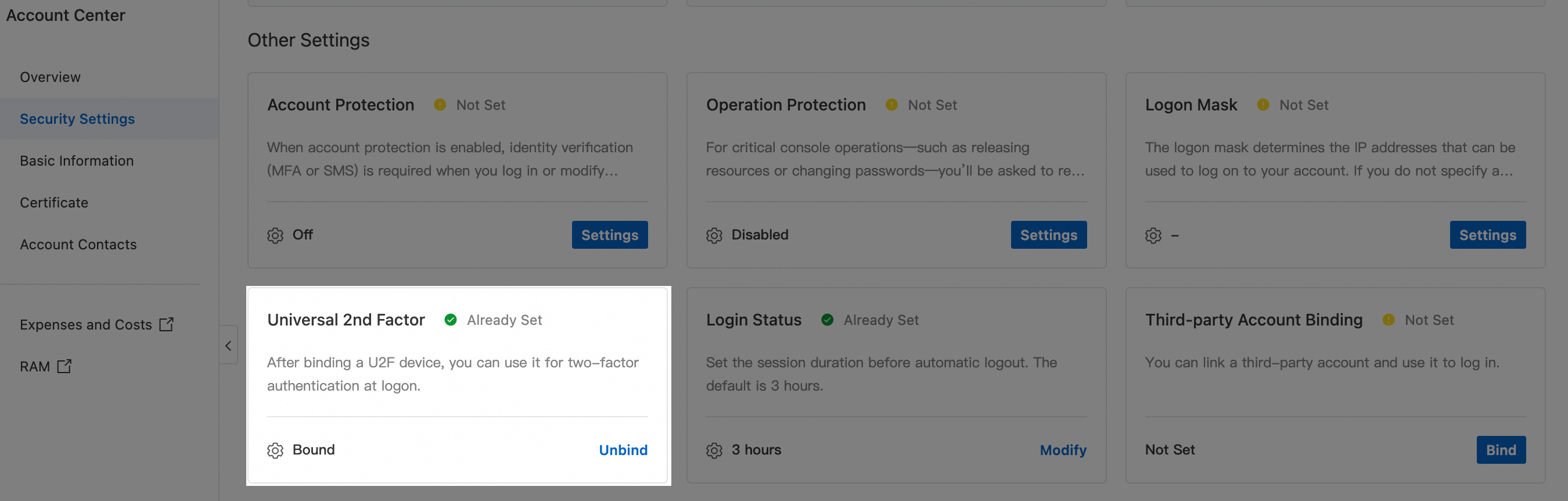
Log on to the Alibaba Cloud Account Center. Go to the Security Settings page. In the Other Settings section, find the Universal 2nd Factor row and click Unbind.
-
In the dialog box, click OK. After the key is unbound, U2F authentication is no longer required at logon.