You can change the security group of an RDS Custom instance to meet your security requirements.
Prerequisites
A new security group must be created in the same VPC as the target RDS Custom instance. For more information, see Create a security group.
Procedure
Log on to the RDS console. In the navigation pane on the left, click RDS Custom > Instance. Then, in the top navigation bar, select a region.
Click the instance ID to go to the instance details page.
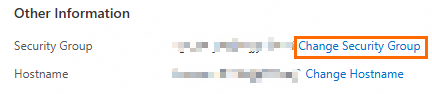
On the Basic Information page, in the Other Information section, click Change Security Group.
In the dialog box that appears, select the target security group and then click OK.