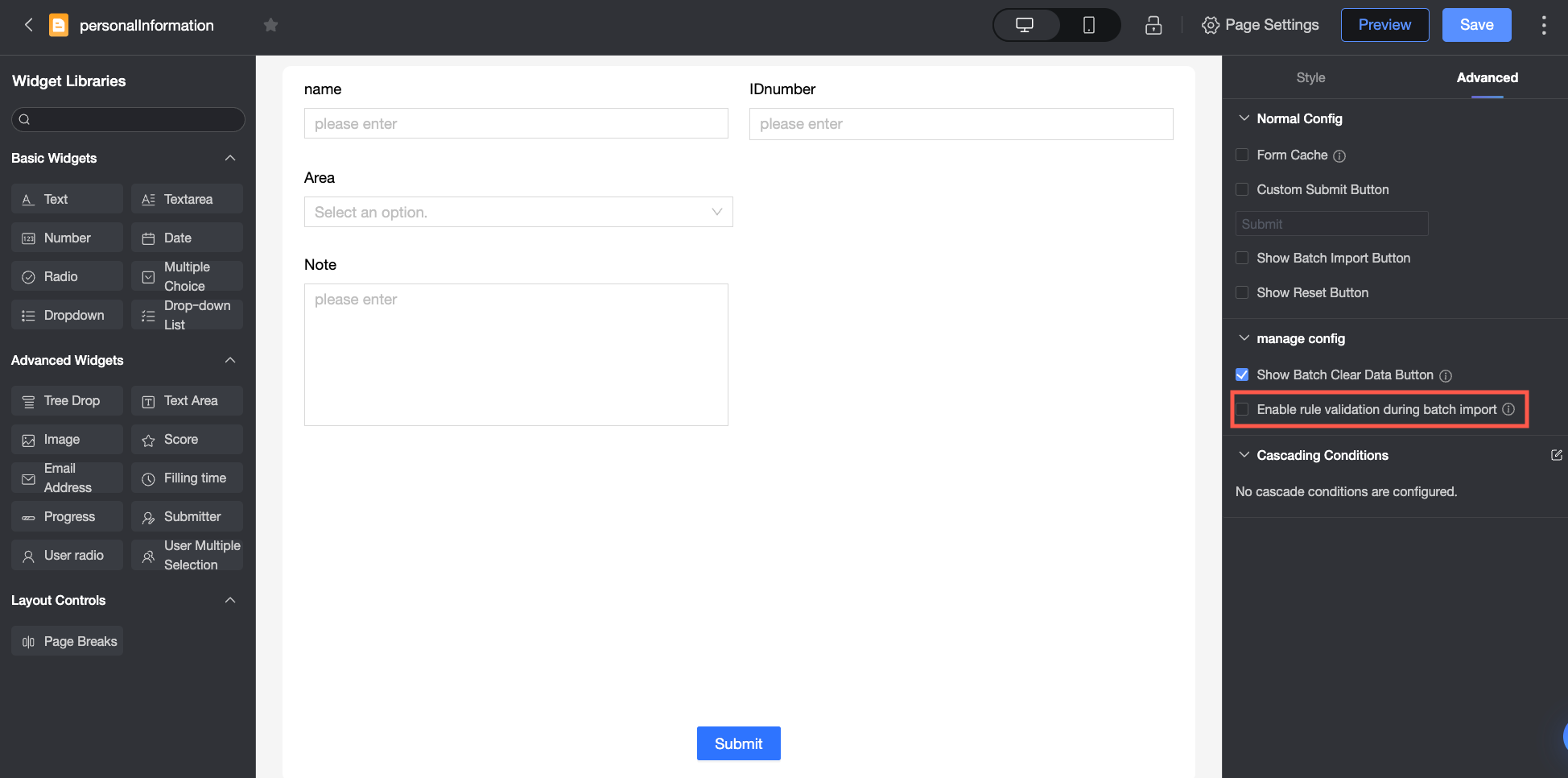
When you enable Rule validation for batch import in the advanced settings of the data form page, the system validates the imported data based on the static validation rules configured for the controls. The specific validation rules are as follows.
If a large amount of data is uploaded at once, the validation process might take longer.
Validation not Enabled for Batch Import
When validation is not enabled for batch import: Only the following basic validations are performed.
Validation content | Description | |
File property validation | File name | Only supports uploading spreadsheet files with .xlsx and .xls extensions |
File size | Only supports uploading files within 50MB | |
File specification validation | Number of columns | Only supports uploading files with less than or equal to 150 columns |
Number of rows | Only supports uploading files with less than or equal to 500,000 rows | |
File header validation | Number of fields | The number of fields must match the number of controls (i.e., the number of header fields in the downloaded template) |
Field names | The field names must match the control names (i.e., the header field names in the downloaded template) | |
Validation Enabled for Batch Import
When validation is enabled for batch import: In addition to the basic validation items above, the system also validates according to the static rules set for each form control.
Control type | Validation content | |
Regular controls | Single-line text/Multi-line text | Required |
Minimum number of characters | ||
Maximum number of characters | ||
Format type (email, phone number, ID card) | ||
Numeric | Required | |
Whether numeric input is required | ||
Minimum value | ||
Maximum value | ||
Decimal places | ||
Rating | Required | |
Whether numeric input is required | ||
Input range validation, value must be between the start value and the number of levels. | ||
Whether half-star rating is supported | ||
Progress | Required | |
Whether numeric input is required | ||
Whether the value is within the range between start value and target value | ||
Decimal places | ||
Step size | ||
Date time/Submission time | Required | |
Format, for example, must conform to the set yyyy-mm-dd format. | ||
Single choice/Dropdown single choice | Required | |
Custom option value validation (only validates custom data option values, not option values from data sources or datasets). | ||
Multiple choice/Dropdown multiple choice | Required | |
Custom option value validation (only validates custom data option values, not option values from data sources or datasets) (options are separated by English commas). | ||
Image upload | Required | |
Phone number/Email/ID card number | Required | |
Format | ||
Submitter/User single choice/User multiple choice | Required | |
Whether the user belongs to organization members. Multiple choices need to be separated by English commas. | ||
Read-only controls | For controls with a default status of "read-only", only the content of the default value is validated, not the content filled in by users. The actual value stored in the database is the default value. | |
Hidden controls | Not validated, and no value is stored in the database. | |