In the left-side navigation pane, choose Workspace> User Marketing > Reach Marketing > WeChat > Followers Management. You can conduct tag group management, blacklist management, and note name for followers of WeChat official account. When sending official account tweets, you can push to the designated tag group, but not to followers in the blacklist.
The WeChat official account data is automatically synchronized to the computing source of the workspace once a day, and then imported to the analysis source. The table alias of the generated user tag table is the corresponding WeChat official account. You can view the data in the Configuration Management > Data Import Management > Data Import > Table Structure Configuration. The followers added on the same day will be displayed on the followers management page from the next day.
As shown in the following figure, the page displays all followers of the bound WeChat official account by default, including the openid, note name, label, and source of the follower. Select the official account from the drop-down box in the upper right corner to filter followers belonging to the official account. 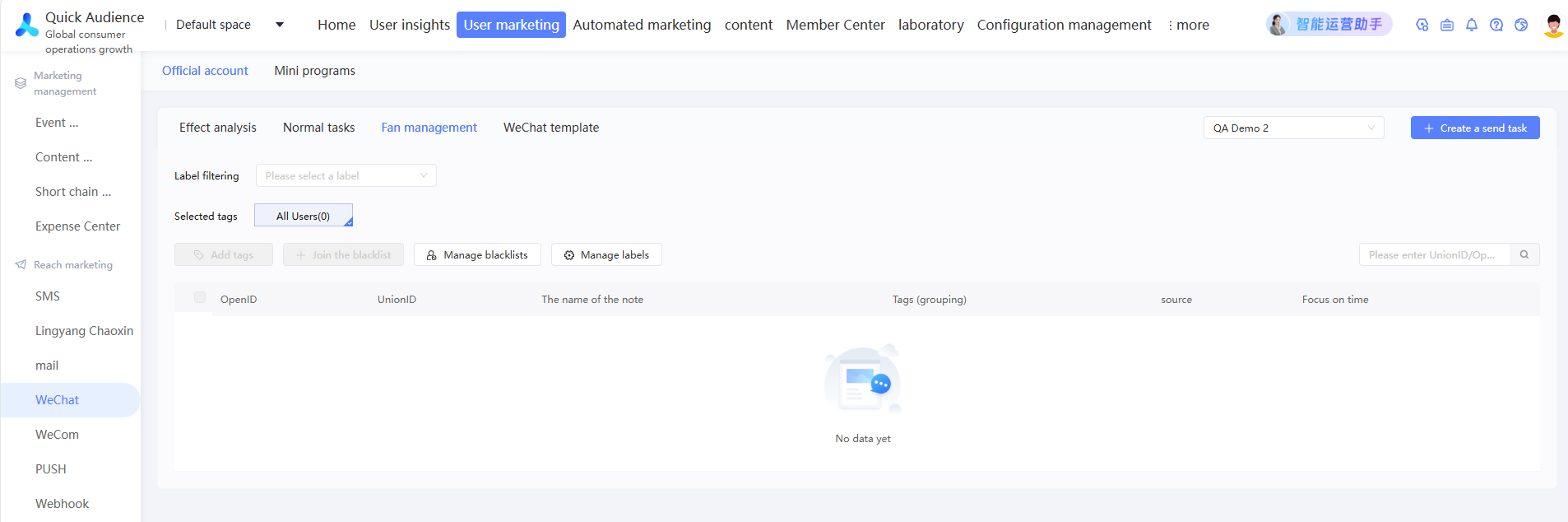
Tag management
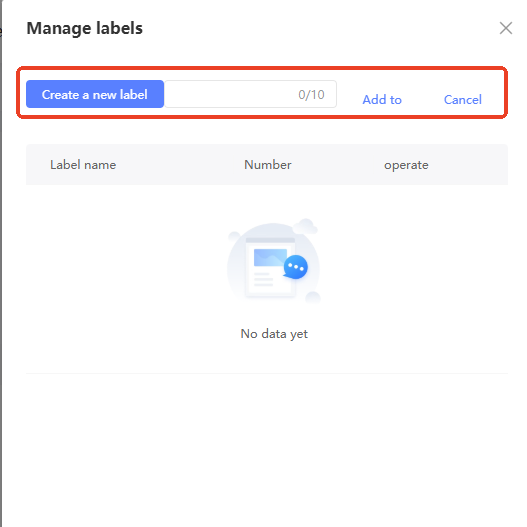
Manage tags: Click Manage Tags. The Manage Tags panel appears on the right. The tag list and the number of existing tags are displayed, as shown in the following figure. The Star Group tag is the default tag and cannot be modified or deleted.
Create a tag: Click Create Tag, enter a tag name on the right, and then click Add.
Edit a tag: Click Rename. In the dialog box that appears, enter a new tag name and click OK.
Delete a tag: Click Delete. After you confirm the deletion, users who already have the tag will lose the tag.
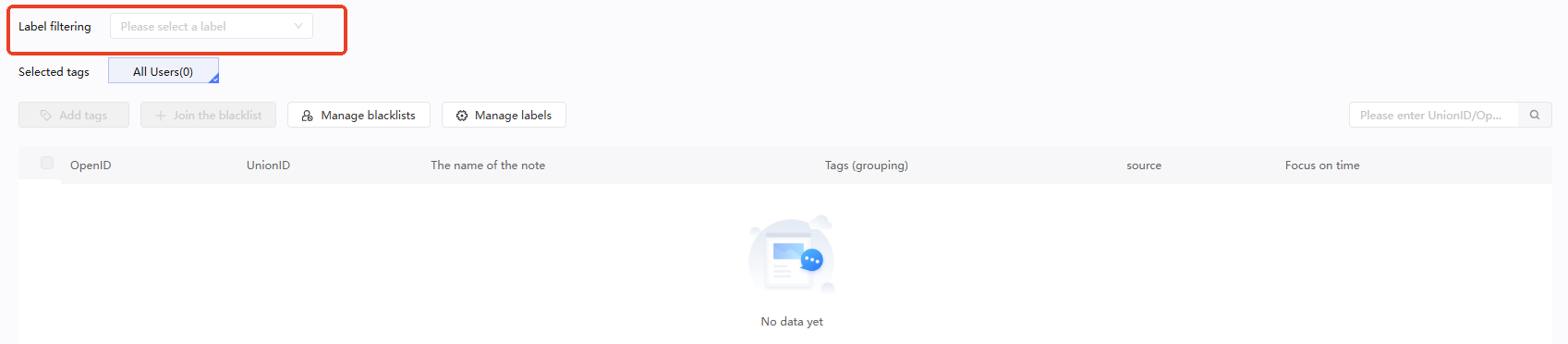
Filter by Tag: Select a tag from the Filter by Tag drop-down list. The followers list displays the existing followers of the tag.
If you clear a tag from the Selected Tags drop-down list, the followers corresponding to the tag are not displayed in the list.
Tag: As shown in the preceding figure, select the followers to which you want to add a tag from the followers list and click Add Tag. In the dialog box that appears, select a tag and click OK.
Blacklist management
Add to the blacklist: As shown in the preceding figure, select the followers that you want to add to the blacklist in the followers list and click Add to Blacklist. After you confirm, the selected followers cannot receive messages from the official account, send messages, comments, or compliments to the official account, but are still in the followers list.
Manage a blacklist: Click Manage Blacklist to go to the Blacklist page, as shown in the following figure. Select an official account from the drop-down list in the upper-right corner. The list displays the blacklist of the official account.
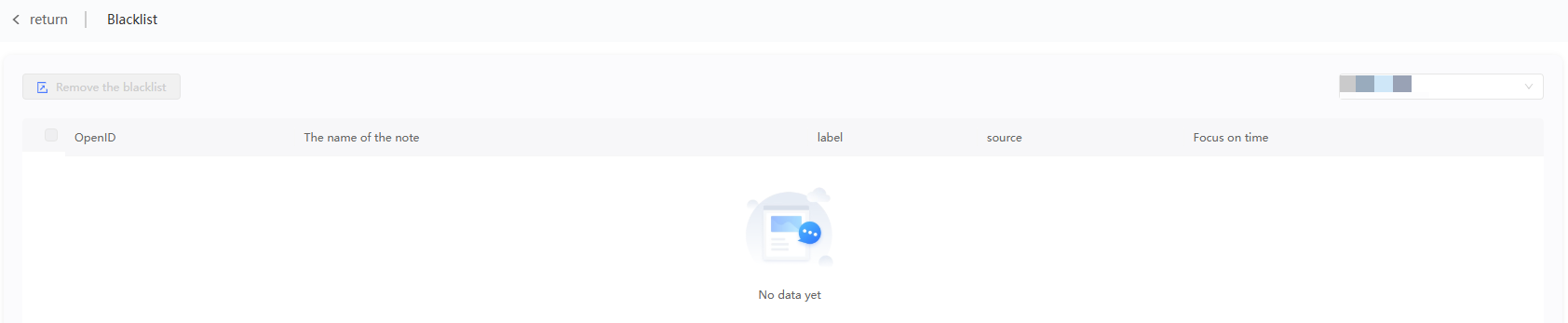
Remove from the blacklist: Select a followers from the list and click Remove from Blacklist. After you click OK, the interaction between the selected followers and the official account is restored.
Note name management
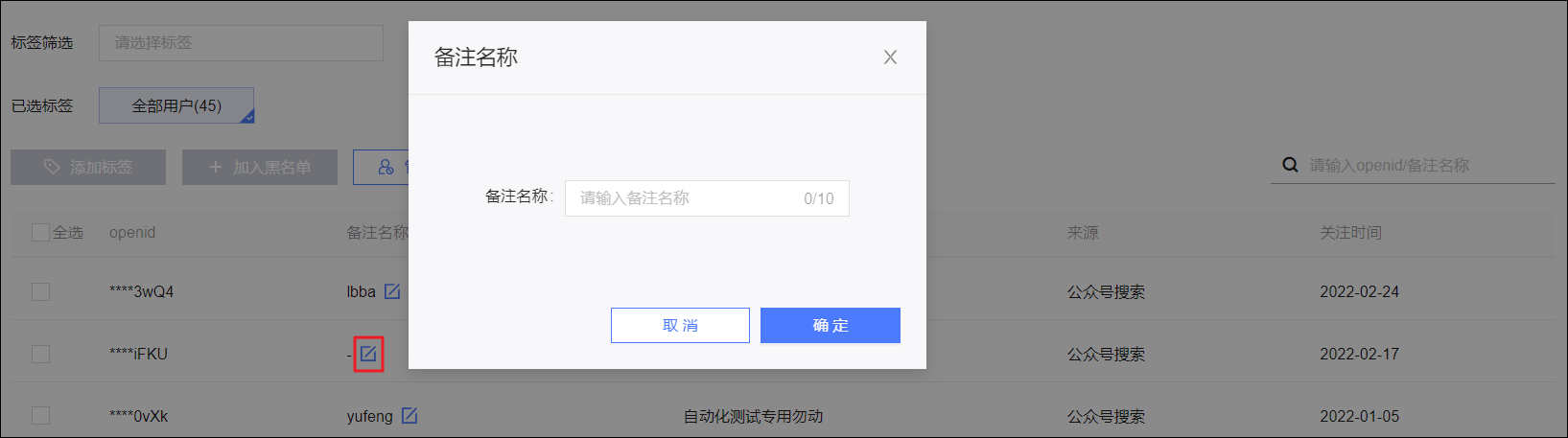
To specify a description name, click the
 icon in the Description column of the followers list, enter a description name in the dialog box that appears, and then click OK.