You can create templates for WeChat marketing tasks. Only templates of the graphic type are supported.
Create a WeChat template
Procedure
Choose Workspace> User Marketing > Reach Marketing > WeChat > WeChat Templates.

Click Create Template in the upper-right corner.
The Article Type parameter is fixed to Image-text.
Specify Title, Author, Body, Cover, and Summary.
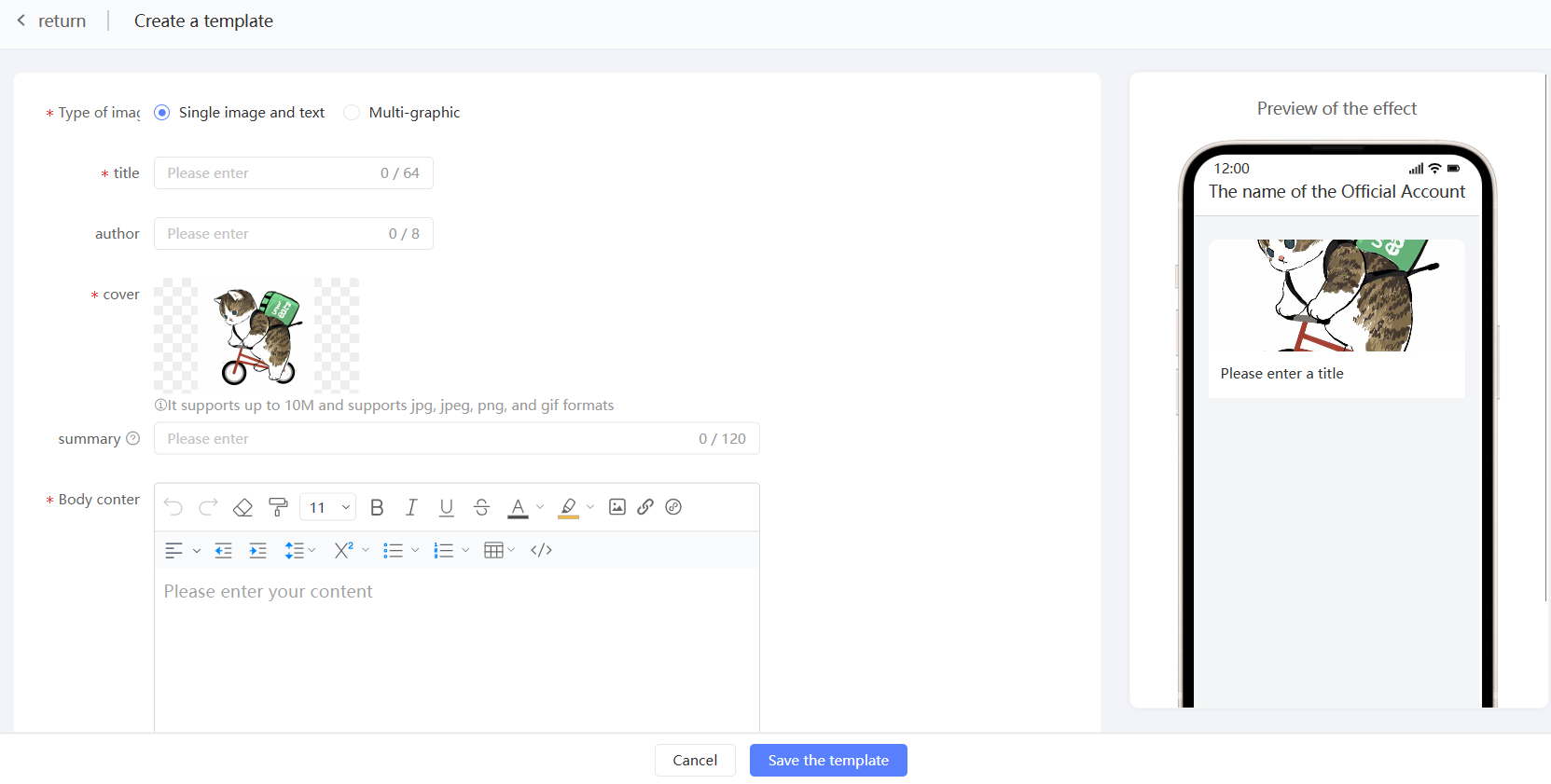
Click Save Template.
Manage WeChat templates
As shown in the following figure, the page displays the created WeChat template and displays the article cover, title, and summary.
 You can perform the following operations:
Edit: modifies the title, author, body, cover, and abstract of an article.
Delete: deletes a template that is no longer used.