Compliance detection supports the following types of detection for files and text:
Brand detection: Identify the internal sensitive words specified by the brand itself.
Copyright check: not yet online.
Security detection: intelligently detects pornographic content, advertisements, QR codes, logos, and smoking.
File detection
The following types of files can be detected:
Image: png, jpg, jpeg, bmp, gif, and webp. The size of the image cannot exceed 20MB.
Videos: avi, flv, mp4, mpg, asf, wmv, mov, wma, rmvb, rm, flash, and ts, up to 200MB.
Audio: mp3, wav, aac, wma, ogg, m4a, amr, audio, and m3u8. The value of this parameter must be no larger than 200MB.
Files: pdf, doc, docx, txt, ppt, pptx, xls, xlsx, csv, outlook, vsd, zip, tar, and rtf, up to 5MB.
Brand detection only supports detection files: pdf, doc, docx, txt, xls, xlsx, and csv.
The administrator must upload a sensitive vocabulary for brand detection. For more information, see Upload Sensitive Vocabulary. Otherwise, brand detection is skipped.
Files that have been added to the Content Library are automatically checked for compliance. The check result status flag is displayed before the file name in the content list, and the specific information is displayed when you move the pointer over the flag.
Procedure
Choose Workspace> Content Marketing > Compliance Detection > File Detection.
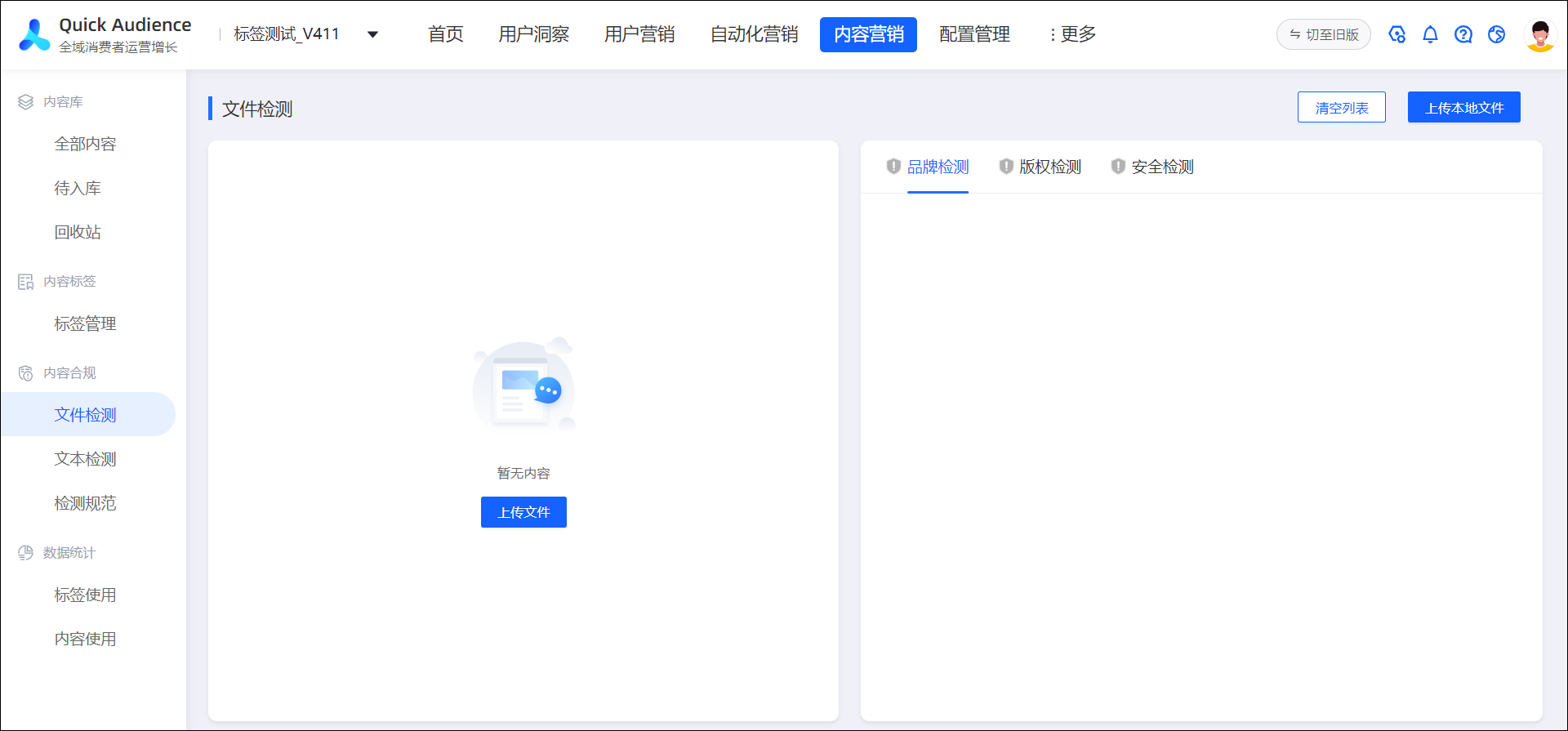
Click Upload Local File in the upper-right corner to upload the file. The following figure shows the uploaded file.
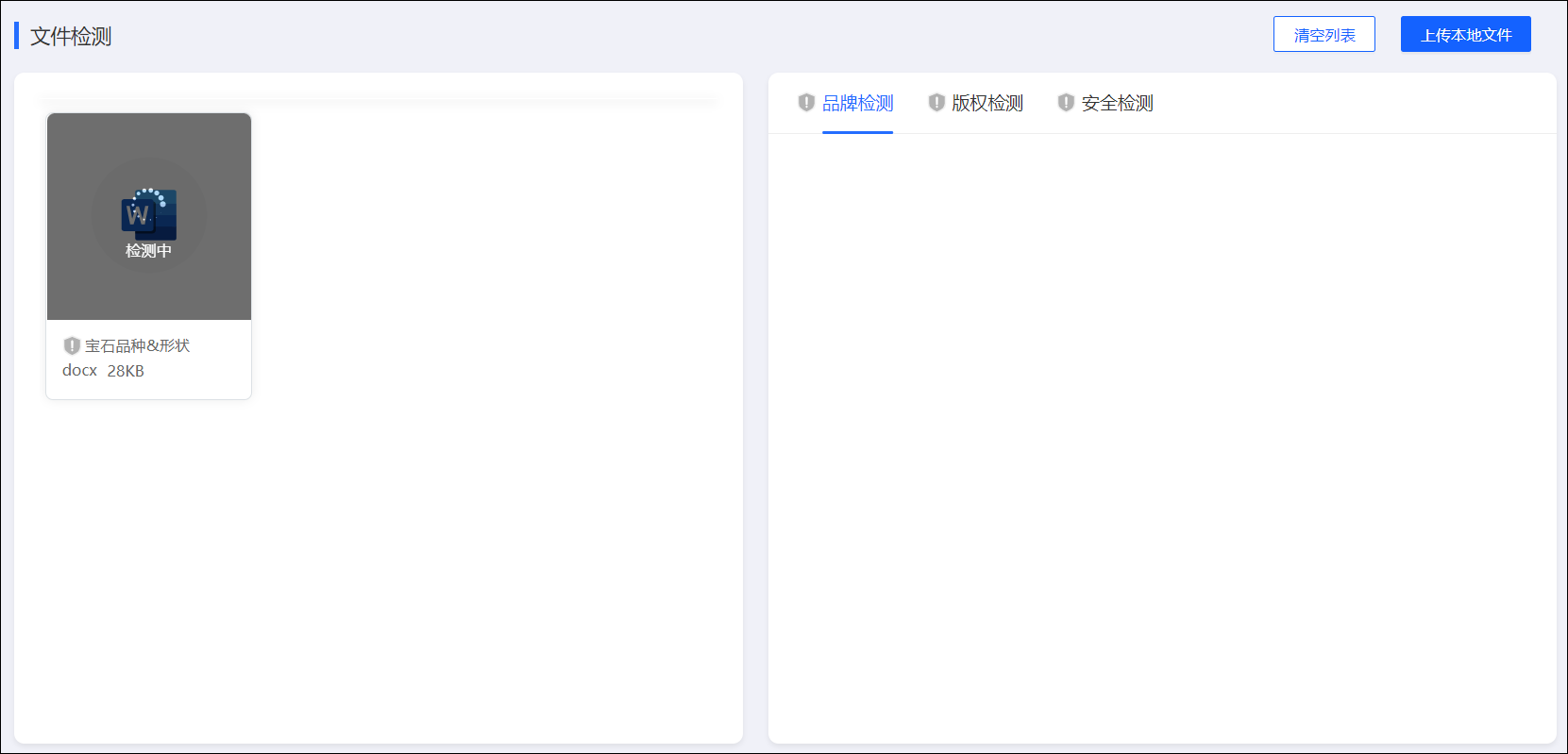
After the detection is complete, the detection results of brand detection and security detection are displayed on the right side of the page.
As shown in the following figure, if the check is passed, No Security Risk is displayed. If compliance issues are detected, the specific risk points are displayed. You can modify them in a targeted manner.
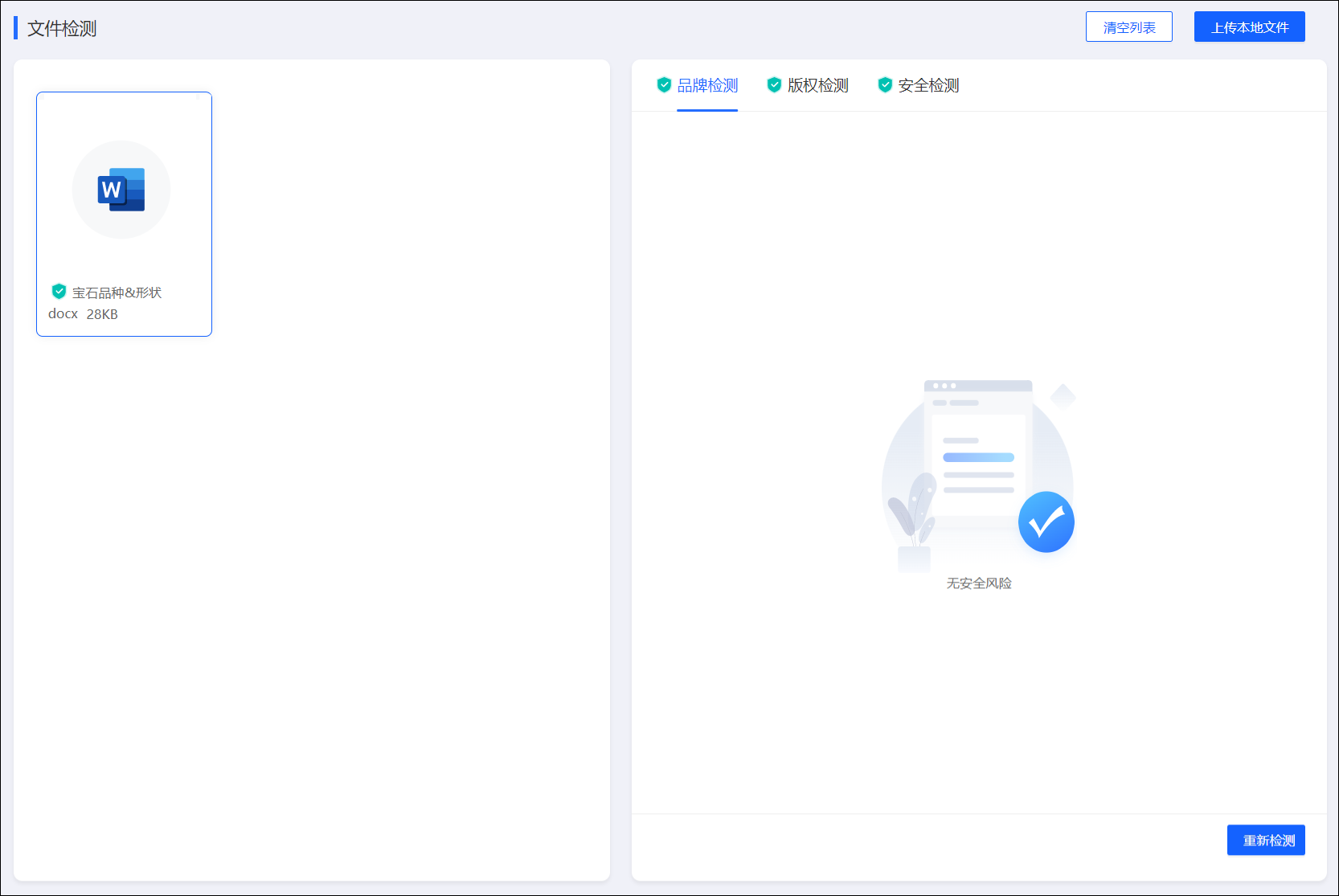
You can click Retest in the lower-right corner to retest.
Click Clear List in the upper-right corner to stop displaying the detection results.
Text Detection
Supports detection of plain text. A maximum of 1000 characters can be detected at a time.
The administrator must upload a sensitive vocabulary for brand detection. For more information, see Upload Sensitive Vocabulary. Otherwise, brand detection is skipped.
Procedure
Choose Workspace> Content Marketing > Compliance Detection > Text Detection.
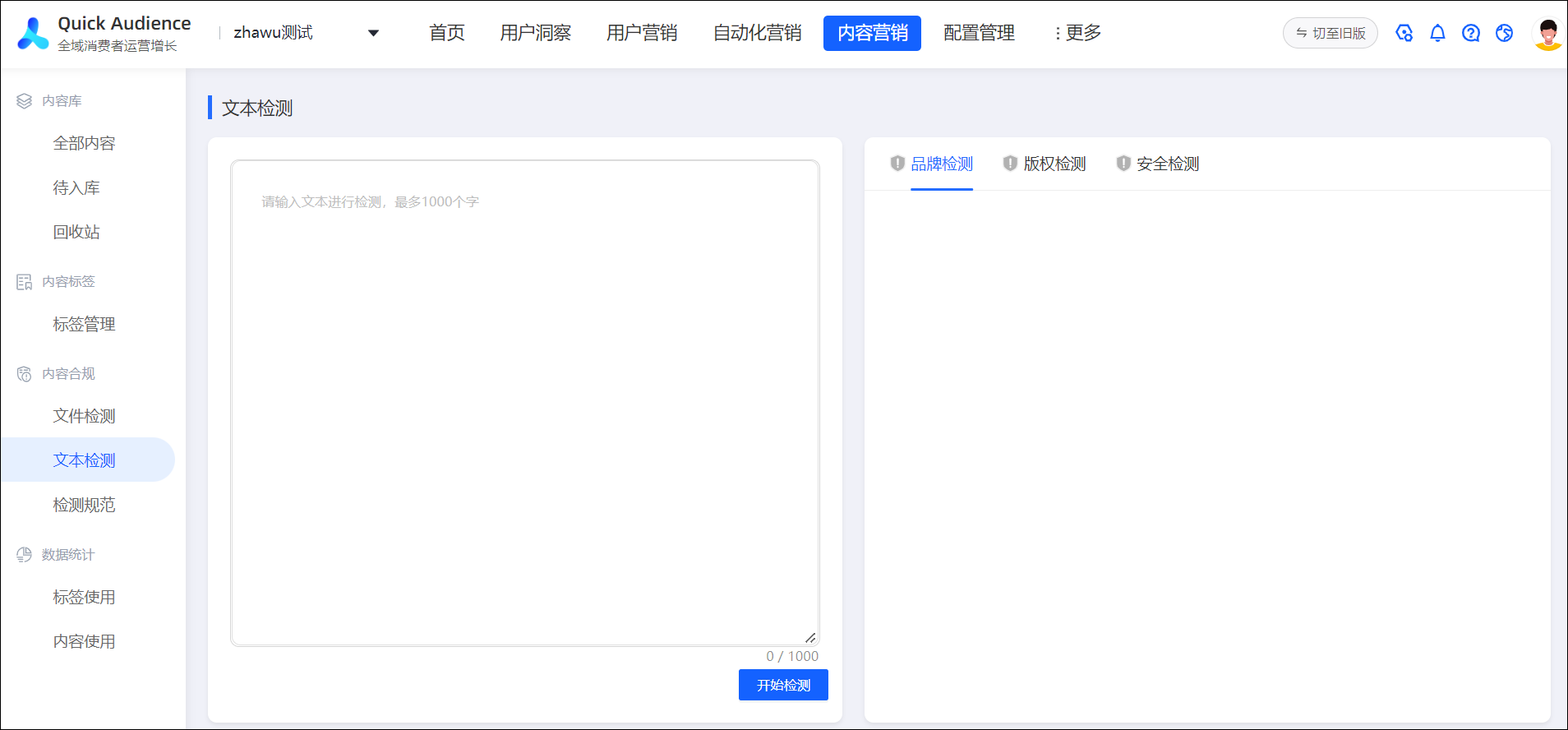
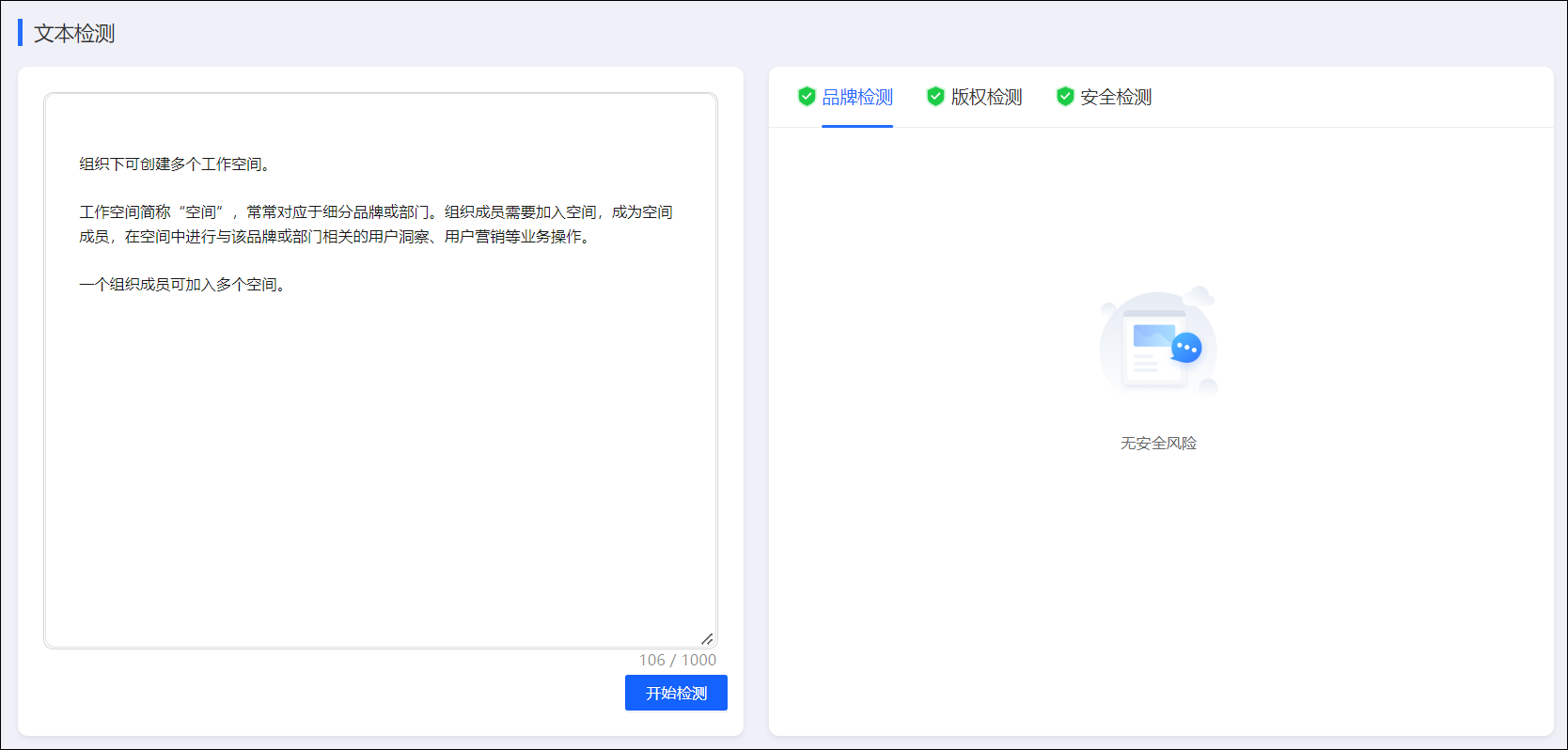
On the left side of the page, enter the text that you want to check, copy and paste the text, and then click Start Check.
After the detection is complete, the detection results of brand detection and security detection are displayed on the right side of the page.
As shown in the following figure, if the check is passed, No Security Risk is displayed. If compliance issues are detected, the specific risk points are displayed. You can modify them in a targeted manner.
Upload sensitive vocabulary
Please save the sensitive words specified by the brand in a CSV or XLS or XLSX format file, each sensitive word is a line, please be sure to include all sensitive words. After this file is uploaded, it can be used as a rule for brand detection.
To upload a sensitive vocabulary as an administrator, perform the following steps:
Choose Workspace> Content Marketing > Compliance Testing > Testing Specifications.
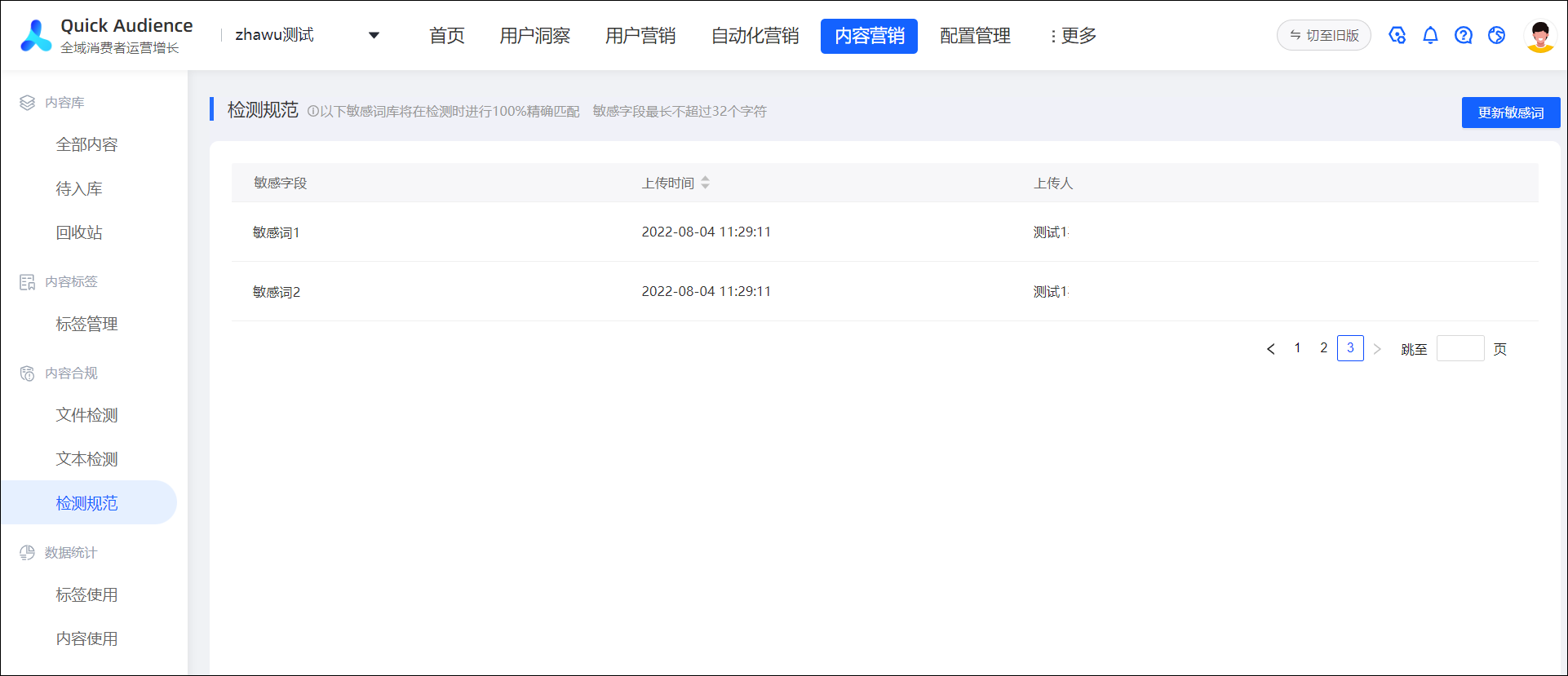
Click Update Sensitive Words in the upper-right corner.
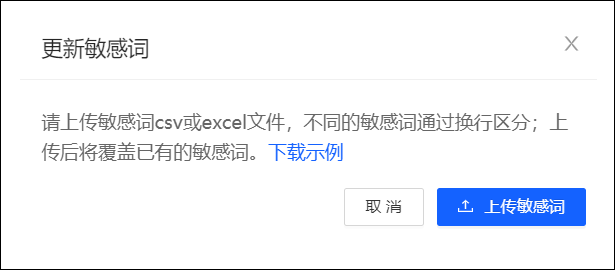
In the dialog box that appears, click Upload Sensitive Words to upload a sensitive words file in the CSV, XLS, or XLSX format.
After uploading, sensitive words in the file will be added to the list. The list is based on the most recently uploaded file. Sensitive words that are no longer included in new files are removed from the list.