LivePortrait generates dynamic portrait videos from portrait images and audio files with a human voice. It includes two models: `LivePortrait-detect` (validates image compliance) and `LivePortrait` (generates videos).
This document applies only to the China (Beijing) region. To use the models, you must use an API key from the China (Beijing) region.
Model overview
Model introduction
-
`LivePortrait-detect` validates whether input images meet `LivePortrait` requirements.
-
`LivePortrait` generates dynamic portrait videos from portrait images and audio files with a human voice.
Performance showcase
|
Inputs: Human portrait image + Human voice audio file |
Outputs: Dynamic human portrait video |
|
Human portrait:
Human voice audio: See the video on the right |
Human video: |
|
Human portrait:
Human voice audio: See the video on the right |
Human video: |
|
Human portrait:
Human voice audio: See the video on the right |
Human video: |
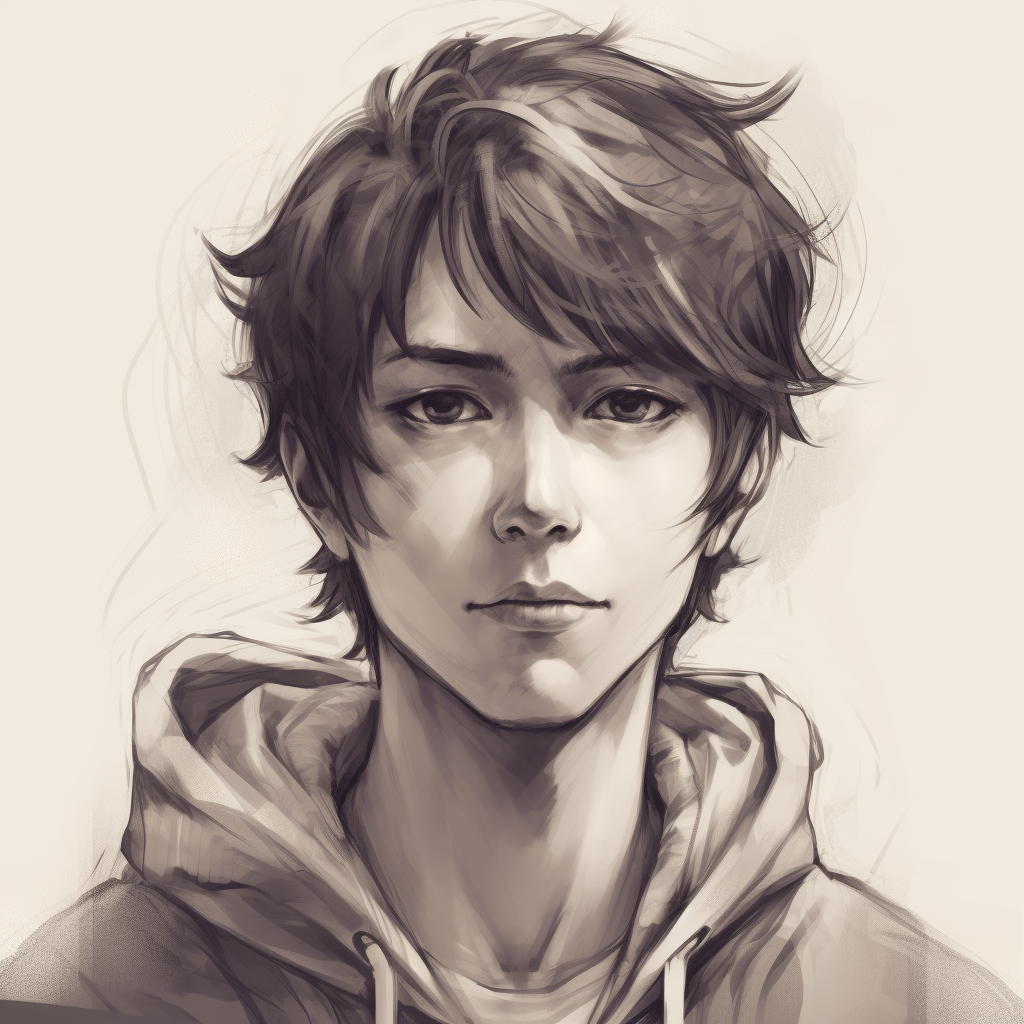
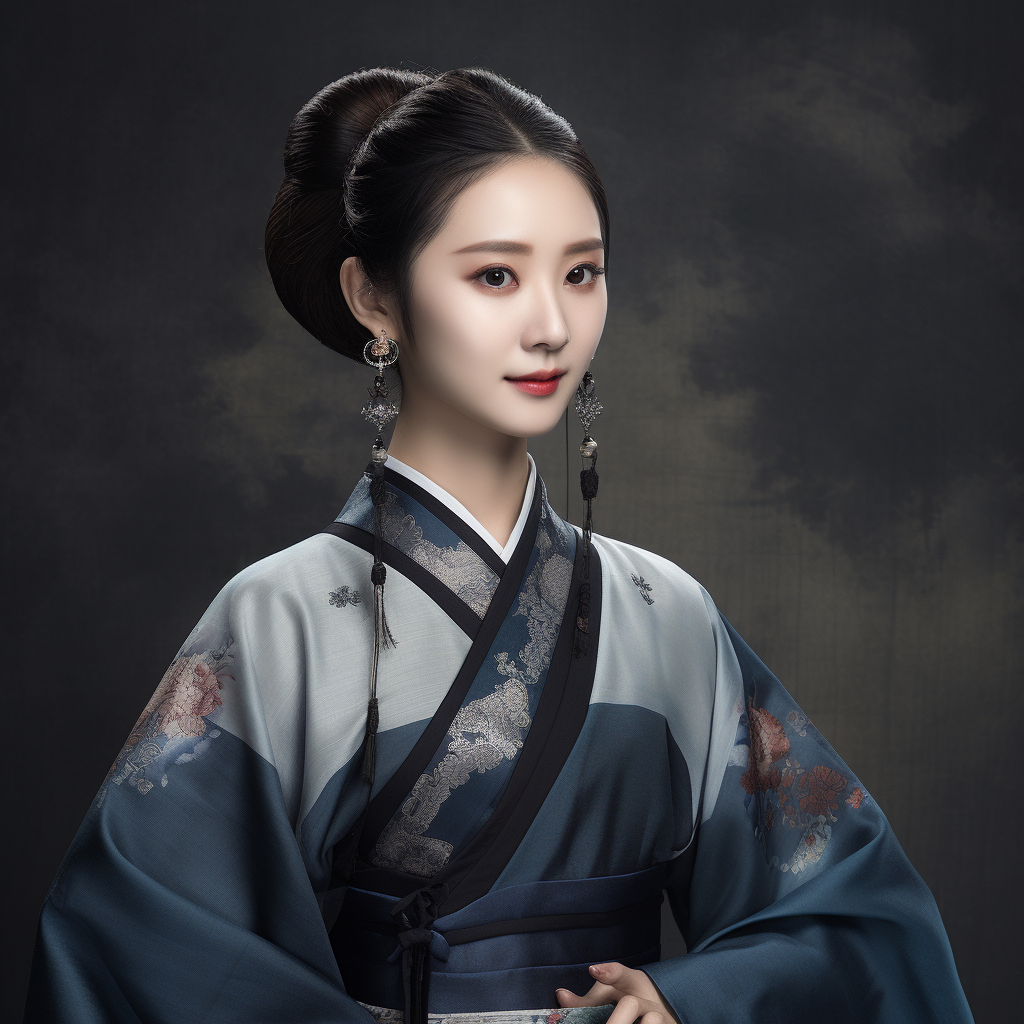

The materials in the preceding examples are AI-generated.
Billing and rate limiting
|
Model |
Unit price |
QPS limit for task submission API |
Number of concurrent tasks |
|
liveportrait-detect |
Model call, pay-as-you-go: $0.000574/image |
5 |
No limit for sync APIs |
|
liveportrait |
Model call, pay-as-you-go: $0.002868/second |
1 (At any given time, only one job is running. Other jobs in the queue are waiting.) |
Prerequisites
You have activated Alibaba Cloud Model Studio and obtained an API key: Get your API key.
Model call
The models support pay-as-you-go calls. To call them:
-
Call `LivePortrait-detect` to validate that your portrait image meets requirements. For more information, see LivePortrait image detection.
-
Call `LivePortrait` with the image that passed detection and an audio file (must contain a clear human voice) to generate a dynamic portrait video. For more information, see LivePortrait video generation.