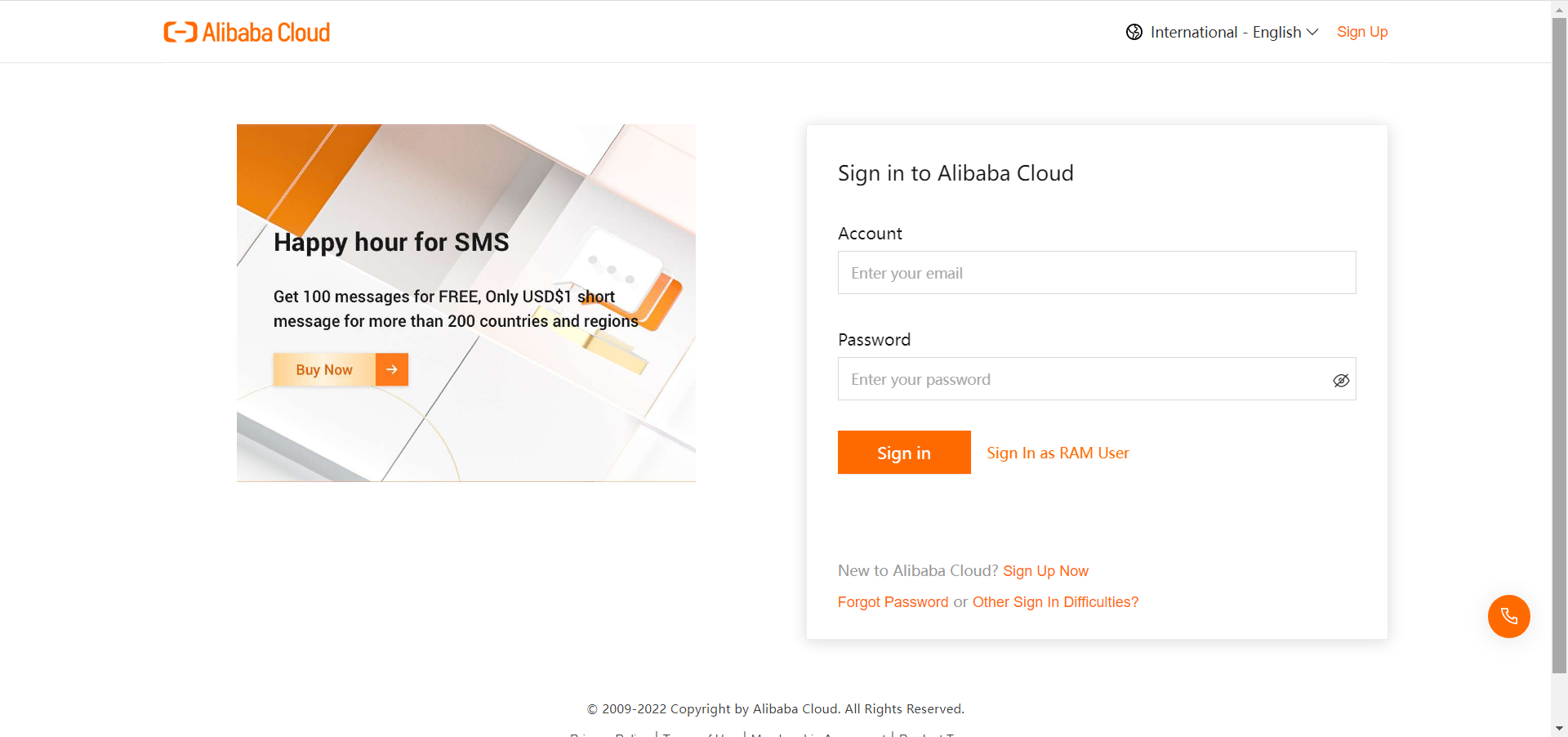
Log onto Alibaba Cloud Marketplace.Click log in.

Click Sign Up Now.
3.Choose Business account and then register by email. (GISV Country/Region choose Hong Kong, China).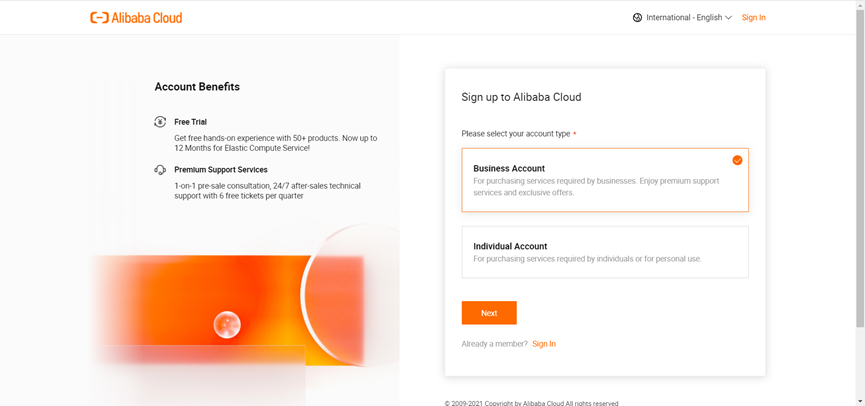
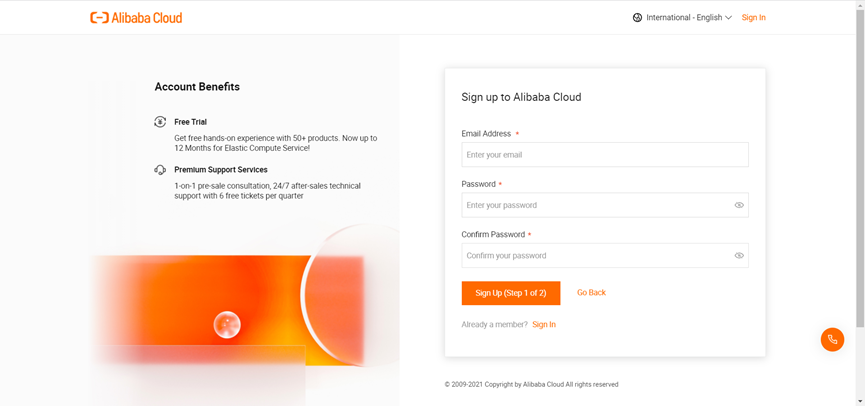 4. After clicking sign up (step 1 of 2) , verification is required. There are two ways, through Email or telephone. (By phone, you need to enter the mobile phone number of the corresponding country, so email authentification is recommended)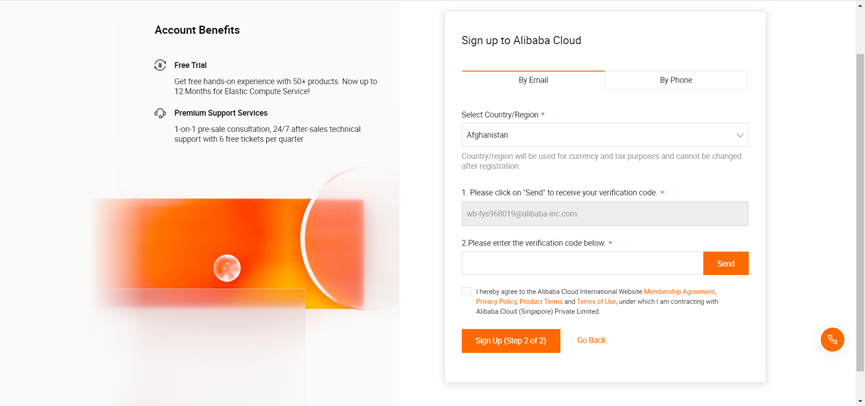
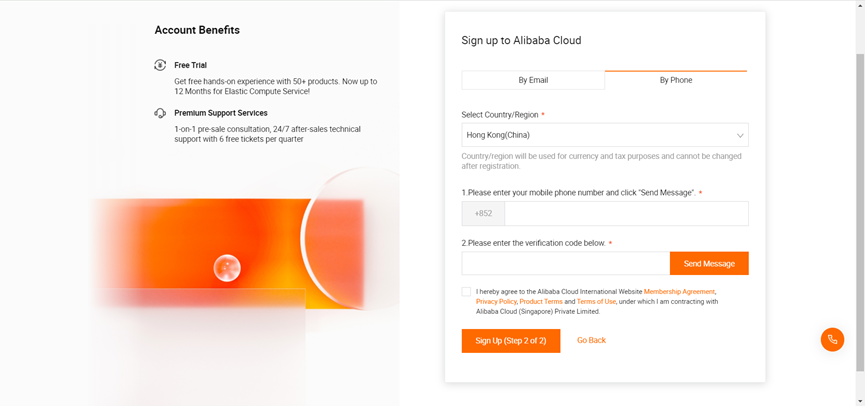 5.After authentication, at this time, account registration has been completed.
6. Next, enter the information entry. Enterprise-level customers need to choose an enterprise account. You can also skip this link.
7. After authentication, at this time, account registration has been completed.
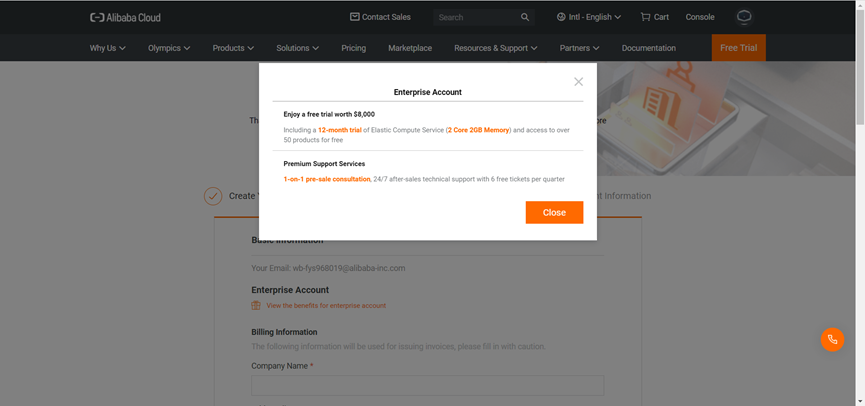
If you click Enterprise Account it'll show like: