Learn how to create and configure an Enterprise Dedicated instance.
Applicable edition | Enterprise Dedicated |
Create
Log on to the console with an Alibaba Cloud account or as a RAM user with the AliyunRDCFullAccess permissions, and click Dedicated.
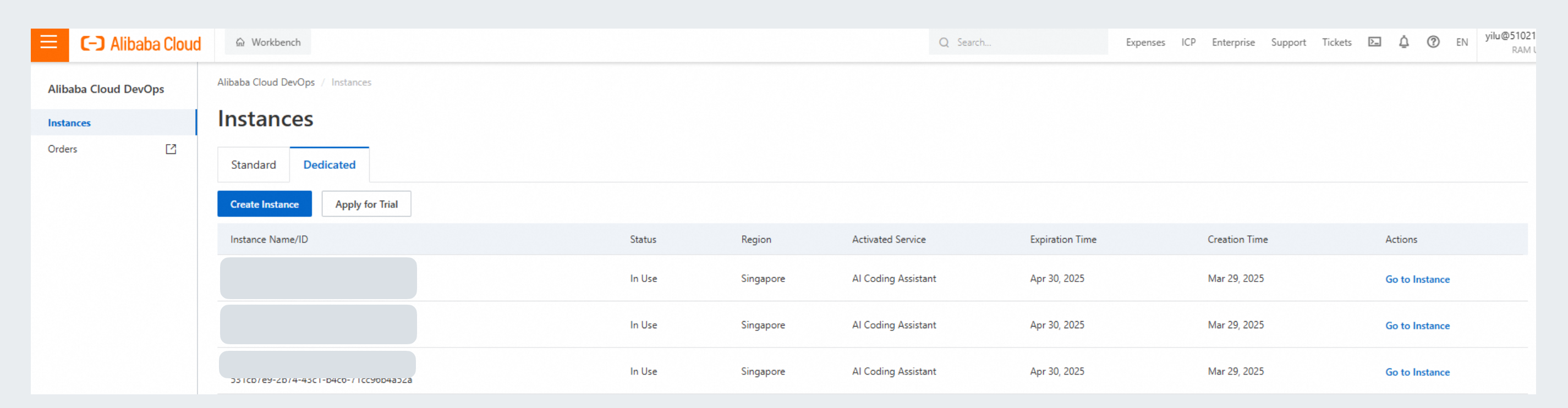
Click Create Enterprise to open the buy page and complete the required fields:
Enterprise Name: Enter a name for the instance, which can contain letters, digits, and hyphens (-).
Region: Select the region where the instance will be located.
Enterprise ID: Domain names will be automatically generated based on the specified ID for access over the Internet and virtual private cloud (VPC).
Root Password: Set the initial root account password for logging on to the instance. You can change this password later on the instance details page.
The AI Coding Assistant Lingma (Lingma) Enterprise Dedicated edition must be used in conjunction with the Alibaba Cloud DevOps enterprise management service, which is automatically created by default.

If the instance does not appear in the console after purchase, wait a moment and refresh the page.
After the instance is created, view its status in the instance list.
For security reasons, network access is disabled by default. You must configure the network settings manually after the instance is in the In Use state.
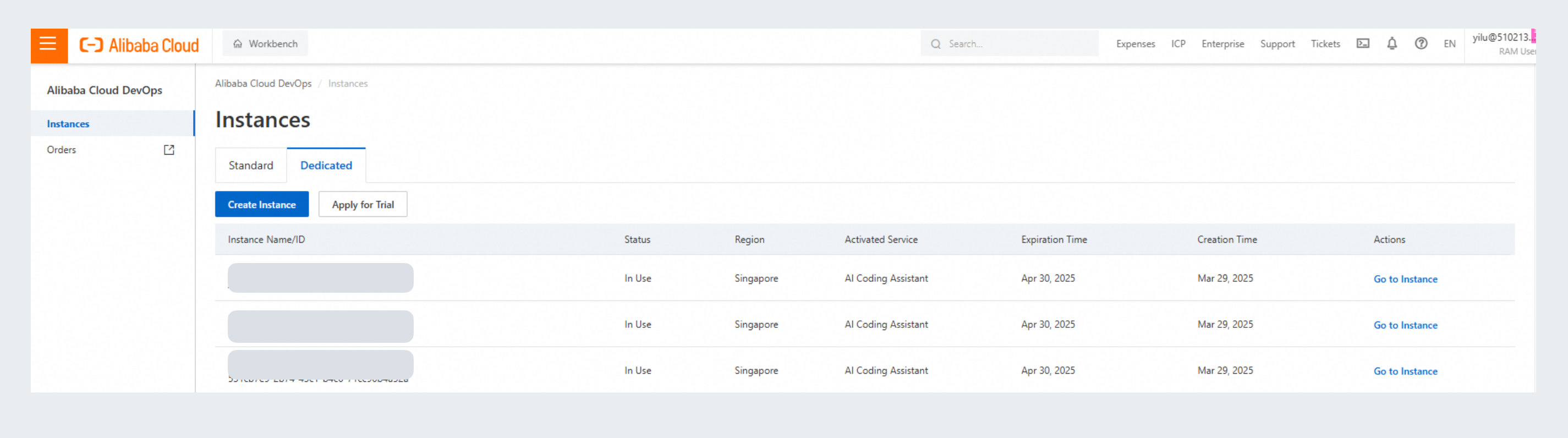
Status options include Starting, In Use, Stopping, Stopped, Releasing, Updating, and Released. You modify the instance configuration only when the instance is in the In Use state.
Configure
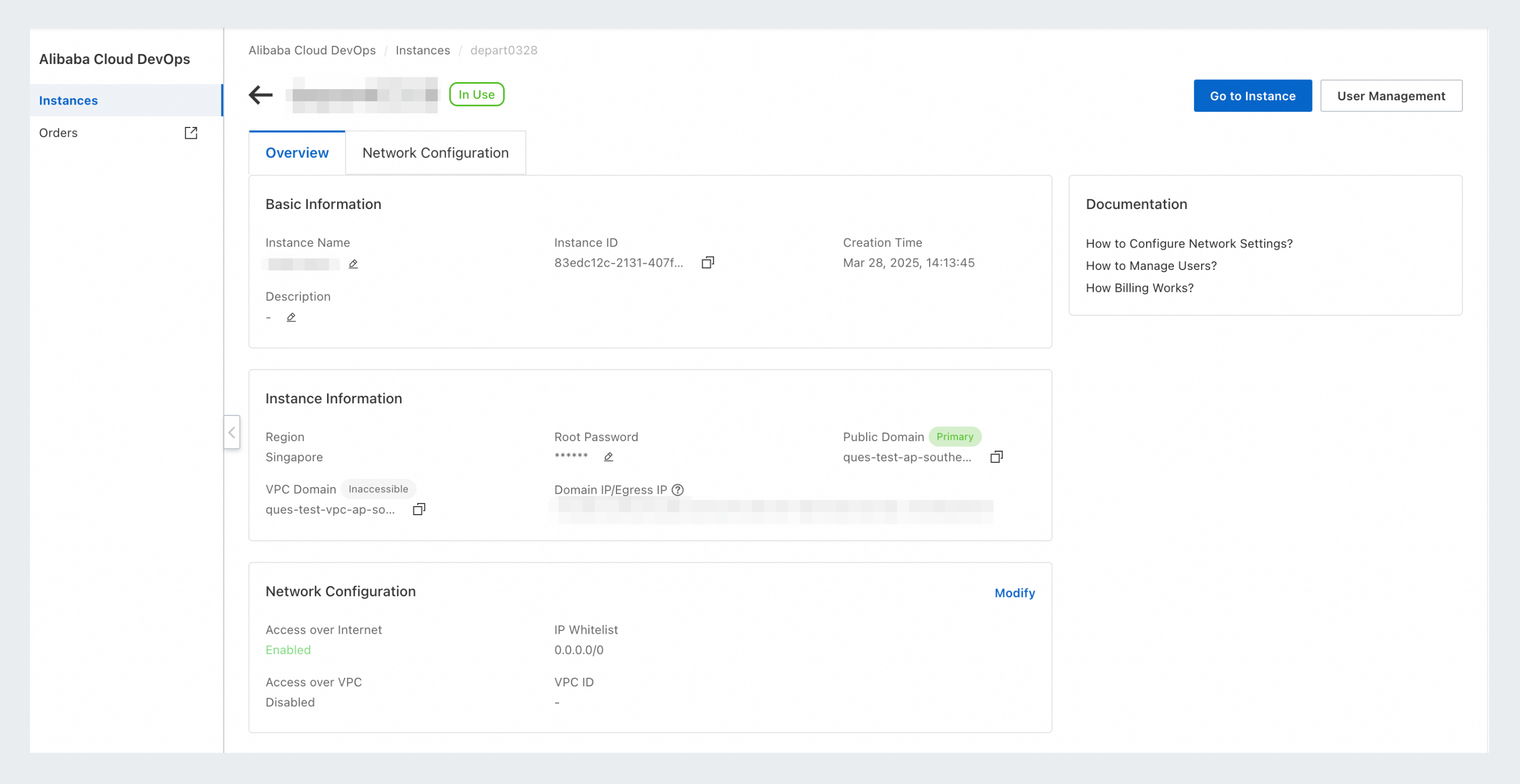
You can configure the basic information, instance information, and network access for the instance when it is in the In Use state.
Basic Information: Change the instance name and description.
Instance Information: Change the root password of the instance, which is the password of the enterprise administrator.
Network Configuration