Requests that take a long time to execute consume a large amount of resources and affect the response speed and overall stability of services. To improve system performance and user experience, it is important to identify and optimize requests that take a long time to execute. Therefore, you must enable the logging feature. After that, you can filter Simple Log Service logs to identify requests that take a long time to execute and analyze and optimize these requests.
To filter logs in Simple Log Service, perform the following operations:
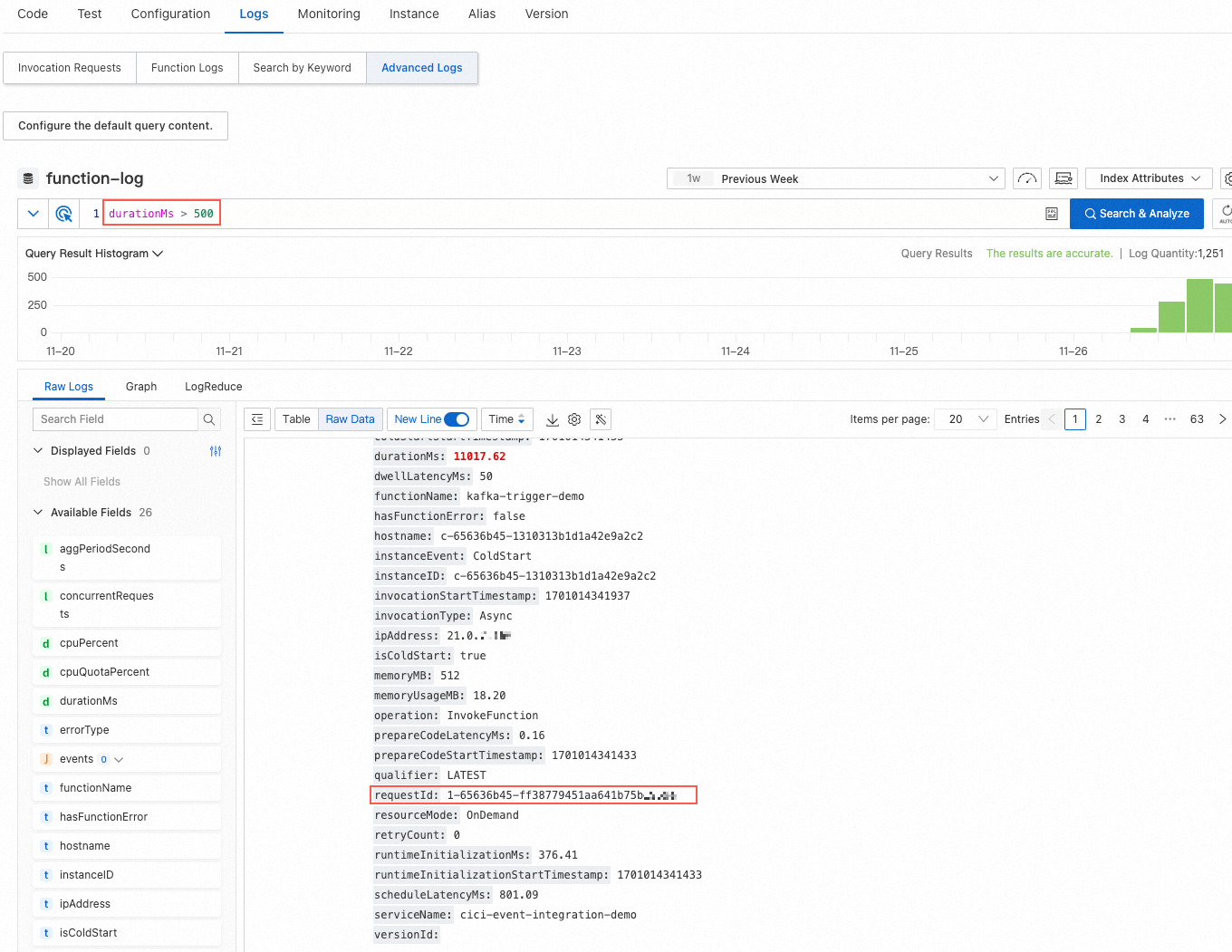
On the Logs tab of the function details page, click Advanced Logs.
Specify a filter condition in the query box to query the corresponding logs.
For example, you can enter
durationMs > 500to filter requests whose function execution duration is more than 500 milliseconds.