Alibaba Cloud Elasticsearch clusters are deployed in logically isolated virtual private clouds (VPCs). Multiple security layers protect your clusters: network-level access control, authentication, authorization, encryption, and advanced security features provided by X-Pack.
Security layers
Access control operates in three layers:
Network layer -- IP address whitelists control which hosts can reach the cluster or Kibana endpoint.
Authentication layer -- The
elasticuser password verifies identity when connecting through a client or Kibana.Authorization layer -- Role-based access control (RBAC) through X-Pack grants granular permissions on objects such as clusters, indexes, and fields.
The following table summarizes default states and required actions for each method.
| Method | Scope | Default state | Action required |
|---|---|---|---|
| Cluster access password | Cluster and Kibana authentication | Set during cluster creation | Specify a password for the elastic user |
| Public IP address whitelist (cluster) | Cluster network access | Public Network Access is disabled | Enable Public Network Access and add IP addresses |
| Private IP address whitelist (cluster) | Cluster network access | Internal network access is allowed | Add IP addresses to the private whitelist |
| Public IP address whitelist (Kibana) | Kibana network access | Public Network Access is enabled; default whitelist is 127.0.0.1,::1 (blocks all traffic) | Add your IP address to the Kibana public whitelist |
| Private IP address whitelist (Kibana) | Kibana network access | Private Network Access is disabled | Enable Private Network Access and add IP addresses |
| X-Pack RBAC | Authorization (clusters, indexes, fields) | Available after cluster creation | Create custom roles and assign them to users in the Kibana console |
Network access control
Cluster IP address whitelists
Public IP address whitelist
Public Network Access is disabled for Elasticsearch clusters by default. To access your cluster over the Internet, enable Public Network Access and add the IP address of your host to a public IP address whitelist.
For more information, see Configure a public or private IP address whitelist for an Elasticsearch cluster.

Private IP address whitelist
By default, Elasticsearch allows access to your cluster over an internal network. To restrict access to specific hosts, add their IP addresses to a private IP address whitelist.
For more information, see Configure a public or private IP address whitelist for an Elasticsearch cluster.
Kibana IP address whitelists
Public IP address whitelist
Public Network Access is enabled for Kibana by default. However, the default public IP address whitelist contains 127.0.0.1,::1, which denies requests from all IPv4 and IPv6 addresses. The first time you log on to the Kibana console, the system prompts you to configure a public IP address whitelist. Add the IP address of your host before you log on.
For more information, see Configure a public or private IP address whitelist for Kibana.

Private IP address whitelist
Private Network Access is disabled for Kibana by default. To log on to the Kibana console from a host over an internal network, enable Private Network Access and add the IP address of the host to a private IP address whitelist.
For more information, see Configure a public or private IP address whitelist for Kibana.
Authentication
Cluster access password
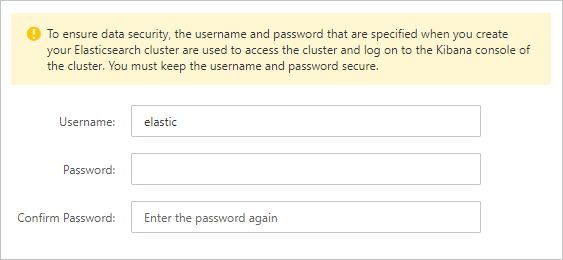
When you create an Elasticsearch cluster, specify a password for the elastic default user. This password authenticates your identity when you access the cluster through a client or log on to the Kibana console.
For more information, see Parameters on the buy page.

To change the password, reset it on the cluster details page.
For more information, see Reset the access password for an Elasticsearch cluster.
Authorization
X-Pack RBAC
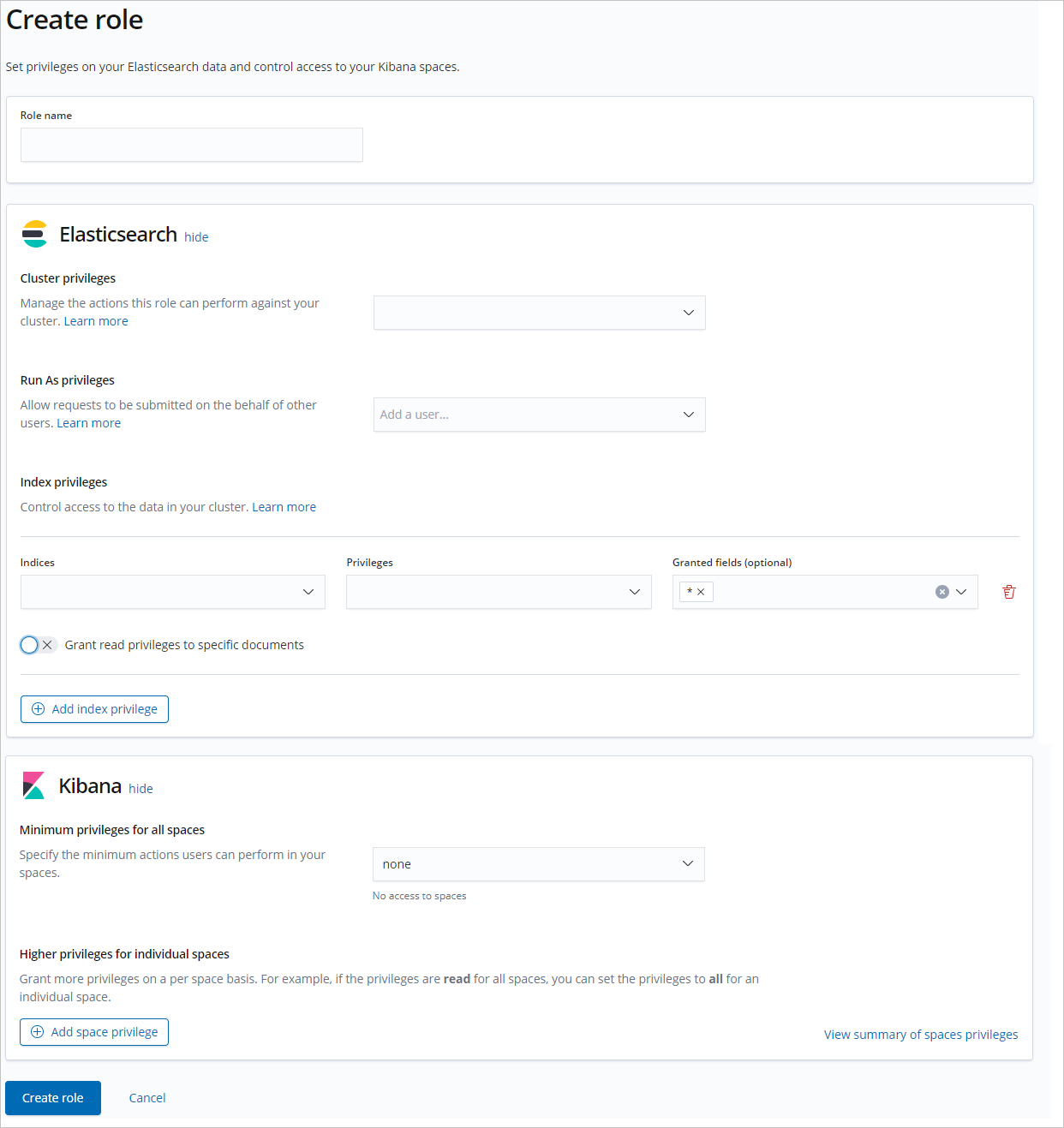
To grant granular permissions on objects such as Elasticsearch clusters, indexes, and fields, use the RBAC mechanism provided by the X-Pack plug-in. Create custom roles with specific permissions, then assign the roles to users in the Kibana console.
For more information, see Use the RBAC mechanism provided by Elasticsearch X-Pack to implement access control.