This topic describes the cause of and solution to the issue that you are unable to access the Internet from an Elastic Compute Service (ECS) instance that runs a Windows operating system after you configure a secondary private IP address for the instance.
Problem description
You are unable to access the Internet from a Windows ECS instance after you configure a secondary private IP address for the instance.
Cause
In versions later than Windows Server 2008, Microsoft changed the policy for selecting the source IP address of outgoing traffic. In the new policy, the IP address that has the longest matching prefix with the IP address of the next hop is used as the source IP address of outgoing traffic.
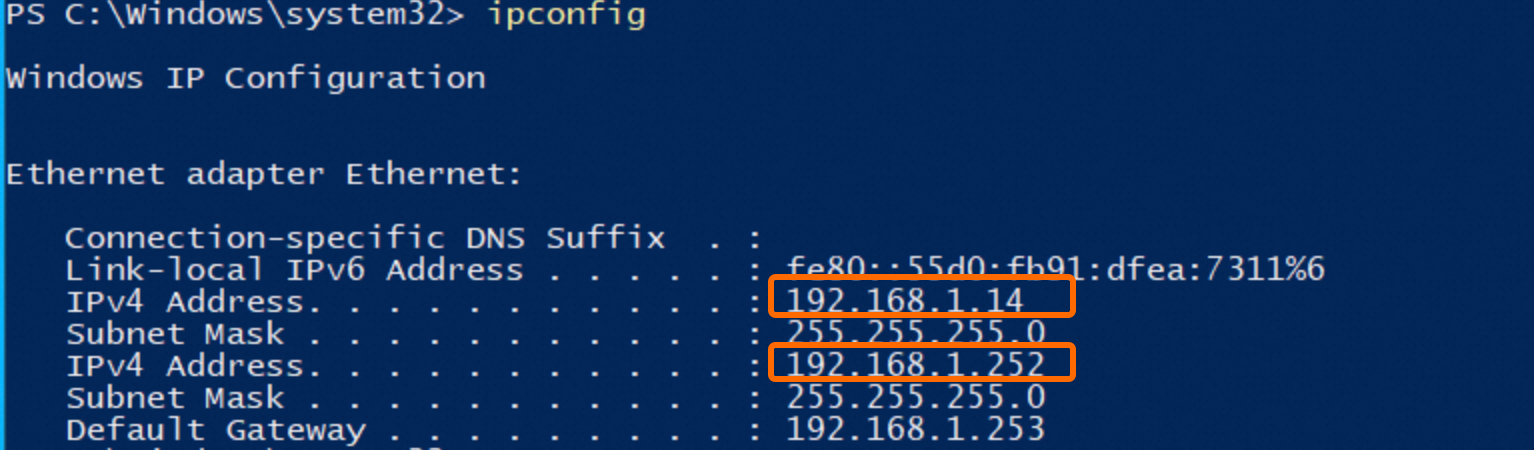
For example, an ECS instance that runs a version later than Windows Server 2008 is configured with the private IP addresses and gateway described in the following table. The matching prefix between the secondary private IP address 192.168.1.252 and the next hop IP address 192.168.1.253 is longer than the matching prefix between the primary private IP address 192.168.1.14 and the next hop IP address. In this case, the secondary private IP address is preferentially used as the source IP address of outgoing traffic.
Private IP address | Binary address | |
Primary private IP address | 192.168.1.14 | 11000000 10101000 00000001 00001110 |
Secondary private IP address | 192.168.1.252 | 11000000 10101000 00000001 01111110 |
Gateway | 192.168.1.253 | 11000000 10101000 00000001 01111111 |
Solution
In this example, an ECS instance that runs Windows Server 2022 is used.
In this example, the primary elastic network interface (ENI) named Ethernet is used. Replace the ENI name with the actual ENI name, such as Ethernet2.
Run the netsh command to assign a secondary private IP address to the Ethernet ENI and set the skipassource parameter to true to explicitly prevent the assigned secondary private IP address from being used as the source IP address of outgoing traffic. Perform the following steps:
Connect to the Windows ECS instance.
For more information, see Use Workbench to connect to a Windows instance over RDP.
In Windows PowerShell, run the
ipconfigcommand to view the private IP addresses and gateway of the Windows ECS instance.If the matching prefix between the primary private IP address and the next hop IP address is shorter than the matching prefix between the secondary private IP address and the next hop IP address, proceed to the next step.
NoteFor information about the prefix match rule, see the Cause section of this topic.
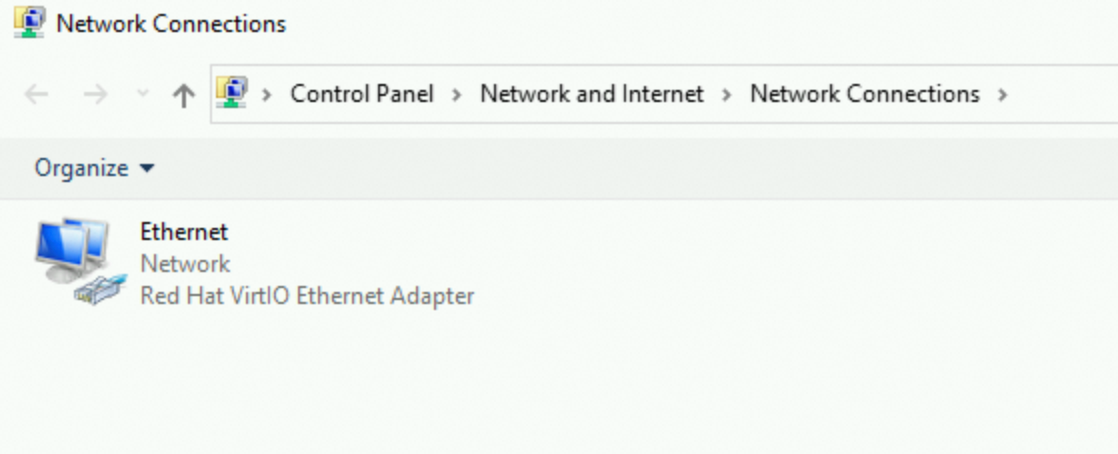
Open Network and Sharing Center.
Click Change adapter settings.
Double-click the primary ENI named Ethernet. Then, click Properties in the Ethernet Status dialog box.
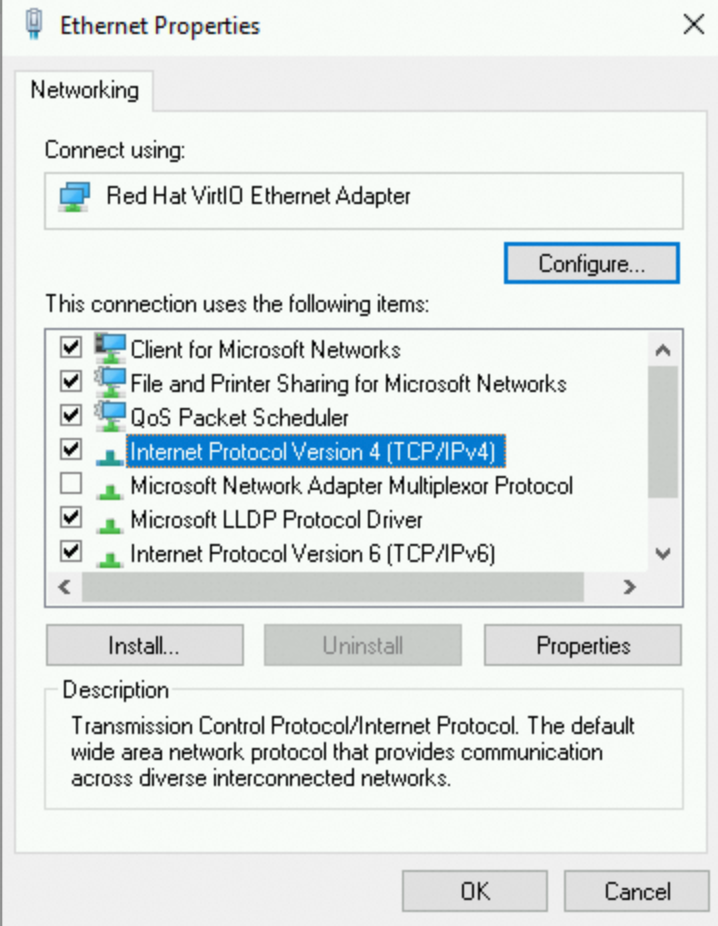
In the Ethernet Properties dialog box, double-click Internet Protocol Version 4 (TCP/IPv4).
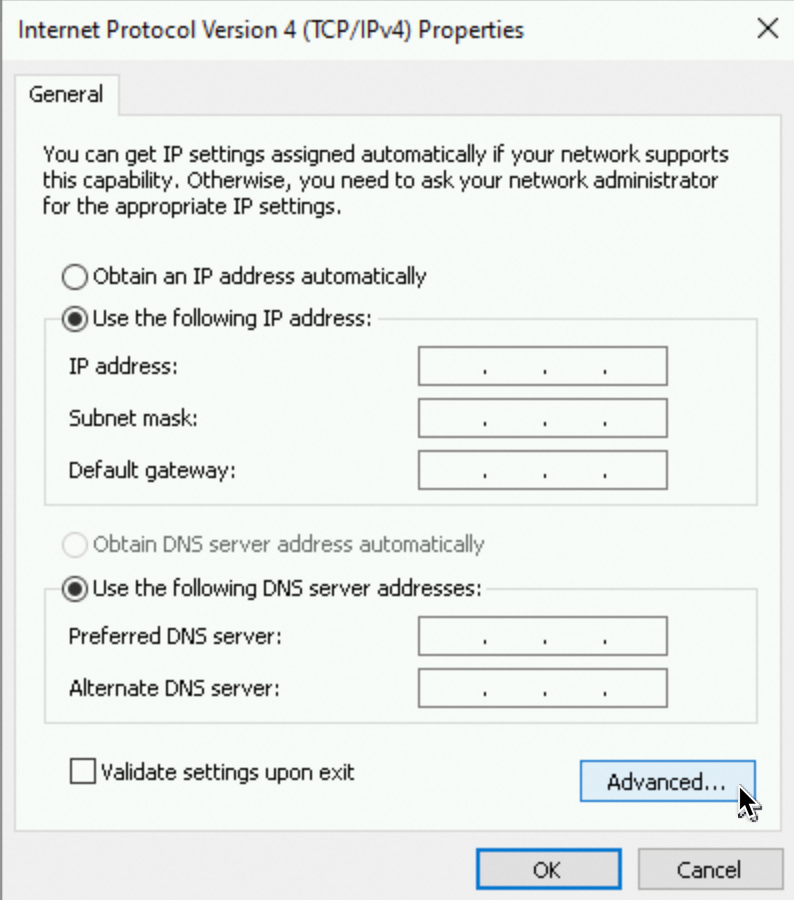
In the Internet Protocol Version 4 (TCP/IPv4) Properties dialog box, select Use the following IP address and click Advanced.
ImportantThe policy of automatically obtaining IP addresses is changed to manual configuration. Configure the following parameters, including the primary private IP address. Otherwise, you cannot connect to the Windows ECS instance by using the primary private IP address.
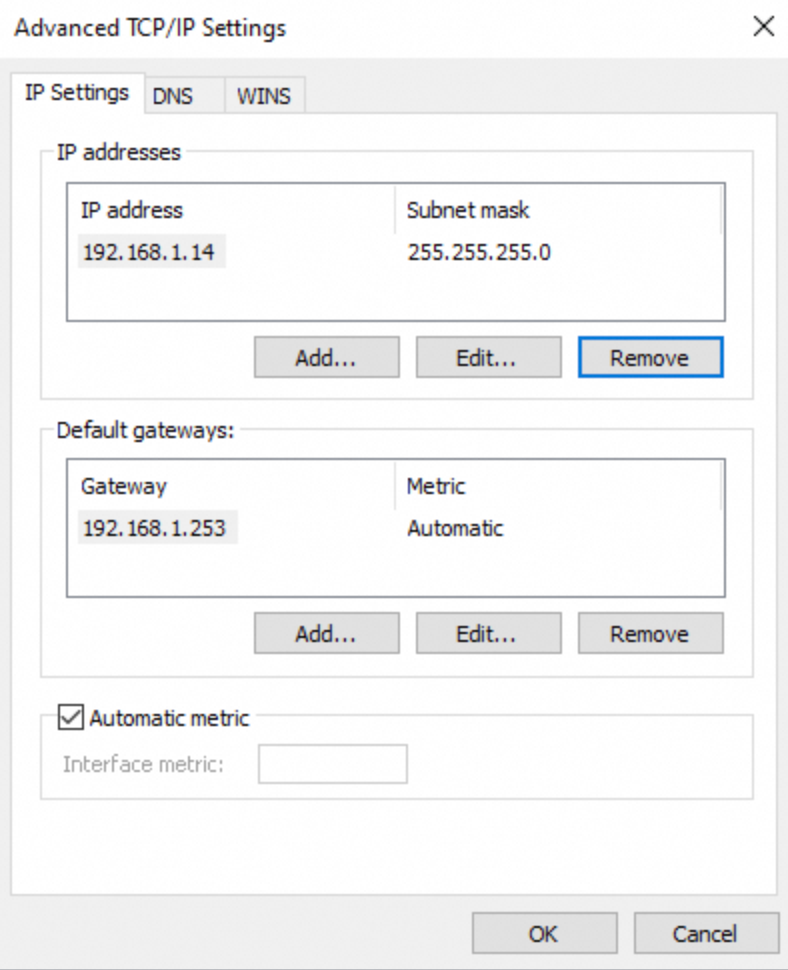
In the Advanced TCP/IP Settings dialog box, configure IP addresses.
In the IP addresses section, retain only the primary private IP address that is assigned to the Ethernet ENI and the subnet mask, and delete the secondary private IP address.
In the Default gateways section, click Add and enter the default gateway that you obtained in the preceding step.
In Windows PowerShell, run the following command with the skipassource parameter set to true:
Netsh int ipv4 add address <Interface> <IP Addr> [<Netmask>] [skipassource=true]The following table describes the parameters.
Parameter
Description
Example
<Interface>
The ENI to which you want to assign the secondary private IP address.
'Ethernet'<IP Addr>
The secondary private IP address.
192.168.1.252<Netmask>
The mask of the secondary private IP address.
255.255.255.0Example:
Netsh int ipv4 add address 'Ethernet' 192.168.1.252 255.255.255.0 skipassource=trueAccess the Internet from the Windows ECS instance. If the Windows ECS instance can access the Internet, the issue is resolved.