When you use a browser on an on-premises device or an Elastic Compute Service (ECS) instance to access a website that is hosted on another ECS instance, you may be able to access the website by entering http://<Domain name of the website> in the browser. However, you cannot access the website by entering https://<Domain name of the website> in the browser, and the ERR_CONNETCION_TIMED_OUT error is returned. This topic describes how to resolve this issue.
Problem description
When you use a browser on an on-premises device or an ECS instance to access a website that is hosted on another ECS instance, you can access the website by entering http://<Domain name of the website> in the browser. However, you cannot access the website by entering https://<Domain name of the website> in the browser, and the ERR_CONNETCION_TIMED_OUT error is returned.
This issue occurs because HTTP-to-HTTPS redirection is not configured in the configuration file of the website.
The following situations occur:
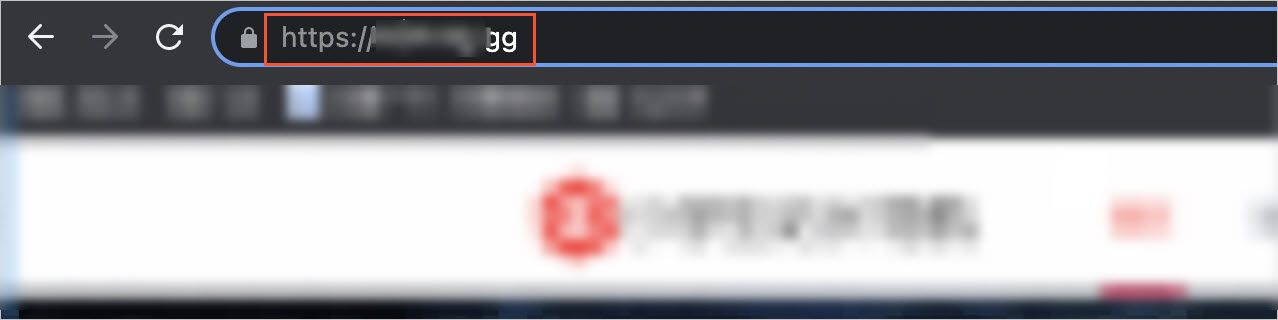
You can access the website by entering
http://<Domain name of the website>in a browser, as shown in the following figure.
You cannot access the website by entering
https://<Domain name of the website>in a browser, and theERR_CONNETCION_TIMED_OUTerror is returned, as shown in the following figure.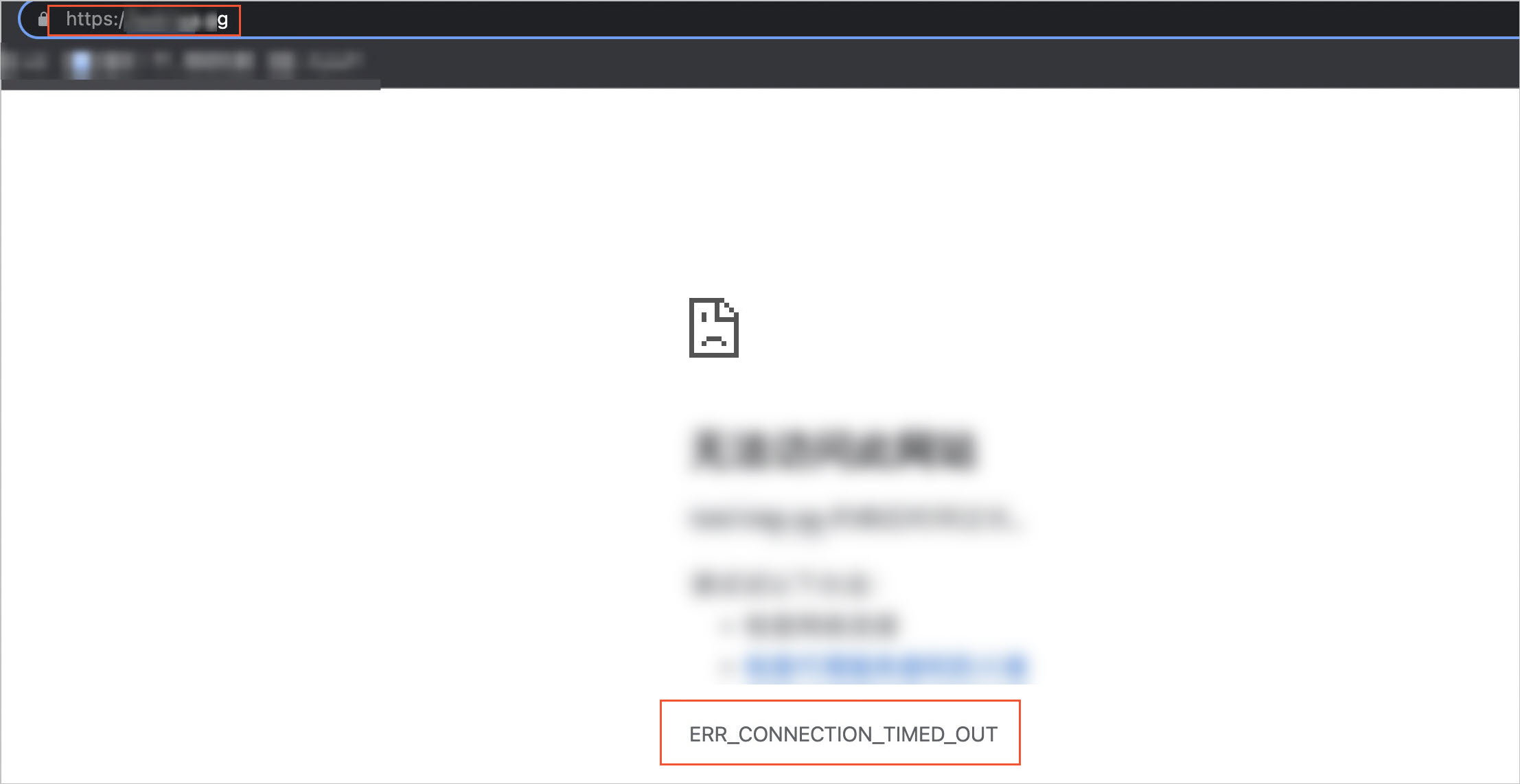
Cause
By default, if you access the website by entering http://<Domain name of the website> in a browser, port 80 on the server is accessed. By default, if you access the website by entering https://<Domain name of the website> in a browser, port 443 on the server is accessed. If HTTP-to-HTTPS redirection is not configured in the configuration file of the website, the HTTPS service is started as expected on the server, and no inbound rules that allow traffic on port 443 are configured in the security groups of the server (ECS instance that hosts the website), the preceding issue may occur.
Solution
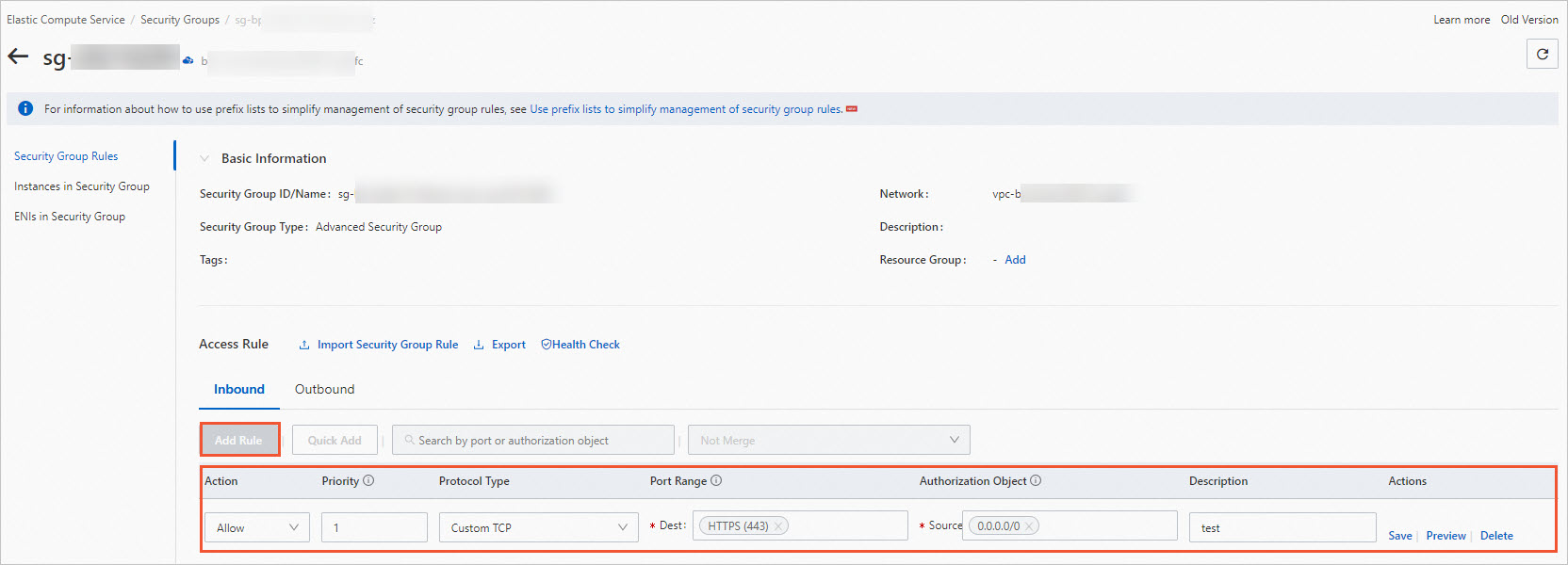
Go to the ECS console, add an inbound rule to a security group of the ECS instance that hosts the website, and then access the website by entering https://<Domain name of the website> in a browser.
Add an inbound rule that allows traffic on port 443 to a security group of the ECS instance.
For more information, see Add a security group rule.
Enter
https://<Domain name of the website>in a browser to access the website.If you can access the website, the issue is resolved.