Use the mPaaS Android Studio plugin to add a component to a module and make its features callable from that module.
This procedure uses the Scan component (Code Scanner) and the native AAR integration method as an example. If you are using the component-based (Portal & Bundle) method, see Component-based integration process instead.
Procedure
Click mPaaS > Start Configuration.
In the window that appears, select the target module and select Code Scanner.
-
Click OK. The mPaaS plugin deploys the component to the module automatically. When the deployment is complete, the plugin adds the following entries to the
build.gradlefile of the selected module:Baseline dependency information
Component dependency information
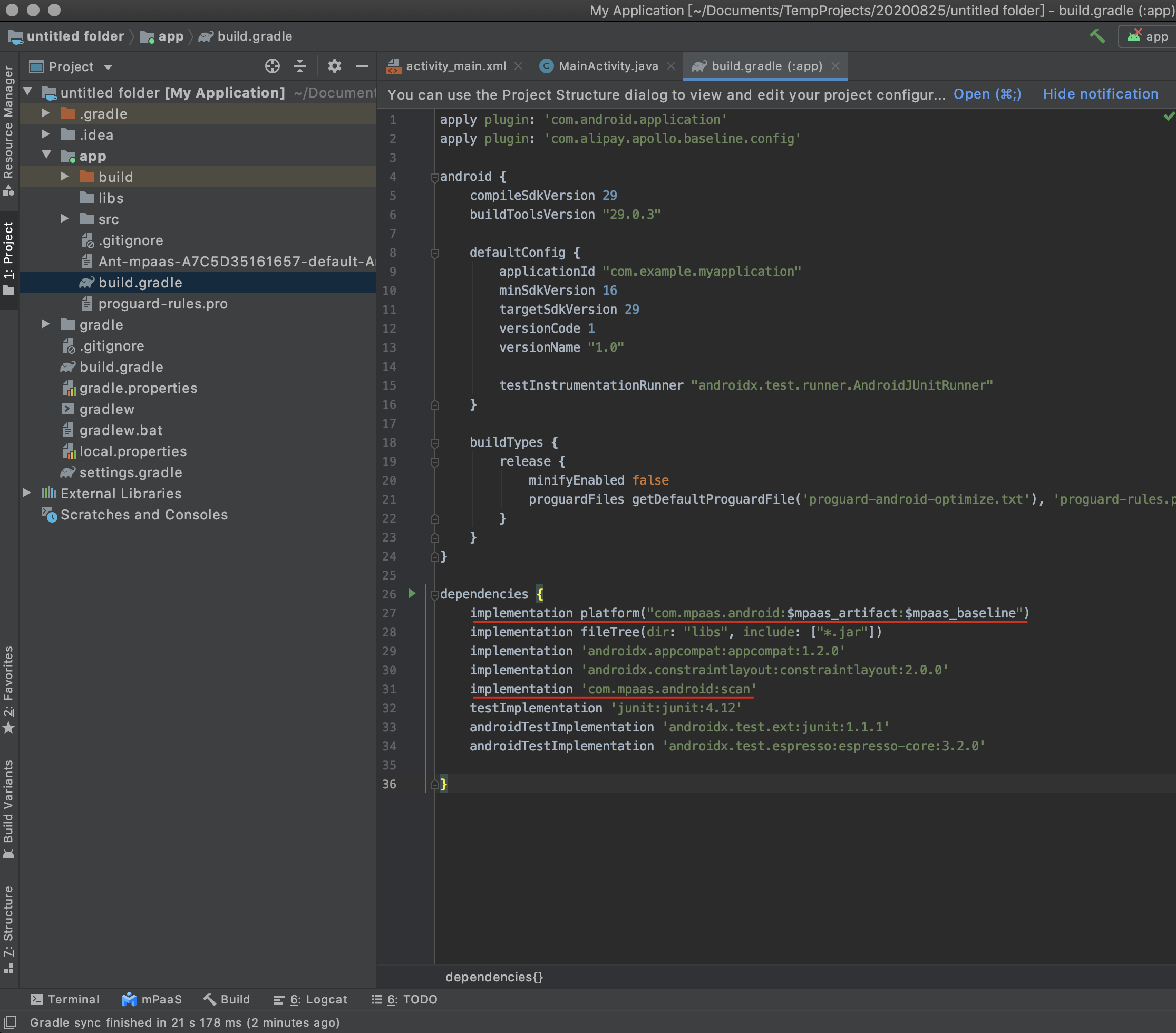
The component's features are now available to call from the selected module.