You can disable an accelerated domain name that is added to Dynamic Route for CDN (DCDN). In some scenarios, accelerated domain names are disabled by DCDN due to violations of Terms of Service, overdue payments, or invalid Internet Content Provider (ICP) numbers. This topic describes why accelerated domain names are disabled and the impacts that may arise, and provides solutions.
Suspensions for violations
Issue: Your account is suspended due to a violation of Alibaba Cloud Limits. The service is immediately paused, and you are notified by text message or email.
Impacts: DCDN deletes the CNAME that is assigned to the accelerated domain name and stops resolving the accelerated domain name to a valid IP address. In this case, the accelerated domain name is inaccessible and added to the blacklist. You cannot add the accelerated domain name to DCDN again.
How to restore service: If your accelerated domain name does not fall under any of the scenarios described in the Limits, you can submit a ticket to appeal.
Overdue payments
Problem: The balance, including credit balances and coupons, in your Alibaba Cloud account is insufficient to complete overdue payments. In this case, the system notifies you of overdue payments by text messages or emails.
Impacts:- In normal cases: An accelerated domain name is mapped to a CNAME assigned by Alibaba Cloud CDN. The CNAME is resolved to the IP address of an Alibaba Cloud CDN edge node.
- If a payment becomes overdue, the service suspension rule varies based on the time when the payment becomes overdue, as described in the following table.
Before 00:00:00 (UTC+8) on April 11, 2022 After 00:00:00 (UTC+8) on April 11, 2022 (excluding the 30-day grace period) - Within 30 days (720 hours) after an overdue payment occurs: Alibaba Cloud CDN notifies you of the overdue payment by text messages or emails, and Alibaba Cloud CDN immediately disables the accelerated domain names. Content delivery acceleration is suspended for the accelerated domain names. The status of the accelerated domain names is changed to Offline. The accelerated domain names remain in this state for 30 days. During the 30 days, the accelerated domain names are mapped to their CNAMEs. The CNAMEs are resolved to the IP addresses of the origin servers. In this case, the number of requests that are redirected to the origin servers is increased.
- 30 days (720 hours) after the accelerated domain names are disabled: The system stops resolving the accelerated domain names to the IP addresses of the origin servers. The accelerated domain names are mapped to their CNAMEs, which are resolved to the invalid address offline.***.com. In this case, the accelerated domain names are inaccessible.
If an overdue payment occurs, Alibaba Cloud CDN notifies you by text messages or emails, and immediately disables content delivery acceleration. The accelerated domain names are disabled, and their status changes to Offline. The CNAMEs of the domain names are mapped to the invalid address offline.***.com. In this case, the accelerated domain names are inaccessible.
Solution: Complete overdue payments. Then, the accelerated domain names are automatically enabled.
Invalid ICP numbers
- The ICP number of a domain name becomes invalid if the information about the ICP filing entity changes. The information includes but is not limited to the ICP number owner, contact information, service provider, website, and website services. If a change is made to the information, the ICP number becomes invalid.
- If the accelerated region includes the Chinese mainland, you must apply for an ICP number for the accelerated domain name.
- In normal cases: An accelerated domain name is mapped to a CNAME assigned by Alibaba Cloud CDN. The CNAME is resolved to the IP address of an Alibaba Cloud CDN edge node.
- If the ICP number of an accelerated domain name becomes invalid, the service suspension rule varies based on the time when the ICP number becomes invalid, as described in the following table.
Before 00:00:00 (UTC+8) on April 11, 2022 After 00:00:00 (UTC+8) on April 11, 2022 (excluding the 30-day grace period) - Within 30 days (720 hours) after the ICP number of the accelerated domain name becomes invalid: Alibaba Cloud CDN immediately disables the accelerated domain name. Content delivery acceleration is suspended for the accelerated domain name. The state of the accelerated domain name is changed to Offline. The accelerated domain name remains in this state for 30 days. During the 30 days, the accelerated domain name is mapped to its CNAME. The CNAME is resolved to the IP address of the origin server. In this case, the number of requests that are redirected to the origin server is increased.
- 30 days (720 hours) after the accelerated domain name is disabled: The system stops resolving the accelerated domain name to the IP address of the origin server. The accelerated domain name is mapped to its CNAME, which is resolved to the invalid address offline.***.com. In this case, the accelerated domain name is inaccessible.
If the ICP number of the accelerated domain name becomes invalid, Alibaba Cloud immediately disables content delivery acceleration. The status of the domain name changes to Offline. The CNAME of the domain name is resolved to the invalid address offline.***.com. In this case, the accelerated domain name is inaccessible.
Solution: Apply for an ICP number for your domain name. Then, re-enable the accelerated domain name or add it in the Alibaba Cloud CDN console.
Manually disable an accelerated domain name
Issue: You can manually disable an accelerated domain name. After an accelerated domain name is disabled, the status of the accelerated domain name changes to Offline. To disable an accelerated domain name, perform the following operation:
On the Domain Names page, select the domain name and click Disable.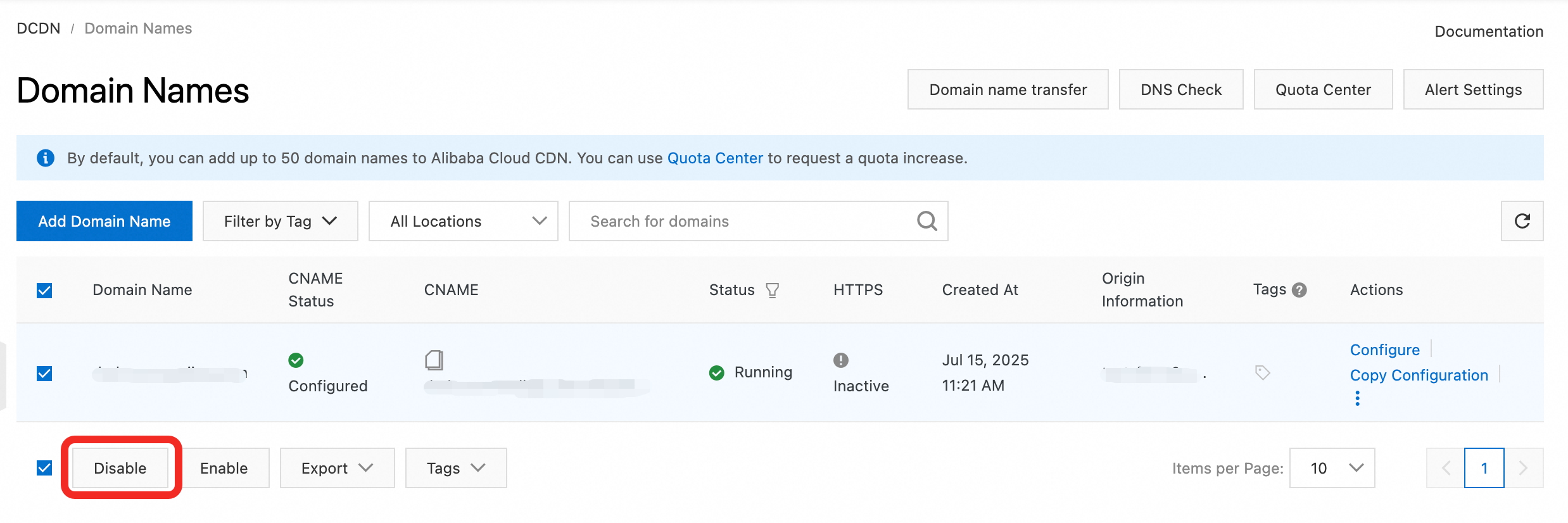
Offline process:
Normal state: The accelerated domain name resolves to the IP address of an Alibaba Cloud DCDN point of presence (POP) through its CNAME.
After the domain name is disabled: DCDN immediately stops the acceleration service. The CNAME of the accelerated domain name is resolved to the invalid address `offline.***.com`, and the domain name becomes inaccessible.
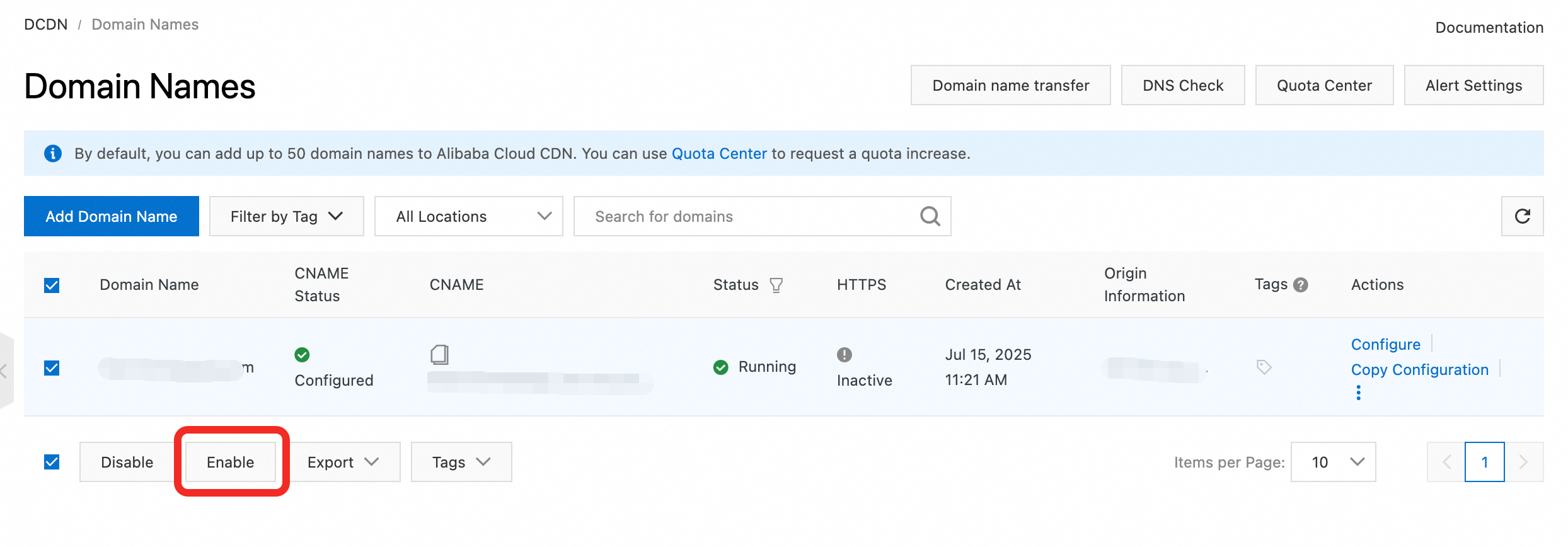
How to restore service: To enable a domain name that is in the Offline state, log on to the DCDN console. On the Domain Names page, select the domain name and click Enable.