You can view the download progress of backup sets in the Database Backup (DBS) console.
Procedure
Log on to the DBS console.
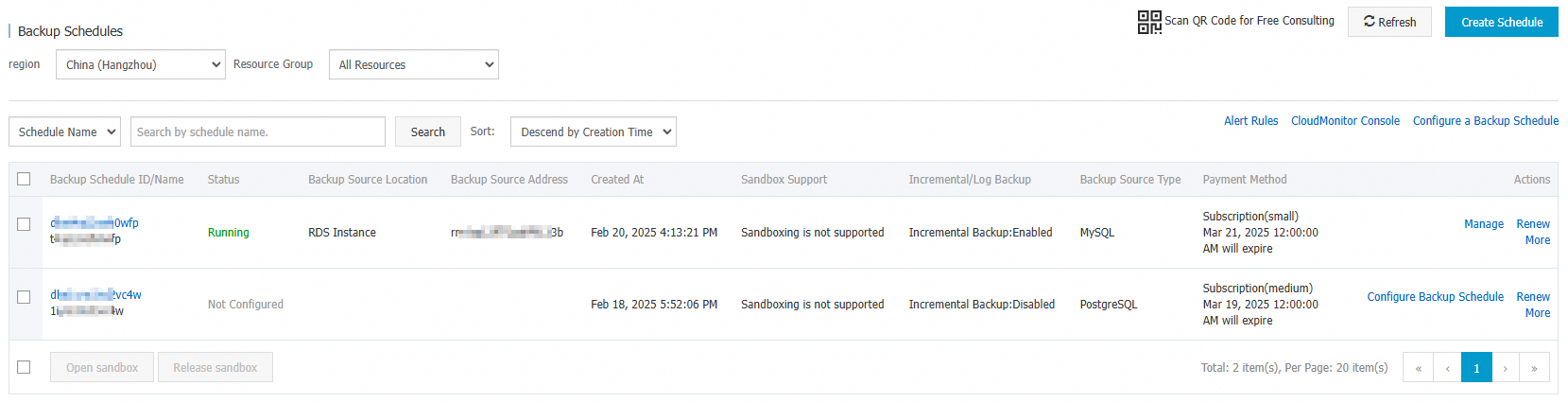
In the navigation pane on the left, click Backup Schedule. In the top navigation bar, select a region.
- Click Schedule ID or Manage in the Actions column corresponding to a backup schedule.
In the left-side navigation pane of the page that appears, click Backup Set Download to view the download progress of each backup set.
