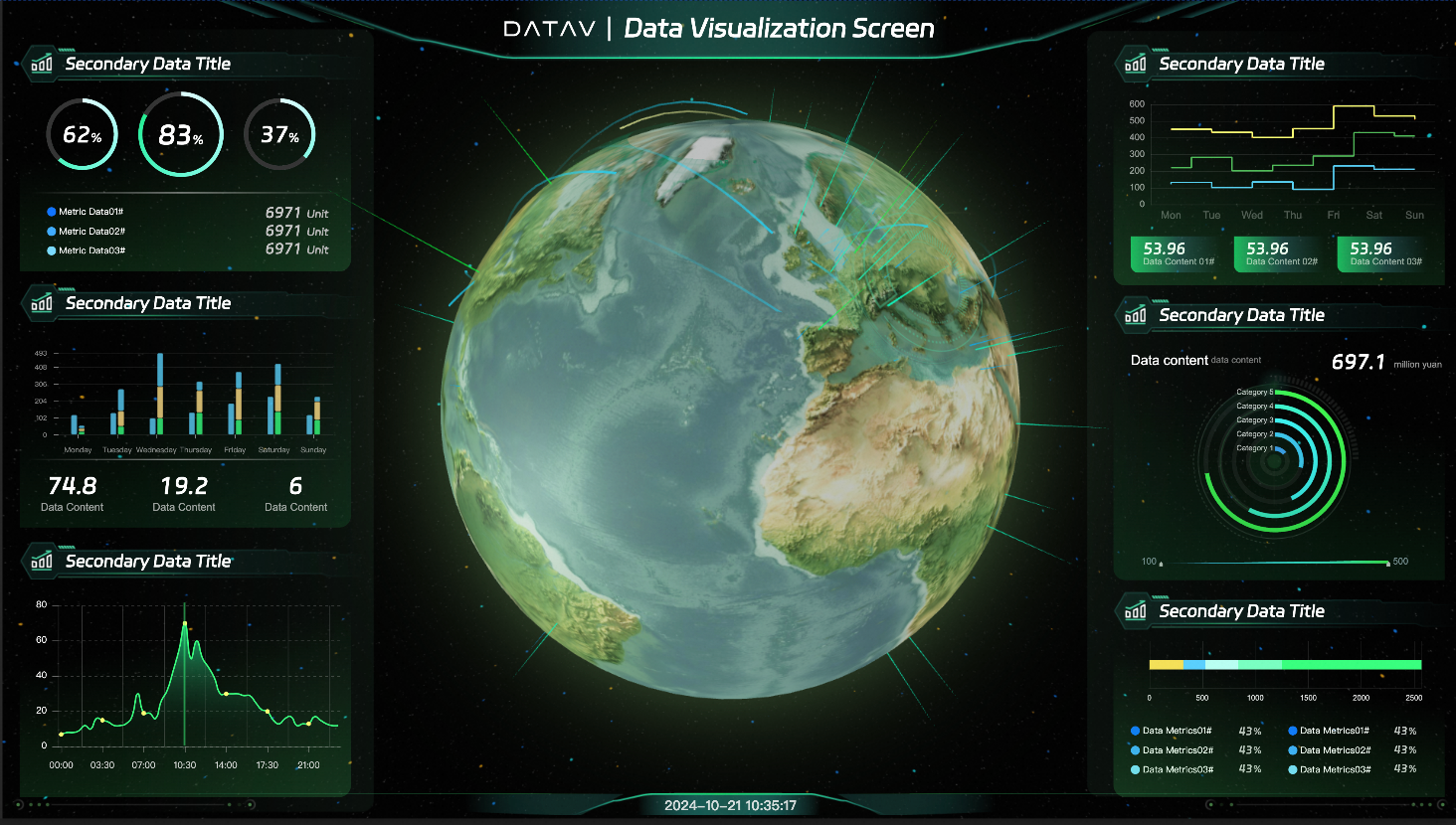
This topic describes how to use a template to create a visualized data dashboard.
Prerequisites
DataV is activated.
Procedure
Log on to the DataV console.
In the console dialog box, move the pointer over Create PC Kanban and click + Select Template.
Select a template. In this example, select Tourmaline Green Earth General Template and click Create Kanban Board.
In the Create Kanban dialog box, enter a name for the dashboard and select a group.
Click Create Kanban.
After the dashboard is created, you are redirected to the Canvas Editor page. You can see a well-designed dashboard that displays geographic information-related data.