This topic describes how to view the monitoring data within a specific period of time in the Cloud Monitor console.
Procedure
Log on to the Cloud Monitor console.
In the left-side navigation pane, click Host Monitoring.
On the Host Monitoring page, find the host that you want to manage and click the Monitoring Charts in the Actions column.
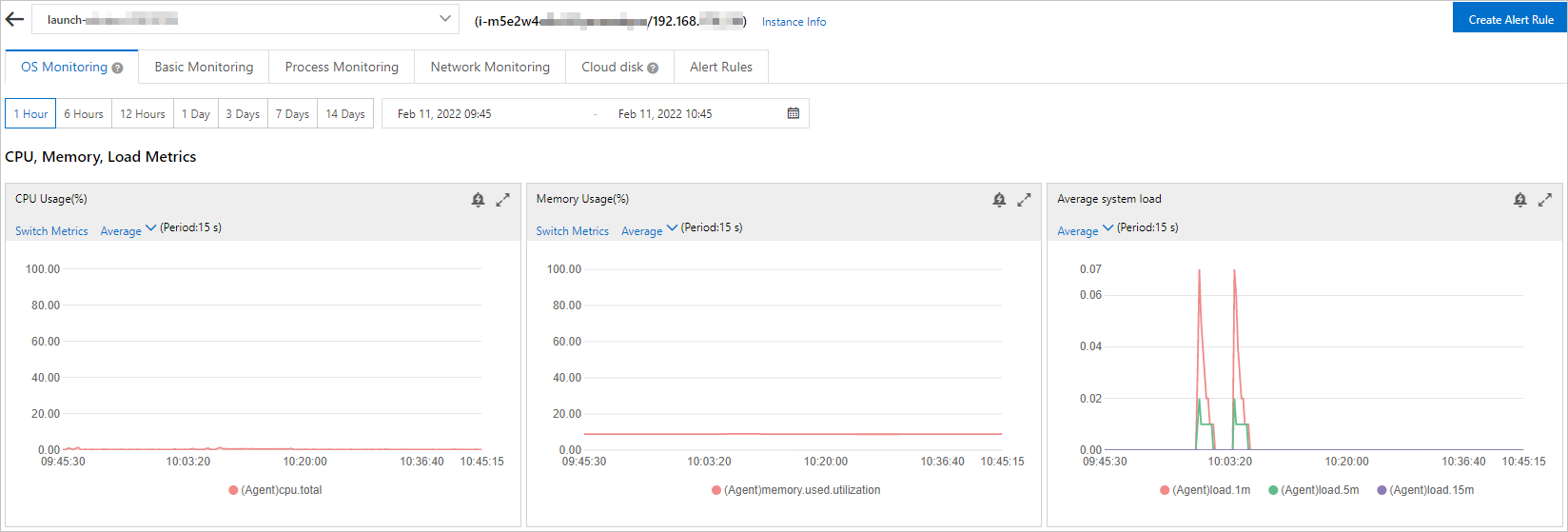
Specify a period of time to view the monitoring data.
 Note
NoteYou can view only the monitoring data of the last 30 days in the Cloud Monitor console.