In the left-side navigation pane of the PAI-Rec console, choose Recommendation Solution Customization > Data Registration and click Create Data Table.
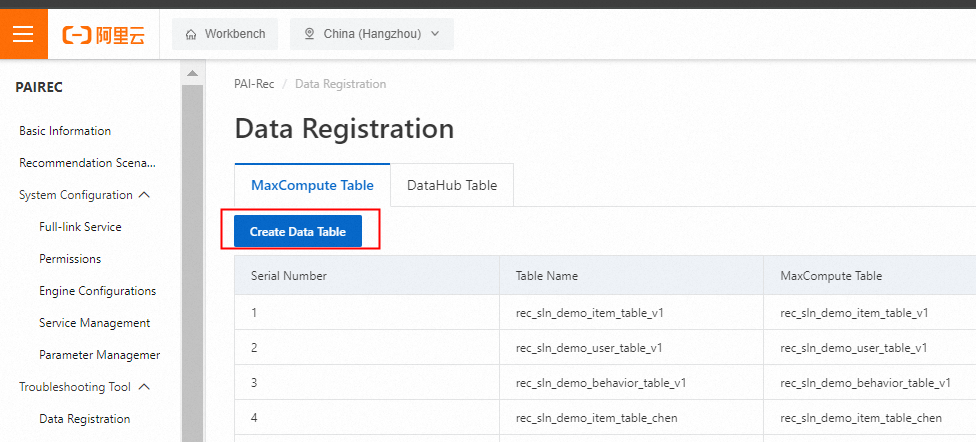
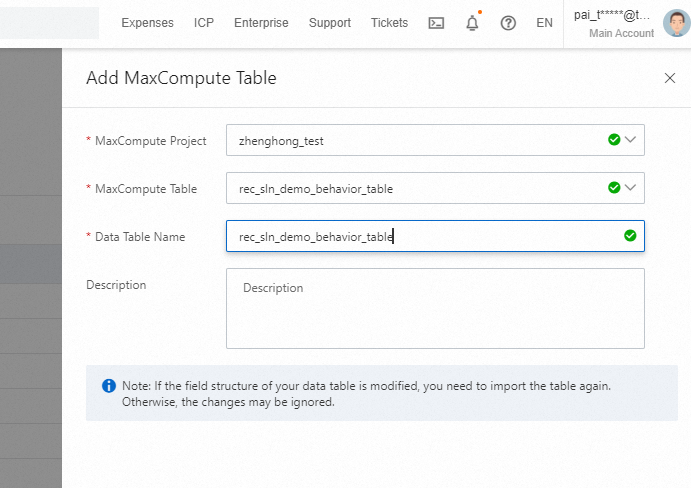
In the Add MaxCompute Table panel, select the configured MaxCompute project that contains the three tables from the MaxCompute Project drop-down list and select rec_sln_demo_behavior_table from the MaxCompute Table drop-down list. Enter the same name for the Data Table Name parameter and click Import.
After the table is imported, you can find the newly imported table, click View Fields to view the detailed fields of the table, and then click Save to register the table.
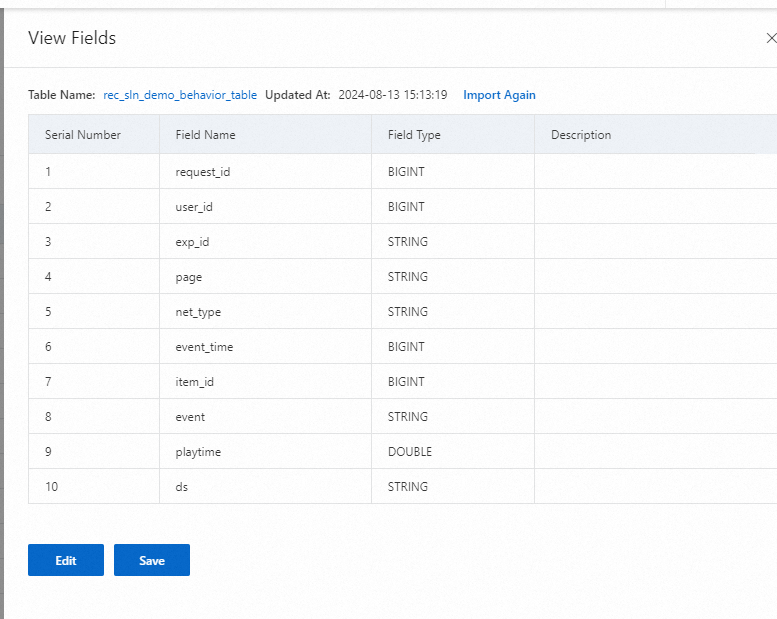
Repeat the preceding operations to import the user table rec_sln_demo_user_table and the item table rec_sln_demo_item_table.