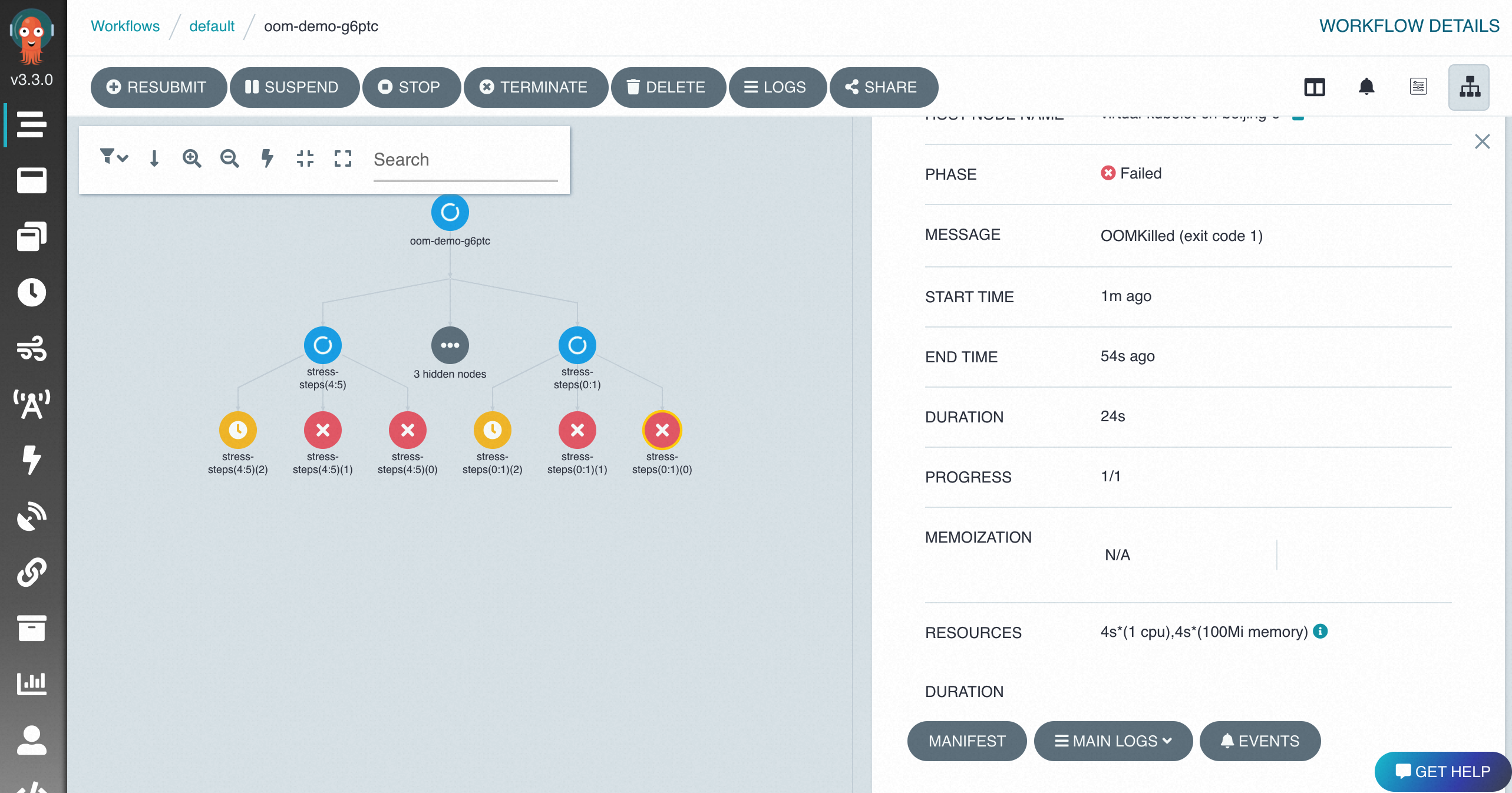
Open Argo Server to the Internet with IP allowlists to manage and monitor workflows from the Argo Workflows UI.
Prerequisites
Enable Internet access for Argo Server
-
Query cluster information and note the cluster ID.
aliyun adcp DescribeHubClusters --Profile=XFlow -
Get the public egress address of the user agent.
ImportantAdd only the required public CIDR block to the allowlist. Do not open access to all IP addresses.
curl ifconfig.meIf this command fails, ask your network administrator for the public CIDR block.
-
Enable Internet access and configure access control. This example uses
10.100.XX.XX/24as the user agent CIDR block.aliyun adcp UpdateHubClusterFeature --RegionId regionId --ClusterId **** --PublicAccessEnabled true --AccessControlList "[\"10.100.XX.XX/24\"]" --ArgoServerEnabled trueKey parameters:
Parameter Description --PublicAccessEnabled trueEnables Internet access for Argo Server --AccessControlListThe CIDR blocks allowed to access Argo Server --ArgoServerEnabled trueEnables Argo Server
Access the Argo Workflows UI
Open the Argo Workflows UI from the Distributed Cloud Container Platform for Kubernetes (ACK One) console.
-
Log on to the ACK One console. In the left-side navigation pane, click Workflow Cluster.
-
On the Basic Information page, click the Basic Information tab, and then click Workflow Console (Argo) in Common Operations.

-
In the left-side navigation pane of the workflow console, set NAMESPACE to default.
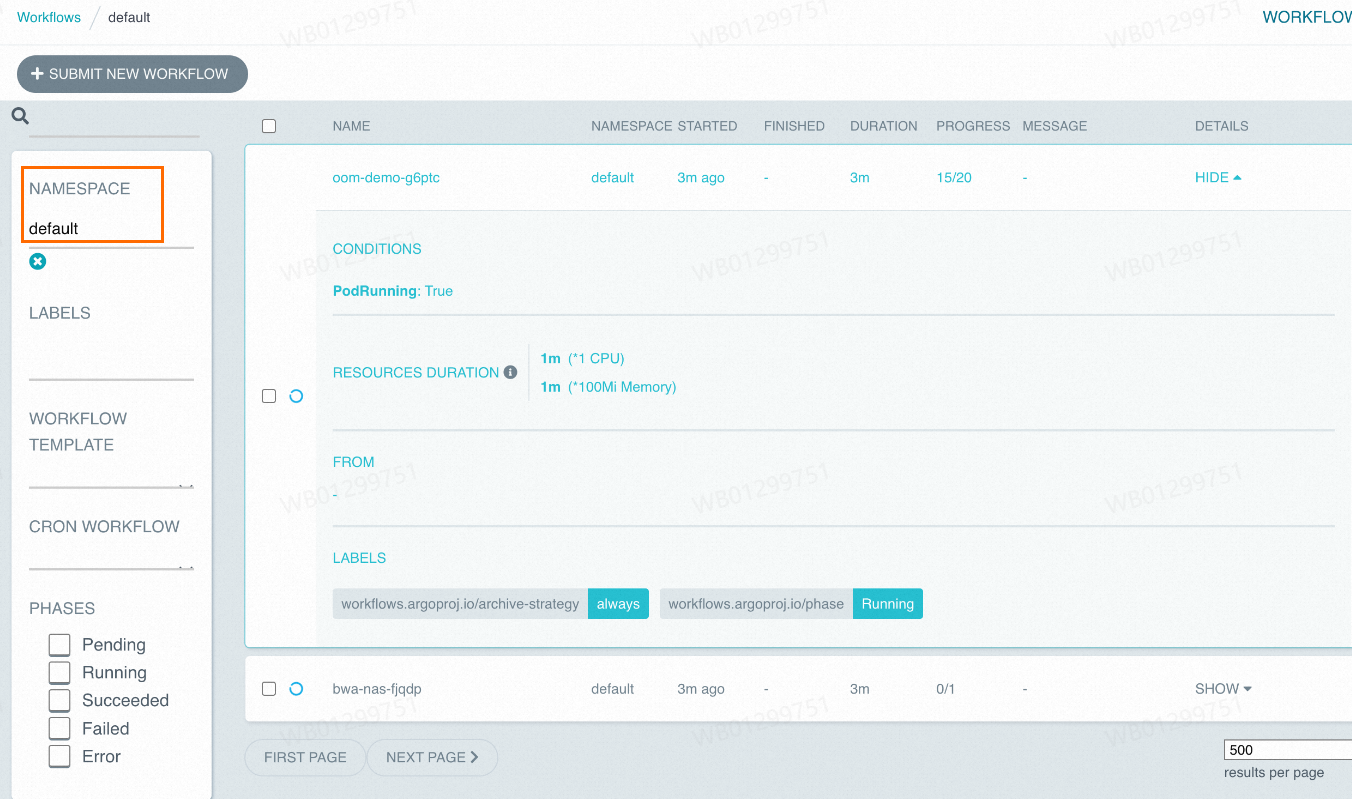
-
Click a workflow to view its details.