You can sign in to OpenAPI Explorer to directly call APIs for Alibaba Cloud services without configuring an AccessKey.
Background
API calls made in OpenAPI Explorer affect your actual cloud resources. Proceed with caution.
Procedure
-
Log on to OpenAPI Explorer.
-
In the top navigation bar, click Select a cloud service and select your desired cloud service from the panel.
-
On the cloud service's homepage, click Debug in the top navigation bar to view its available APIs.
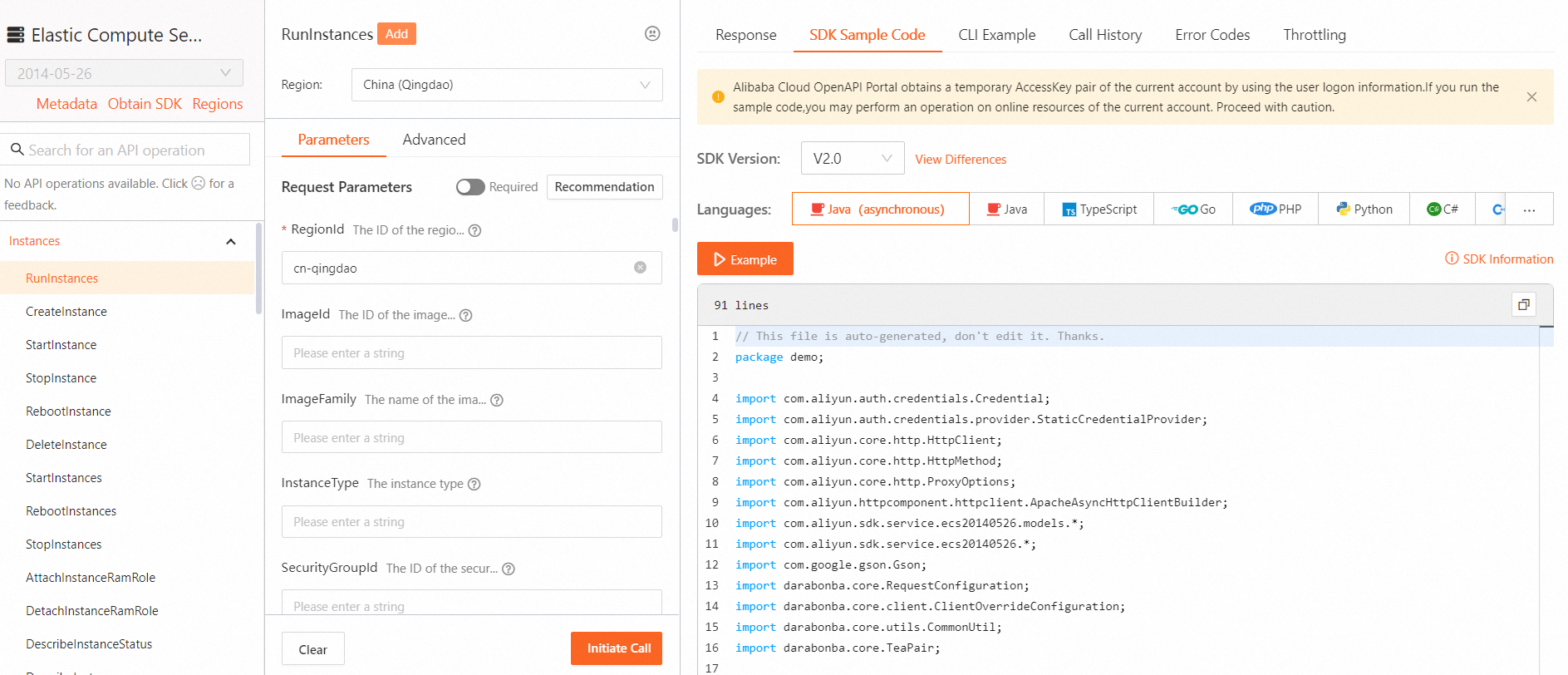
On the Debug page, the left pane lists the APIs for the cloud service, such as CreateInstance and DeleteInstance. After you select an API, use the center pane to configure its parameters, including required parameters such as RegionId and InstanceType. The right pane displays sample SDK code. The top of the page provides sample CLI commands and a service endpoint selector.
-
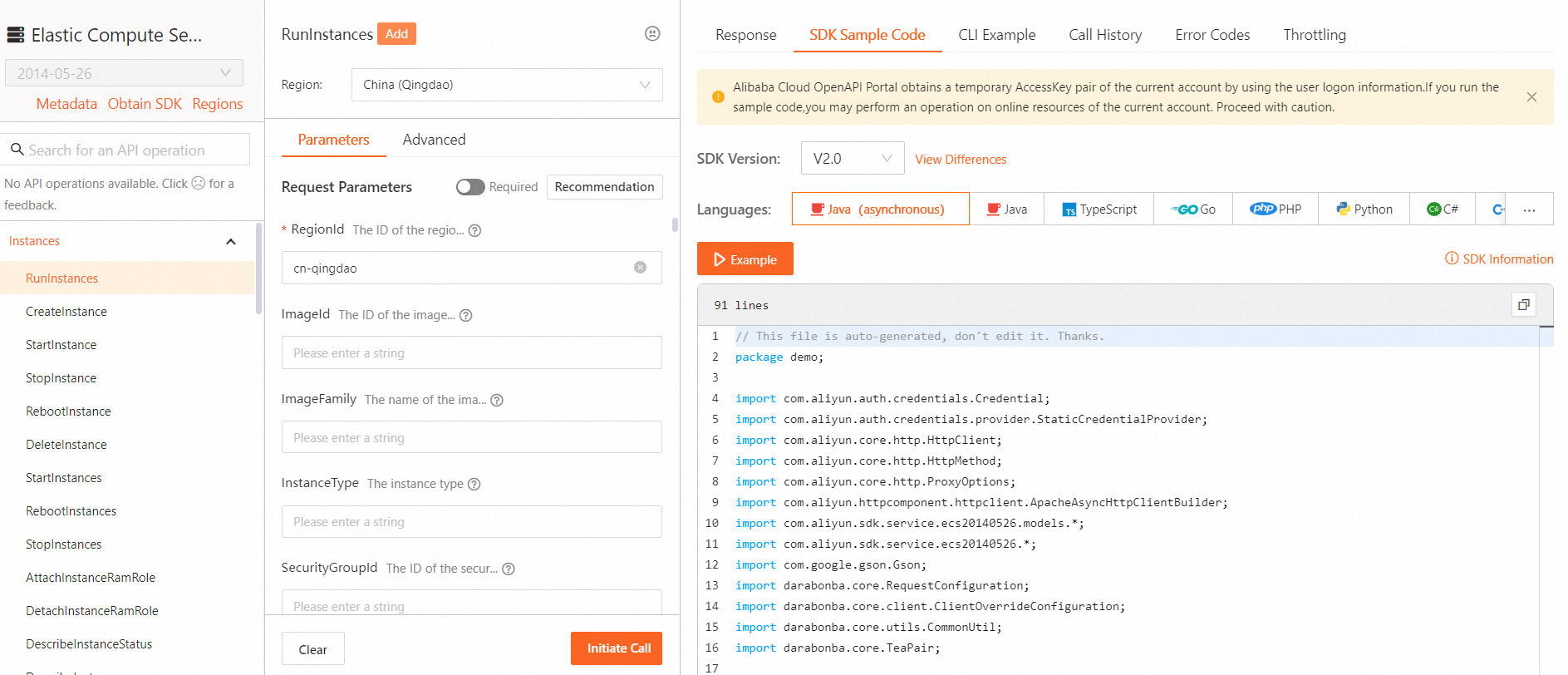
In the search box, find the API you need, enter the parameter values according to the API reference, and then click Initiate Call.
NoteParameters marked with an asterisk (*) are required.
-
If the call succeeds, view the response.
If the call fails, modify the API request based on the error message.