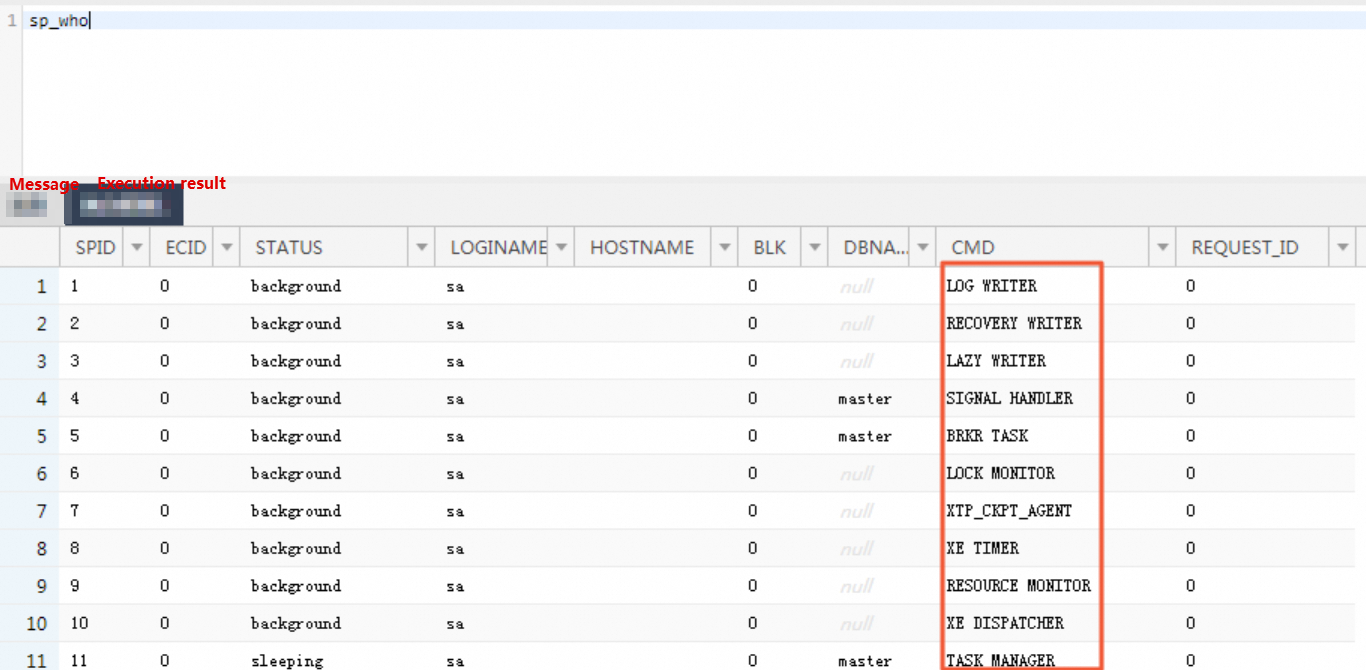
This topic explains how to view the current processes of an ApsaraDB RDS for SQL Server instance and the SQL statements executing for the processes.
View current processes through the SYSPROCESSES system view
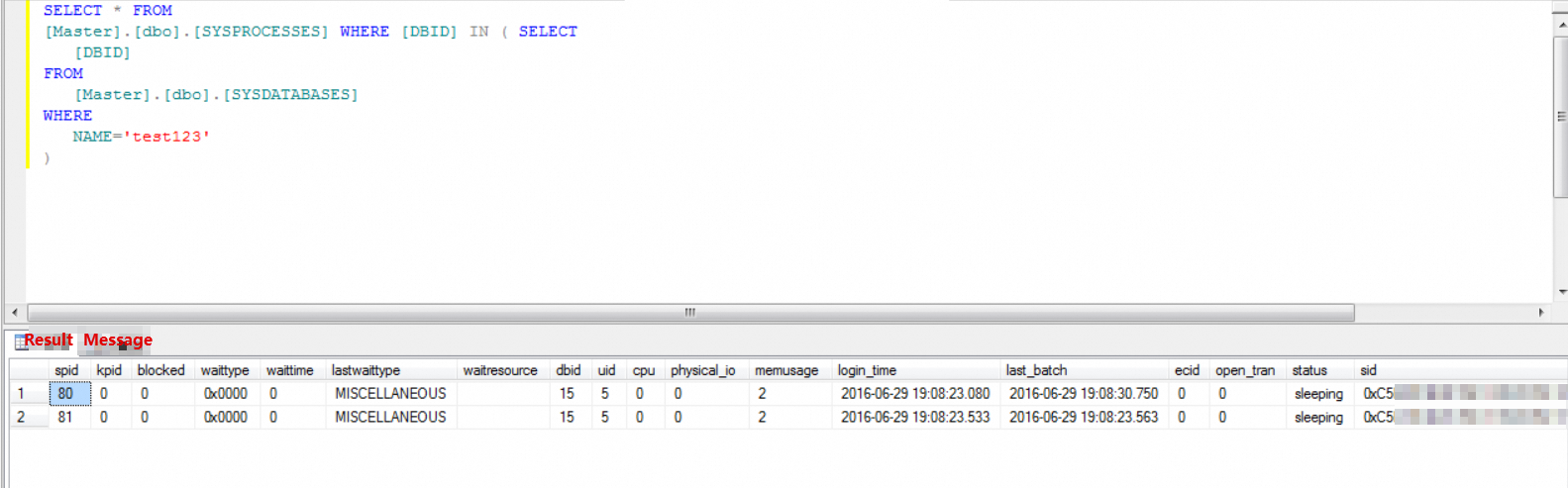
The Master.dbo.SYSPROCESSES view provides details on active processes. By performing a nested query with the Master.dbo.SYSDATABASES view, you can identify all current processes of an RDS instance. The following statement provides an example on how to view the current processes:
SELECT * FROM
[Master].[dbo].[SYSPROCESSES] WHERE [DBID] IN ( SELECT
   [DBID]
FROM
   [Master].[dbo].[SYSDATABASES]
WHERE
   NAME='<database name>'
)
View sessions and SQL statements by using sp_who
Syntax:
sp_who   --View all sessions
sp_who '<username>'   --View the sessions of a specific user