This topic describes how to download an integrated development environment (IDE) plug-in.
Procedure
Log on to the Application Open Platform console.
Select a workspace to go to the Overview page of the workspace.
NoteIf you have joined only one workspace, you are navigated to the Overview page of the workspace after you log on to the Application Open Platform console.
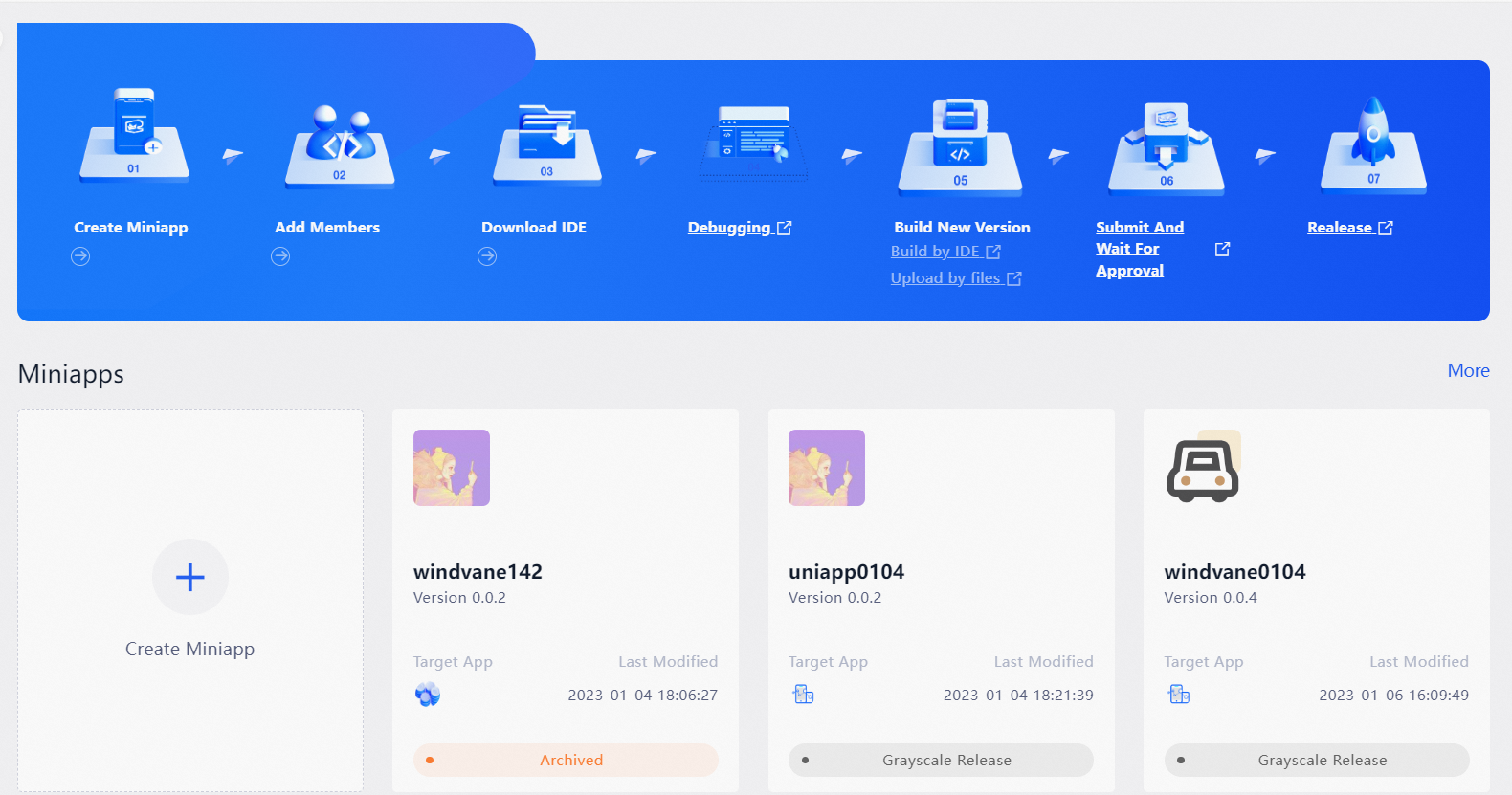
Click Download IDE in the workflow. You are navigated to the documentation center of Alibaba Superapp Solution. You can follow the instructions in the documentation to download resources.
WindVane: You can download the Visual Studio Code extension for WindVane miniapps and the WindVane scaffolding project.
uni-app: You can download an IDE plug-in for uni-app miniapps and the uni-app scaffolding project.