Open Source E-Commerce Platforms on Alibaba Cloud's Simple Application Server: OpenCart
Welcome
In this tutorial, we'll show you how easy it is to set up an e-commerce platform with Alibaba Cloud's Simple Application Server (SAS) product range.
With Alibaba Cloud's Simple Application Server, we'll spin up and configure a free and open source shopping cart solution, OpenCart.
What Is Alibaba Cloud's Simple Application Server?
Alibaba Cloud's Simple Application Server is a lightweight cloud server product range that has rapid, easy-to-use application management. You can speedily spin up servers and applications in a region near you and your customers.
SAS provides a rich selection of images, including pre-installed web application images on Linux and Windows, such as Joomla web application solutions and Ghost publishing solutions. Product packages provide compute, storage, and networking. SAS integrates with other Alibaba Cloud products and services to meet your needs.
Applications include a monitoring overview of how your application is performing, domain name integration, firewall management and server maintenance, including easy access log files.
E-Commerce with Alibaba Cloud's Simple Application Server
The speed and ease with which you can set up an e-commerce solution using Alibaba Cloud's SAS range makes it an excellent choice for web developers and business owners who are setting up e-commerce websites for the first time. SAS gives you the option of setting up and managing your store from anywhere in the world.
There's a range of network, SSD storage, and compute options depending on your requirements and a choice of application images too. You're not limited to those, as a number of lightweight OS images are also offered that you can build your own custom e-commerce solution from.
What Is OpenCart?
OpenCart is an online store management e-commerce system. LAMP or WAMP, Windows or Linux, it has a MySQL database that stores data and HTML for rendering your product information on the Internet. Your customers can buy your products with just a few clicks.
OpenCart supports different languages and currencies and it is freely available under the GNU General Public License.
The application is easy to set up and getting started is straightforward. Seasoned web developers enjoy its simplicity and reliability and it is a popular choice with business owners who are launching their online stores for the first time.
OpenCart has more than 13,000 extensions and growing. An extension is a small software package that plugs in to your OpenCart application and offers extra functionality. Many OpenCart extensions are free and you can, of course, roll out your own extensions and even sell them too.
Even though OpenCart is ready for use once set up and installed, its thousands of extensions give you the freedom to enhance your online e-commerce business offering.
Prerequisites
You will need an Alibaba Cloud account. If you don't already have one, head over to the Free Trial page to get $300 worth towards trying Alibaba Cloud products and services.
Let's get started.
Setting Up
Login to Alibaba Cloud and head to Products – Simple Application Server.

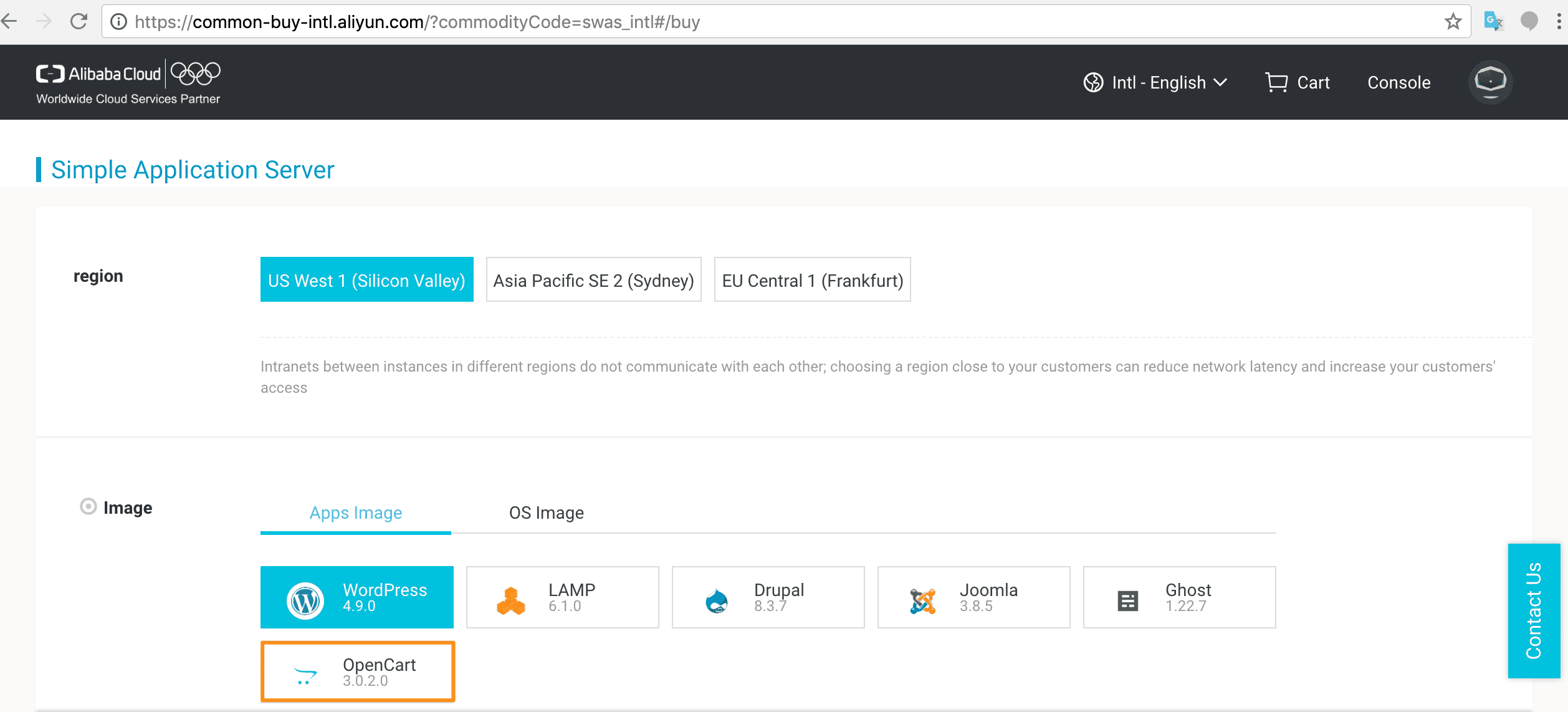
Click Create Server, check your region, and click OpenCart.
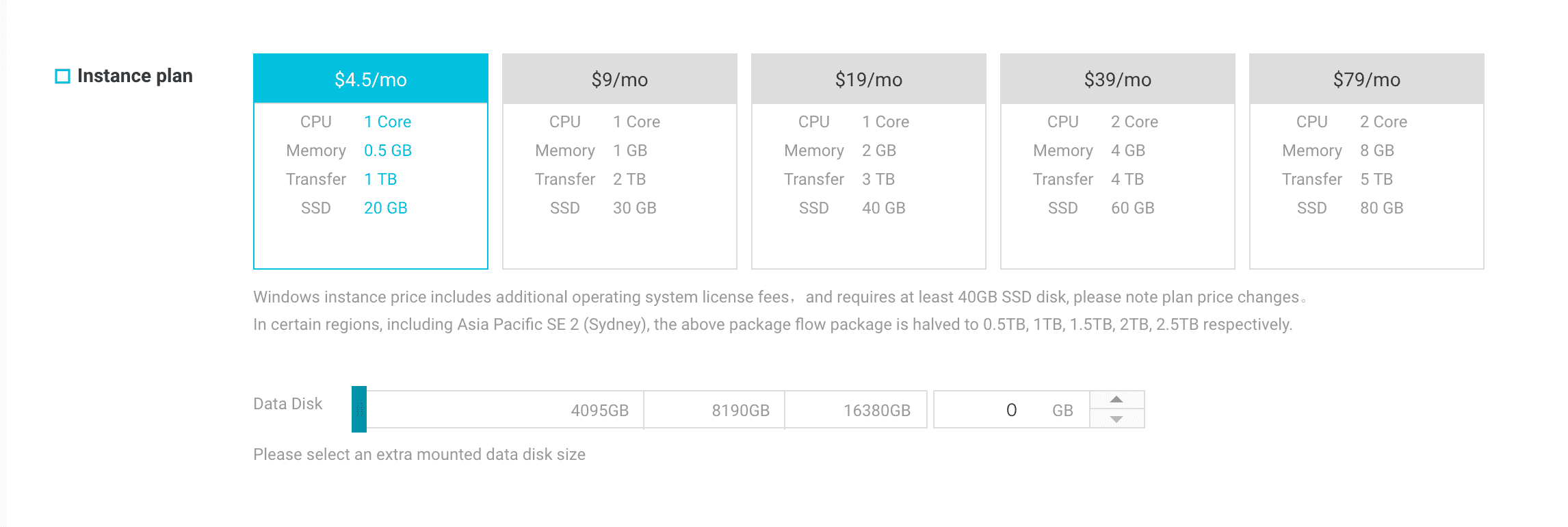
Choose the instance plan you require.
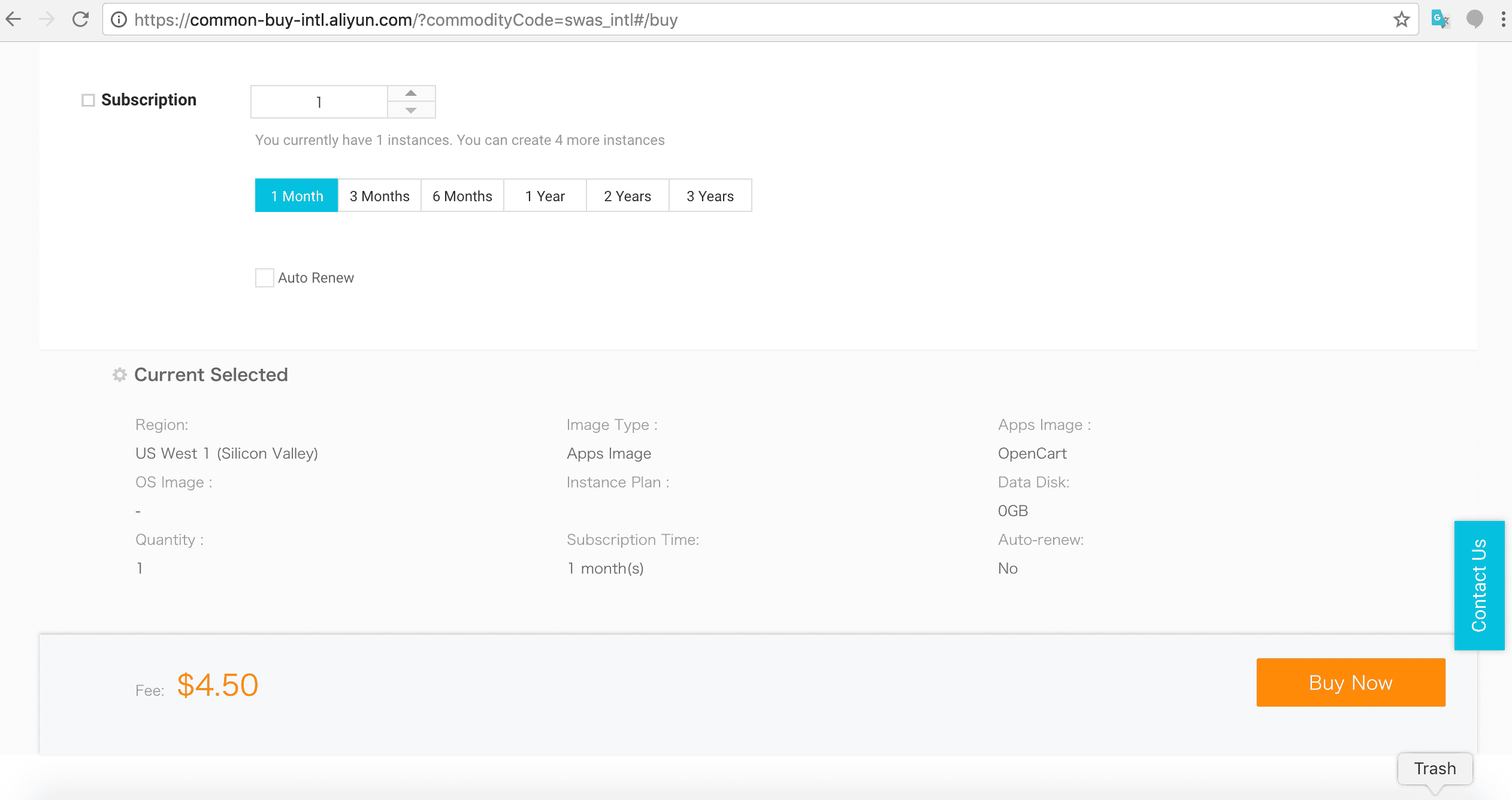
Check the subscription details and the fee and click Buy Now.
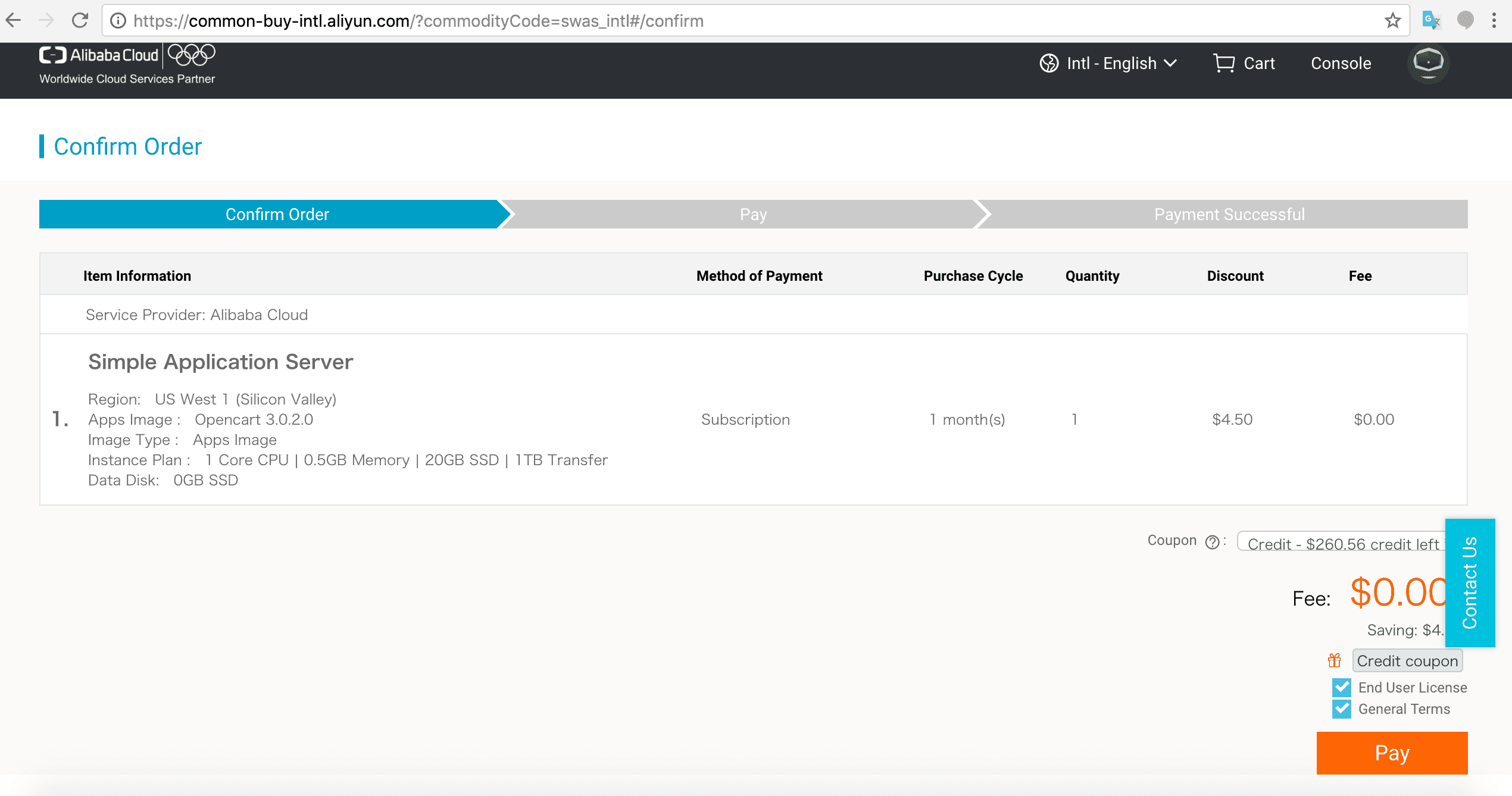
Agree to Terms and License details and click Pay.
After successful purchase, click Console and return to the SAS page. You will see the details of the SAS OpenCart instance you just created. It will be running.
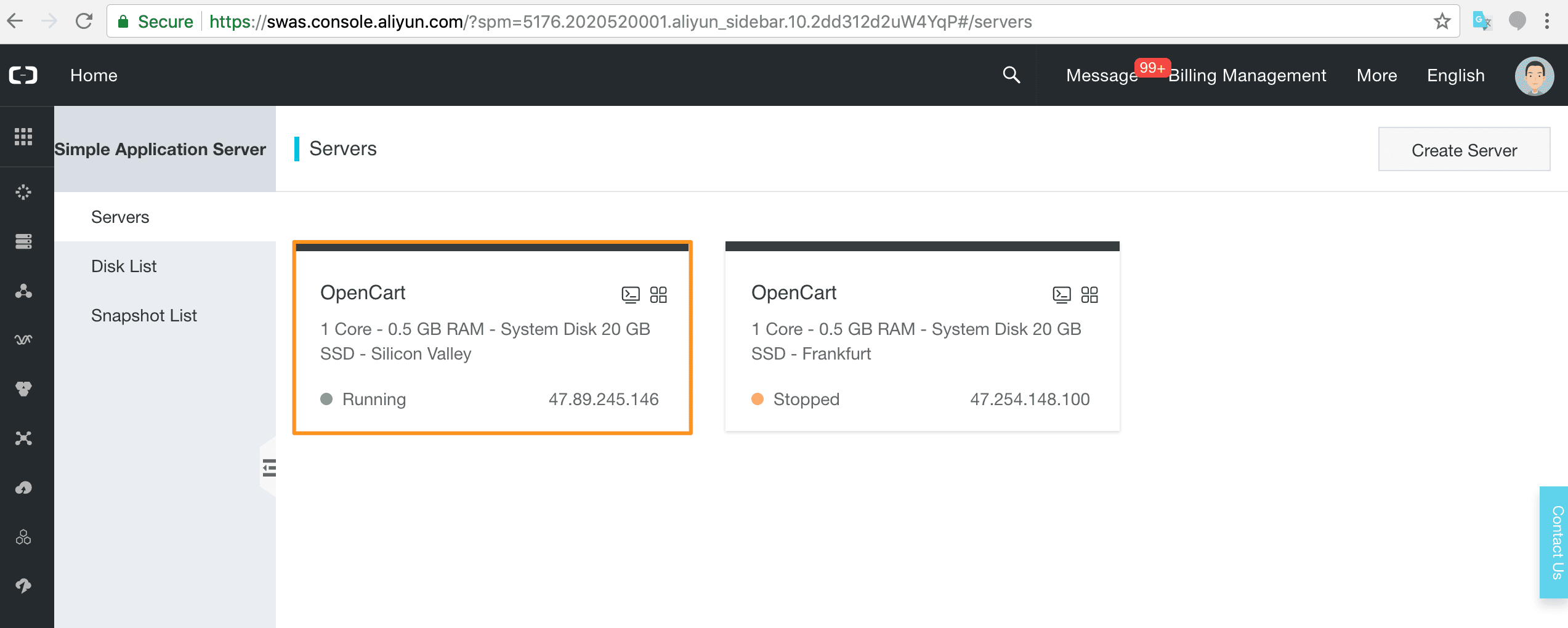
Click through to the OpenCart management page Overview where you will see details on your server instance including information on Traffic, CPU Utilization, and the Application Setup.
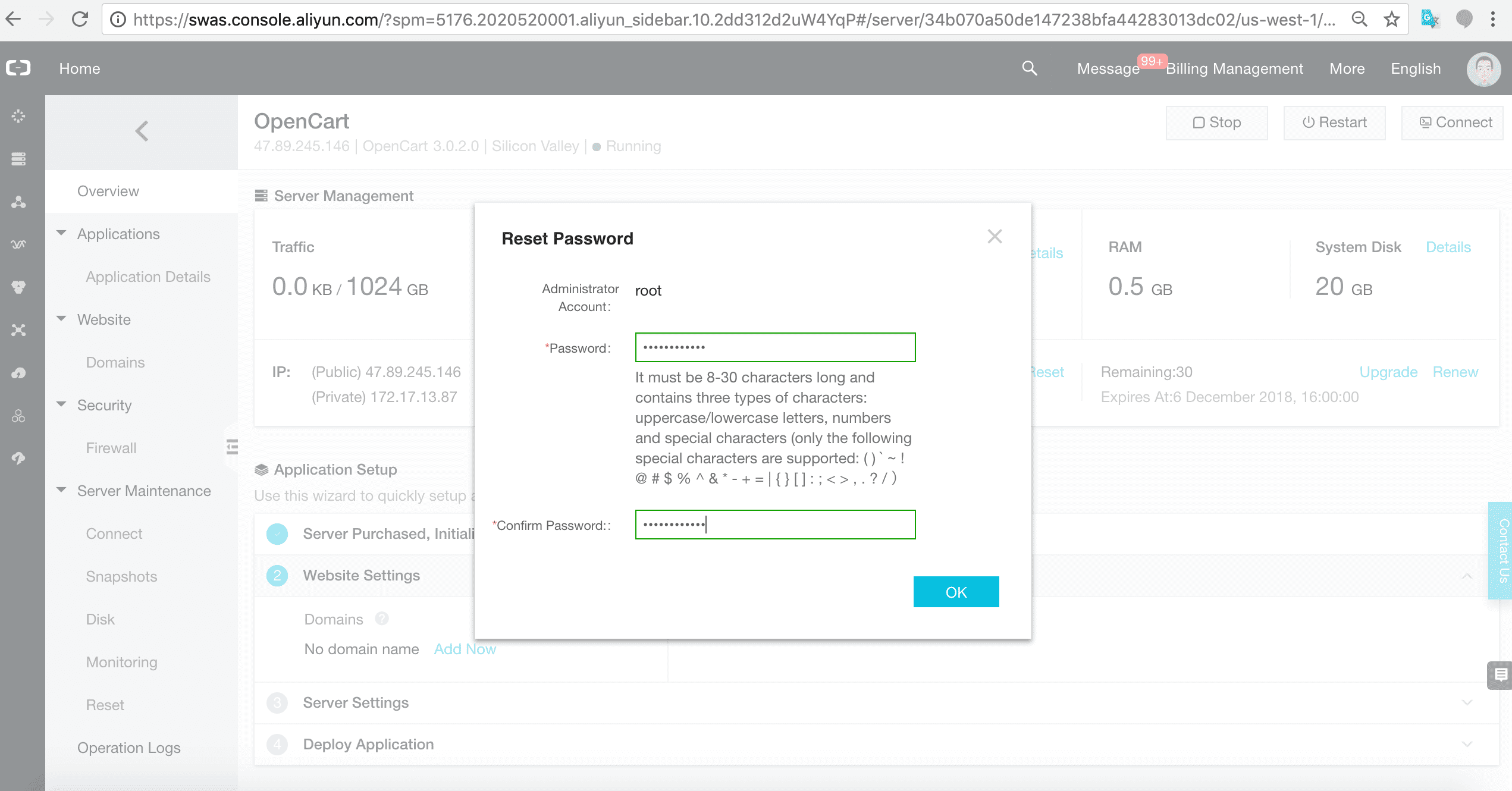
Set a password for root. You will be prompted to restart the server. Say Yes.
Configure OpenCart
In the Application Details tab, you will see information on the configuration details you need for setting up OpenCart. Follow the OpenCart Tutorial steps.
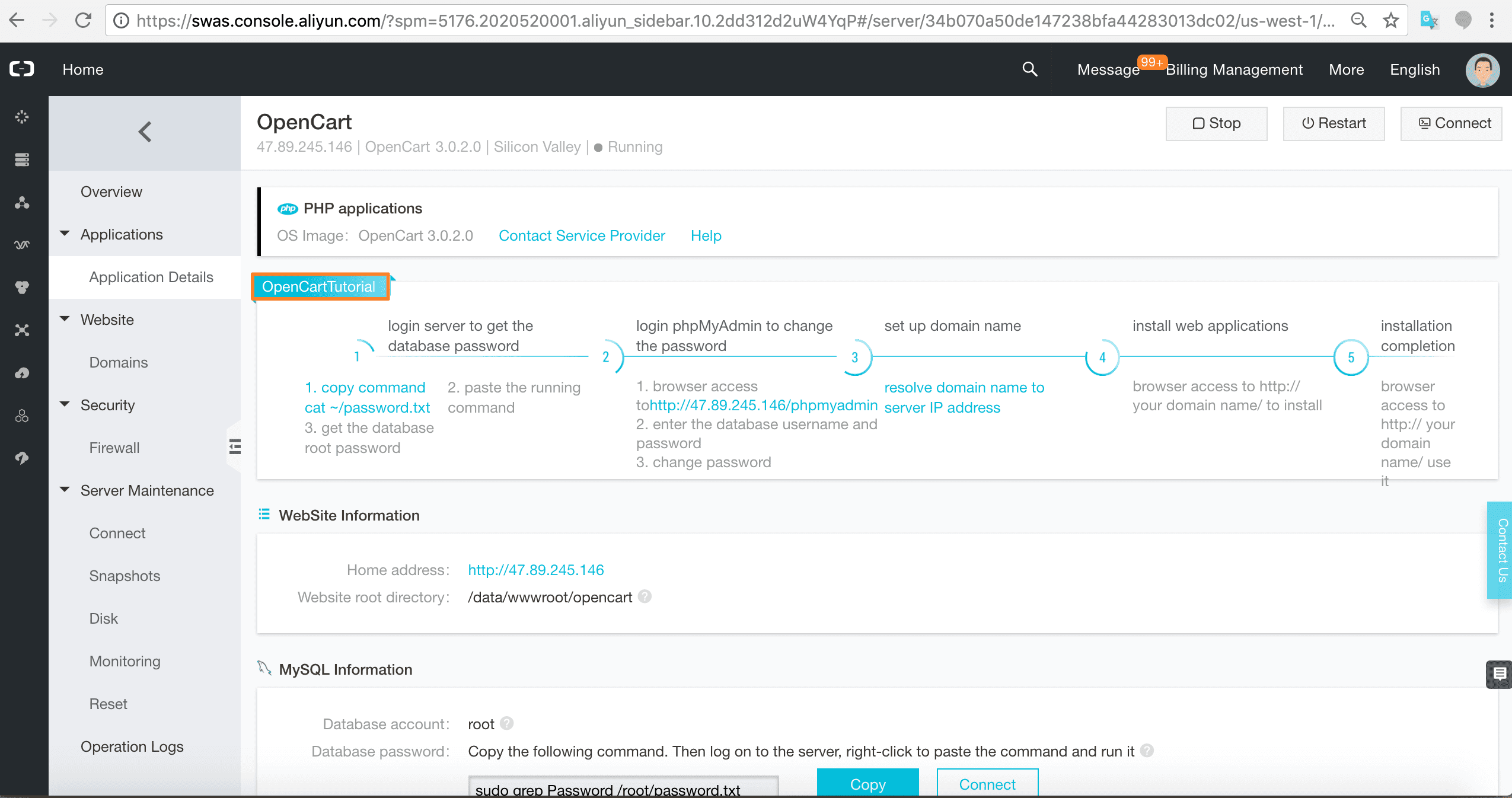
Get the database password by running the command provided on the terminal.

Login to phpMyAdmin with the password you just got from the command line. (Change the password if you so desire.)
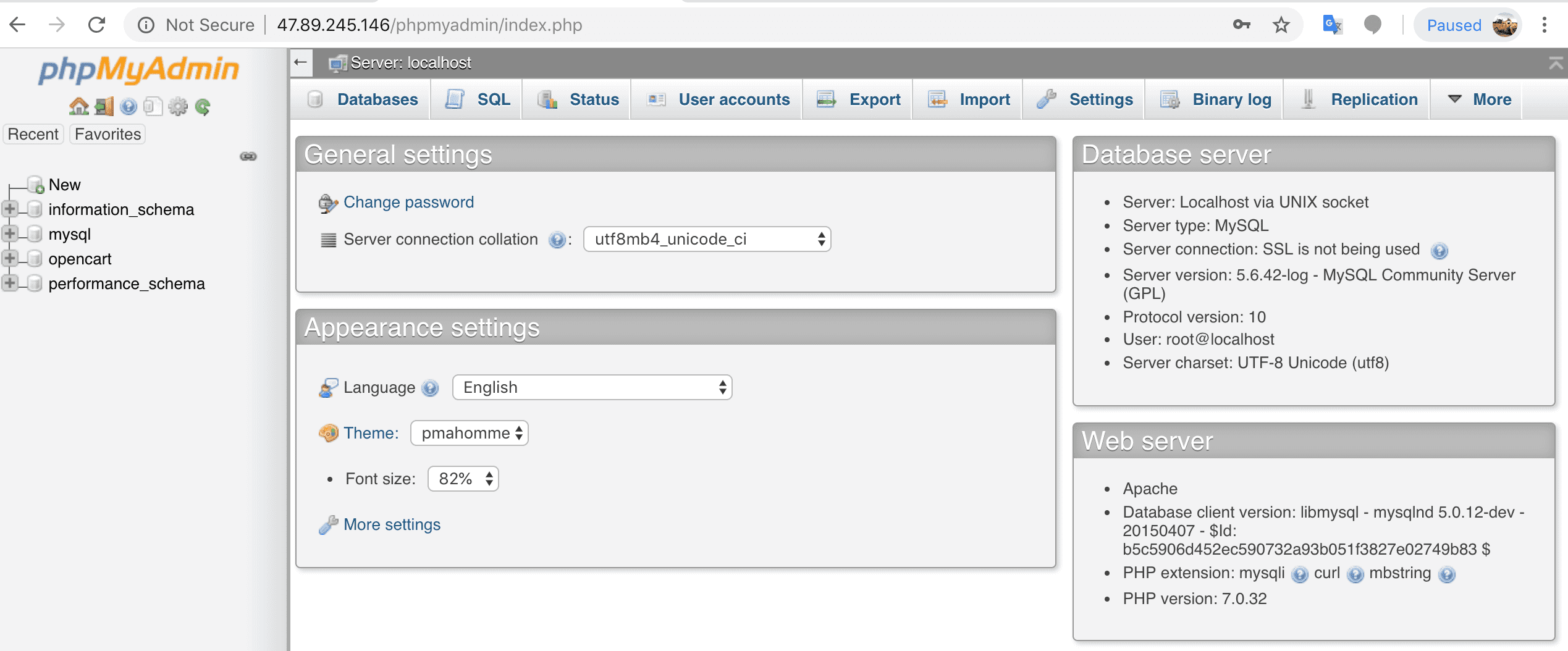
At this point, you can set up your domain name if you have one. After that, access the public IP in a new browser window.

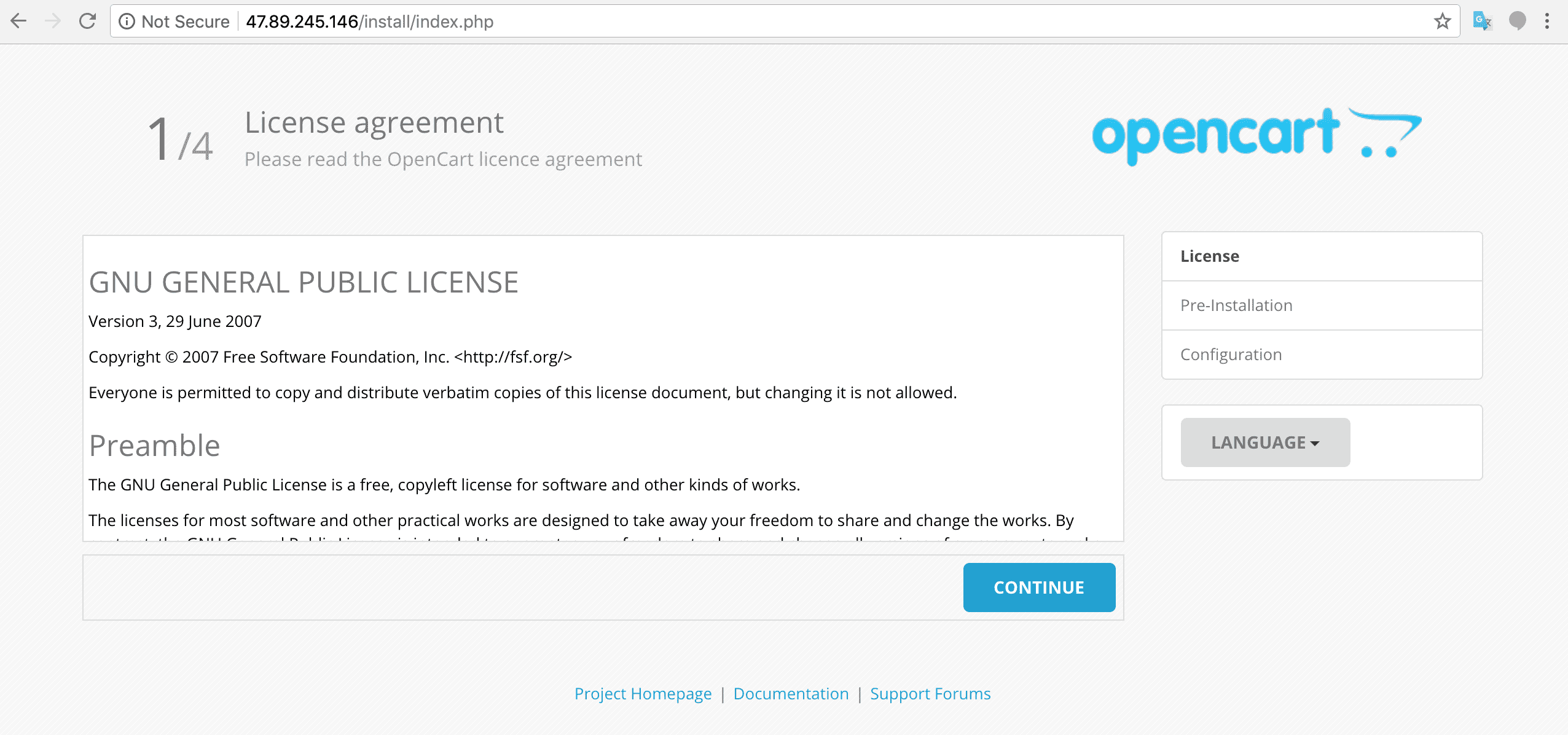
You will see the OpenCart License, Pre-installation, and Configuration pages. Follow the steps to set up your OpenCart application.
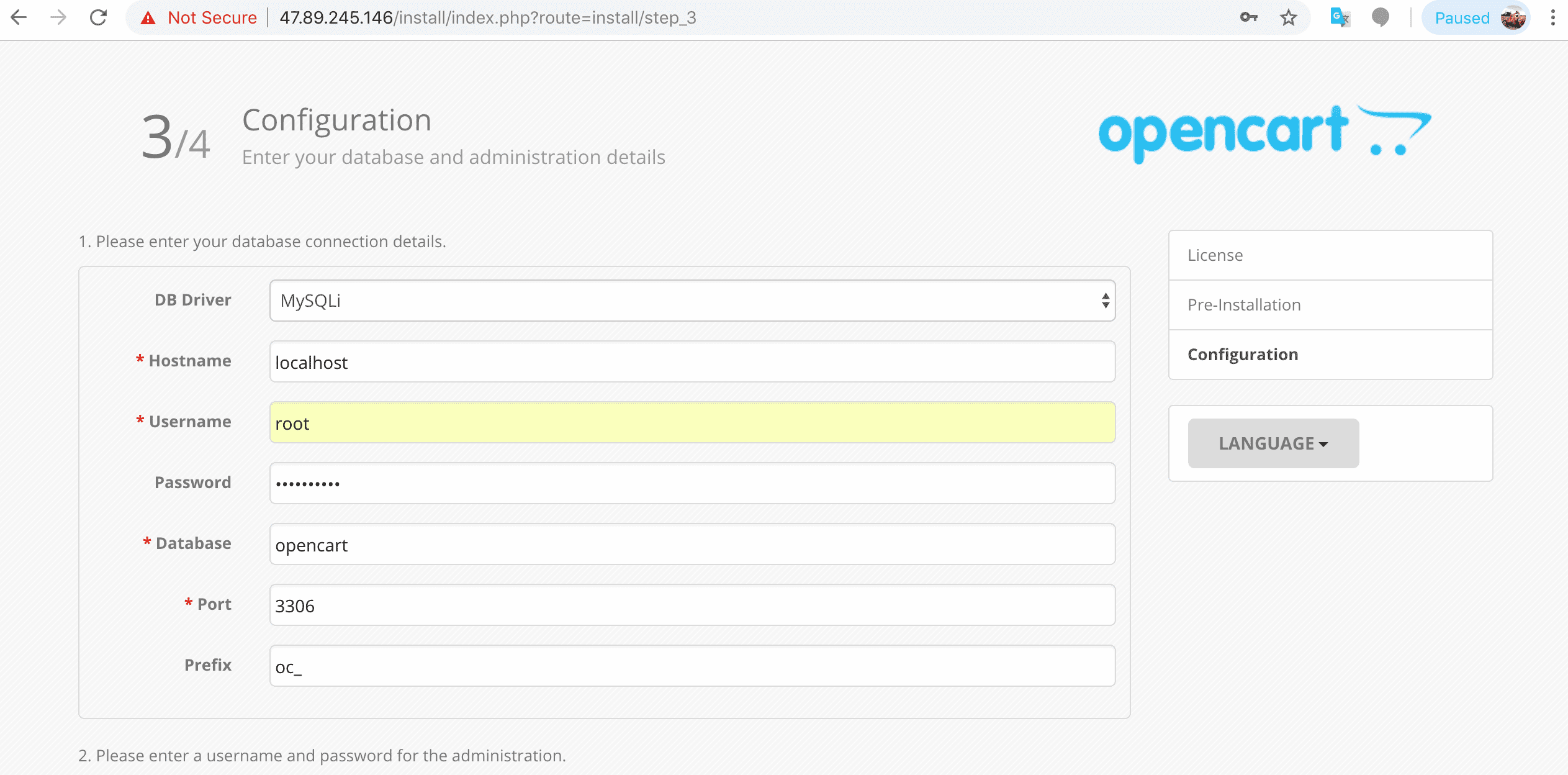
Add the relevant information. (Database name is opencart).
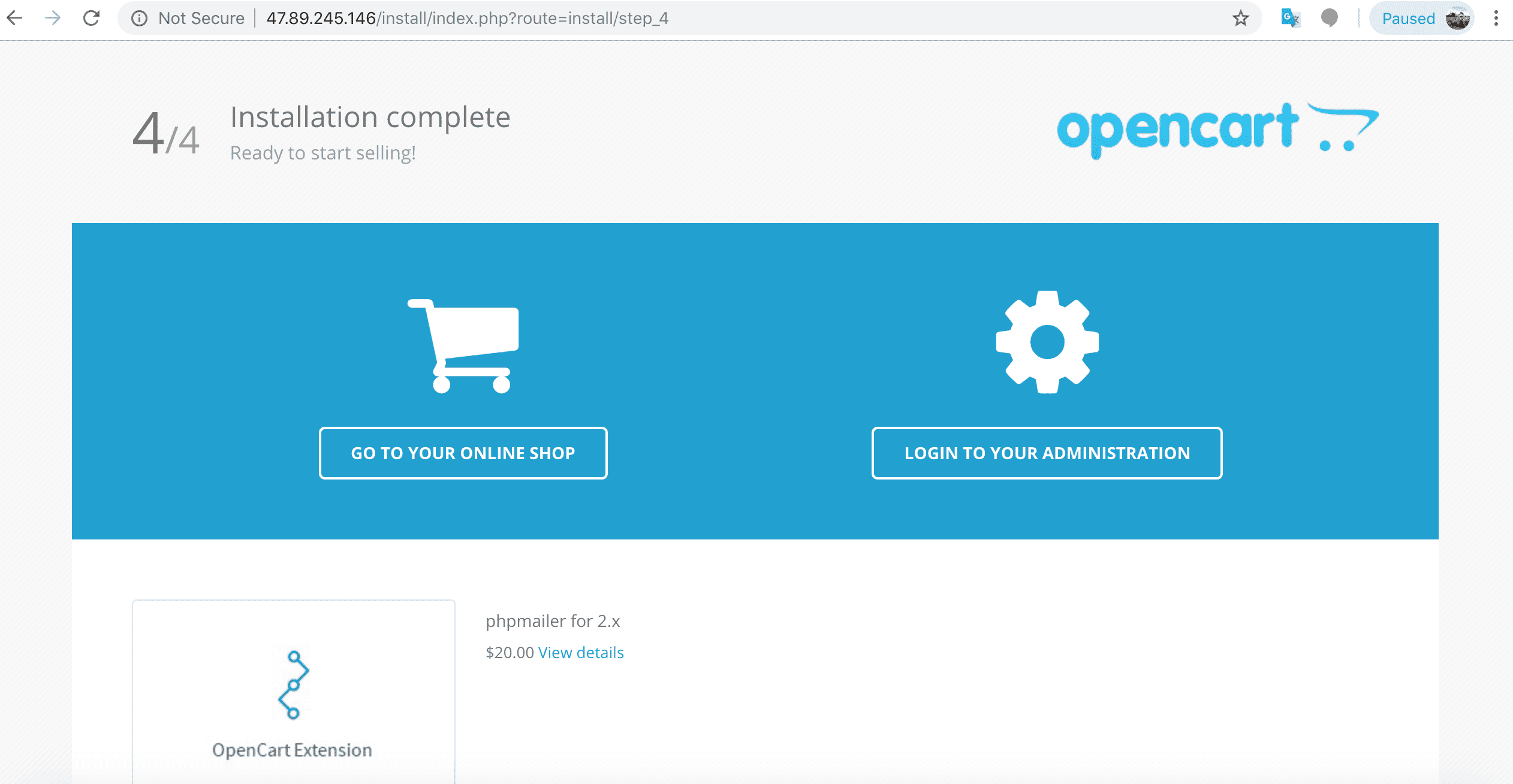
Your installation is complete.
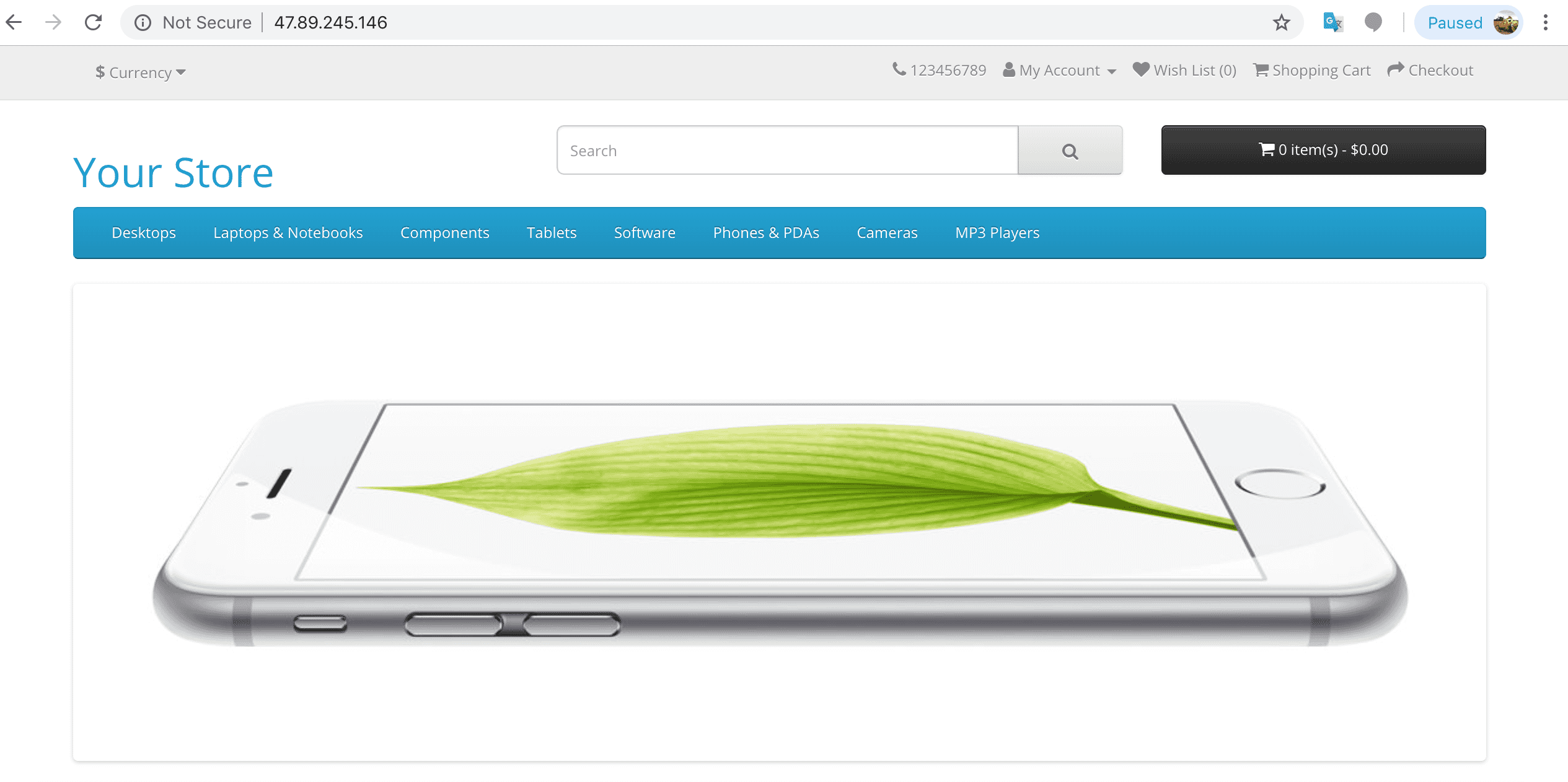
Check out your new OpenCart online store.
Summary
To summarize, we followed some prerequisite steps and logged into our account on Alibaba Cloud. Next, we created a Simple Application Server on Alibaba Cloud and chose the OpenCart image option.
In seconds, we were set up with a live and public OpenCart e-commerce system ready to roll.
Don't forget to check out our other Alibaba Cloud Simple Application Server application images along with all the other products and services Alibaba Cloud offers. https://www.alibabacloud.com/contact-sales
Read previous post:
Front-End Performance Optimization with Accelerated Compositing Part 2
Read next post:
Speeding Up Logistics with a Lightweight Timer Task Scheduling Engine
-

-
Alibaba Clouder
2,593 posts | 797 followers
Follow
Comments
-
-
Alibaba Clouder
2,593 posts | 797 followers
Follow
Related Products
-
 Web Hosting Solution
Explore Web Hosting solutions that can power your personal website or empower your online business.
Learn More -
 Web Hosting
Explore how our Web Hosting solutions help small and medium sized companies power their websites and online businesses.
Learn More -
 Web App Service
 allows you to deploy, scale, adjust, and monitor applications in an easy, efficient, secure, and flexible manner.
Learn More -
 ICP Support Solution
Learn how to obtain an ICP Filing or ICP Commercial License to host your website in Mainland China.
Learn More
More Posts by Alibaba Clouder
- MyBatis with a More Fluent Experience
- Alibaba Cloud Sustainability Report 2021
- Comparing CNI Models in Container Service for Kubernetes — Alibaba Cloud Series Part 1
- [Infographic] 5 Steps to Accelerate Your Digitalization in Asia
- Attackers Use the Vulnerability of ShowDoc to Spread Botnets
- Powerful: MyBatis and Three Streaming Query Methods
- What is the Difference between Spring Boot and Spring?
- What are the Differences and Functions of the Redo Log, Undo Log, and Binlog in MySQL?
- On the In-Depth Cluster Scheduling and Management
- Alibaba Technological Practices: Experiences in Cloud Resource Scheduling
Raja_KT March 20, 2019 at 5:01 pm
Nice one. I hope Alibaba Cloud can promote using this product and support retailers.