This topic describes how to configure cache settings for a Flow pipeline.
A job node of Flow pipeline always creates a new build environment which will be destroyed when the build completes. To address the issue of repeated dependency downloads, Flow provides a caching mechanism that allows users to customize cache directories, enabling cache sharing across multiple job executions. But Flow does not support cache sharing between jobs within the same pipeline execution.
For example, running npm install in a Node.js build job generates ./node_modules. Cache it under the /root/.npm directory so that other jobs can use it.
Configure cache directories
On the pipeline editing page, navigate to , and configure the Cache Directory.
Flow caches the following directories by default. You are allowed to enable or disable the default cache directories and modify them.
Management tool
Cache directory
Maven
/root/.m2
Gradle
/root/.gradle/caches
NPM
/root/.npm
Yarn
/root/.yarn
go mod
/go/pkg/mod
Other cache
/root/.cache

You are allowed to add custom cache directories under the following rules:
Do not specify directories such as
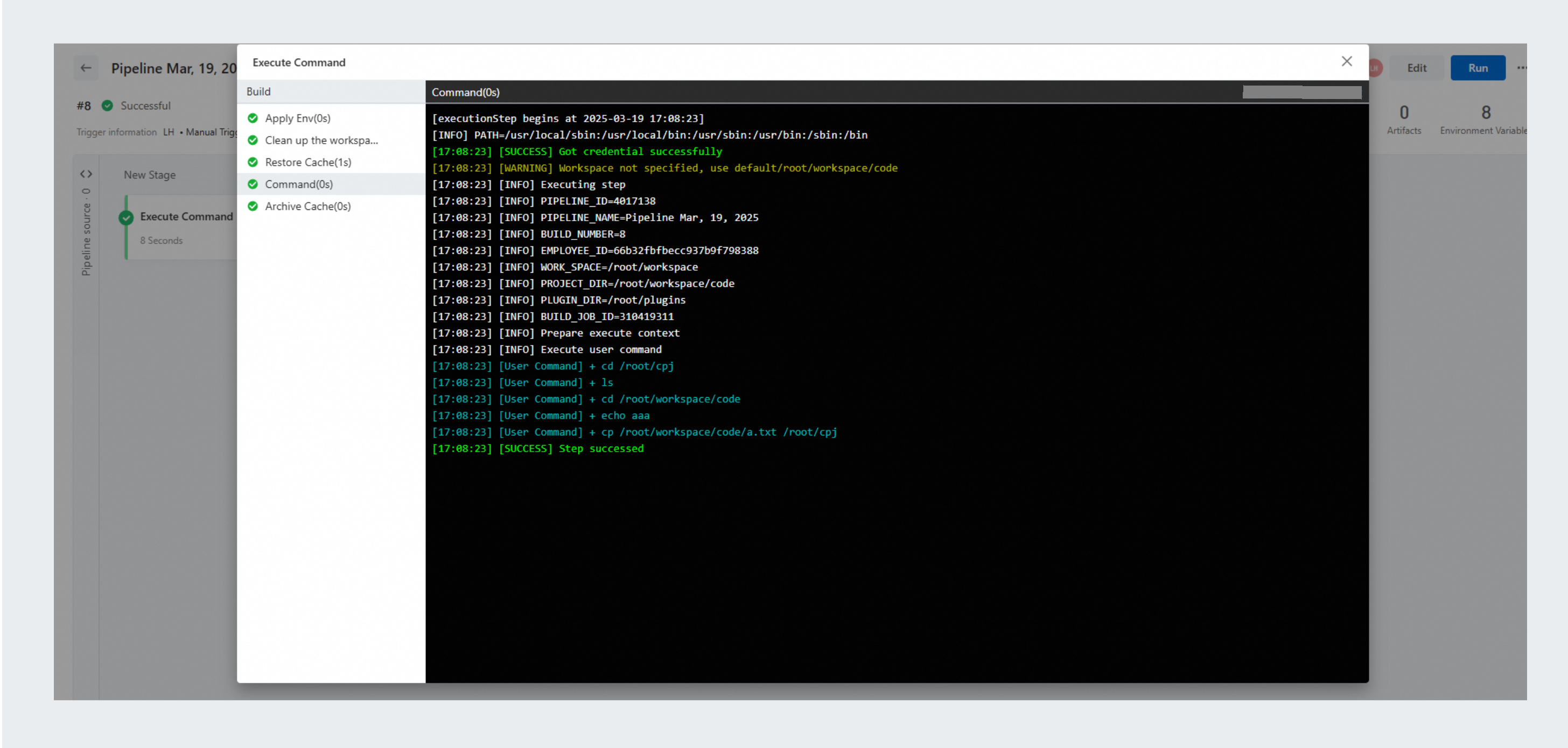
/,/root,/root/workspaceand its child directory. If you need to cache a directory or a file under/root/workspace, copy it to another directory under/rootand set it as the cache directory. The following figures show an example:

Do not include
..in the directory path, as in/root/abc/...The directory must be valid. For example,
/root/%\&dfafis not a valid directory.
Use cache in build jobs
After cache directories are configured, you can use the following commands to prioritize using the cache when executing the pipeline.
Build with NPM:
// Prioritize using the cache during the build
npm install --prefer-offline --no-audit
Build with Yarn:
// Prioritize using the cache during the build
yarn install --prefer-offline