Common questions about Time Series Database (TSDB), covering instance selection, connectivity, data visualization, and error resolution.
How do I choose a TSDB instance type?
Select an instance type based on two key metrics:
Number of timelines: The total number of data collection points across all your devices. A collection point is typically a sensor that uploads data. Use this formula: Total devices × Collection points or sensors per device.
Write throughput: The average number of data points written to TSDB per second. Use this formula: Number of timelines × Average data points written per second per timeline.
In a multi-value model, calculate the total number of data points as: Number of records × Number of fields per record.
Does TSDB support public access?
Yes. After you create an instance in a Virtual Private Cloud (VPC), enable public network access in the TSDB console. For details, see the Public network connection section of Network connectivity.
How can I visualize TSDB data?
Use Grafana to visualize TSDB data. For details, see Connect to Grafana for data visualization.
What should I do if I get a "Connection timed out" error when accessing an instance?
This error occurs because TSDB instances are created inside a VPC by default. The client machine and the TSDB instance must be in the same VPC to establish a connection.
If your client machine and the instance are in the same region, add the client machine to the TSDB instance's VPC. For details, see Single ECS migration example.
What should I do if I get an "Exceed Max TS counter xxxx" error?
This error means your instance has reached the maximum number of timelines. Scale out your instance to increase the limit. For details, see Specifications and pricing.
What should I do if I get an "a null credential specified in the authorization field" error?
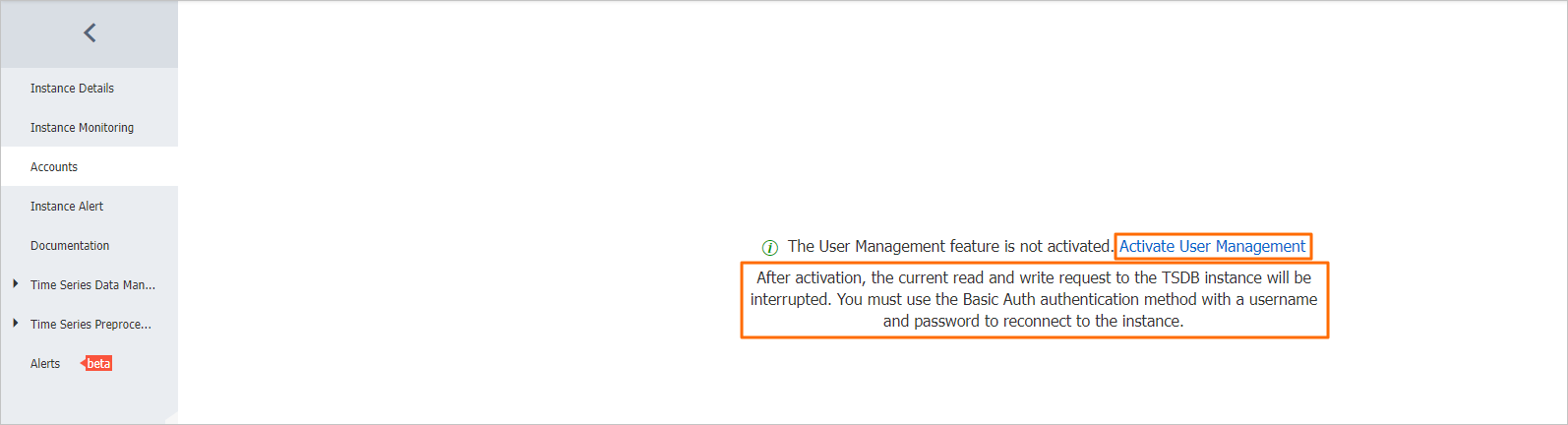
This error means the user management feature is enabled on the instance, but the request did not include authentication credentials.
When user management is enabled, all write and query requests to TSDB must include authentication credentials. Update your application logic to pass credentials in every request.
Why does my TSQL query return an "INTERNAL: Missing start time" error?
When you run a SQL query on the TSQL Data Studio page in the TSDB console, you may see this error:
Error in calling SQL restful api with error { "errorMessage" : "INTERNAL_ERROR ERROR: io.grpc.StatusRuntimeException: INTERNAL: Missing start time.\nTSDB query execution failure \n …… }Cause: The SQL statement does not include a start time in the WHERE clause. For example, this query triggers the error:
select * from metric_nameA query without a time range performs a full table scan, which can degrade instance performance on large datasets. Starting with TSDB version 2.5.14, all SQL queries must include a start time, consistent with HTTP API queries.
Fix: Add a start time to the WHERE clause. For example:
select * from metric_name where `timestamp` >= '2020-01-01 00:00:00 +0800'