The WVUIToast JavaScript API displays toast notifications in your H5 or mini apps.
WVUIToast.toast
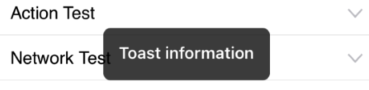
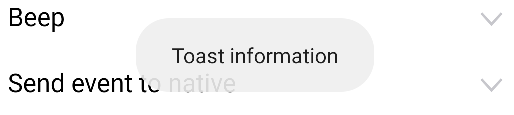
Displays a toast message in the center of the screen.
|
iOS |
Android |
|
|
|
Input parameters
-
[
string] message: The message to display in the toast. -
[
number] duration: (Optional) The display duration in seconds. The default value is0.8.
Callback parameters
The success callback runs after the toast is dismissed and receives no parameters. The failure callback runs when the toast fails to display and receives an error object.
var params = {
        // The message to display.
        message: 'Toast information',
        // Display duration in seconds.
        duration: 5
};
window.WindVane.call('WVUIToast', 'toast', params, function(e) {
}, function(e) {
        alert('failure: ' + JSON.stringify(e));
});