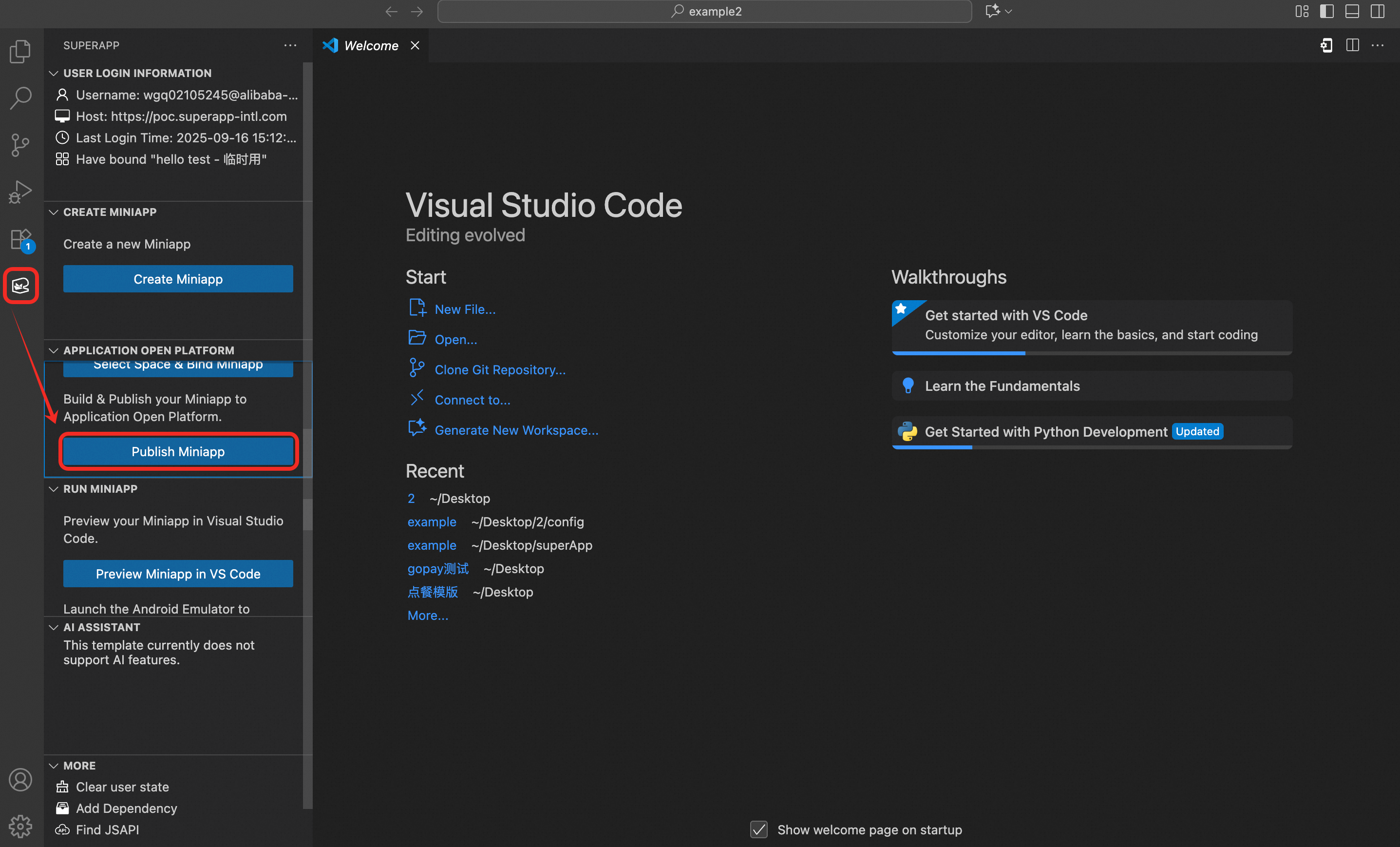
After the preview meets your expectations, package and build the MiniApp in VS Code, then publish it on the Application Open Platform.
1. Package and build
In VS Code, click Publish MiniApp. The plugin fetches the current version information from the server and calculates a recommended version number.
-
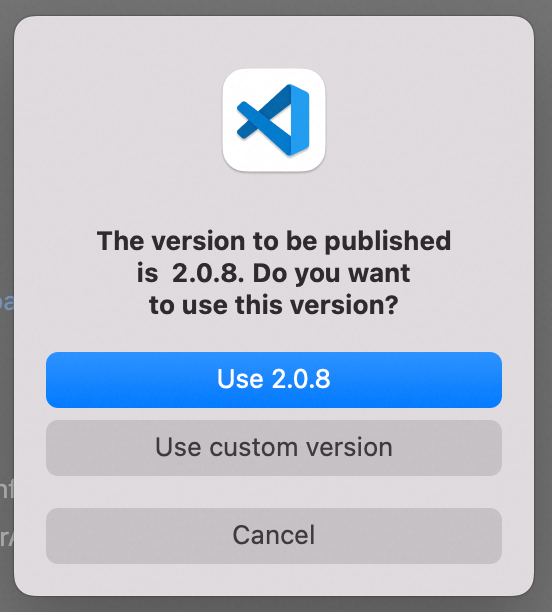
In the dialog that appears, select a version:
A recommended version (auto-calculated), or a custom version number.
Click Recommended Version to use the auto-generated version.
Click Use custom version to enter a version number manually.
After you confirm the version, the plugin runs
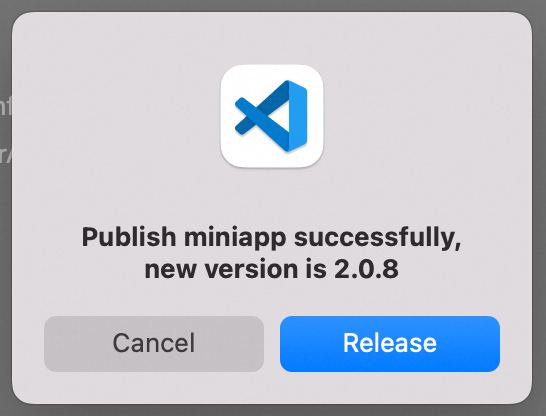
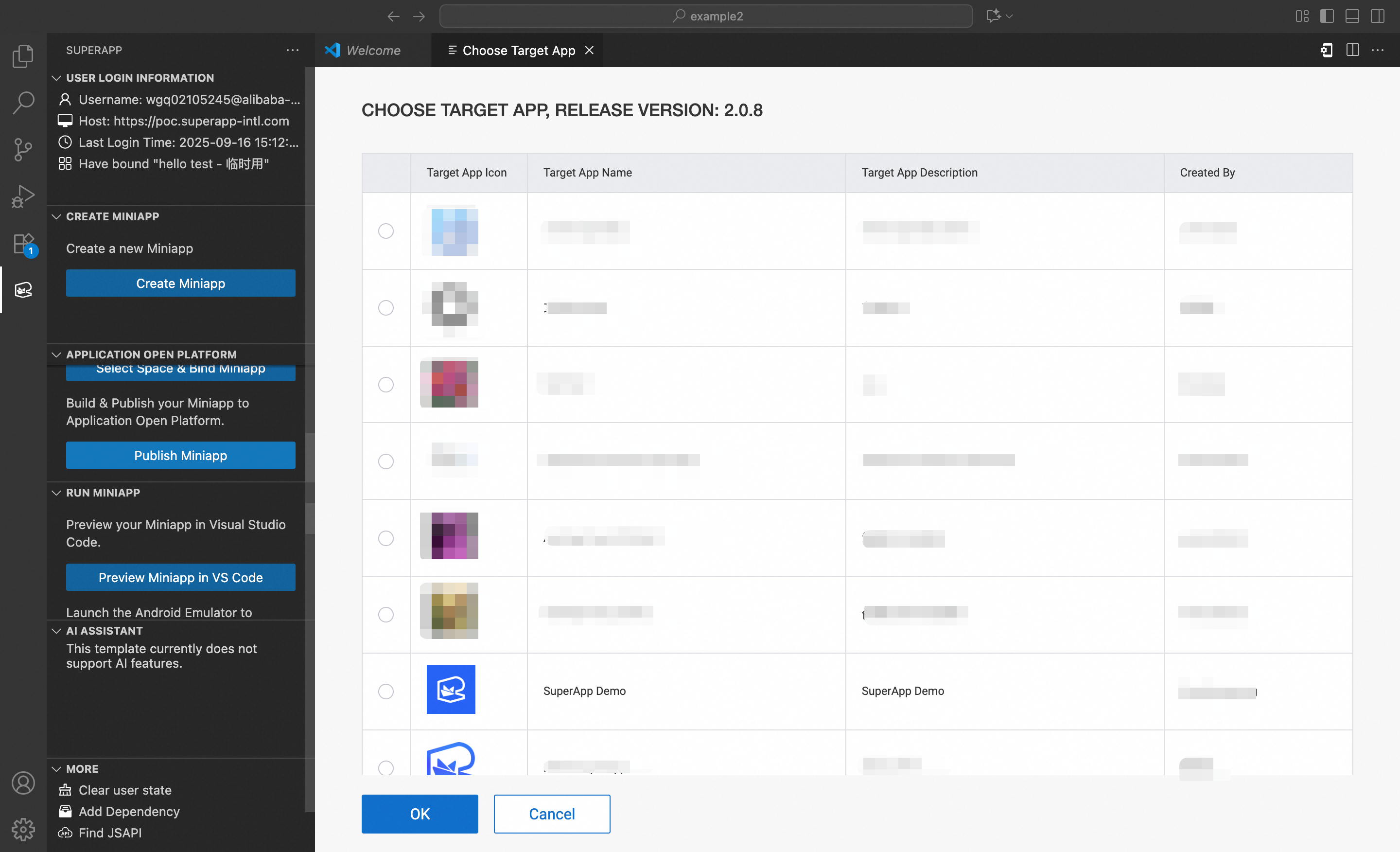
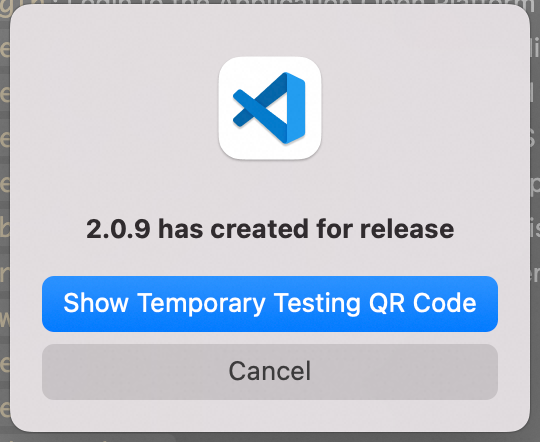
npm run buildautomatically, compresses the build output, and uploads it. A confirmation message displays the new version number when the upload succeeds.Select the target app for publishing, then click Confirm.
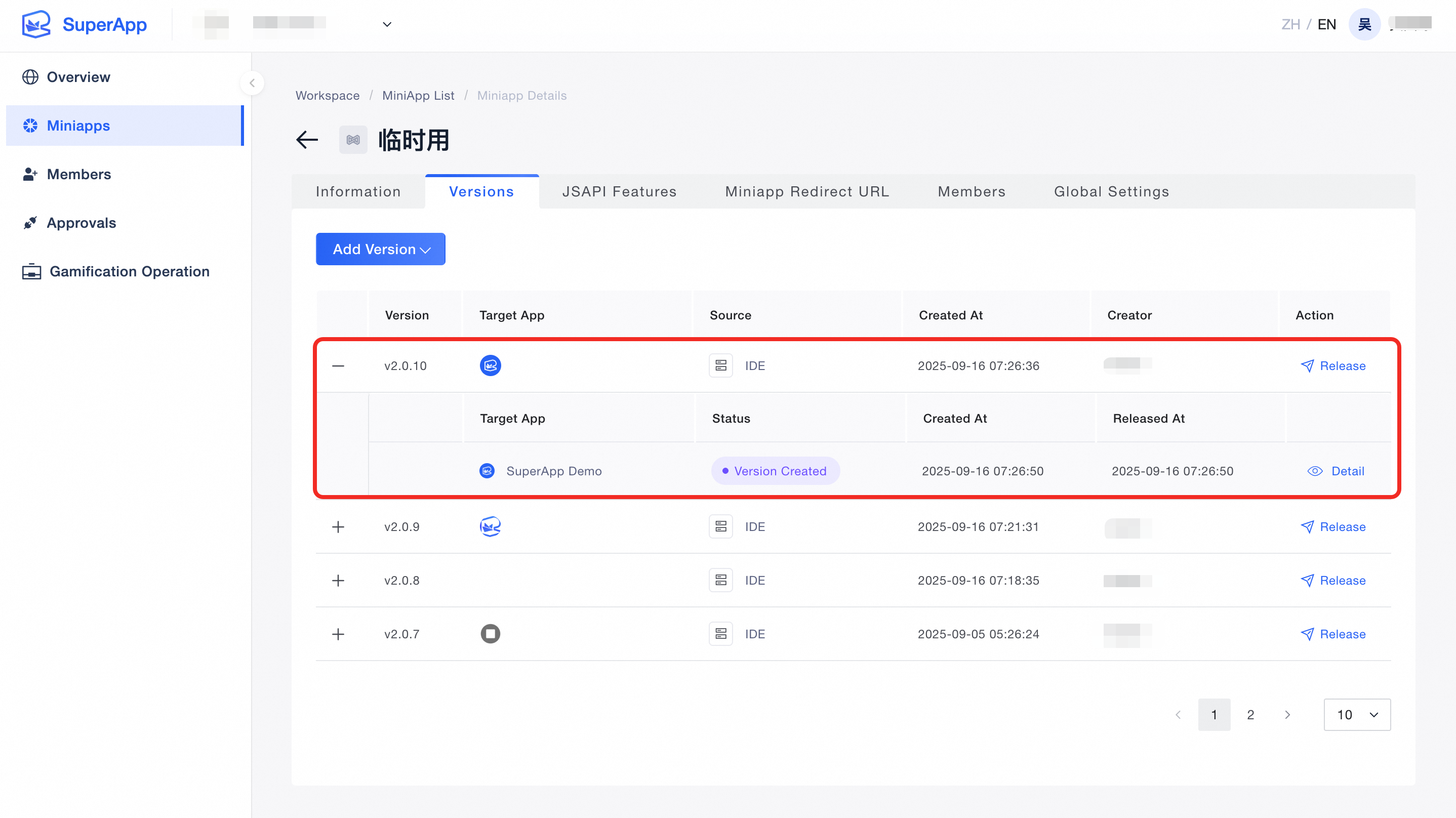
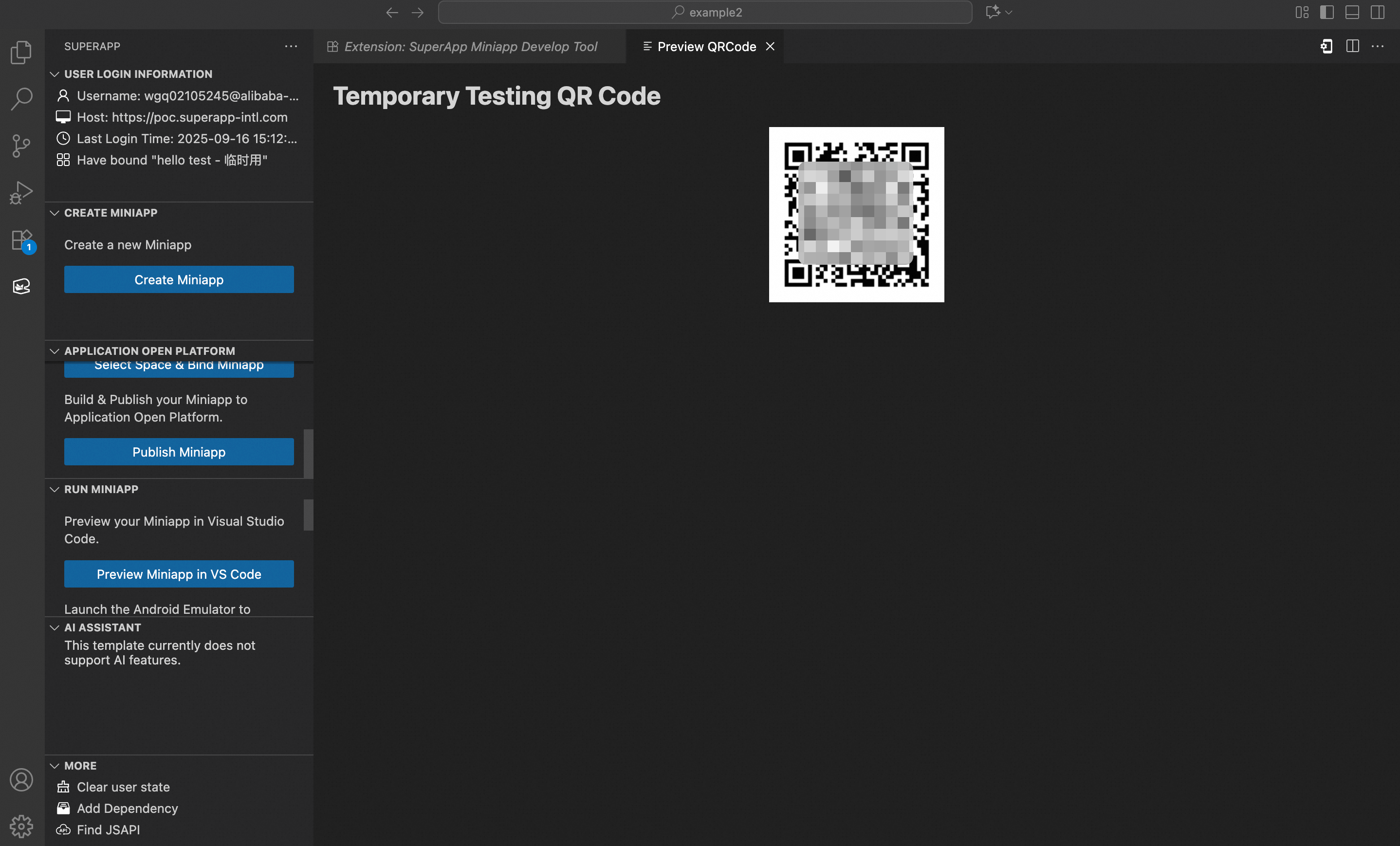
After publishing, scan the QR code with the target app to preview the MiniApp, or go to the Application Open Platform to manage the release.
The default build output directory is dist. To use a different path, update the setting in the plugin Settings.
Confirm version:
Enter version number:

Created successfully:
Select target App:
Preview MiniApp:
2. Publish MiniApp
Complete the publishing process on the Application Open Platform. For detailed steps, see Versions.