Configure alert rules and view triggered alert events in the Event Center.
Prerequisites
Log collection is enabled for the target Project, including important logs, detailed logs, job operational logs, and audit logs. For more information, see Enable log collection for cloud products.
Access the feature
-
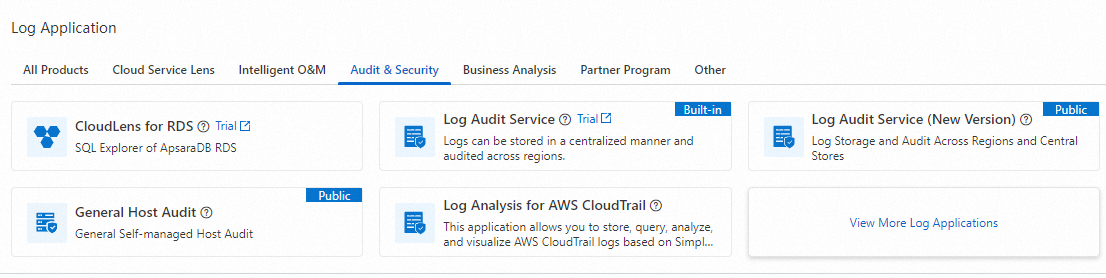
Log on to the Simple Log Service console. In the Log Application section, choose .
-
Click the target Project. On the Alert Management page, click Alert Rules or Event Center.
Alert rules
Log Audit Service (New Version) supports custom and built-in alert rules.
Procedure
-
On the Alert Rules tab, click . For parameter details, see Create an alert monitoring rule.
Event center
The Event Center displays alert events triggered by your alert rules.
Procedure
-
After associating a Project, click Create Now on your first visit to the Alert Rules or Event Center tab. Log Audit Service (New Version) automatically creates an Eventstore named security-event. The Event Center tab then displays all events triggered by your alert rules. For more information, see Eventstore.