Push user IDs to Alibaba Cloud Kafka or open-source Kafka.
-
Regardless of whether the flow starts from a behavioral event component or a target audience component, users entering the flow are matched by their QAID against the IDs from all data sources. All ID types enabled in ID Type Management.
-
A workspace administrator or organization administrator must create a Kafka API to connect to Alibaba Cloud Kafka or open-source Kafka.
-
A workspace administrator or organization administrator must Kafka Management.
Procedure
-
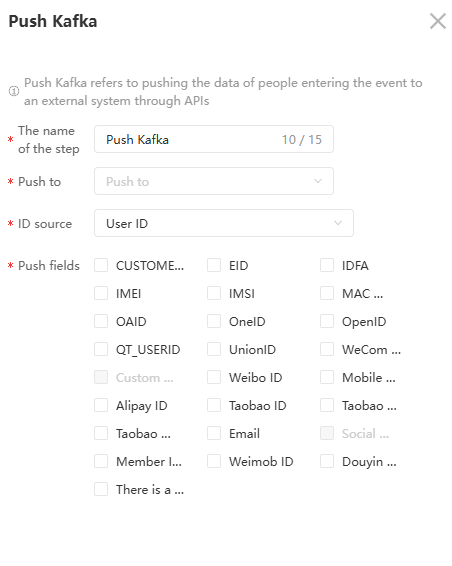
Click Push Kafka Components. In the panel that appears, configure the parameters. From the Push to drop-down list, select a Kafka interface that is enabled on the Kafka Management page.
-
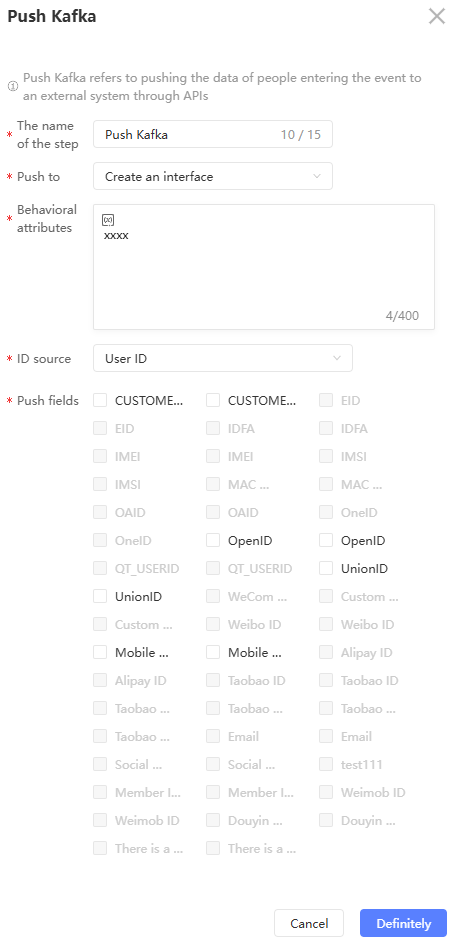
If you select Specify Kafka API, configure the parameters for each field under the Kafka API.
-
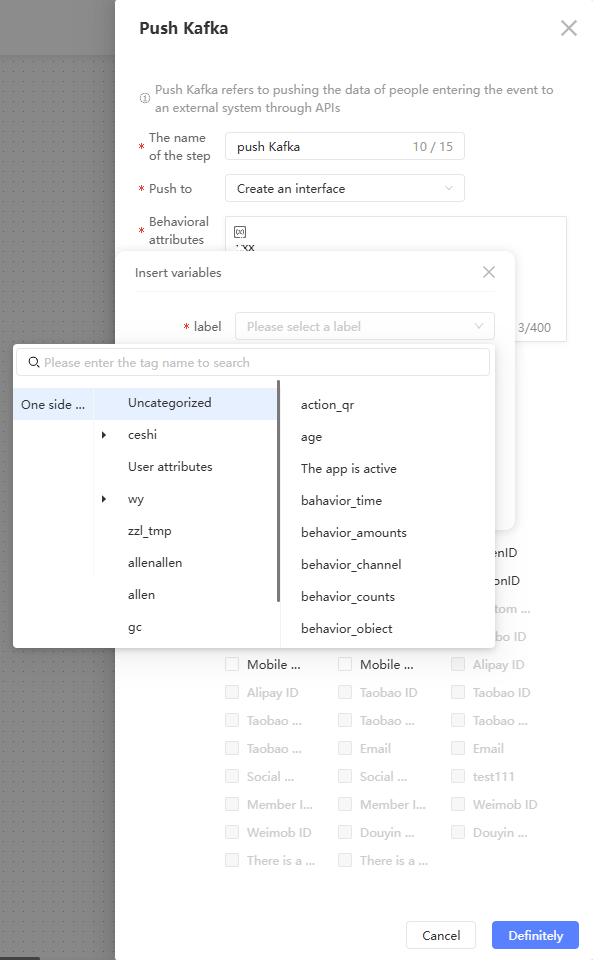
When the trigger method in the canvas is set to Target audience, select the label corresponding to the audience as the variable value
 .
. -
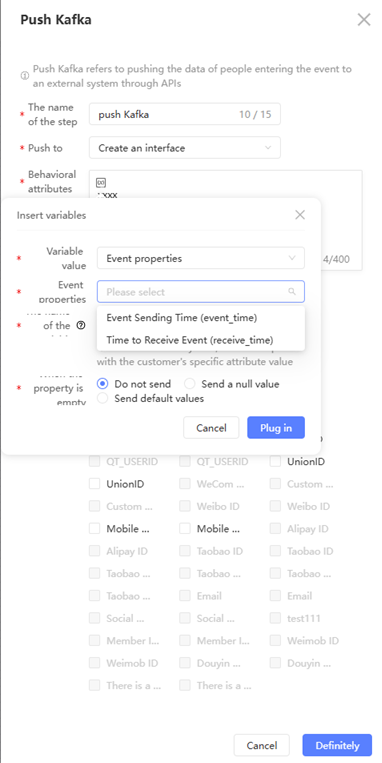
When the trigger method in the canvas is behavior event, select the event attributes of all event-related nodes in the branch where the Kafka node is located as the variable value
-
If the trigger mode in the canvas is historical behavior, select the behavior attribute of the historical behavior as the variable value
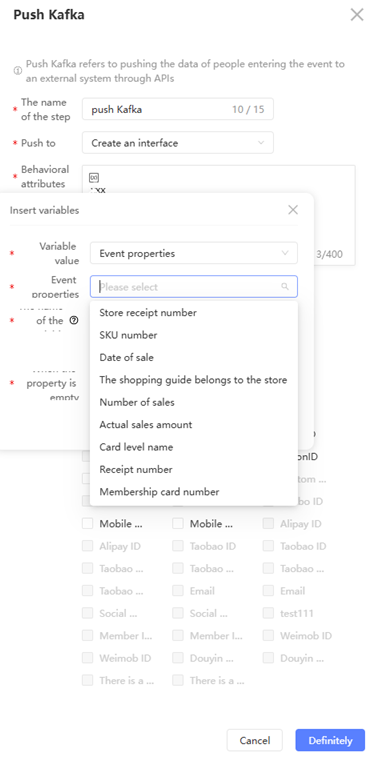
-
Configure the logic for when an optional variable is empty
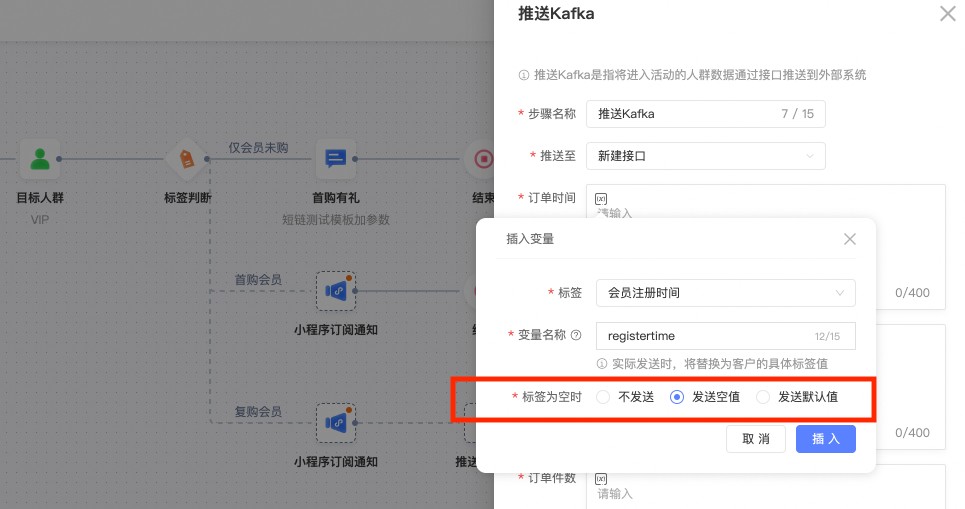
-
Select the type of ID that you want to push.
-
Click OK.