AI Copilot in Alibaba Cloud Drive Enterprise Edition offers powerful features, such as AI Search, Intelligent Q&A, and document processing, through a conversational AI interface. It simplifies file management and office tasks to enhance your efficiency and productivity.
Notes
This feature is currently available only in the China (Beijing) and Singapore regions.
Prerequisites
Your administrator has enabled AI Copilot.
Features
Access AI Copilot
In the upper-right corner, click AI Copilot.

AI Search
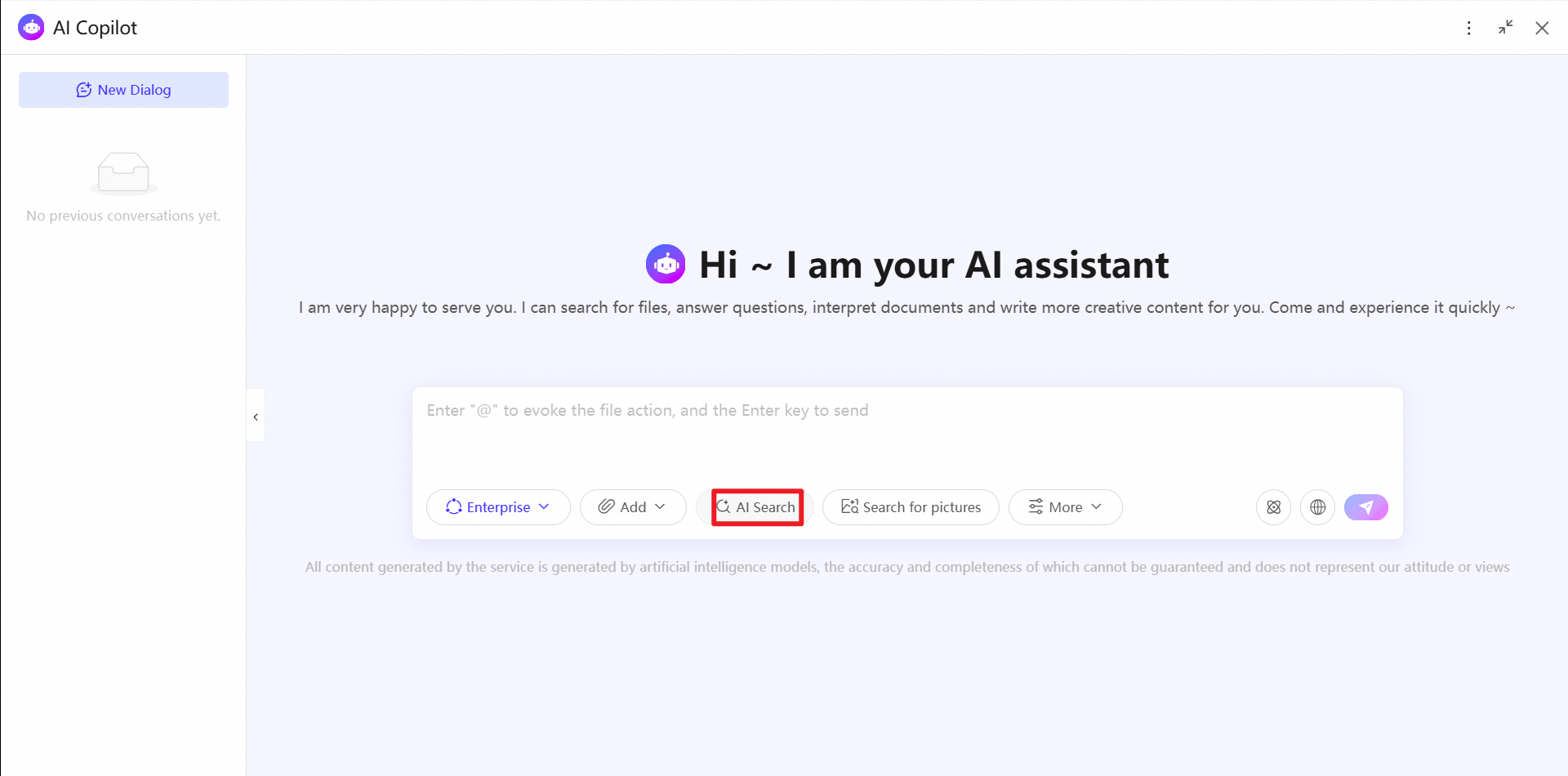
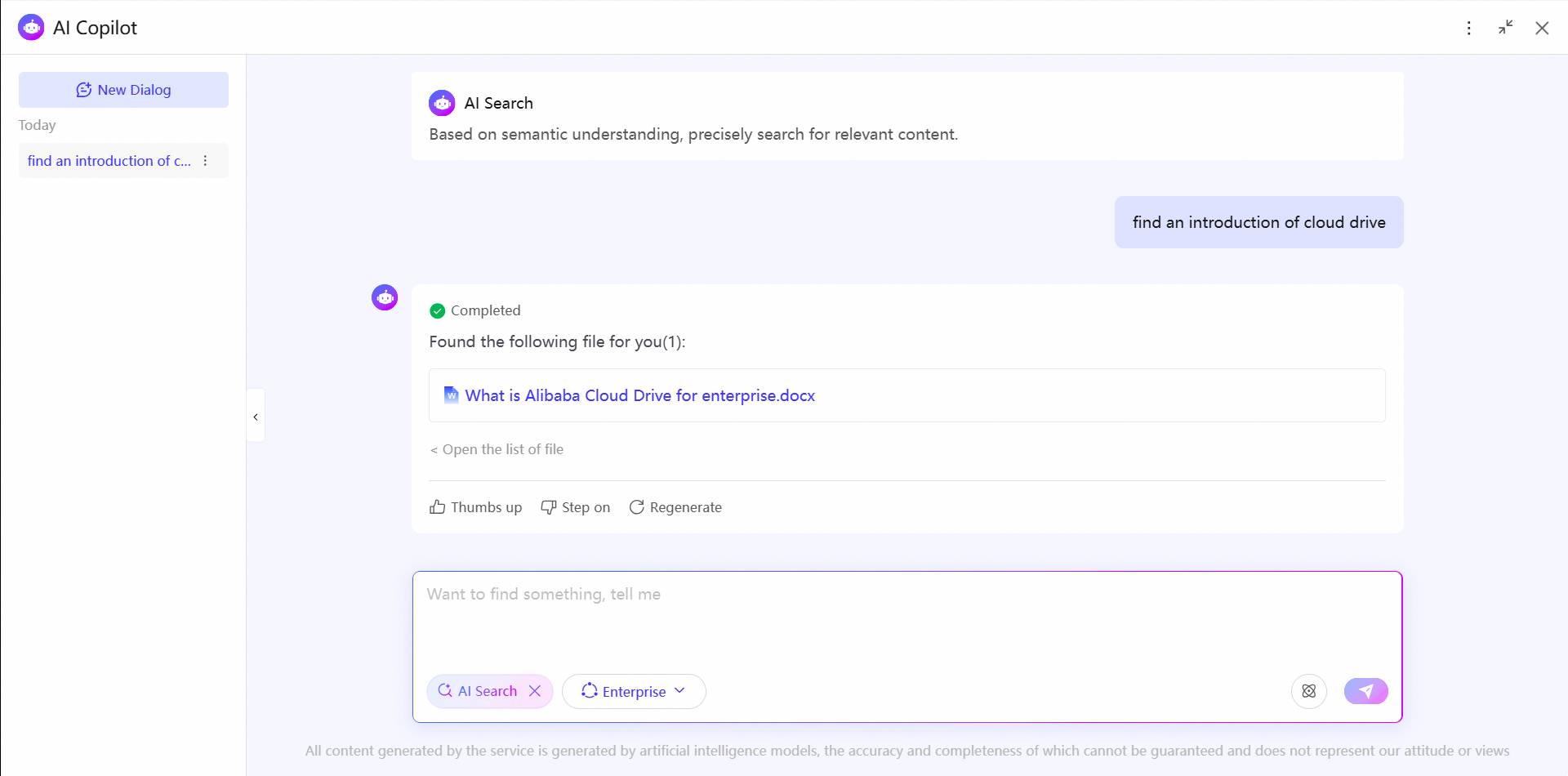
AI Search lets you use natural language to find files across your entire drive or within a specified scope. Key features include:
Natural language search: Find relevant files by using a single sentence.
Specify a range: Narrow the search scope to improve search efficiency and accuracy.
A "Deep thinking" mode understands semantic meaning to match files with high precision.
Search by image
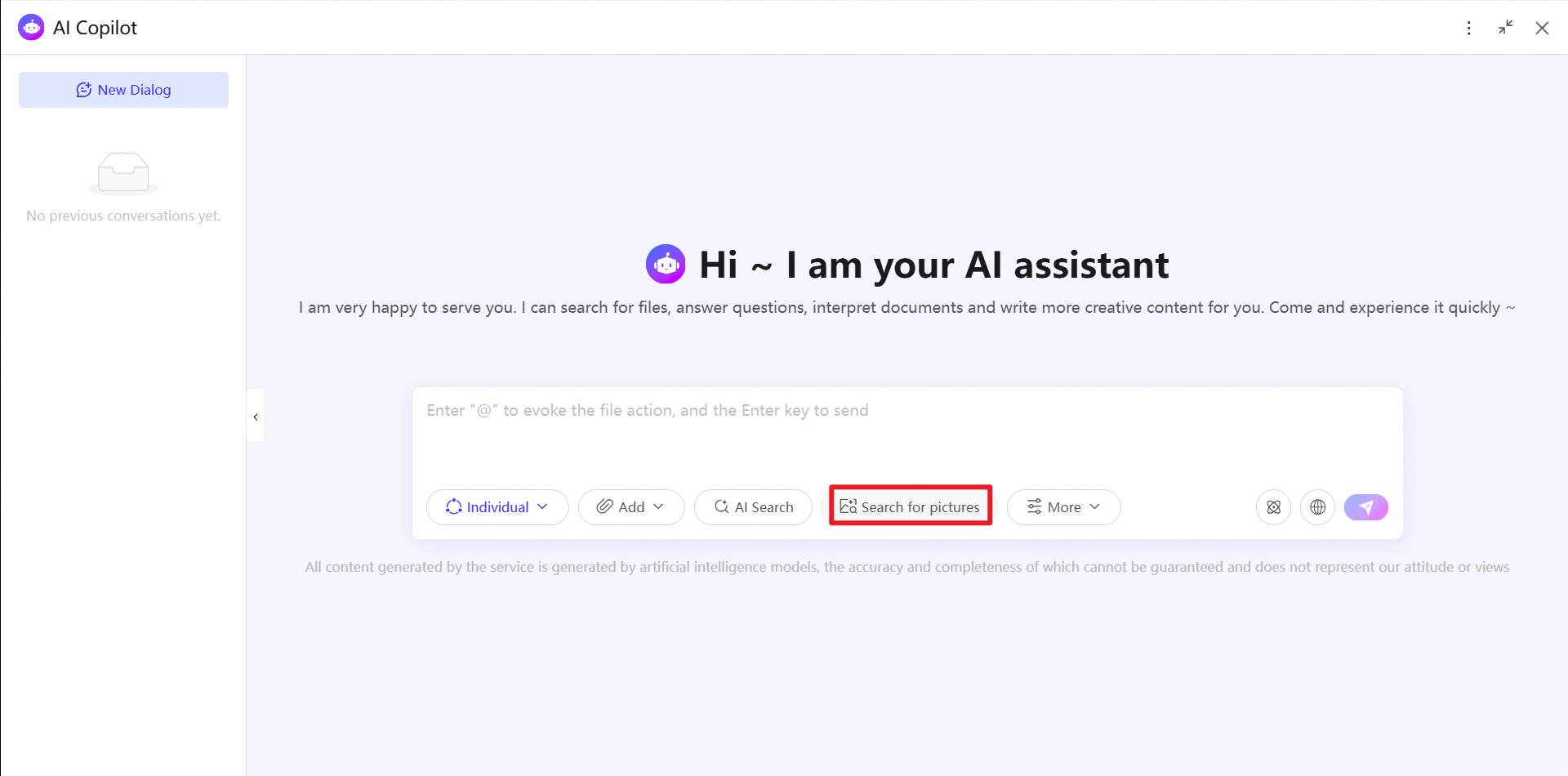
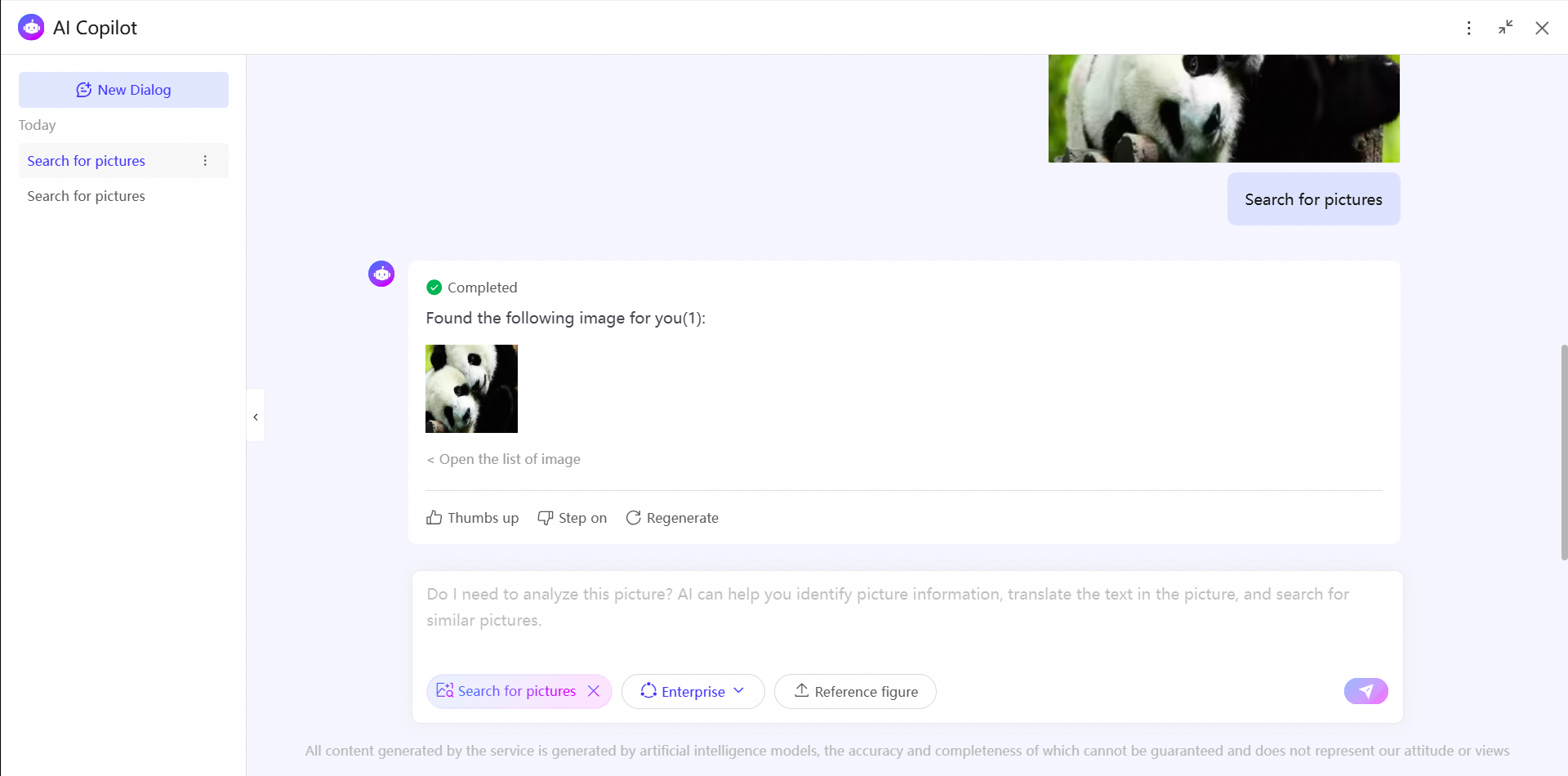
Search by image is a visual search feature in AI Copilot that lets you upload an image to quickly find similar images in your drive.
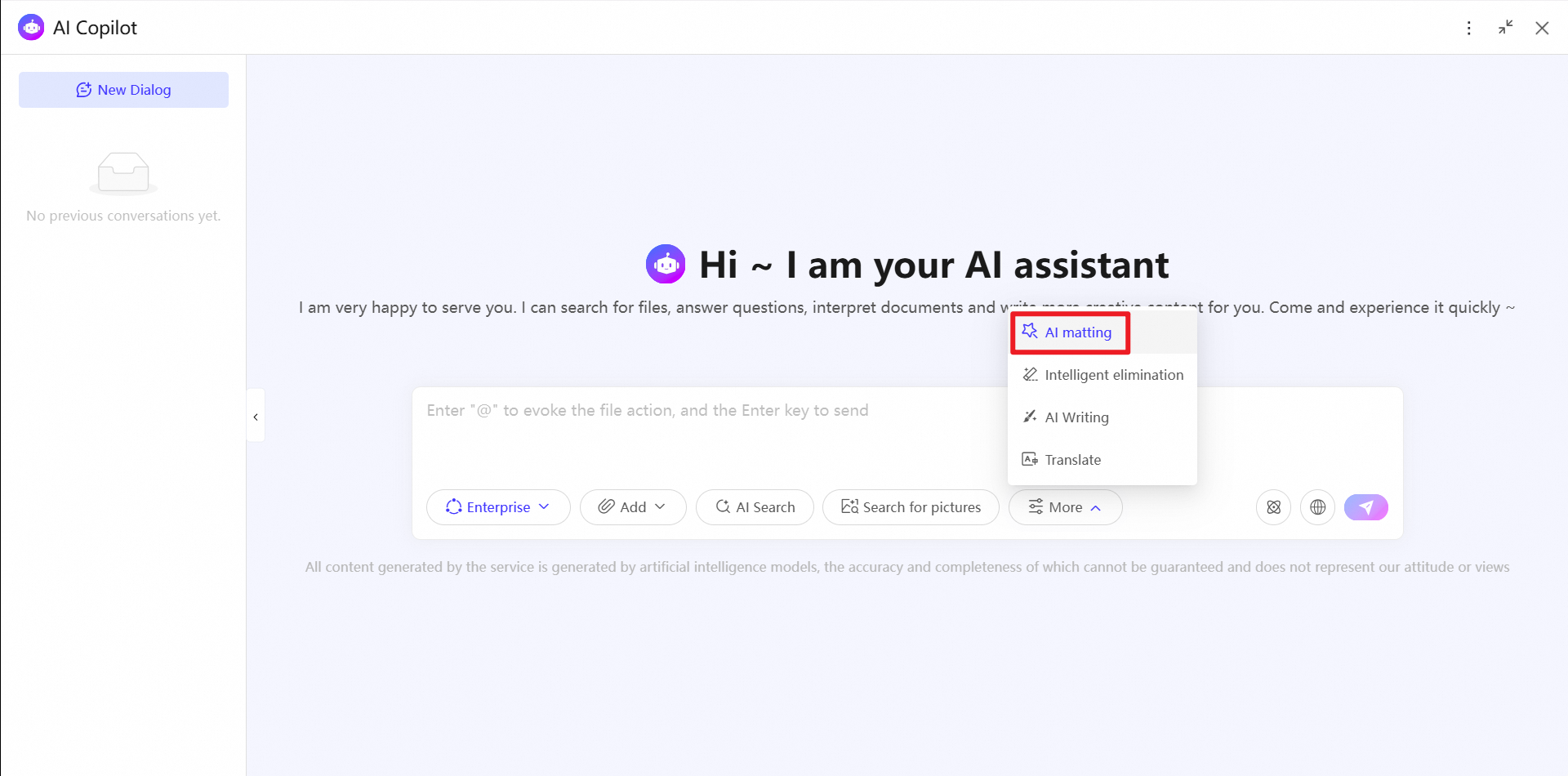
AI matting
To use AI matting, ask your administrator to enable image editing.
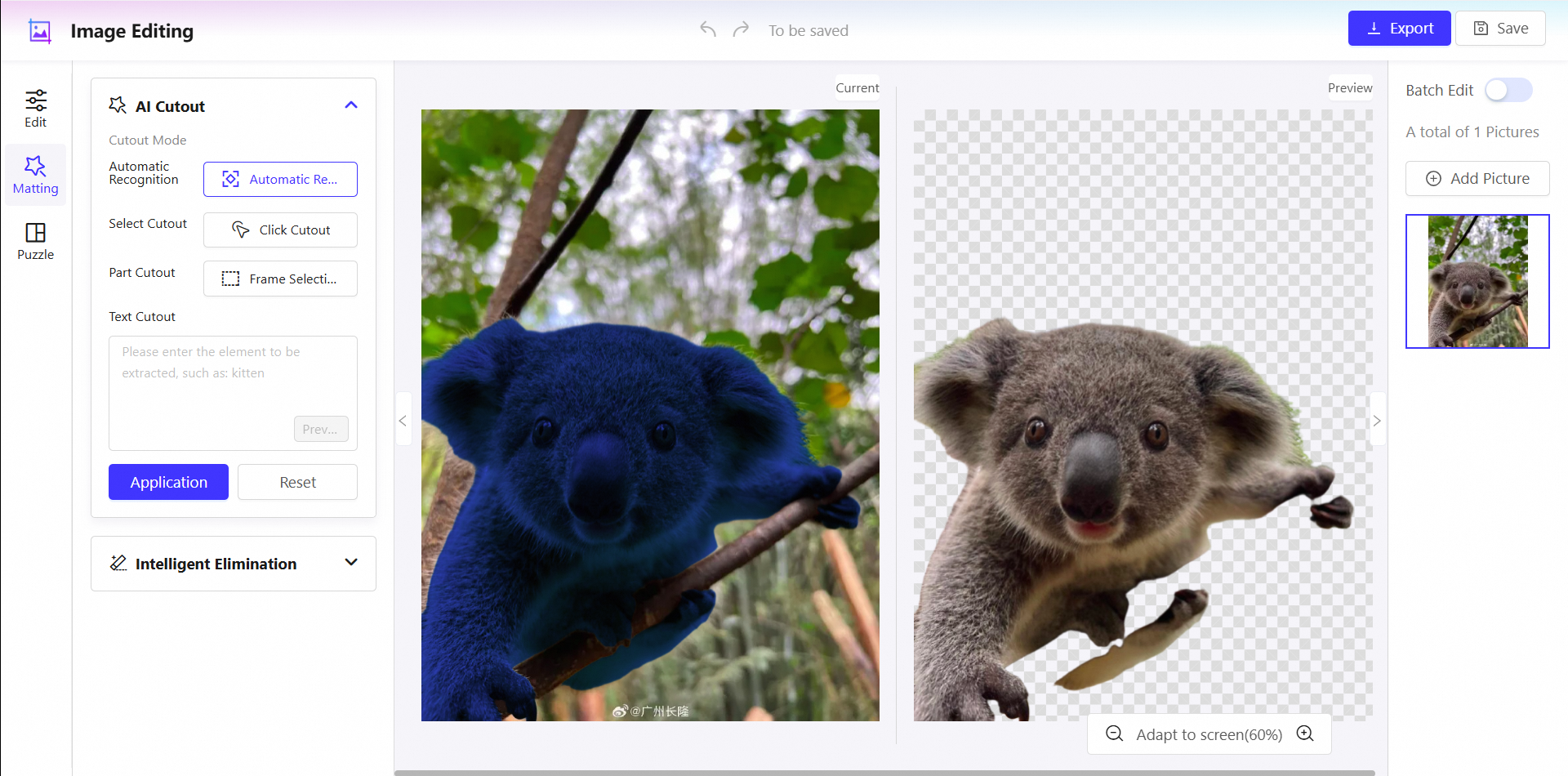
AI matting uses multiple intelligent methods to quickly and precisely extract subjects from images. Key features include:
Auto-recognition: The system automatically detects and extracts the main subject from an image.
Point-and-click matting: Click a target area and the system intelligently detects and extracts the element.
Marquee matting: Manually draw a selection box around the area you want to extract for precise local editing.
Text-based matting: Enter a descriptive text, such as "cat", and the AI recognizes and extracts the corresponding object based on semantics.
One-click apply, preview, and reset operations enable simple and efficient editing.
Intelligent elimination
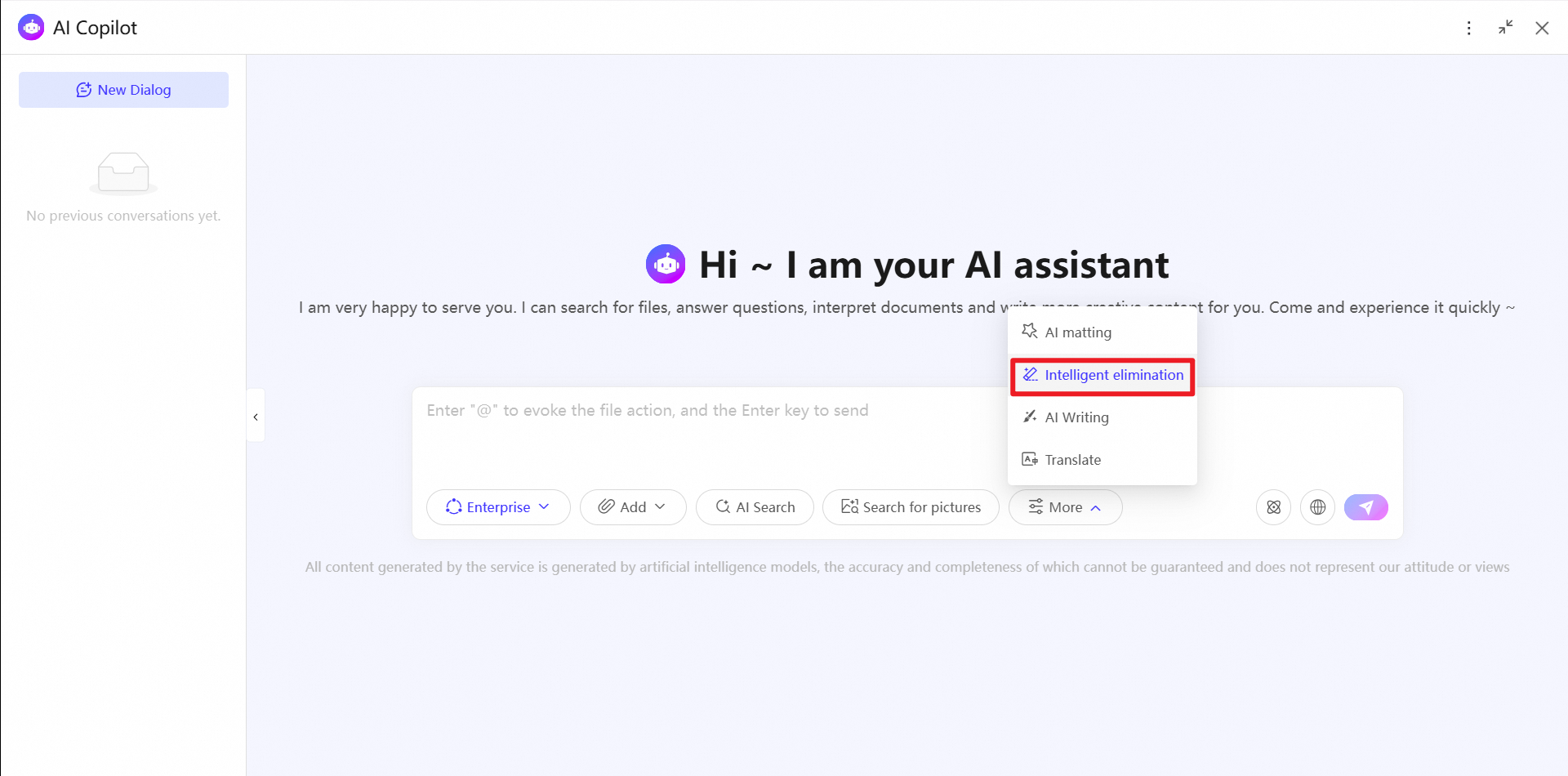
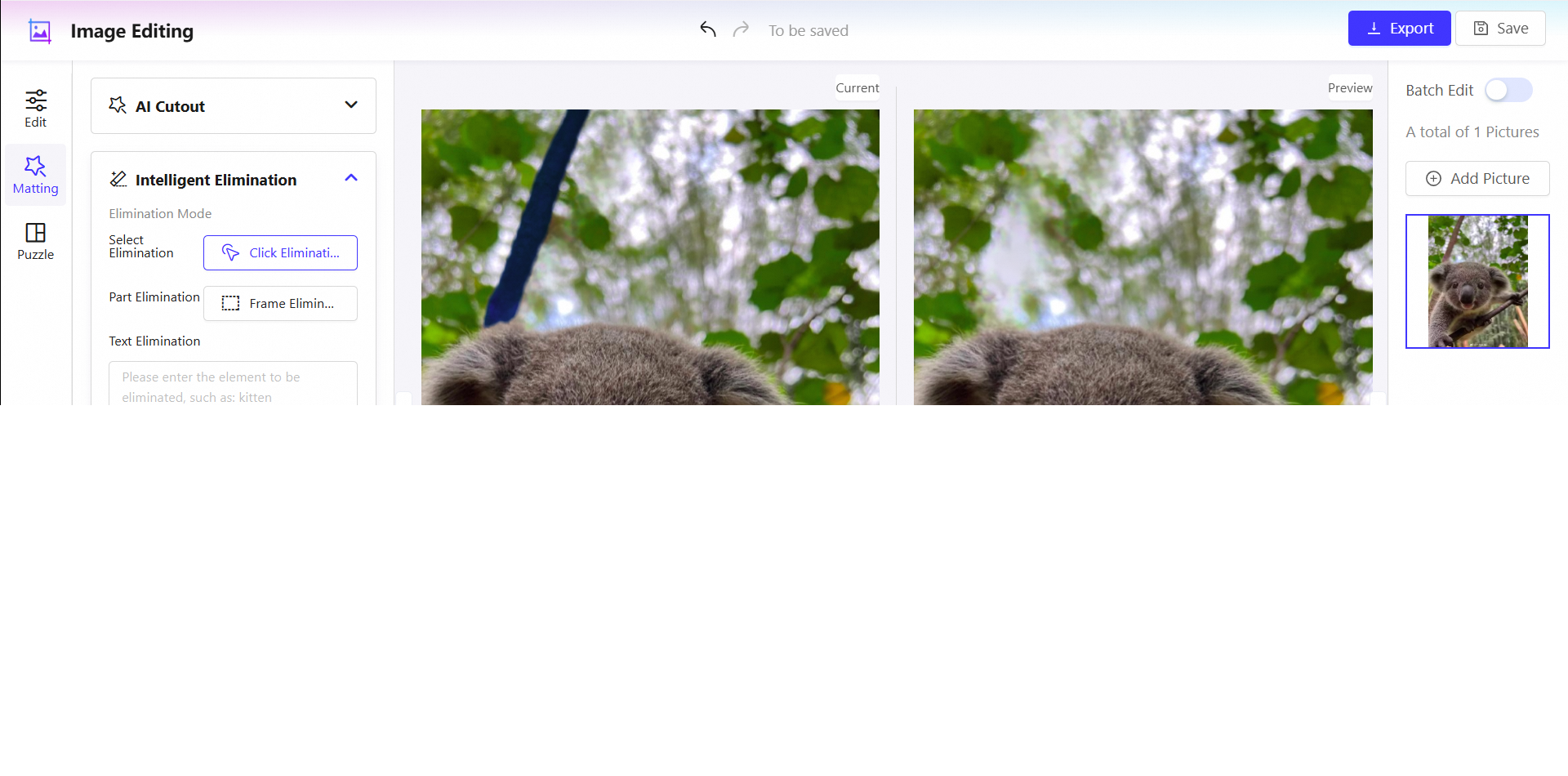
Intelligent elimination quickly removes unwanted elements from images and naturally repairs the background. Key features include:
Point-and-click erase: Click a target area, and the AI automatically identifies and removes the element.
Marquee erase: Manually draw a selection box around the part you want to remove to clear its content.
Text-based erase: Enter a text description of the object to be removed, such as "cat", and the AI intelligently identifies and removes the corresponding element.
Preview, apply, and reset operations ensure an intuitive and efficient editing process.
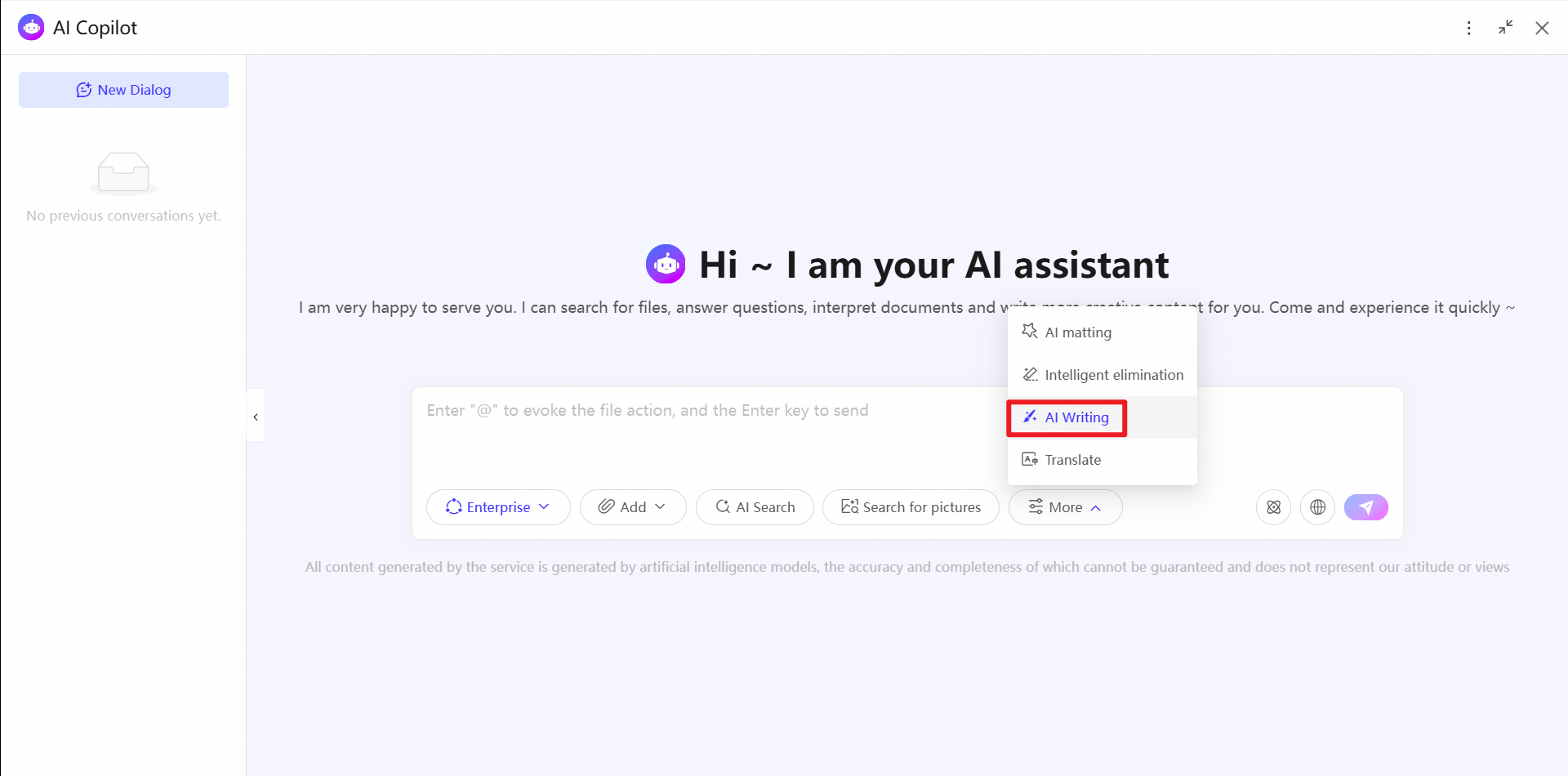
AI writing
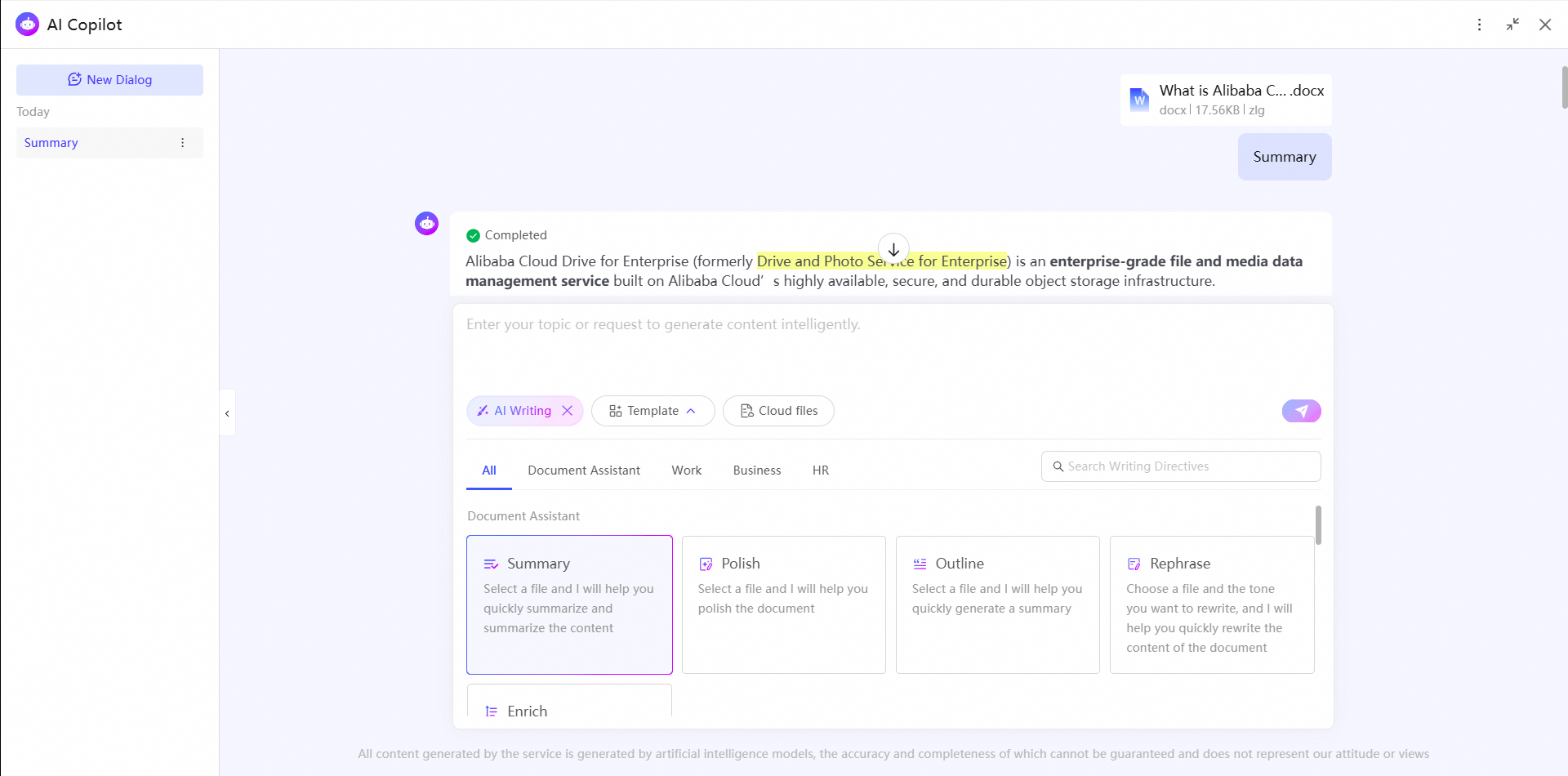
AI writing includes a rich set of templates for office tasks. Key features include:
Document Assistant: Includes templates for summarization, document polishing, abstract generation, tone rewriting, content enrichment, and document translation.
Work: Includes templates for work plans, work summaries, daily reports, weekly reports, meeting minutes, contract drafting, and resume writing.
Market Operations: Includes templates for business plans, competitor analysis, marketing campaign planning, promotional copy, and product descriptions.
Administration and HR: Includes templates for rules and regulations, job descriptions, and team-building activities.
Document translation
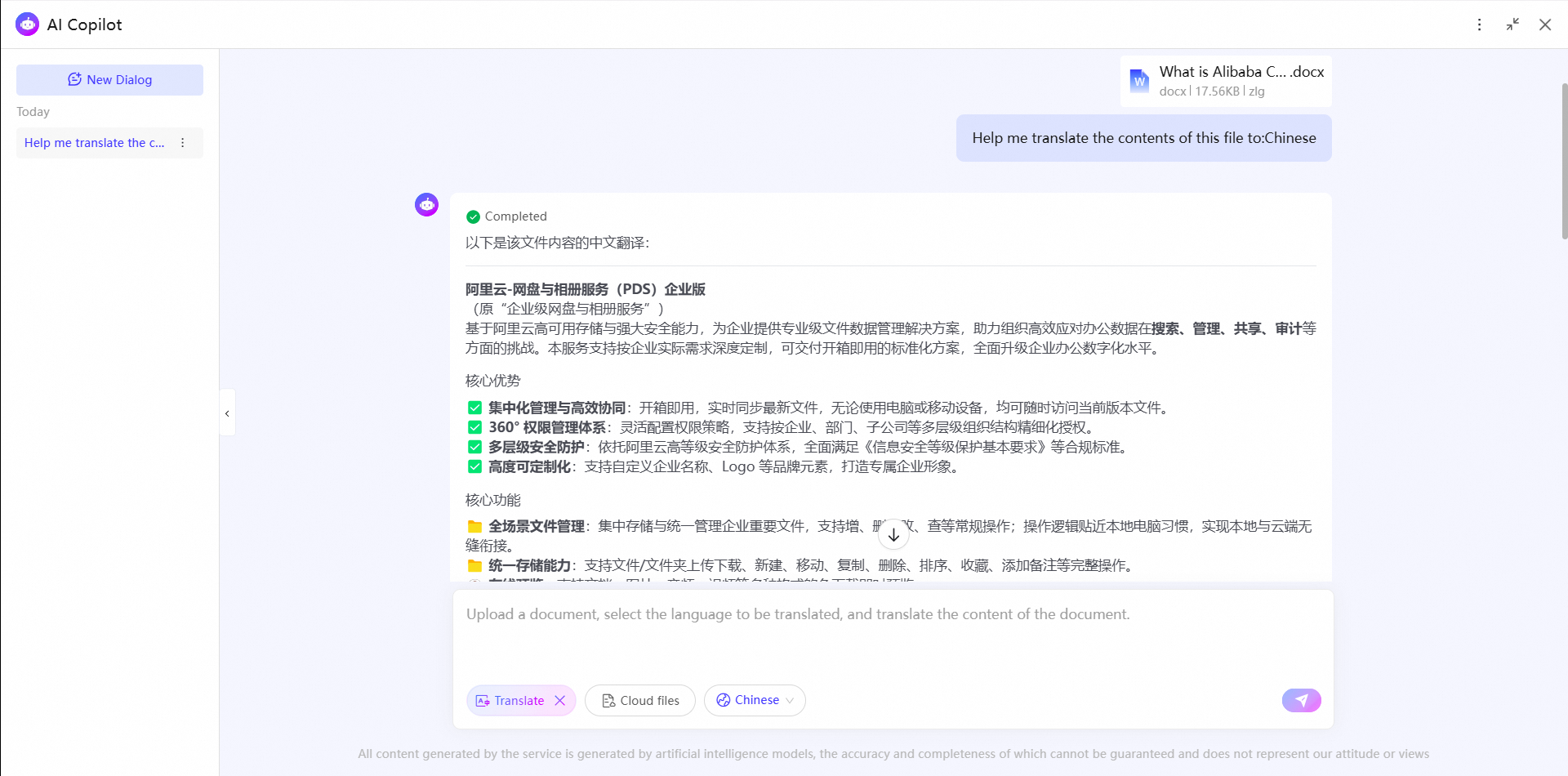
The document translation feature accurately translates your cloud documents between Chinese and English in one click.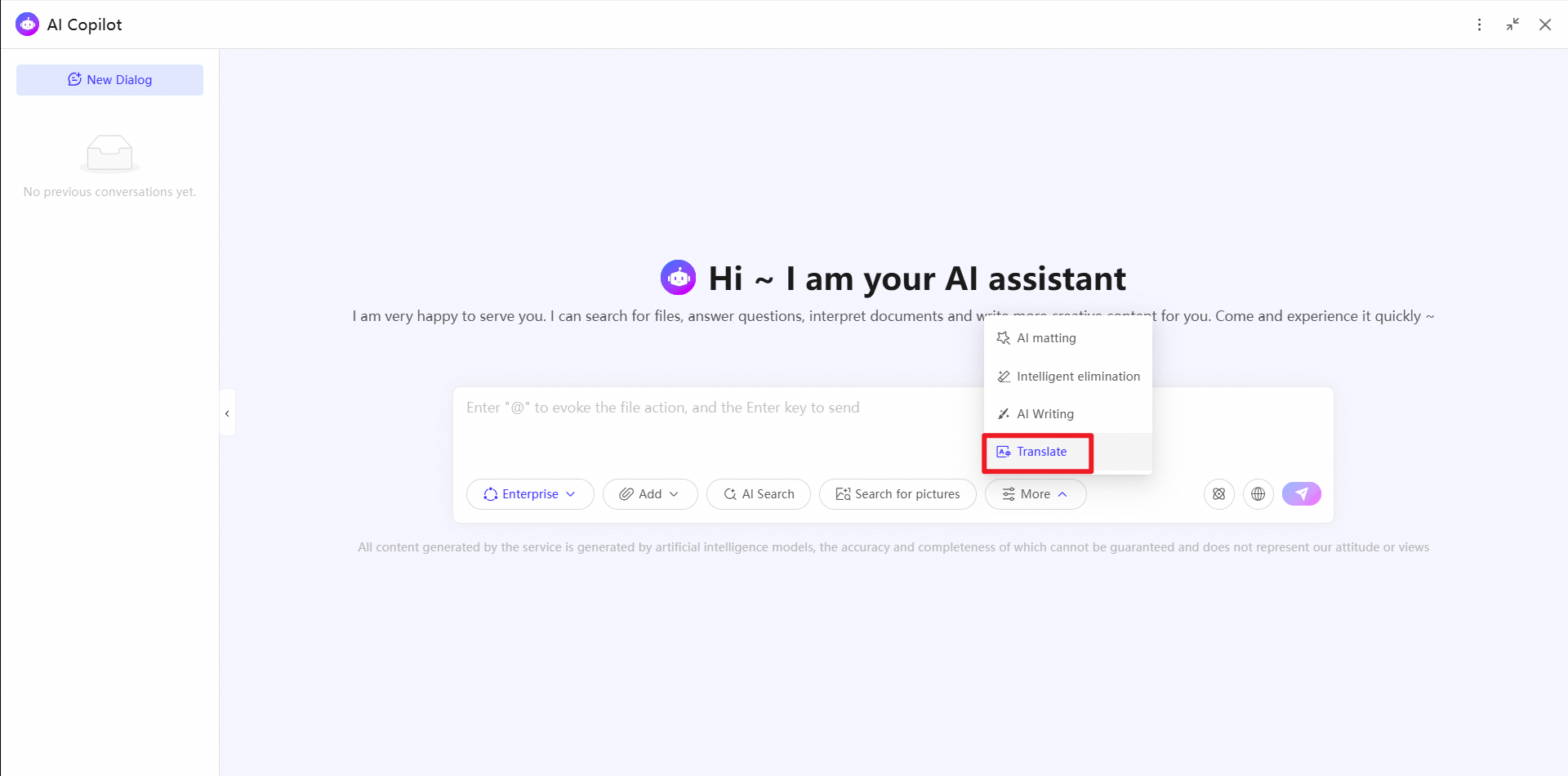
Related topics
To get AI-powered assistance when editing cloud documents, use Creative Generation. For more information, see Creative Generation.
Use Semantic Search to search for files, such as documents, images, and audio, by using a single sentence.
Knowledge Base provides knowledge services such as automatic file categorization, conversational search, conversational reading, and conversational Q&A.