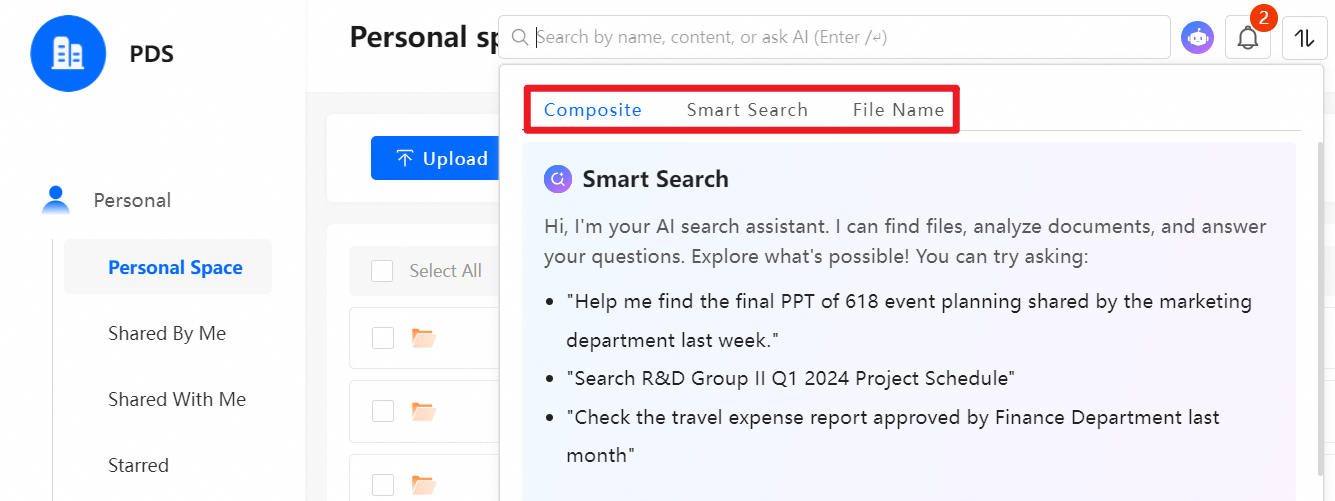
Each regular user receives a personal storage space allocated by the administrator. Use personal space to upload, download, share, and manage files.
Set up personal space
Allocate personal space
The administrator allocates personal space for a regular user when creating the user account.

Modify the storage quota
To modify the storage quota of a user, go to Management Console > Team Management, find the target user, and click Edit.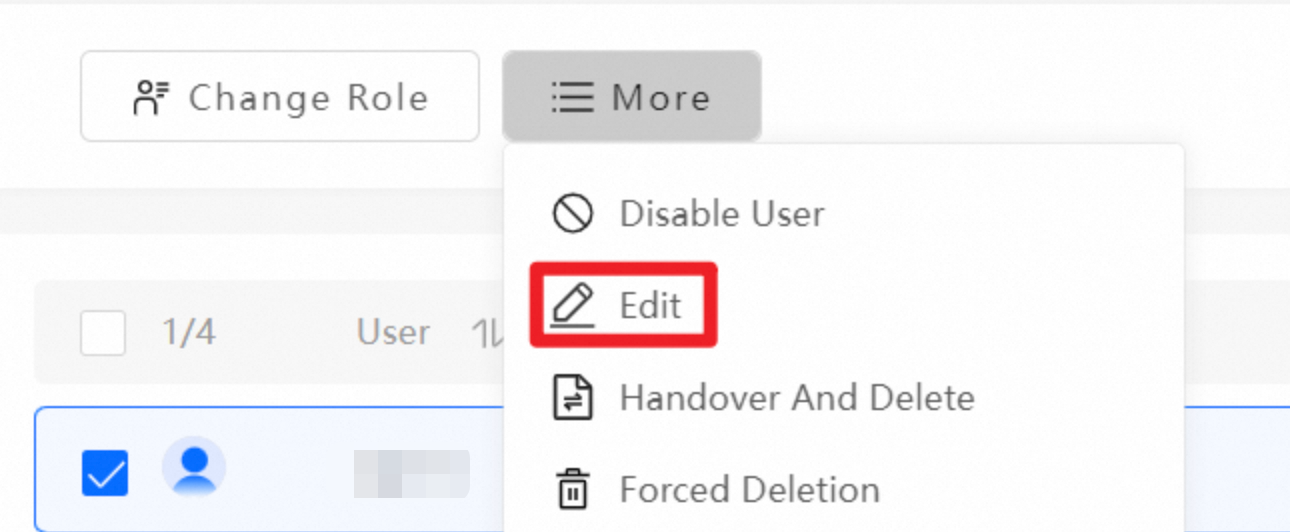
Manage files in personal space
Upload, download, and share files
After the administrator allocates personal space, perform basic operations in Personal Space, including upload, download, move, copy, external sharing, and internal sharing.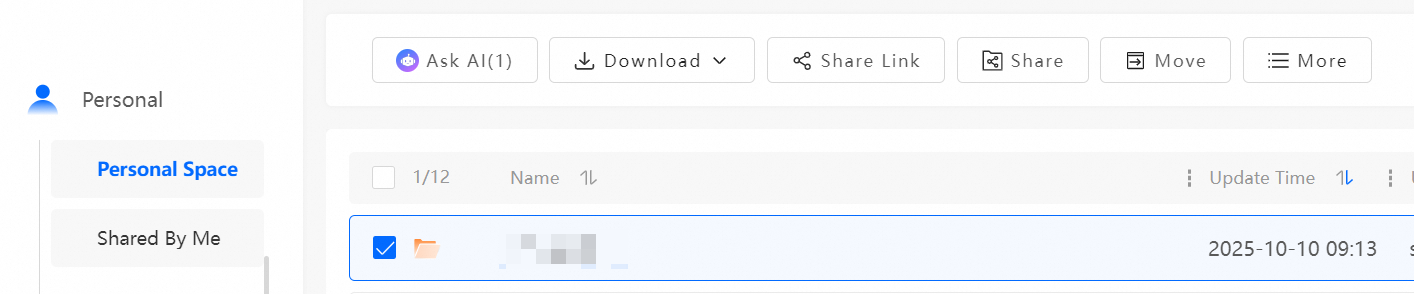
Switch views and sort files
-
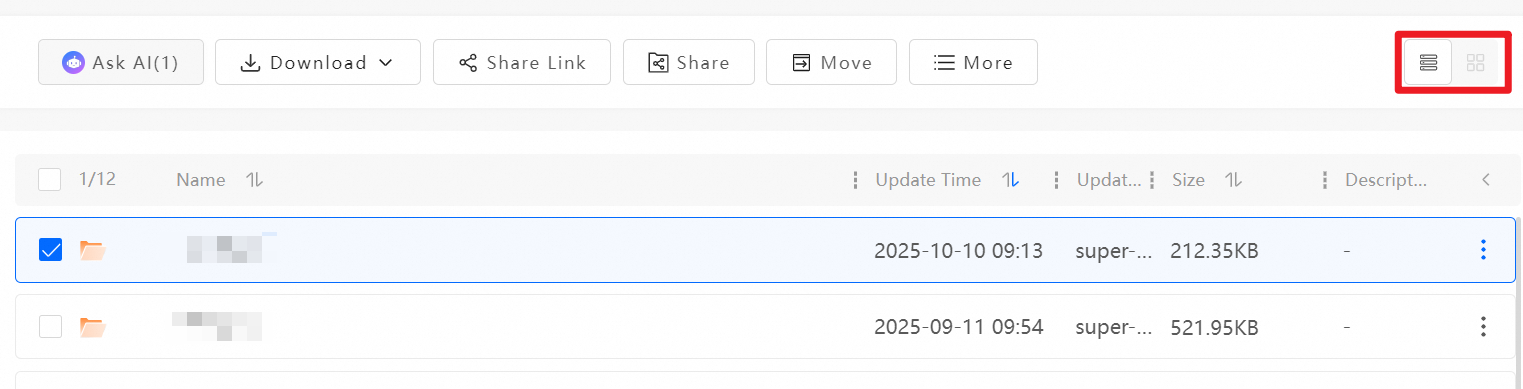
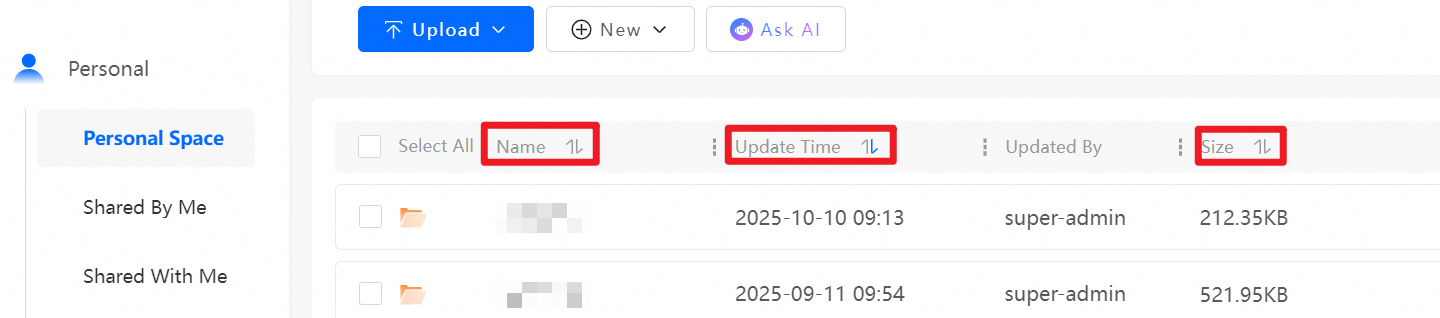
Switch between list view and table view to display files. In list view, sort files by name, update time, or size.
-
File search: Search for files by filename, file content, or natural language to locate files quickly and accurately.