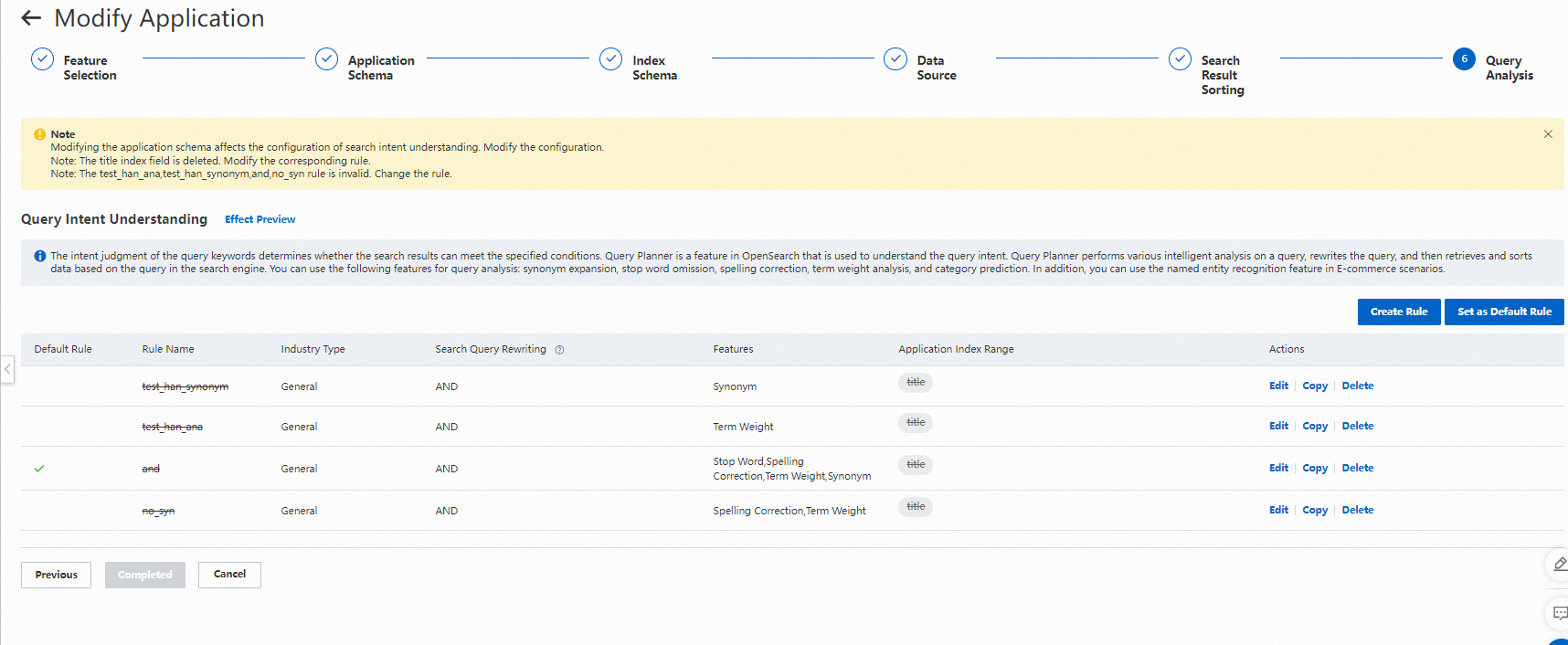
Offline changes let you modify an application's schema or switch its data source without interrupting the live search service. Use this workflow when you need to:
Add or remove fields
Create or modify indexes
Add, modify, or remove attributes
Add or remove default display fields
Switch the data source
Before you begin
Identify which version state applies to your application. The steps differ depending on your situation:
| State | Description | What happens when you click Modify Offline Application |
|---|---|---|
| Online version only | No offline version exists | The Modify Application page opens. After you save, an offline version is created and coexists with the online version. |
| Both versions exist | An offline version already exists | The Modify Offline Application page opens, showing the current offline version. Click Configure to edit it. Saving replaces the previous offline version with a new one. |
| Online version is Invalid | The online version is in the Invalid state | Delete the application and reconfigure it from scratch. You cannot perform offline changes in this state. |
If both versions exist, offline changes always target the offline version. To make changes to the online version directly, delete the offline version first.
Modify an application offline
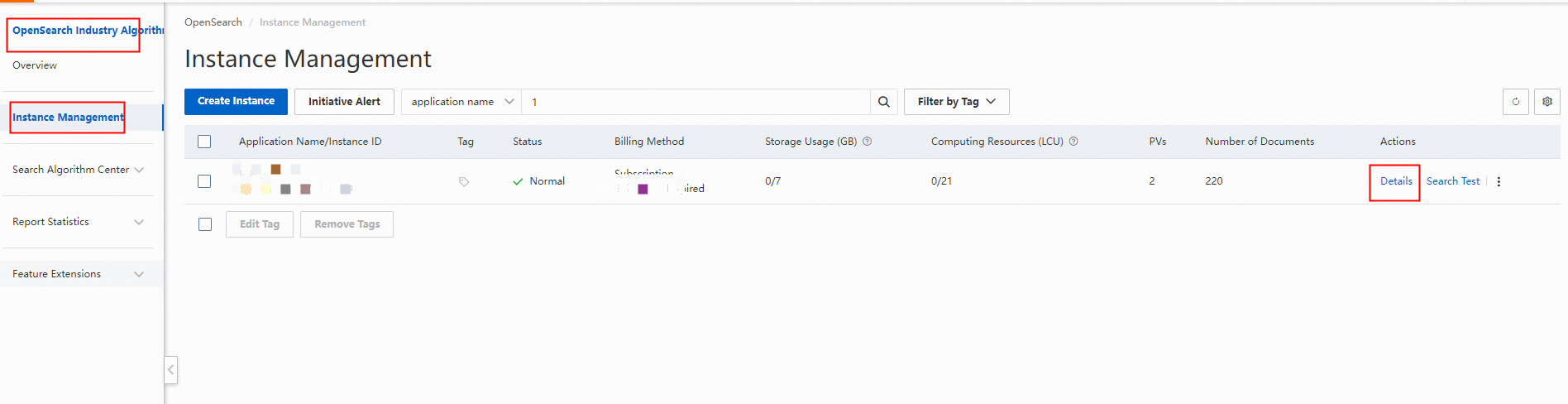
Log on to the OpenSearch console. In the upper-left corner, move the pointer over the edition label and select OpenSearch High-performance Search Edition. The Instance Management page opens by default. Find the target application and click Details in the Actions column.
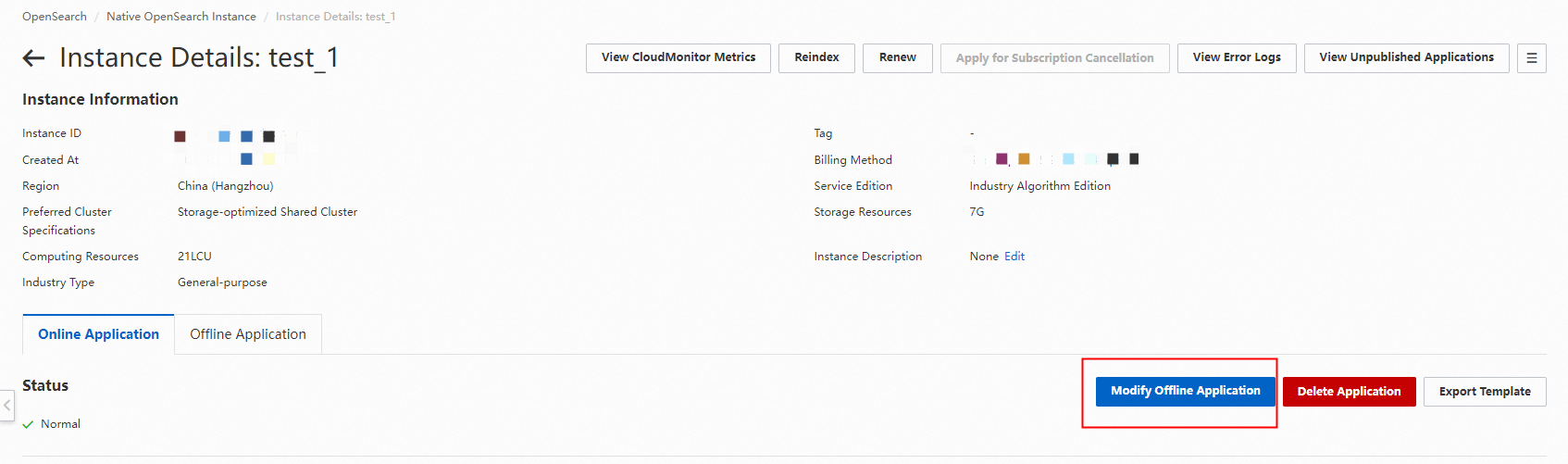
On the Online Application tab of the Application Details page, click Modify Offline Application.
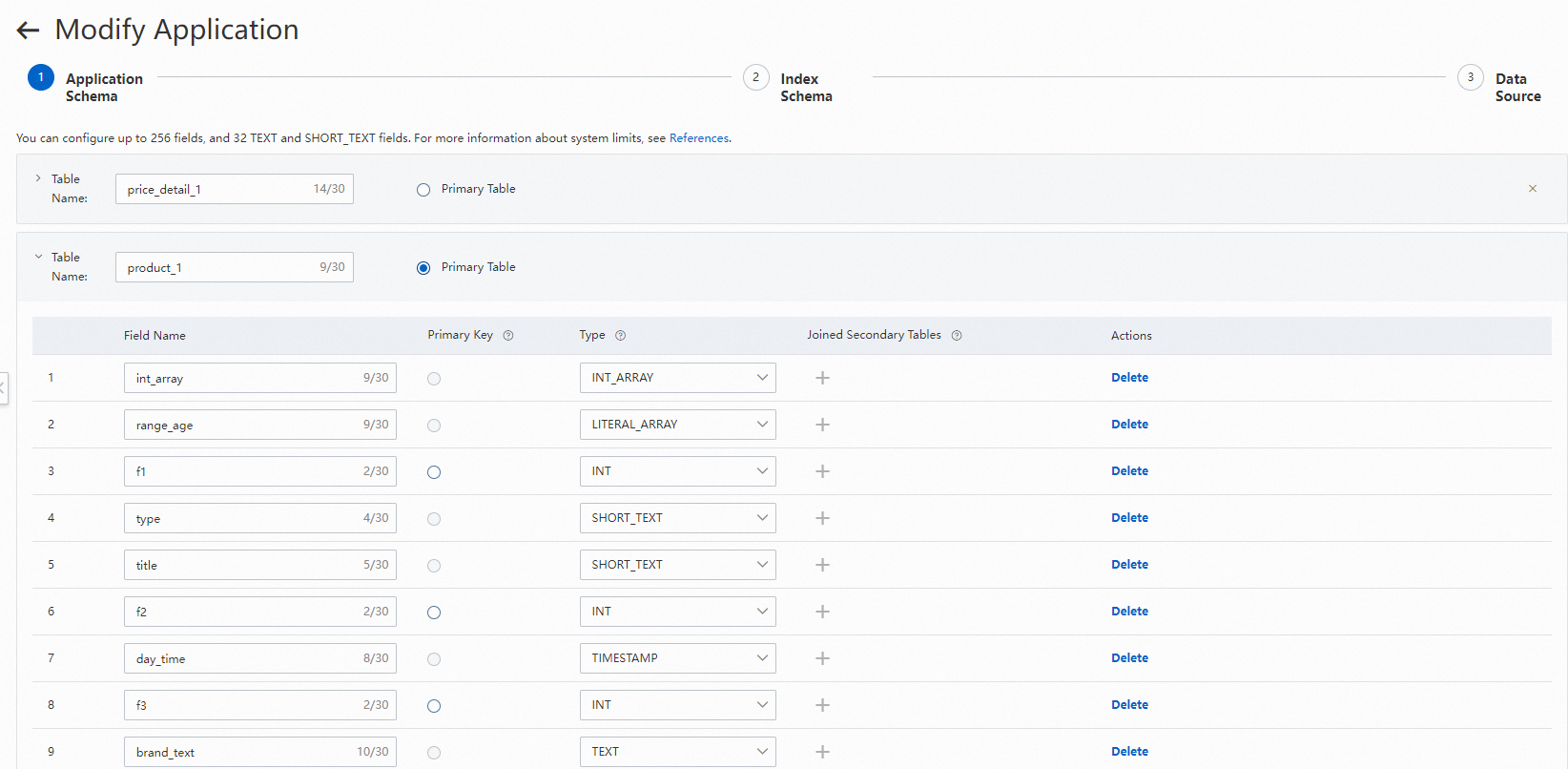
On the Modify Application page, update the schema as needed:
Edit fields.
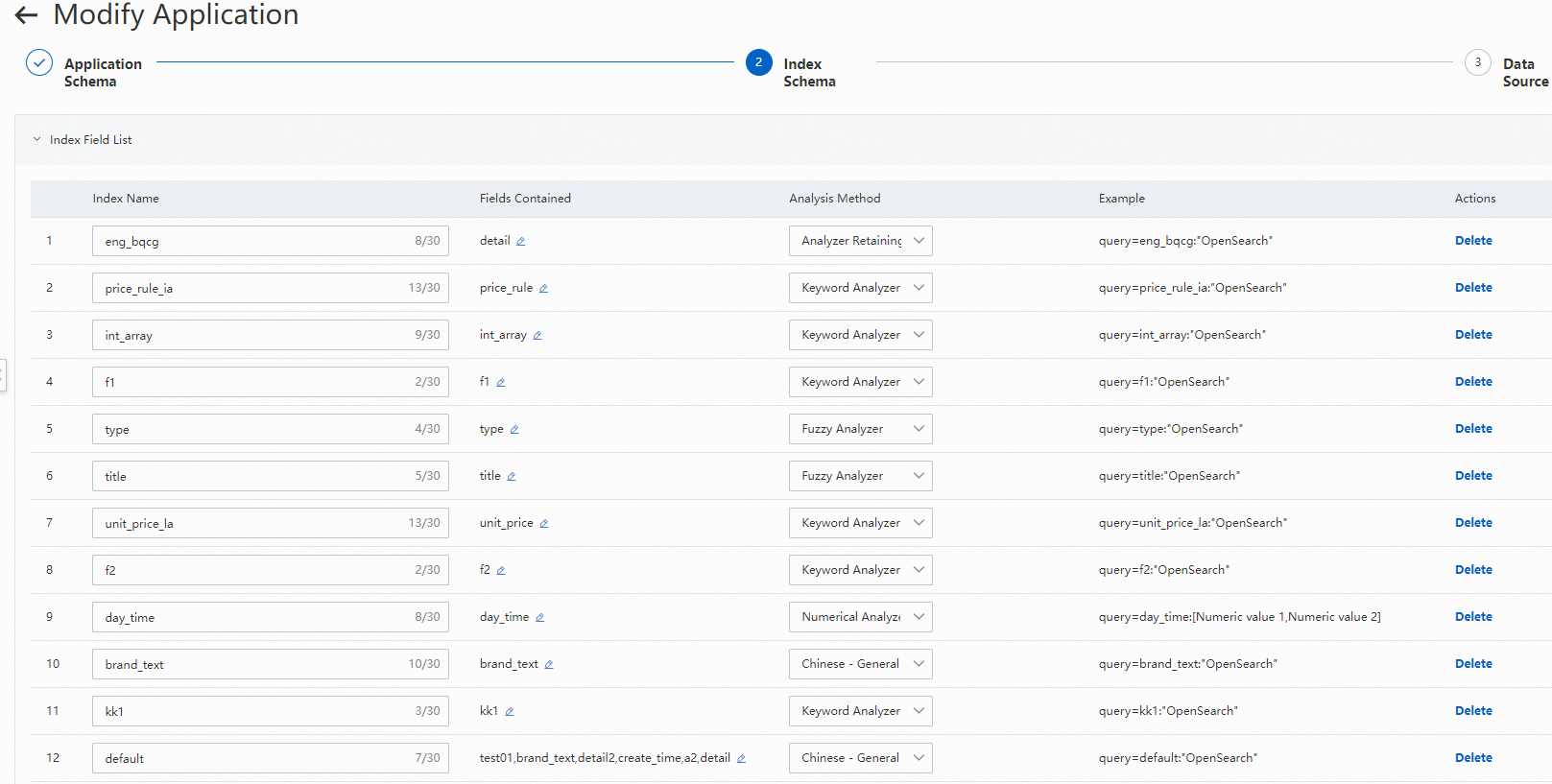
Edit indexes, attributes, or default display fields.
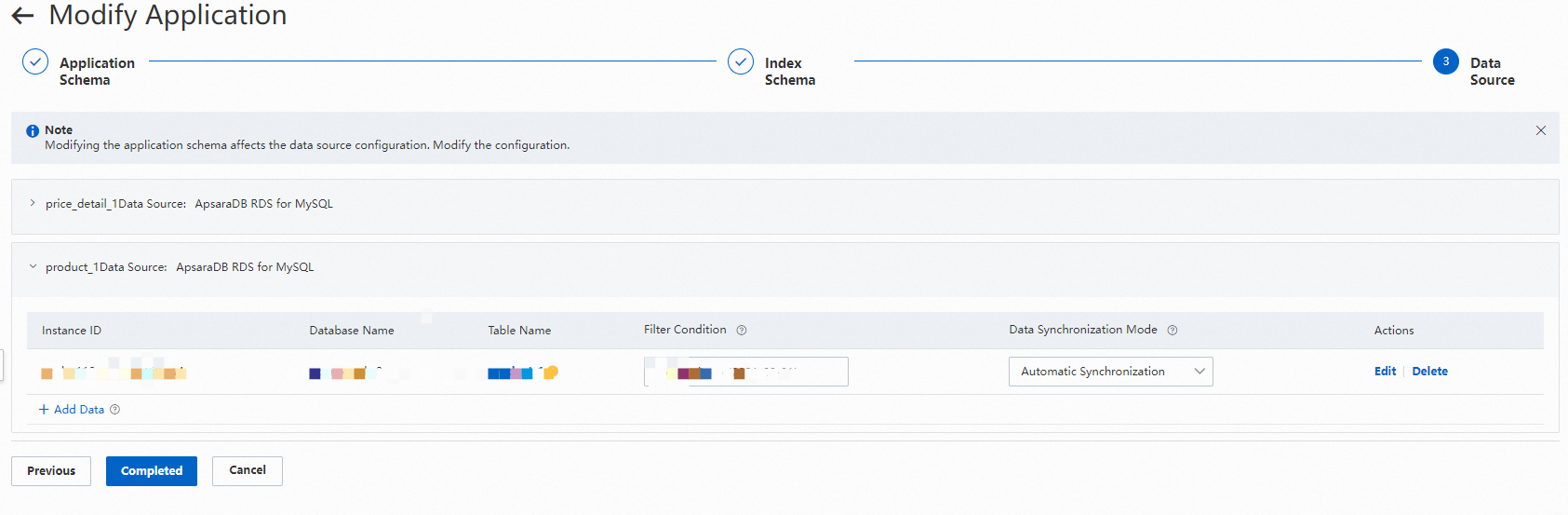
Edit the data source and update the field mapping.
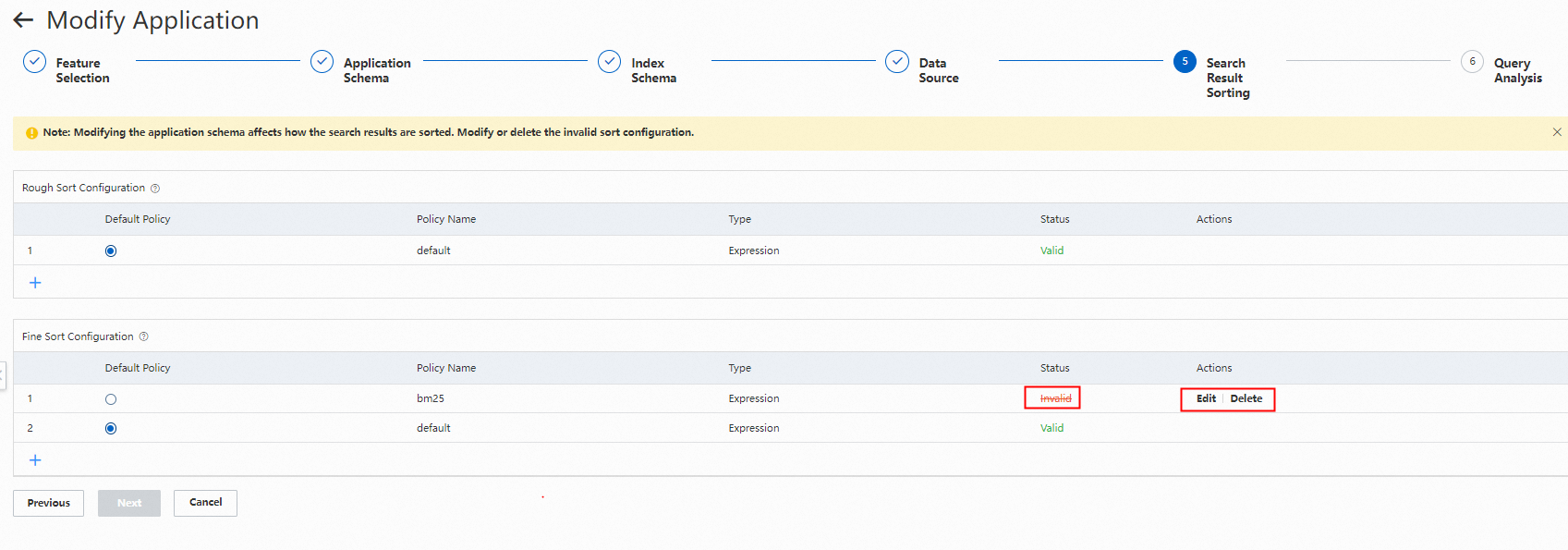
Modify the sorting of search results.
Choose how to handle incremental data sync and publishing. Incremental data sync — Choose whether to sync incremental data to the offline version while it is being created: Publishing — Choose whether to publish automatically or manually:
Option Effect No — sync manually or via API Data is not synchronized to the offline version when the offline version is being created. Incremental data continues to go to the online version. Synchronize data to the offline application from the data source, or push full data to the offline application by using the API. Option Effect No — publish manually Go to the Offline Application tab on the Application Details page and click Publish when ready.