OOS provides the configuration list feature for system administrators and O&M engineers. You can configure a configuration list for ECS instances in the OOS console to automatically collect system data, improve O&M efficiency, and simplify the monitoring process.
When you create a configuration list in the OOS console, the system performs the following operations at the backend: An OOS desired-state configuration template is created. The type of the configuration template is inventory. A data collection policy and the execution plan must be specified for the configuration template. The data collection policy includes the list types to be collected. The execution plan specifies the interval at which the configuration template is executed.
Limits
To use a configuration list to collect information, you must install a Cloud Assistant client of the latest version on the ECS instances from which you want to collect information. In most cases, a Cloud Assistant client of the latest version is installed on official images by default. For more information about how to check the version of the Cloud Assistant client that runs on an instance, see Install Cloud Assistant Agent.
You must use an account that is granted the required permissions on OOS. If you use an Alibaba Cloud account, ignore this note. If you use an account that is not granted the required permissions on OOS, you must grant the required permissions to the account. For more information, see Access control.
Supported settings
Instance selection methods
When you create a configuration list, you can select instances by using one of the following methods:
Manually select instances: Select instances with a few clicks. Use this method if you want to select only a few instances.
Specify instance tags: Select multiple instances by tag. If you use this method, make sure that tags have been added to the required instances.
Specify a resource group: Select all instances in a resource group. If you use this method, make sure that the required instances have been added to a resource group.
Select all: Select all instances in the specified region. Use this method if you want to collect the data of all the instances in a region.

Data collection plan
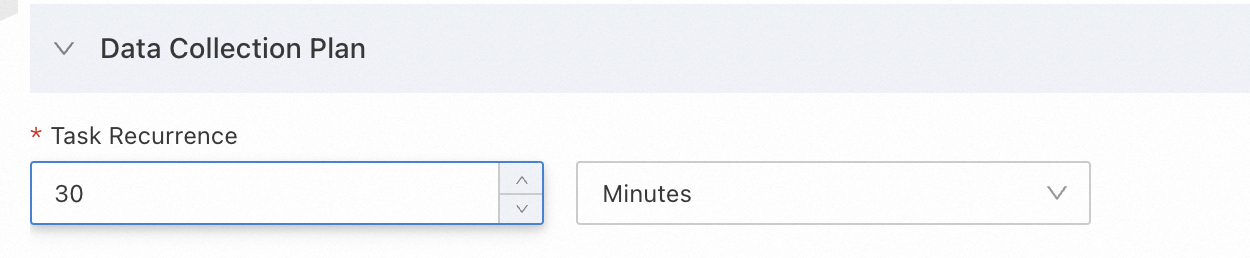
You can set the interval at which data is collected. Valid units:
Hour
Minute. If you set an interval in minutes, the interval must be at least 30 minutes.
Day
Create a configuration list
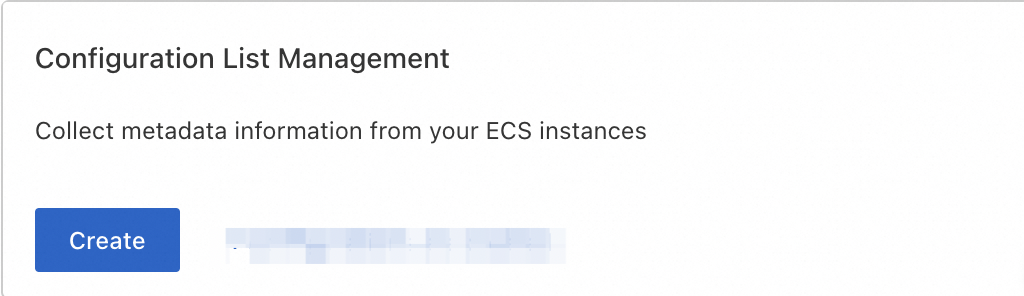
Log on to the OOS console. In the left-side navigation pane, click Quick Setup. On the Configuration Library tab of the Quick Setup page, click Create in the Configuration List Management section.
Select instances. In this example, instances are selected by tag.

Configure the data collection plan. In this example, the ScheduleExpression parameter is set to 30 minutes.
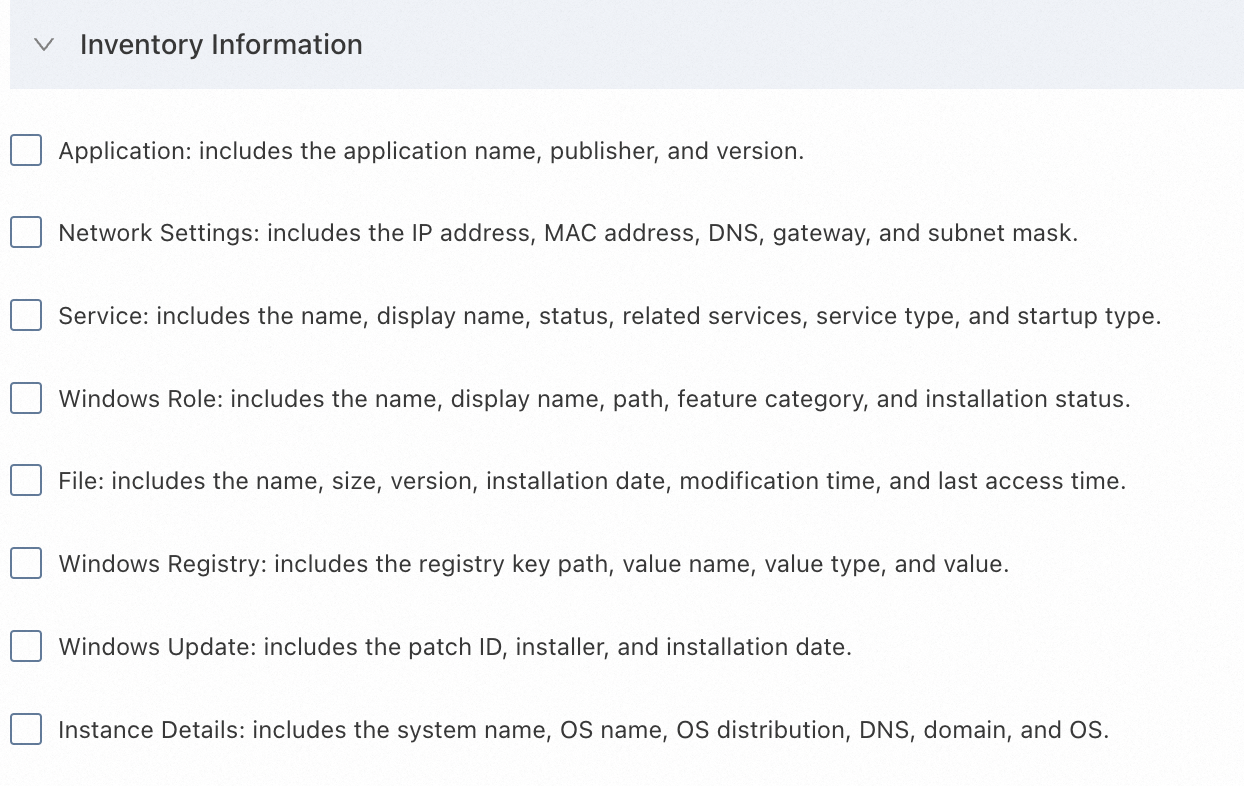
Configure the required list information. In this example, Application: includes the application name, publisher, and version. is selected.
Click Create. In the dialog box that appears, click OK.
After the preceding configurations are complete, you can view the created configuration list on the Configurations tab of the Quick Setup page.
