Aitryon-plus delivers higher image clarity, better fabric texture, and more accurate logos, but takes longer to process.
ImportantThis document applies only to the China (Beijing) region — use an API key from that region.
Capabilities
Multiple garment try-on- Single top try-on: Generates random bottoms or keeps the original.
- Single bottoms try-on: Generates a random top or keeps the original.
- Top and bottoms combination: Replaces the entire outfit.
- Dress/Jumpsuit try-on
- Face: Keep the original or generate a random face.
- Resolution: Specify output dimensions or use the original.
Overview
Model | Price | Rate limit (shared by Alibaba Cloud account and RAM users) | |
|---|---|---|---|
Task submission API RPS | Concurrent tasks | ||
aitryon-plus | $0.071677/image | 10 | 5 |
Examples
Input: Full-body, front-facing person image | Input: Flat-lay garment image | Output: Generated try-on image |
|---|---|---|
| Flat-lay top image |
|
Flat-lay bottoms image |


Input image requirements
Before calling the API, ensure images meet these requirements.
Person image requirements
Requirement | Details |
|---|---|
Image | - File size: 5 KB to 5 MB |
Subject | - Subject diversity: Supports people of different genders, skin colors, and ages (6 years and older). |
Valid person images
|
|
|
|
|---|


Invalid person images
Multiple people | Not a full-body, front-facing photo (Avoid side, sitting, lying, or half-body photos) | Obstructed person or garment (Avoid holding objects, bags, etc.) | Poor lighting or blurry image |
|---|---|---|---|
|
|
|
|
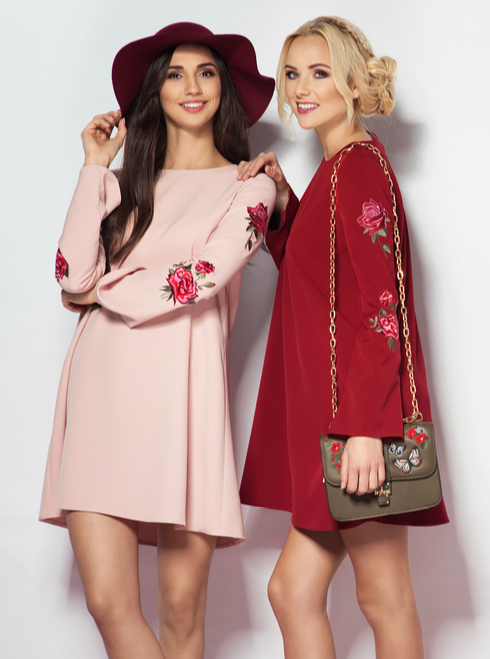


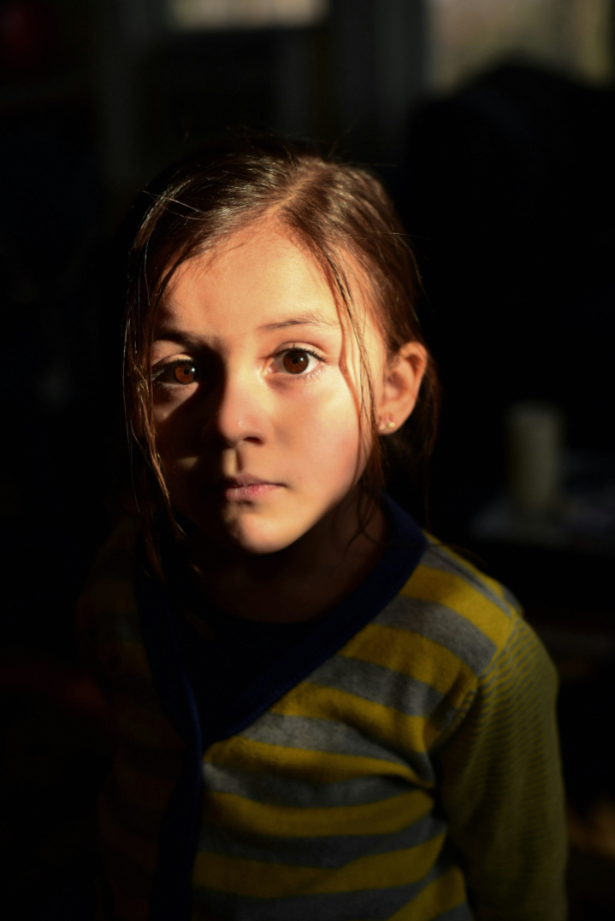
Garment image requirements
Requirement | Details |
|---|---|
Image | - File size: 5 KB to 5 MB |
Garment | - Type: Supports single tops, bottoms, and dresses. Also supports suits and top-and-bottom combinations. |
Valid garment images
Top |
|
|
|
|---|---|---|---|
Bottoms |
|
|
|
Dress/Jumpsuit |
|
|
|

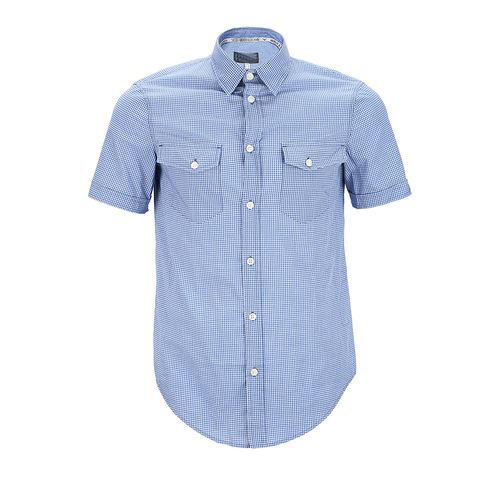

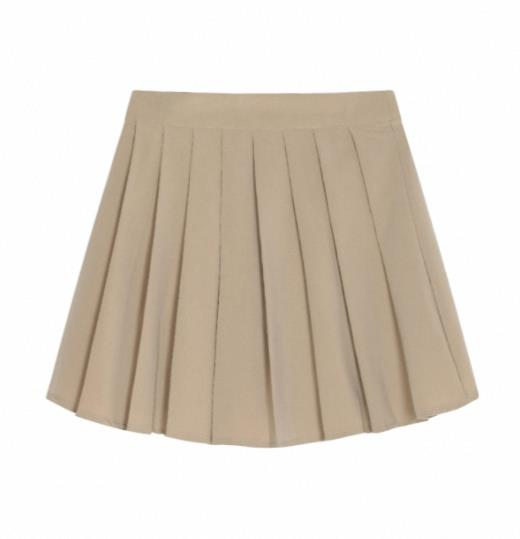
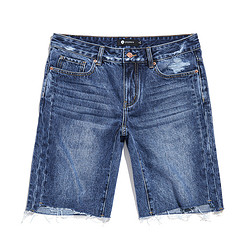
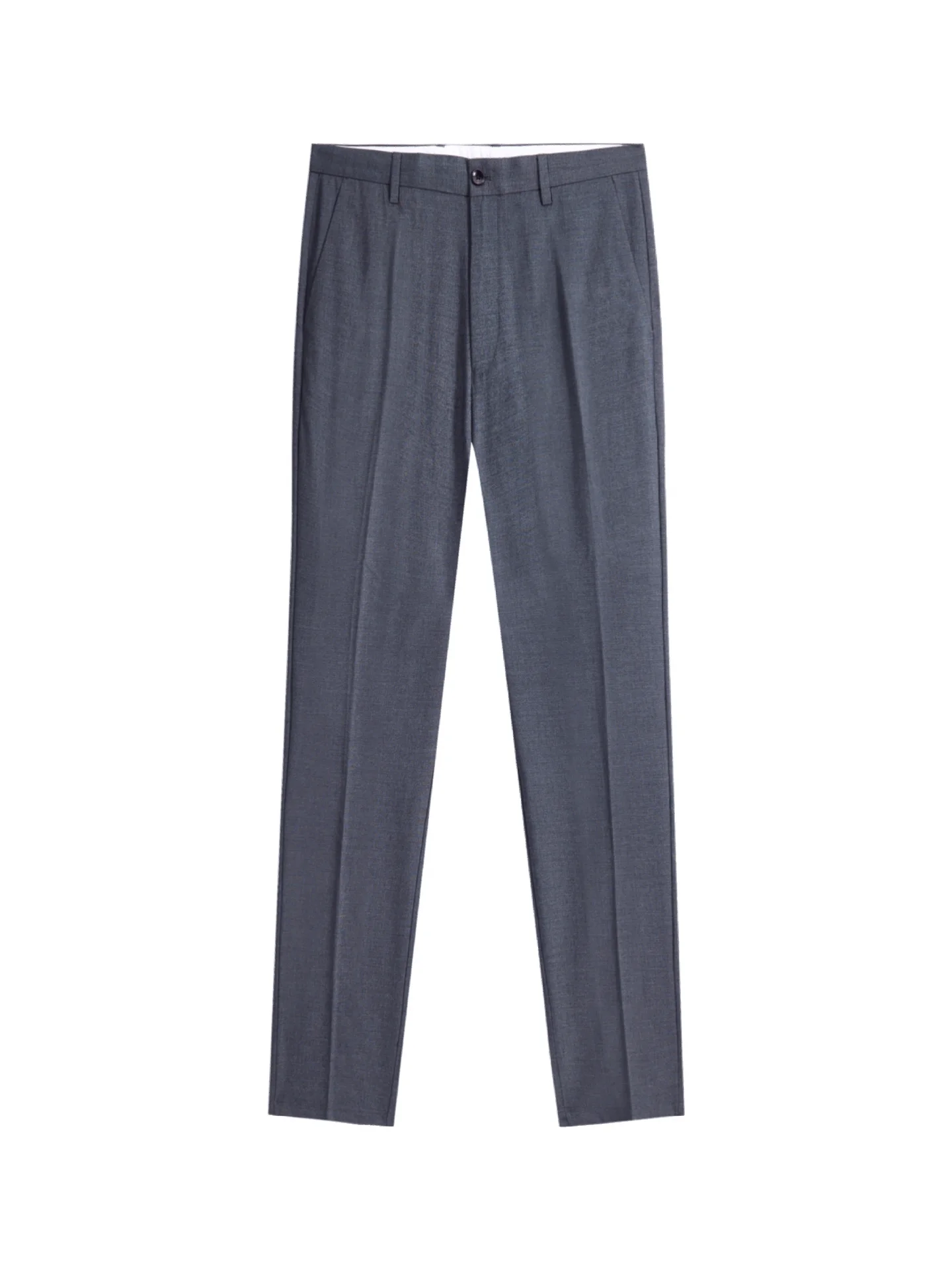
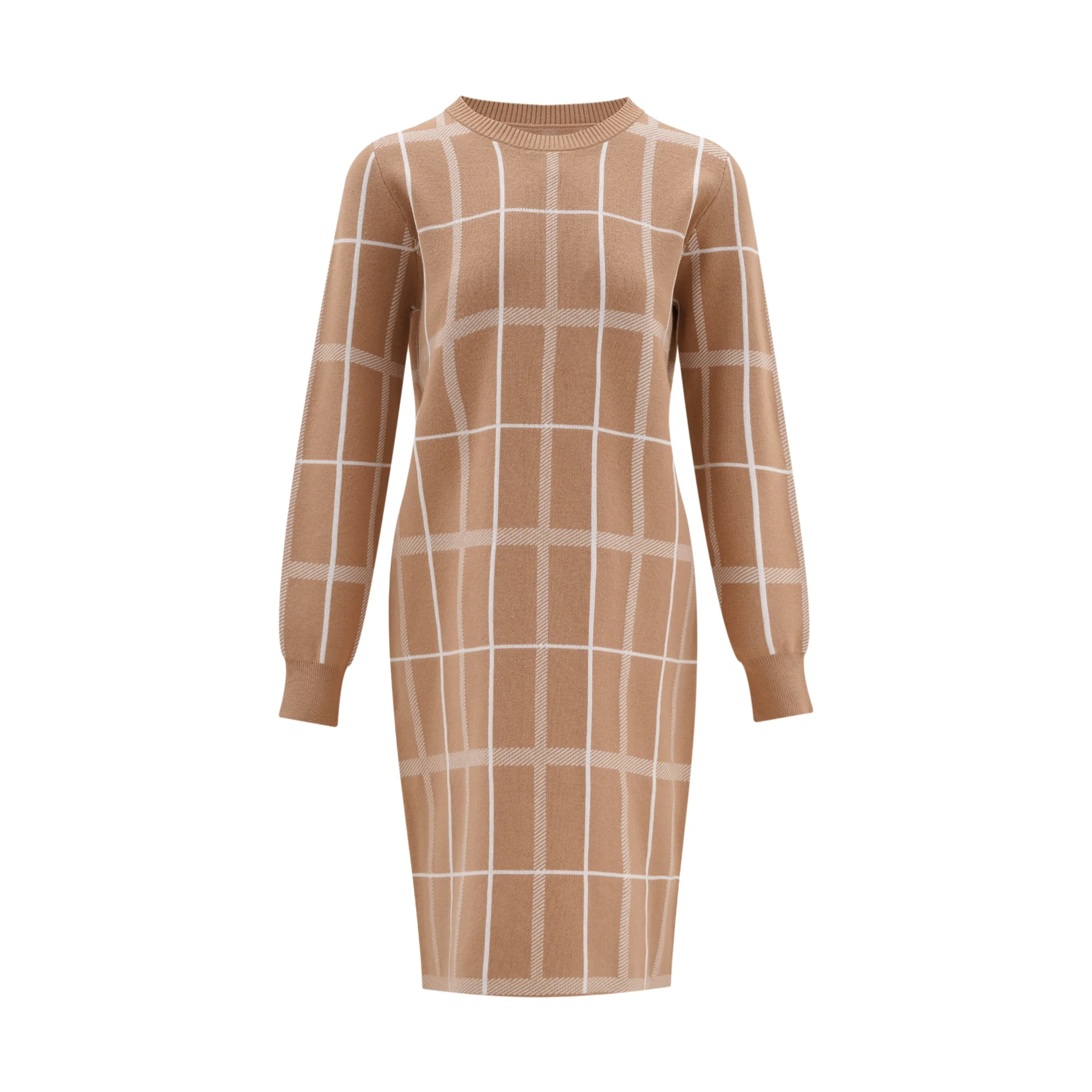
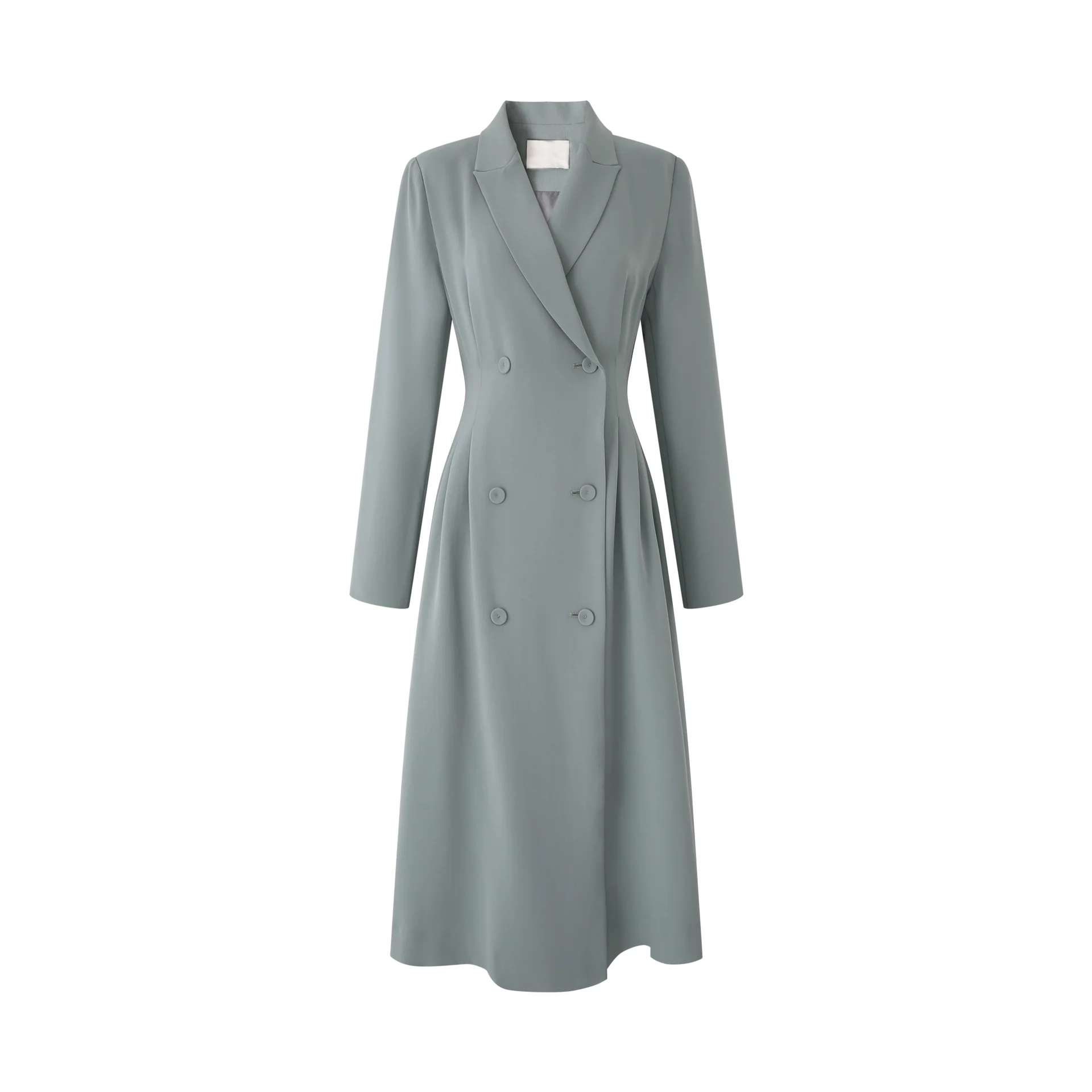
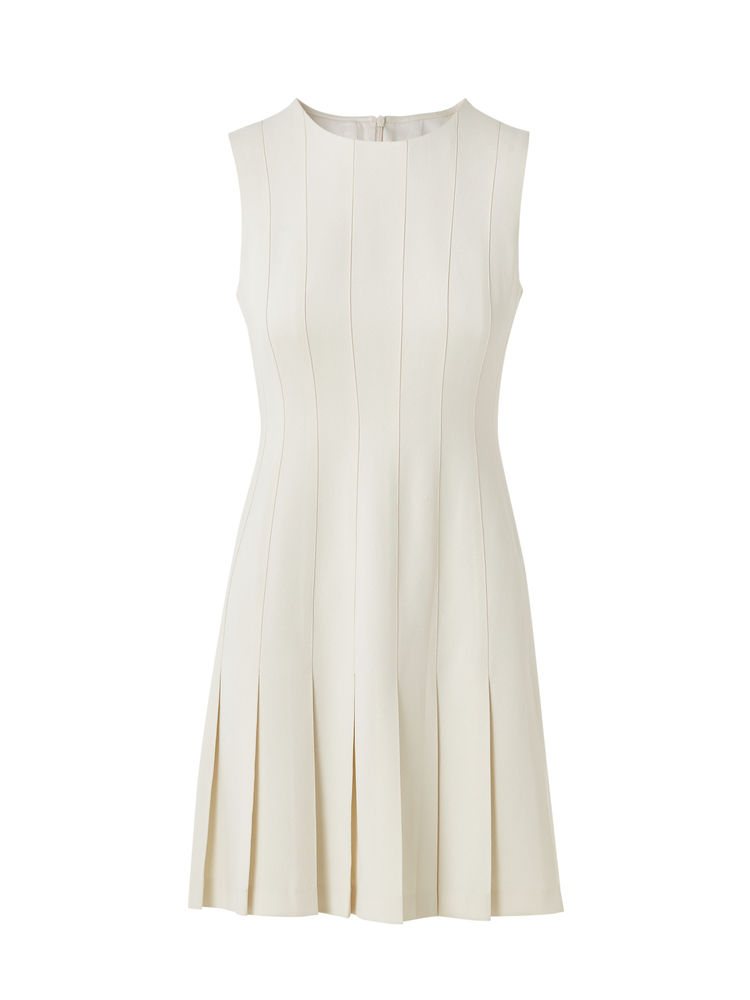
Invalid garment images
Multiple garments | Not a front-facing photo | Folded or obstructed | Wrinkled garment |
|---|---|---|---|
|
|
|
|
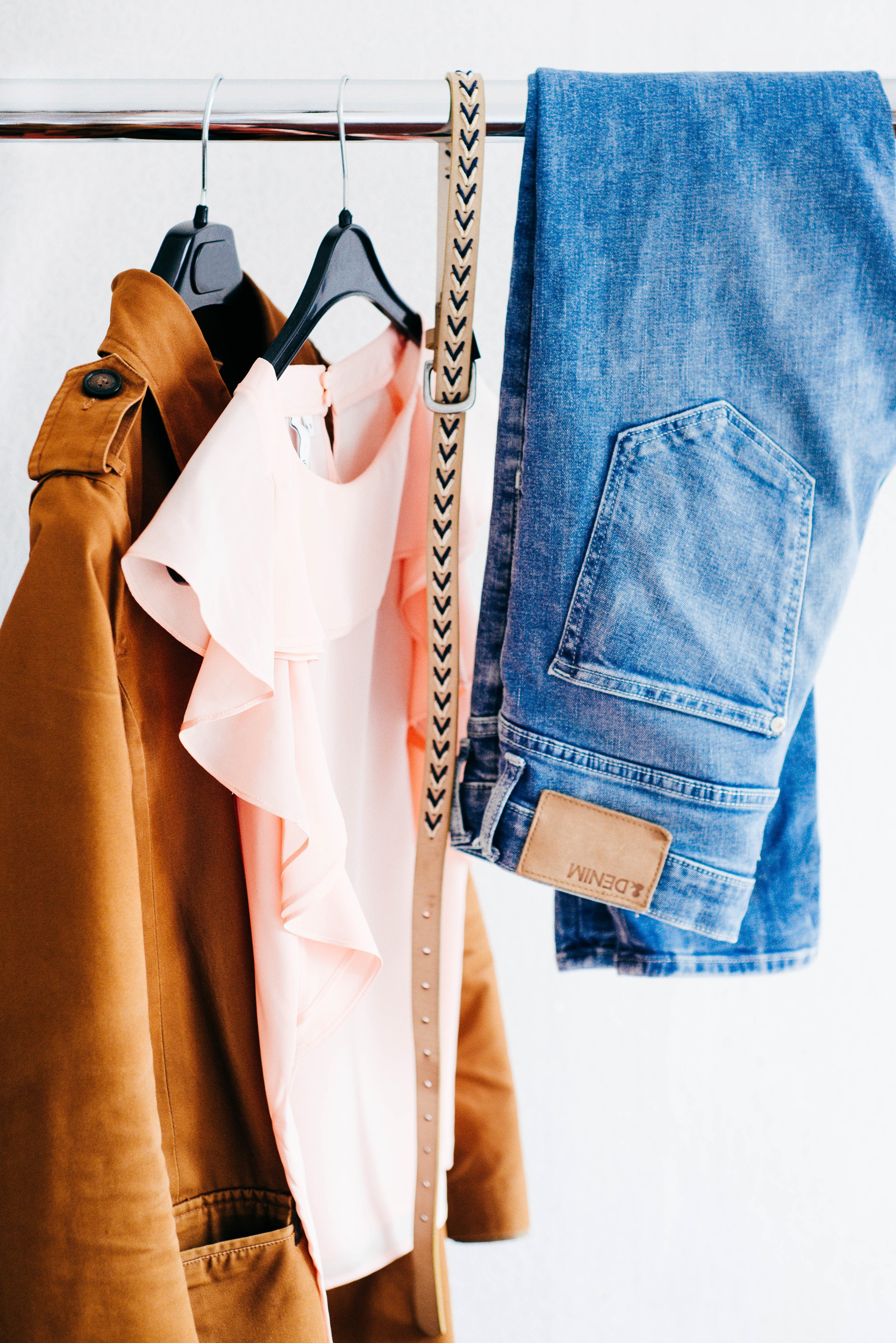


Prerequisites
Get an API key and set the API key as an environment variable.
HTTP
The API uses an asynchronous workflow:
- Create task: Submit an image generation request and receive a
task_id. - Query result: Poll task status with
task_iduntil complete, then retrieve the result.
Step 1: Create a task
Send a POST request to create a try-on task.
POST https://{WorkspaceId}.cn-beijing.maas.aliyuncs.com/api/v1/services/aigc/image2image/image-synthesis
Replace {WorkspaceId} with your actual workspace ID.
This model has long processing time, so tasks use asynchronous submission. After creation, the system returns a
task_id. Query results within 24 hours.
Request parameters
Field | Type | Location | Required | Description | Example |
|---|---|---|---|---|---|
Content-Type | String | Header | Yes | Request type: |
|
Authorization | String | Header | Yes | API key format: |
|
X-DashScope-Async | String | Header | Yes | Fixed value: |
|
model | String | Body | Yes | Model to call. |
|
input.person_image_url | String | Body | Yes | Publicly accessible person image URL (or get a temporary URL): Download reference person images here. |
|
input.top_garment_url | String | Body | No | Publicly accessible top or dress garment URL (or get a temporary URL):
|
|
input.bottom_garment_url | String | Body | No | Publicly accessible bottoms garment URL (or get a temporary URL):
|
|
parameters.resolution | Int | Body | No | The output image resolution preset. Recommended values: The API may accept other values, but these recommended values provide the best results. |
|
parameters.restore_face | Bool | Body | No | Whether to preserve the face from the person image. |
|
Response parameters
Field | Type | Description | Example |
|---|---|---|---|
output.task_id | String | Unique ID of async task. |
|
output.task_status | String | Task status after submission. |
|
request_id | String | Unique ID of this request. |
|
Request examples
Try on a top
- Try on a top: Pass
top_garment_urlfor the top to try on. The AI model randomly generates bottoms.
curl --location 'https://{WorkspaceId}.cn-beijing.maas.aliyuncs.com/api/v1/services/aigc/image2image/image-synthesis' \
--header 'X-DashScope-Async: enable' \
--header "Authorization: Bearer $DASHSCOPE_API_KEY" \
--header 'Content-Type: application/json' \
--data '{
    "model": "aitryon-plus",
    "input": {
        "person_image_url": "https://help-static-aliyun-doc.aliyuncs.com/file-manage-files/zh-CN/20250626/ubznva/model_person.png",
        "top_garment_url": "https://help-static-aliyun-doc.aliyuncs.com/file-manage-files/zh-CN/20250626/epousa/short_sleeve.jpeg"
    },
    "parameters": {
        "resolution": -1,
        "restore_face": true
    }
 }'
-
Keep the person's original bottoms: This involves two steps:
- Call the OutfitAnyone - Image Segmentation API to get the image URL of the person's bottoms.
- Call the try-on API in this topic, passing
top_garment_urlfor the top to try on andbottom_garment_urlobtained from segmentation.
curl --location 'https://{WorkspaceId}.cn-beijing.maas.aliyuncs.com/api/v1/services/aigc/image2image/image-synthesis' \
--header 'X-DashScope-Async: enable' \
--header "Authorization: Bearer $DASHSCOPE_API_KEY" \
--header 'Content-Type: application/json' \
--data '{
    "model": "aitryon-plus",
    "input": {
        "person_image_url": "https://help-static-aliyun-doc.aliyuncs.com/file-manage-files/zh-CN/20250626/ubznva/model_person.png",
        "top_garment_url": "https://help-static-aliyun-doc.aliyuncs.com/file-manage-files/zh-CN/20250626/epousa/short_sleeve.jpeg",
        "bottom_garment_url": "Image URL from the Image Segmentation API output"
    },
    "parameters": {
        "resolution": -1,
        "restore_face": true
    }
 }'
Try on bottoms
- Try on bottoms: Pass
bottom_garment_urlfor the bottoms to try on. The AI model randomly generates a top.
curl --location 'https://{WorkspaceId}.cn-beijing.maas.aliyuncs.com/api/v1/services/aigc/image2image/image-synthesis' \
--header 'X-DashScope-Async: enable' \
--header "Authorization: Bearer $DASHSCOPE_API_KEY" \
--header 'Content-Type: application/json' \
--data '{
    "model": "aitryon-plus",
    "input": {
        "person_image_url": "https://help-static-aliyun-doc.aliyuncs.com/file-manage-files/zh-CN/20250626/ubznva/model_person.png",
        "bottom_garment_url": "https://help-static-aliyun-doc.aliyuncs.com/file-manage-files/zh-CN/20250626/rchumi/pants.jpeg"
    },
    "parameters": {
        "resolution": -1,
        "restore_face": true
    }
}'
-
Keep the person's original top: This involves two steps:
- Call the OutfitAnyone - Image Segmentation API to get the image URL of the person's top.
- Call the try-on API in this topic, passing
top_garment_urlobtained from segmentation andbottom_garment_urlfor the bottoms to try on.
curl --location 'https://{WorkspaceId}.cn-beijing.maas.aliyuncs.com/api/v1/services/aigc/image2image/image-synthesis' \
--header 'X-DashScope-Async: enable' \
--header "Authorization: Bearer $DASHSCOPE_API_KEY" \
--header 'Content-Type: application/json' \
--data '{
    "model": "aitryon-plus",
    "input": {
        "person_image_url": "https://help-static-aliyun-doc.aliyuncs.com/file-manage-files/zh-CN/20250626/ubznva/model_person.png",
        "top_garment_url": "Image URL from the Image Segmentation API output",
        "bottom_garment_url": "https://help-static-aliyun-doc.aliyuncs.com/file-manage-files/zh-CN/20250626/rchumi/pants.jpeg"
    },
    "parameters": {
        "resolution": -1,
        "restore_face": true
    }
 }'
Try on a top and bottoms
Pass top_garment_url for the top and bottom_garment_url for the bottoms.
curl --location 'https://{WorkspaceId}.cn-beijing.maas.aliyuncs.com/api/v1/services/aigc/image2image/image-synthesis' \
--header 'X-DashScope-Async: enable' \
--header "Authorization: Bearer $DASHSCOPE_API_KEY" \
--header 'Content-Type: application/json' \
--data '{
    "model": "aitryon-plus",
    "input": {
        "person_image_url": "https://help-static-aliyun-doc.aliyuncs.com/file-manage-files/zh-CN/20250626/ubznva/model_person.png",
        "top_garment_url": "https://help-static-aliyun-doc.aliyuncs.com/file-manage-files/zh-CN/20250626/epousa/short_sleeve.jpeg",
        "bottom_garment_url": "https://help-static-aliyun-doc.aliyuncs.com/file-manage-files/zh-CN/20250626/rchumi/pants.jpeg"
    },
    "parameters": {
        "resolution": -1,
        "restore_face": true
    }
}'
Try on a dress or jumpsuit
For a dress or jumpsuit, pass only top_garment_url.
curl --location 'https://{WorkspaceId}.cn-beijing.maas.aliyuncs.com/api/v1/services/aigc/image2image/image-synthesis' \
--header 'X-DashScope-Async: enable' \
--header "Authorization: Bearer $DASHSCOPE_API_KEY" \
--header 'Content-Type: application/json' \
--data '{
    "model": "aitryon-plus",
    "input": {
        "person_image_url": "https://help-static-aliyun-doc.aliyuncs.com/file-manage-files/zh-CN/20250626/ubznva/model_person.png",
        "top_garment_url": "https://help-static-aliyun-doc.aliyuncs.com/file-manage-files/zh-CN/20250626/odngby/dress.jpg"
    },
    "parameters": {
        "resolution": -1,
        "restore_face": true
    }
}'
Response examples
Successful response
Save the task_id to query the task status and result.
{
    "output": {
        "task_status": "PENDING",
        "task_id": "0385dc79-5ff8-4d82-bcb6-xxxxxx"
    },
    "request_id": "4909100c-7b5a-9f92-bfe5-xxxxxx"
}
Error response
Task creation failed. See Error codes to resolve the issue.
{
    "code": "InvalidApiKey",
    "message": "No API-key provided.",
    "request_id": "7438d53d-6eb8-4596-8835-xxxxxx"
}
Step 2: Query the result by task ID
Use the task_id from Step 1 to send a GET request. Replace {task_id} in the URL with actual task ID.
GET https://{WorkspaceId}.cn-beijing.maas.aliyuncs.com/api/v1/tasks/{task_id}
Replace {WorkspaceId} with your actual workspace ID.
Request parameters
Field | Type | Location | Required | Description | Example |
|---|---|---|---|---|---|
Authorization | String | Header | Yes | API key format: |
|
task_id | String | URL Path | Yes | The ID of the task to query. |
|
Response parameters
Field | Type | Description | Example |
|---|---|---|---|
output.task_id | String | The ID of the queried task. |
|
output.task_status | String | The task status. Possible values: |
|
output.image_url | String | Generated try-on image URL. Valid for 24 hours — download promptly. | |
output.submit_time | String | Task submission time. |
|
output.scheduled_time | String | Task execution start time. |
|
output.end_time | String | Task completion time. |
|
output.code | String | Error code (returned only on failure). |
|
output.message | String | Error details (returned only on failure). |
|
usage.image_count | Int | Number of images generated. |
|
request_id | String | Unique ID of this request. |
|

Request example
Replace 86ecf553-d340-4e21-xxxxxxxxx with the actual task ID.
curl -X GET https://{WorkspaceId}.cn-beijing.maas.aliyuncs.com/api/v1/tasks/86ecf553-d340-4e21-xxxxxxxxx \
--header "Authorization: Bearer $DASHSCOPE_API_KEY"
Task results are queryable for 24 hours after creation, then automatically purged.
Response examples
Successful response
Task data is retained for 24 hours, then purged. Download image promptly.
{
    "request_id": "98d46cd0-1f90-9231-9a6c-xxxxxx",
    "output": {
        "task_id": "15991992-1487-40d4-ae66-xxxxxx",
        "task_status": "SUCCEEDED",
        "submit_time": "2025-06-30 14:37:53.838",
        "scheduled_time": "2025-06-30 14:37:53.858",
        "end_time": "2025-06-30 14:38:11.472",
        "image_url": "http://dashscope-result-hz.oss-cn-hangzhou.aliyuncs.com/tryon.jpg?Expires=xxx"
    },
    "usage": {
        "image_count": 1
    }
}
Failed response
{
    "request_id": "6bf4693b-c6d0-933a-b7b7-xxxxxx",
    "output": {
        "task_id": "e32bd911-5a3d-4687-bf53-xxxxxx",
        "task_status": "FAILED",
        "code": "InvalidParameter",
        "message": "The request is missing required parameters xxxxx"
    }
}
Error codes
For general status codes, see Error codes.
The following error codes are specific to the OutfitAnyone-Plus model:
HTTP return code | code | message | Description |
|---|---|---|---|
400 | InvalidParameter | The request is missing required parameters or has an incorrect format. Check the parameters in your request. | A required parameter is missing or the format is incorrect. Verify that the request body conforms to the API specification. |
400 | InvalidParameter | Download the media resource timed out during the data inspection process. | The image download timed out. Possible causes and solutions: |
400 | InvalidURL | The request URL is invalid. Check that the URL is available and the image format is one of the following: JPEG, JPG, PNG, BMP, or WEBP. | The image URL is invalid. Verify that the URL is publicly accessible and the image format meets the requirements. |
400 | InvalidPerson | The input image does not contain a person or contains multiple people. Upload an image that contains only one person. | The person image does not meet requirements. Ensure the input image contains exactly one complete person. |
400 | InvalidGarment | A garment image is missing. Provide an image for at least a top or bottoms. | A garment image is missing. Provide at least one image: a top ( |
400 | InvalidInputLength | The image resolution is invalid. Make sure that the longest side of the image is less than 4096 pixels, the shortest side is greater than 150 pixels, and the file size is between 5 KB and 5 MB. | The image dimensions or file size do not meet the requirements. See the Input image requirements section. |
FAQ
How to prepare person photos and garment images
- Why are flat-lay garment images required? Flat-lay images provide the clearest view of a garment's cut, pattern, and silhouette. This helps the AI accurately understand the garment's structure and generate a more fitted, realistic try-on result.
- What if I do not have a flat-lay garment image? Place the garment flat on a clean background, such as a floor or wall, and photograph it from above. Alternatively, take a front-facing photo of a person or mannequin wearing the garment. Ensure the garment is fully visible, flat, and not obstructed.
- How do I choose a suitable person photo? Choose a clear, front-facing, full-body photo. The person should wear simple, form-fitting clothes, such as a T-shirt and shorts. Avoid long dresses, wide-sleeved robes, or multiple layers. Ensure the person's hands and feet are visible and not blocked by accessories such as bags or umbrellas.
- What if I do not have a suitable person photo? Reference person photos that meet the requirements are available for download. Click here to download them.
Unsatisfactory results
- Why is the generated image low quality or lacking detail? The most common cause is a low-quality input garment image. Ensure the garment image is high resolution and complete. Details should not be lost due to folds or poor camera angles. High-quality input produces high-quality output.
Feature usage
- How do I generate a try-on image for a dress or jumpsuit? Pass the dress or jumpsuit image URL in the
input.top_garment_urlfield. Leave theinput.bottom_garment_urlfield empty or omit it from the request.