Build an AI-powered speaking practice service with Real-time Conversational AI to help learners improve oral skills through personalized, on-demand sessions.
Overview
AI-powered speaking practice eliminates the need for a human partner and removes time and location constraints. The AI analyzes learner history to create personalized content, provides instant feedback and corrections, and simulates diverse scenarios to broaden language application. A stress-free environment helps learners build confidence and improve speaking skills.
Solution options
Practice formats
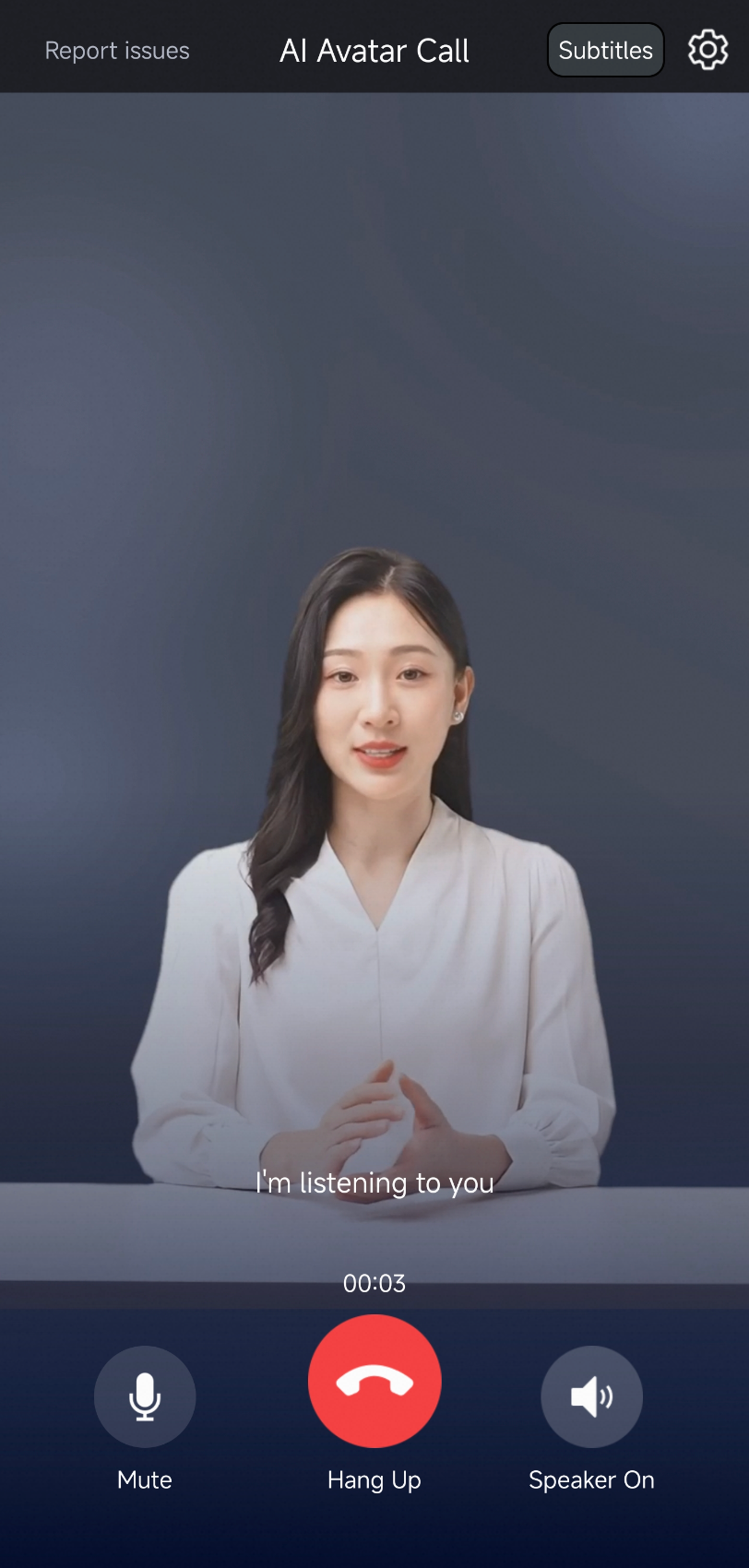
Real-time Conversational AI supports two call formats. Specify a call type when you create an agent, then integrate it. Try the demo to preview the experience. To integrate, follow the Quick Start for audio and video calls.
|
Call type |
Audio-only call |
Digital human call |
|
Example |
|
|
|
Practice format |
|
|
|
Cost |
Low |
Medium |

Client SDKs
For more information about SDK integration, see Developer guide.
SDK | Description |
Recommended
Note
| |
Recommended: Applications that run on the Android or iOS operating system. | |
Others | If you want to develop on a Windows or macOS desktop, search for the DingTalk group ID 106730016696 to join the group and contact us. |
Core features
Personalized calls and scenario switching
Customize each call by configuring call startup and personalization parameters. Learners can switch scenarios mid-call without disconnecting. For example, switching from a "directions" scenario to a "shopping" scenario requires redefining the Large Language Model (LLM) prompt.
|
Setting |
Description |
Can be modified during a call |
|
LLM prompt |
Include learner information in the prompt. Pass it as an input parameter when starting the call for more targeted practice. |
Yes |
|
Automatic Speech Recognition (ASR) language |
Set the language, such as Chinese or English. |
Yes |
|
Text-to-Speech (TTS) voice |
Set the AI's voice. |
Yes |
|
Digital human avatar |
If your agent is a VideoAgent and you have multiple digital human avatars, specify an avatar for the call. |
No |
|
Welcome message |
Set a welcome message for different users, such as "Hello, Xiaoyun. Today, we will simulate a shopping scenario..." |
No |
Send custom messages to users
During a call, if you want to send information such as cards or questions to the client in real time, Real-time Conversational AI provides a dedicated channel for sending messages. After the client receives your custom message, it can perform custom business actions, such as downloading resources and interactive rendering.

Alibaba Cloud provides two solutions:
Solution 1: You can send custom messages to the client from your AppServer. For more information, see Send custom messages to a client.
Solution 2: You can also include custom messages in the response from the large language model (LLM). The message is delivered to the client in real time with the captions.
NoteYou can hide instructions in the model response and mark them with special symbols, such as `{}` or `[]`. To do this, go to Console > Workflow > TTS Node > Filter Broadcast. The marked content is not spoken. You can then parse this content to handle your custom business logic.
User information pass-through
When multiple users are online during a call, the LLM must distinguish which user sent the current input. Pass custom information such as a UserID to the model. Pass business parameters to an Alibaba Cloud Model Studio LLM.
Detect and handle user silence
You can listen for the intent_recognized parameter in the callback to obtain the time of each user utterance. For more information, see Agent callbacks. This lets you handle cases where a user is silent for a long time. Common handling methods are as follows:
End the conversation: For more information, see StopAIAgentInstance - Stop an agent instance.
Play a reminder: If the user is silent for a specified number of seconds, the AI proactively plays a message to prompt the user. For more information, see Voice broadcast.
Have the LLM ask the next question: If the user is not speaking and you want the AI to continue, you can drive the model's output directly with text. For more information, see How to use text as input for a large language model.
Transcription and recording
Save audio or text data from practice sessions. Data archiving.
Advanced features
Sentence-by-sentence evaluation
Real-time Conversational AI records each user utterance as a separate audio file in real time and stores it in your specified Object Storage Service (OSS) bucket. You can then run pronunciation evaluation on these files.
Real-time Conversational AI provides sentence-by-sentence recording only, not audio evaluation. To set up sentence-by-sentence audio callbacks, use Agent callbacks.