This document describes a comprehensive industry solution for AI interviews. This solution helps businesses use AI interview technology to improve the quality and efficiency of their recruitment process.
Background
Traditional interviews are often slow, subjective, and inefficient, making it difficult to meet the demands of fast-growing companies in a competitive market. AI interviews address these challenges by quickly screening candidates, shortening hiring cycles, and improving both efficiency and objectivity. By reducing human bias, AI interviews promote fairness and use multi-dimensional data analysis to better match candidates with roles. This provides a reliable basis for hiring decisions and gives your business a competitive advantage in attracting talent.
Solution overview

The AI interview process involves the following three stages:
Pre-interview:
Phone notifications for candidates: A clear notification process informs candidates about the interview time, method, and other important details. Detailed instructions help candidates familiarize themselves with the AI interview system to ensure a smooth interview experience.
Question library setup: Targeted interview questions are designed based on the responsibilities, skill requirements, and competency models of different positions. These questions cover areas such as professional knowledge, work experience, problem-solving skills, and teamwork abilities.
During the interview:
Audio and video calls: You can select a suitable interview type to provide candidates with an appropriate interview method.
Personalized interviews: You can configure the agent parameters to provide a customized interview for each candidate.
Anti-cheating detection: The system detects cheating behaviors in real time based on the candidate's facial expressions and movements.
Post-interview:
Audio and video data archiving: The raw audio and video data generated during the interview is archived.
Conversation text transcription and archiving: The audio and video data from the interview is transcribed into text and archived.
Solution selection
Interview formats
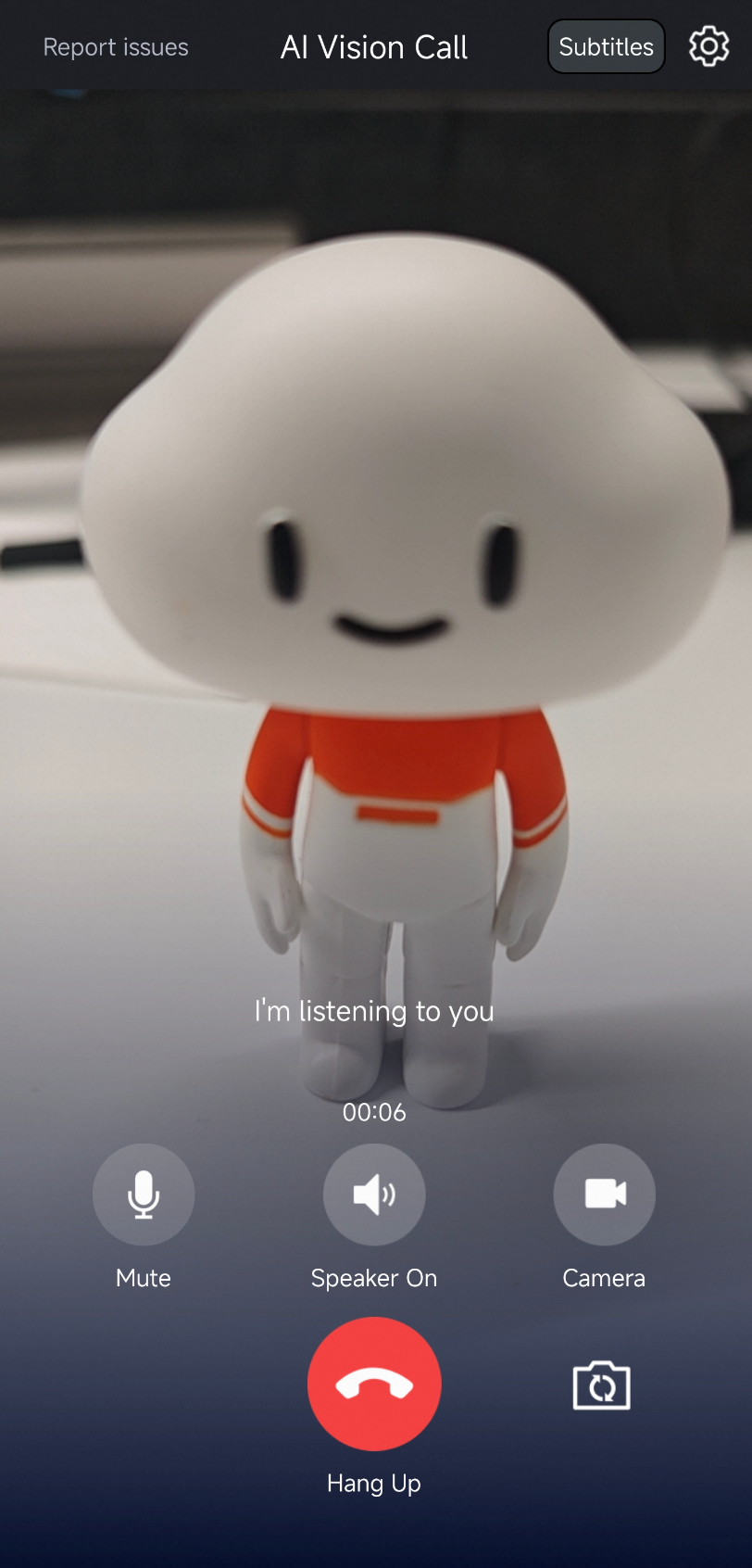
Three interview formats are available for AI interviews. To use them, you must specify a call type when you create an agent and then complete the integration. You can try the demo on Alibaba Cloud to experience the different formats. To integrate Real-time Conversational AI, see Quick Start for audio and video calls.
Interview type | Audio-only interview | Visual understanding interview | Video call interview |
Example |
|
|
|
Interview format |
|
|
|
Cost | Low | Medium | High |


Client SDKs
For more information about SDK integration, see Developer guide.
SDK | Description |
Recommended
Note
| |
Recommended: Applications that run on the Android or iOS operating system. | |
Others | If you want to develop on a Windows or macOS desktop, search for the DingTalk group ID 106730016696 to join the group and contact us. |
Basic features of the solution
Personalized interviews
Alibaba Cloud provides a rich set of API operations that allow you to create a customized interview for each candidate, which greatly improves the interview experience. You can set the call startup parameters on the client or set parameters when you start the agent on the server-side. The following table describes common configuration items:
Setting | Description | Modifiable during a call? |
LLM prompt | Include the candidate's personal information and the job description as part of the prompt. Pass this information as an input parameter when you start the call. The AI can then conduct a more targeted interview. | Yes |
ASR language | Set the language, such as Chinese or English. | Yes |
TTS voice | Set the AI's voice. | Yes |
Digital human avatar | If your agent is a VideoAgent and you have multiple digital human avatars, specify a particular avatar for the call. | No |
Welcome message | Set a welcome message for different candidates, for example, "Hello, Xiao Yun. Welcome to the interview..." | No |
Conversation formats
In a real interview, candidates have different speaking styles and speeds. The AI might interrupt a candidate who pauses frequently or is thinking. To address this issue, Alibaba Cloud provides three conversation solutions for interviews.
Solution 1: Natural conversation with semantic end-of-sentence detection (Recommended)
The candidate and the AI have a natural, full-duplex conversation. When the user pauses or thinks, the semantic recognition component of Real-time Conversational AI uses the current semantics and context to intelligently determine whether the user has finished speaking. In an interview scenario, if the system detects that the user has not finished speaking, it waits for a configurable period, such as 5 seconds. If the system detects that the user has finished speaking, the AI responds immediately. For more information, see Semantic end-of-sentence detection.
Solution 2: Walkie-talkie mode
When it is the candidate's turn to speak, they must press a button to begin their answer and release the button when they are finished. For more information about walkie-talkie mode, see Walkie-talkie mode.
Solution 3: Natural conversation with a specific ending phrase
After a candidate finishes speaking, they must say a specific phrase, such as "I am done," to end their turn. You can set multiple ending phrases for a call. Otherwise, the agent remains in a listening state.
Send custom messages to users
During a call, if you want to send information such as cards or questions to the client in real time, Real-time Conversational AI provides a dedicated channel for sending messages. After the client receives your custom message, it can perform custom business actions, such as downloading resources and interactive rendering.

Alibaba Cloud provides two solutions:
Solution 1: You can send custom messages to the client from your AppServer. For more information, see Send custom messages to a client.
Solution 2: You can also include custom messages in the response from the large language model (LLM). The message is delivered to the client in real time with the captions.
NoteYou can hide instructions in the model response and mark them with special symbols, such as `{}` or `[]`. To do this, go to Console > Workflow > TTS Node > Filter Broadcast. The marked content is not spoken. You can then parse this content to handle your custom business logic.
Pass user information to the model
During a call, if multiple candidates are being interviewed at the same time, the same large language model (LLM) needs to accurately distinguish which user the current input is from. Real-time Conversational AI lets you pass custom information, such as a UserID, to the model. For more information, see Pass through business parameters to an Alibaba Cloud Model Studio LLM.
Detect and handle user silence
You can listen for the intent_recognized parameter in the callback to obtain the time of each user utterance. For more information, see Agent callbacks. This lets you handle cases where a user is silent for a long time. Common handling methods are as follows:
End the conversation: For more information, see StopAIAgentInstance - Stop an agent instance.
Play a reminder: If the user is silent for a specified number of seconds, the AI proactively plays a message to prompt the user. For more information, see Voice broadcast.
Have the LLM ask the next question: If the user is not speaking and you want the AI to continue, you can drive the model's output directly with text. For more information, see How to use text as input for a large language model.
Conversation text transcription & audio/video recording
You can archive the audio or text data generated during the entire interview. For instructions, see Data archiving.
Advanced features of the solution
Anti-cheating system
Check item | Description | Executor |
Invalid screen detection | The screen is considered invalid after X seconds of reflection, black screen, or white screen. This is used to detect screen obstruction. | Real-time Conversational AI |
Number of people in the video | A real-time callback provides the number of people in the frame. This can detect multiple people or if a person leaves. | Real-time Conversational AI |
Electronic device detection | Does the real-time callback image contain electronic devices, such as phones, watches, or earphones? | Real-time Conversational AI |
Frequent head shaking | Shaking the head twice within 5 seconds is considered frequent head shaking. | Real-time Conversational AI |
Frequent head nodding | Nodding twice within 5 seconds is considered frequent head nodding. | Real-time Conversational AI |
Content model overlap | After the interview, the business can check the user's answers for plagiarism against an LLM to determine if the user used an LLM to help answer questions during the AI interview. | Handled by the business |
Pre-interview phone notification
Real-time Conversational AI provides an outbound calling feature. In an interview scenario, you can use it for pre-interview invitations and post-interview result notifications. For more information, see .