Add, enable, disable, delete, copy, and edit custom DNS policies in the HTTPDNS console.
To view and manage your policies, go to the HTTPDNS console, select a DNS record, and click Manage in the Actions column.
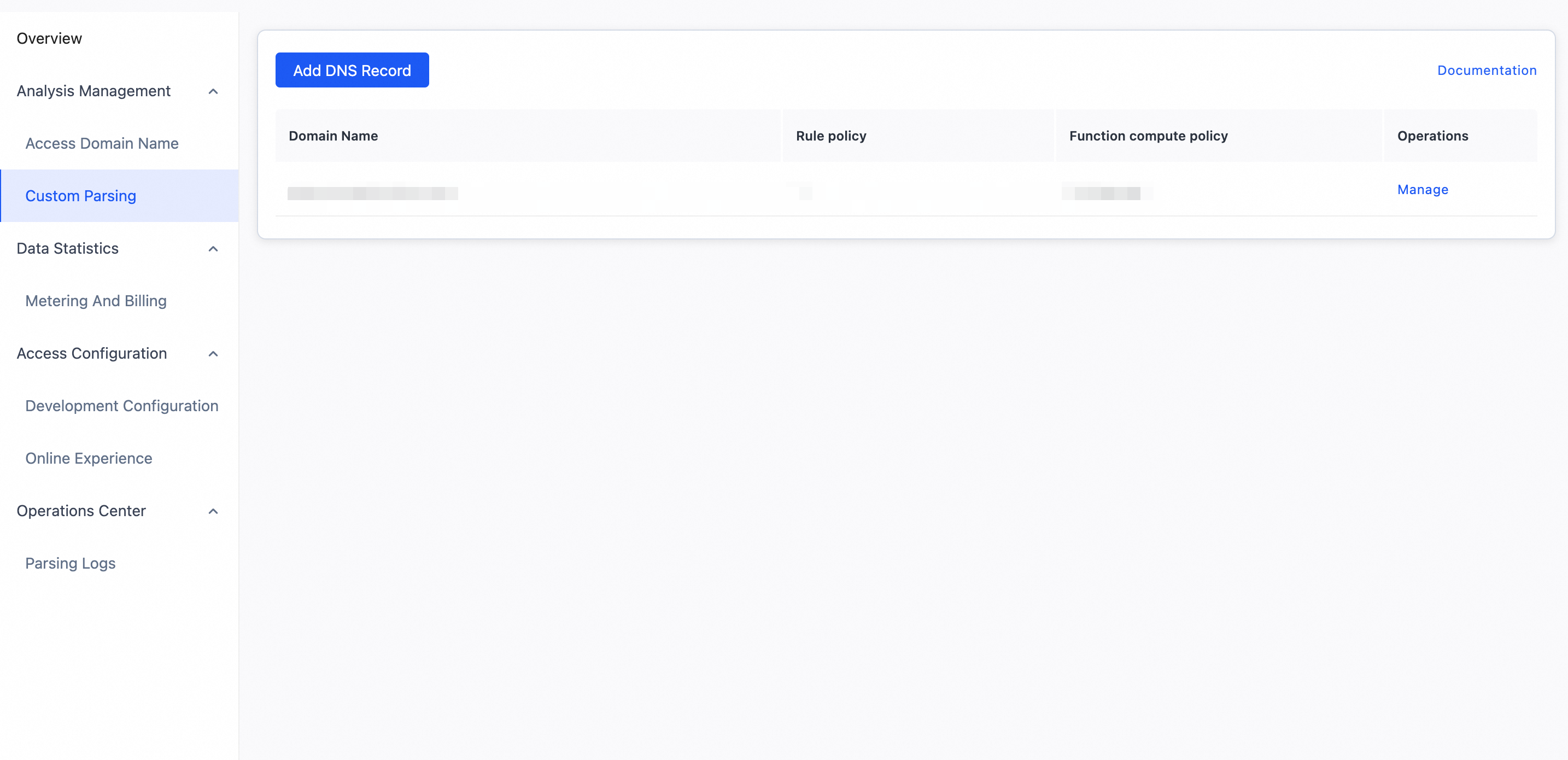
Add a policy
The entry point for adding a policy depends on the policy type:
On the Custom DNS page, click Add Custom DNS in the upper-left corner to add a record.
On the policy management page, click Add Rule Policy in the upper-right corner of the rule policy list to add a rule policy for the current domain name.
On the policy management page, click Add Function Compute Policy in the upper-right corner of the Function Compute policy list to add a Function Compute policy for the current domain name.
Enable a policy
A new policy is disabled by default. To enable it, turn on the switch in the Status column.
Enabling a policy requires confirmation. A dialog box appears, and you may need to pass a risk control check by entering a CAPTCHA.

Disable a policy
To disable a policy, turn off the switch in the Status column.
Disabling a policy requires confirmation. A dialog box appears, and you may need to pass a risk control check by entering a CAPTCHA.
Delete a policy
To delete a policy, click Delete in the Actions column and confirm the operation.
Enabled policies cannot be deleted. Disable the policy before deleting it.
Copy a policy
To create a rule policy based on an existing one, click Copy in the Actions column of the rule policy list. The form opens pre-filled with the existing policy's settings. Modify the settings as needed and save to create a new policy.
Copy is not supported for Function Compute policies.
Edit a policy
To modify a policy, click Edit in the Actions column. The following constraints apply:
For a rule policy, you cannot change the domain name or line. All other settings can be modified.
For a Function Compute policy, you cannot change the domain name. All other settings can be modified.
If the policy is enabled, a confirmation dialog box appears when you click Save. Changes take effect after you click OK.