Edge Security Acceleration (ESA) AI CAPTCHA blocks automated attacks with client-side HTML integration only. No server-side code is required.
Use cases
Websites and applications face automated attacks during user interactions such as registration, sending text messages, ticket booking, information queries, downloads, forum posting, and voting. Attacks like spam account creation, brute-force password attacks, and message flooding consume server resources and risk data breaches.
AI CAPTCHA is an intelligent verification service that distinguishes human users from automated programs by analyzing behavior, device fingerprints, and trajectory features. It offers multiple CAPTCHA types to balance security and user experience.
This feature is free of charge.
CAPTCHA types
Choose a type based on your security and user experience requirements.
|
Type |
Use case |
Security level |
User experience |
Description/screenshot |
|
Invisible CAPTCHA |
Scenarios requiring seamless UX, such as logon or information queries. Acts as a pre-check for other methods; most human users pass directly. |
Medium |
Excellent |
Verification runs invisibly in the background by analyzing user behavior. On failure, the system automatically switches to another verification method. |
|
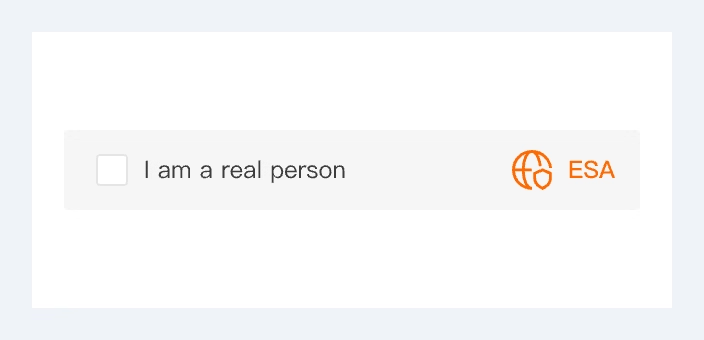
Click-and-Pass |
General scenarios such as registration, posting, and voting. |
Medium |
Great |
|
|
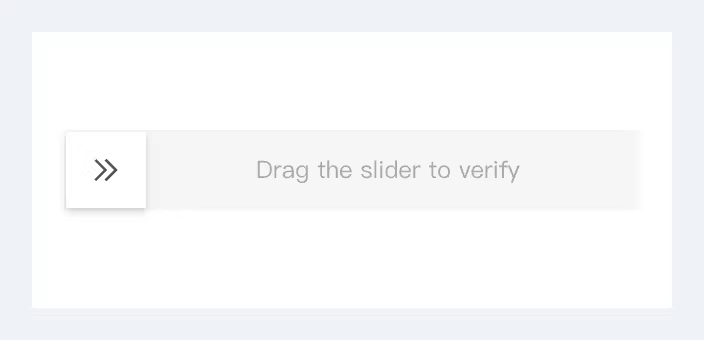
Slider |
High-security scenarios such as logon, payment authentication, and anti-farming in promotions. |
High |
Good |
|
|
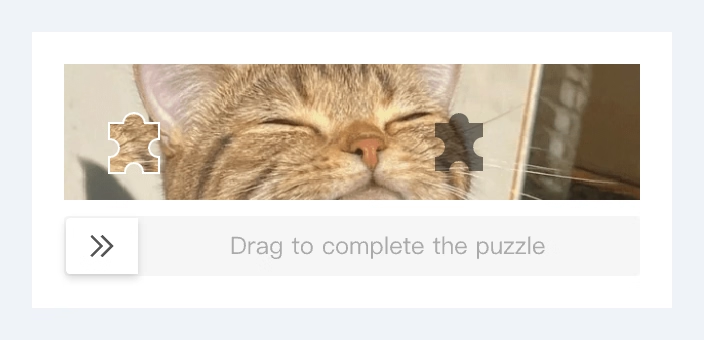
Puzzle |
Scenarios requiring high security and engaging UX, such as verification before critical operations. |
High |
Good |
|
|
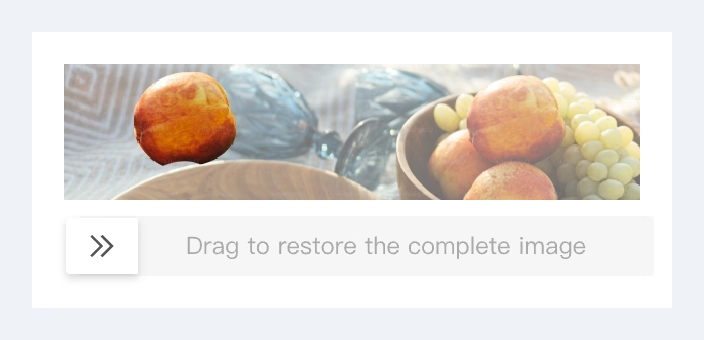
Image Restore |
|