Query processed ECS system events from the past week for troubleshooting and analysis.
View in the console
-
Go to ECS console - Events.
-
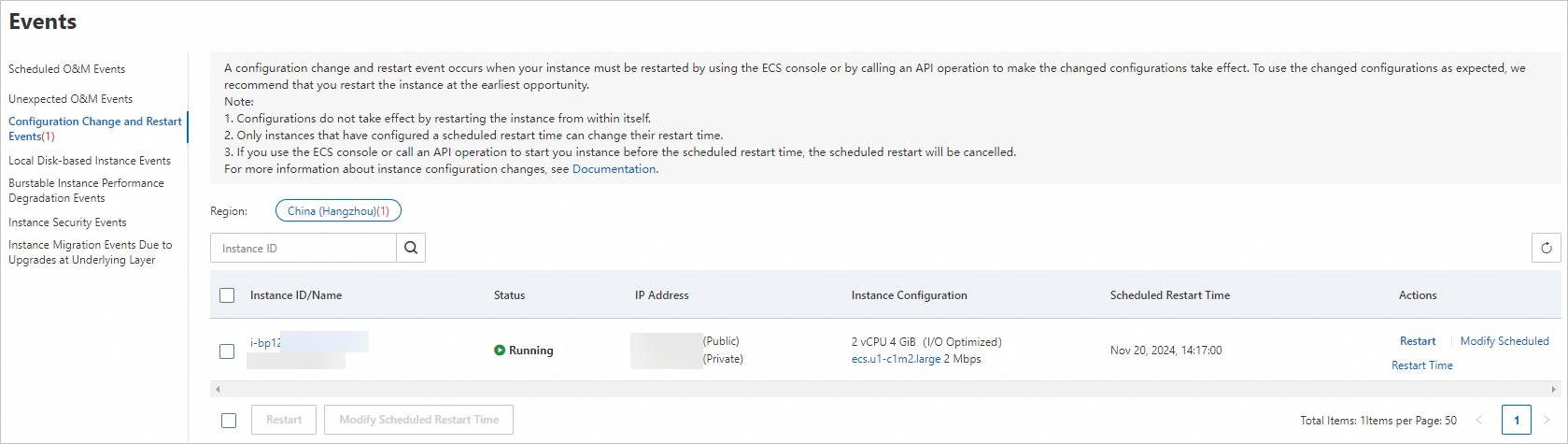
On the Event page, select an event type to view system events by region, including the instance ID, event type, and event status.
Example: / Instance Type Change Requires Restart event.
View events with the Alibaba Cloud CLI
-
Obtain the instance ID.
aliyun ecs DescribeInstances --RegionId <TheRegionId> --output cols=InstanceId,InstanceName rows=Instances.Instance[] -
Call
DescribeInstanceHistoryEventsto query historical system events.aliyun ecs DescribeInstanceHistoryEvents --RegionId <TheRegionId> --InstanceId i-bp13kpqetxnp2a****** --output cols=EventId,EventTypeName rows=InstanceSystemEventSet.InstanceSystemEventType[]